
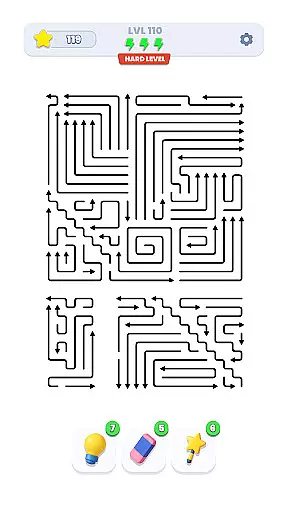
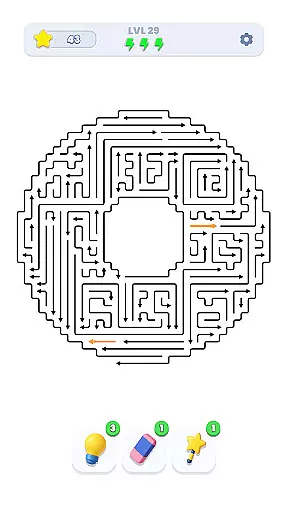
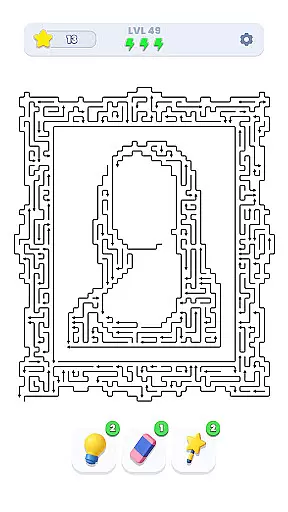
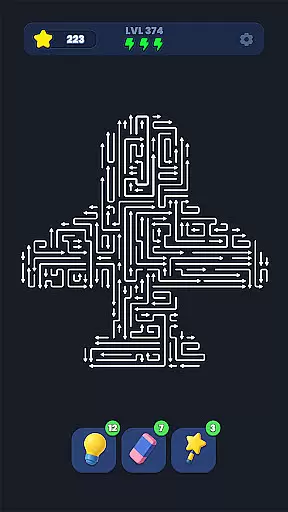
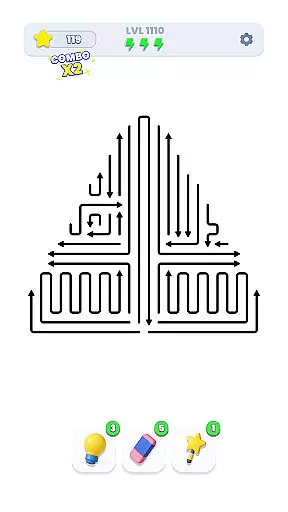
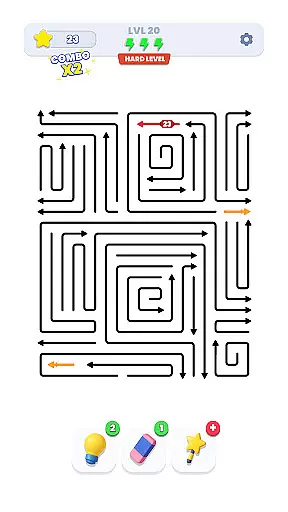
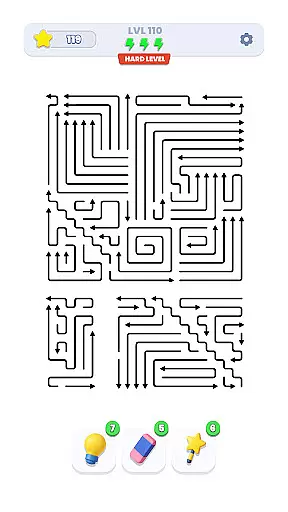
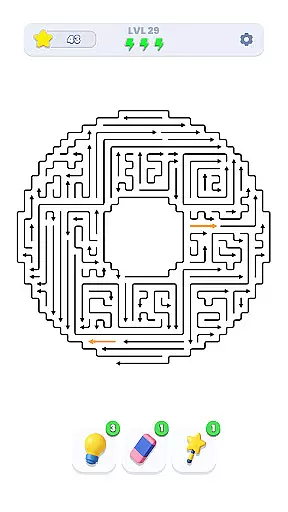
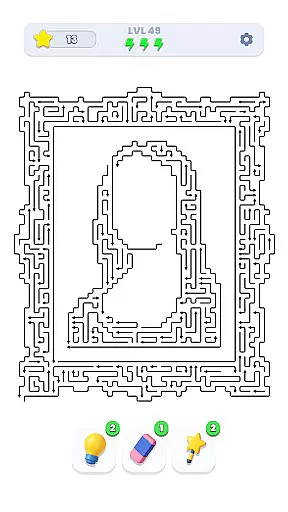
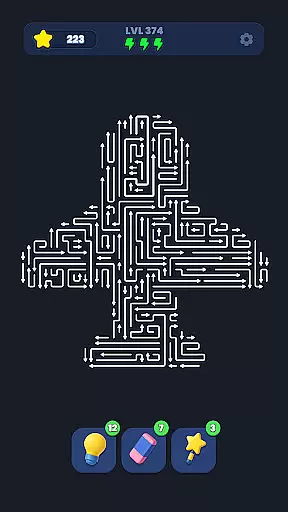
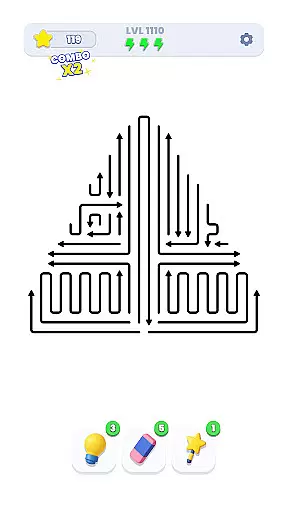
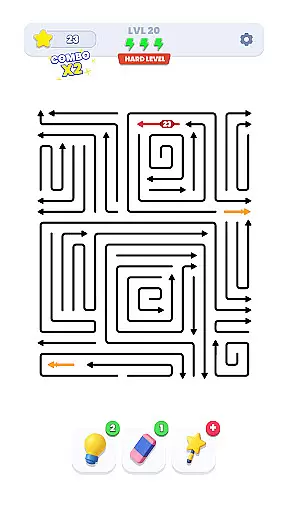
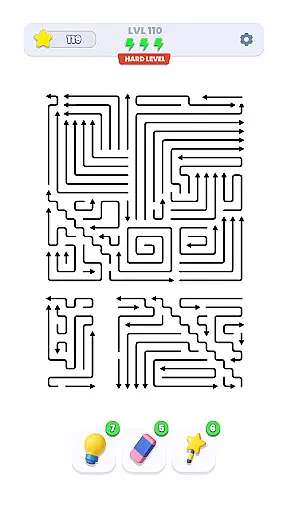
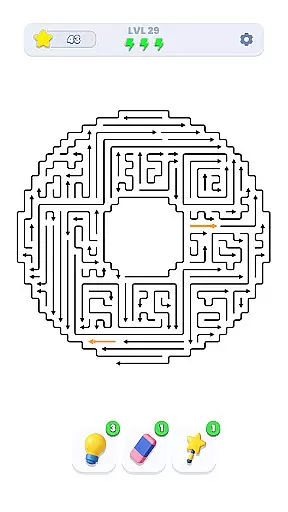
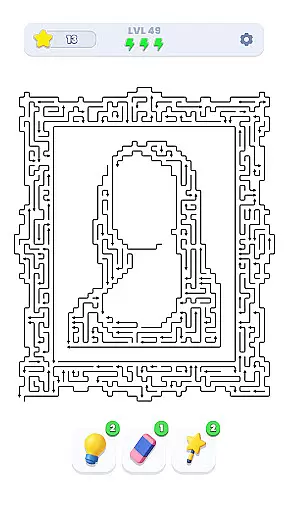
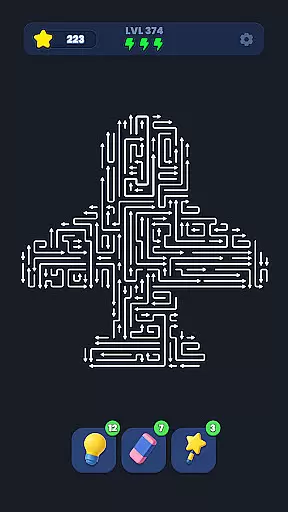
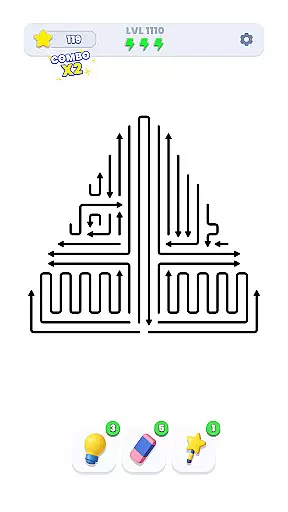
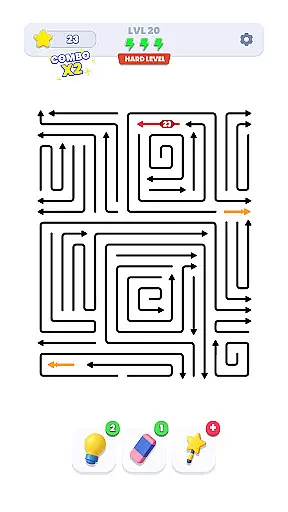
Arrow Out is a directional puzzle game that challenges players to guide an arrow through a maze to reach the exit. The core function involves strategic rotation and movement of tiles to create a clear path for the arrow. With thousands of hand-crafted levels, the game progressively tests logic, timing, and spatial thinking.
A standout feature is its ability to appeal to both casual and hardcore puzzle enthusiasts. Players must plan their moves carefully, as every decision impacts their success. This makes Arrow Out not only entertaining but also mentally stimulating, offering significant value for those who enjoy thoughtful gameplay.
The app offers a variety of features designed to engage users in deep problem-solving. One key aspect is the tile manipulation system, allowing players to rotate and shift maze components dynamically. This creates endless possibilities for pathfinding strategies.
Another notable feature is the level design, which includes thousands of unique puzzles crafted by hand. Each level increases in complexity, ensuring that players are consistently challenged. These features combine to deliver an experience that sharpens cognitive skills while providing hours of entertainment.
Puzzle logic consistency is essential for any successful puzzle game, ensuring that each level follows a coherent set of rules and solutions. Arrow Out excels in this area by providing a meticulously designed directional puzzle experience where every move counts.
The game challenges players to guide the right arrow through a maze to reach the exit gate. This requires strategic planning, as you must rotate and shift arrows to create the perfect path. The gradually increasing difficulty ensures that players are consistently engaged, while thousands of handcrafted levels offer extensive replayability without repetitive or illogical scenarios.
For users, this means an intellectually stimulating experience that hones their logic, timing, and spatial thinking skills. Each level presents a unique challenge that can be solved with careful thought and strategy, making it rewarding and satisfying when you finally find the way out.
Creativity and uniqueness are at the heart of what makes a puzzle game stand out, and Arrow Out delivers on both fronts with its innovative gameplay mechanics and distinctive design. Unlike traditional puzzles, this game uses directional arrows and maze navigation as core elements, offering a fresh take on the genre.
Players must think outside the box to manipulate the arrows effectively, often coming up with creative solutions to navigate through complex mazes. The game's thousands of handcrafted levels ensure that no two puzzles feel alike, keeping the experience novel and engaging over time.
This creativity not only enhances enjoyment but also broadens the appeal to a wide audience looking for something different in their gaming experience. By blending classic puzzle-solving with new and inventive concepts, Arrow Out sets itself apart as a unique and captivating brain teaser.
Engaging gameplay
Thousands of levels
Gradual difficulty increase
Tests logic and timing
Appeals to all ages
Can be repetitive
Simple graphics
No multiplayer mode
Limited hints
Ads between levels

Are you ready to embark on a captivating journey into the world of Animalines?
 4.4
4.4
Point and click escape room
4.90
Challenge yourself to become the block master in thrilling block puzzle games!
4.90
Looking for brain games, smart mind tests, puzzles and riddles? Solve them all
4.80
There is no game. So don't go messing things up by clicking everywhere.
4.70
Fun Puzzle & Board Game
4.70
No Timer - Colorful Logic Puzzle Game
4.60
Find out hidden objects in this scavenger hunt game. Seek, find & unlock maps!
4.80
Can you find all the cats?
4.90
A relaxing wood block puzzle for fans of wood puzzle and classic blocks game.
4.90
Challenging but addictive color sorting game. Play offline & train your brain!
4.90
Reveal a hidden image in a fun and addictive puzzles!
4.80
Play seating matchmaker to please picky characters and solve satisfying puzzles.
4.40
Tap to shoot and enjoy a burst of colors in this relaxing puzzle game!
4.30
Match and remove all tile pieces from the tower. Enjoy three game modes.
4.30
UNLEASH YOUR IMAGINATION & BE A GOD
4.10
Gecko puzzle games: Plan, move, escape! Unique rescue puzzle challenges.
4.00
Program little workers to solve puzzles. The machines are coming...for your job.
4.00
Discover the funniest multiplayer physics puzzle platformer!
3.70


User Reviews