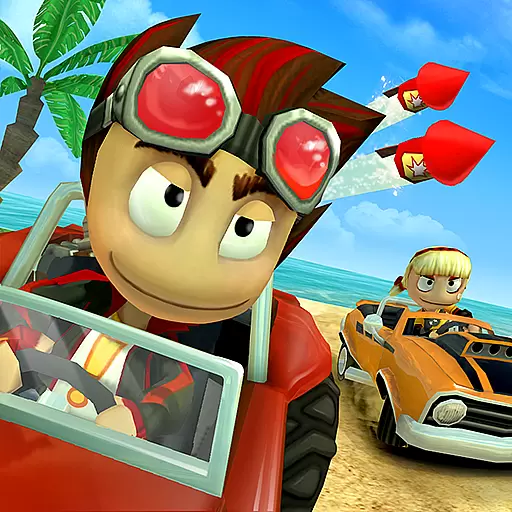
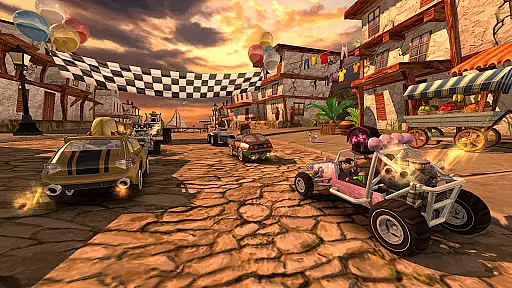
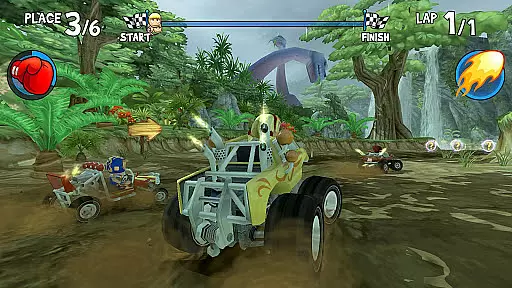
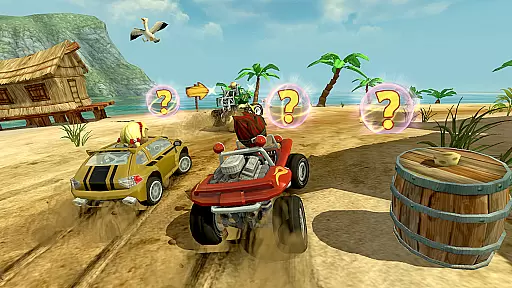
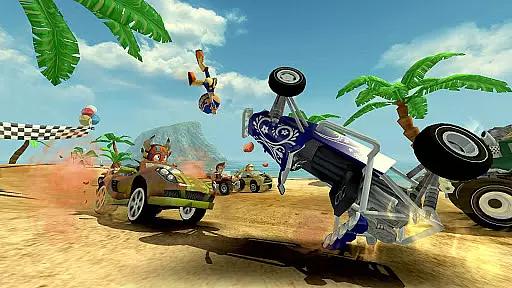
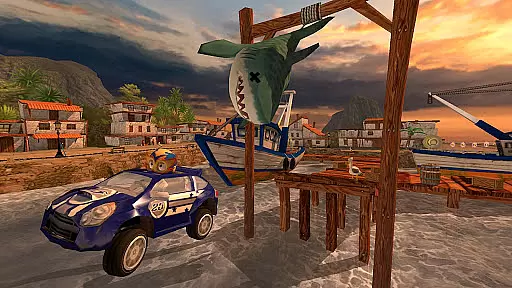
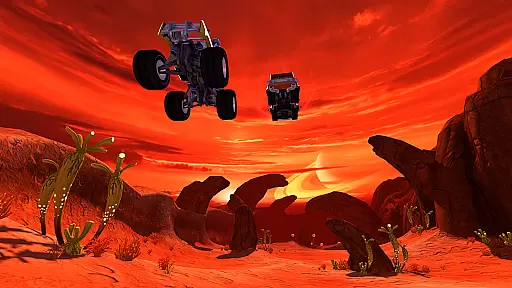
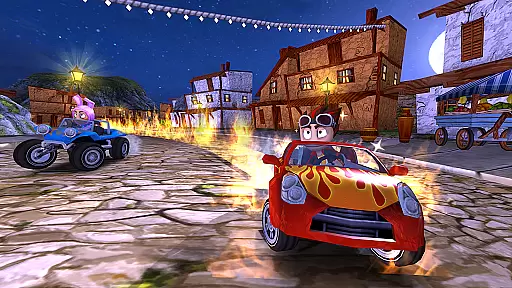
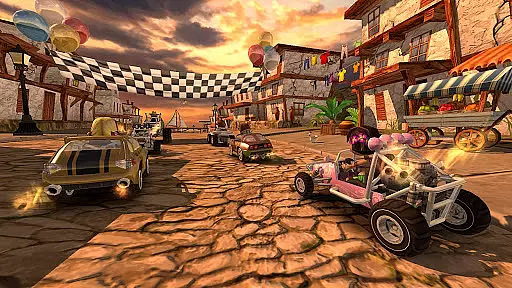
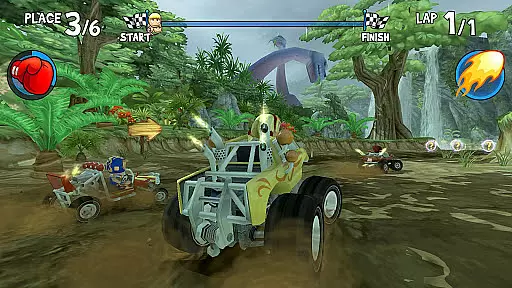
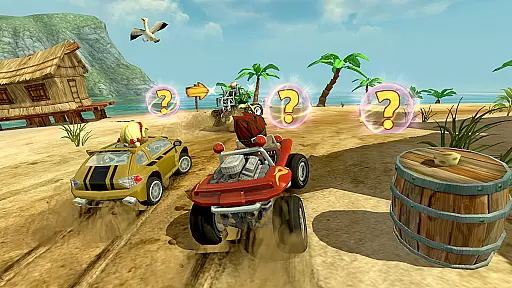
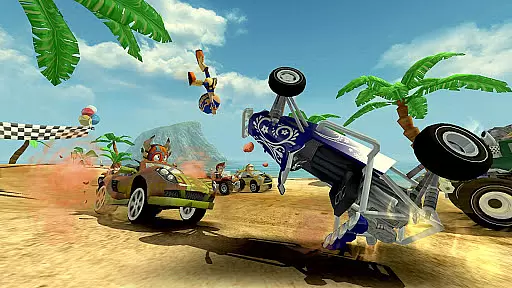
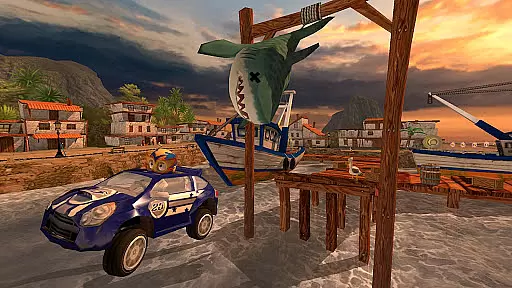
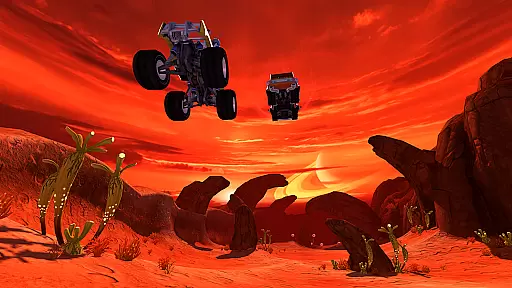
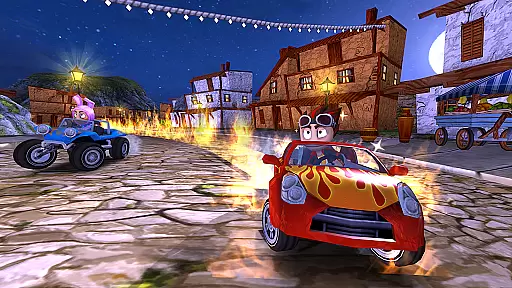
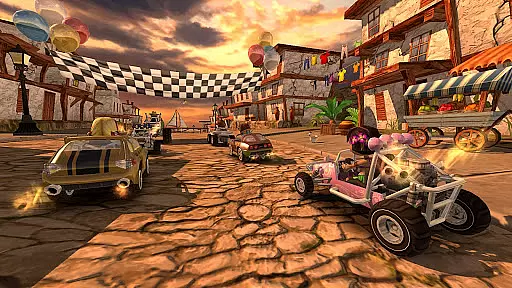
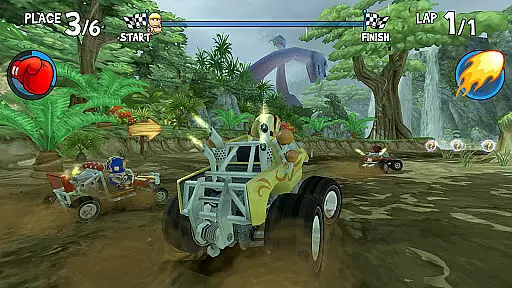
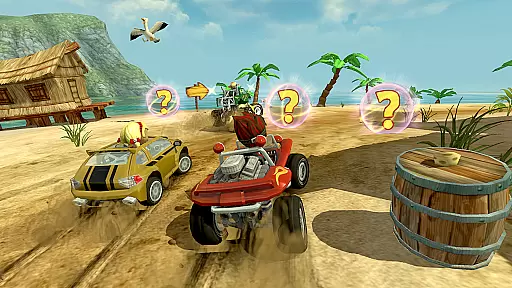
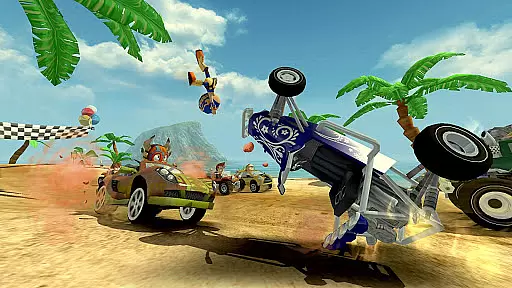

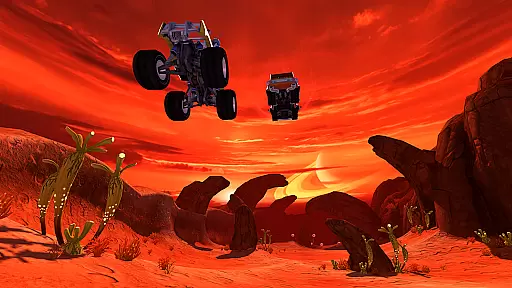
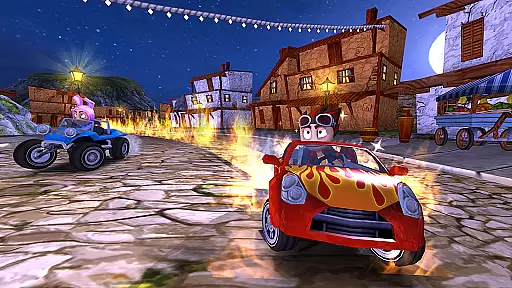
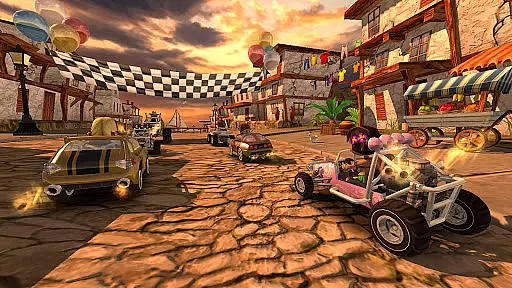
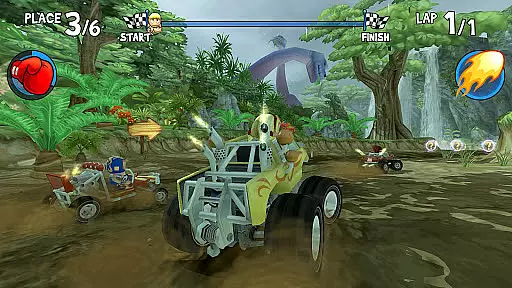
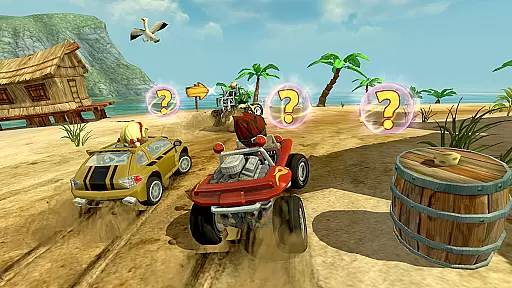
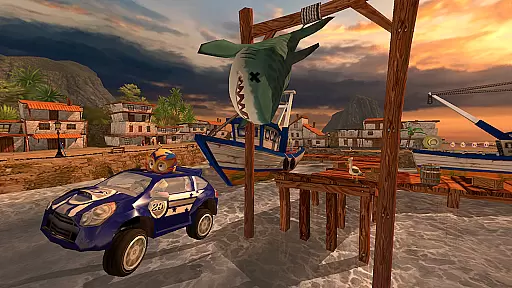
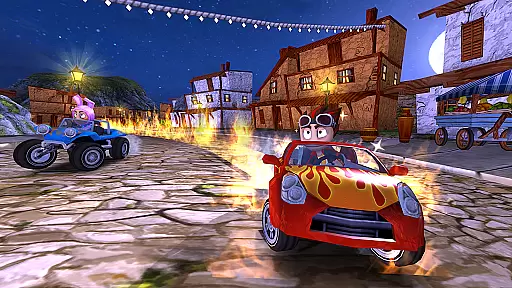
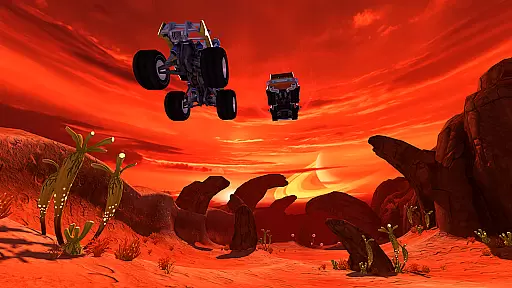
Beach Buggy Racing offers an exhilarating journey into a world of off-road kart racing filled with surprises. Players can race against a diverse set of drivers, each bringing their unique flair and abilities to the track. The game stands out with its vast array of powerups, including Dodgeball Frenzy, Fireball, and Oil Slick, which add layers of strategy and excitement. With 15 imaginative 3D tracks spread across various environments like jungles and volcanoes, players have numerous opportunities to showcase their driving skills. Beyond racing, the ability to unlock and upgrade a variety of vehicles from dune buggies to monster trucks adds depth to the gameplay.
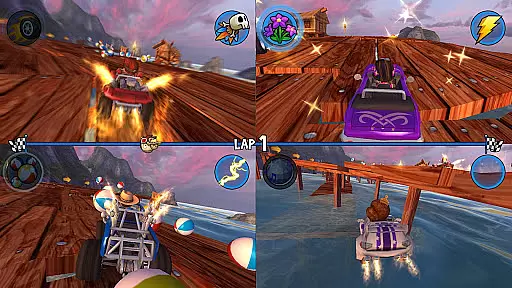
The sequel to Beach Buggy Blitz, which captivated over 30 Million players worldwide, Beach Buggy Racing continues the legacy by offering fast-paced, action-packed races suitable for all ages. Its appeal lies in combining stunning visuals with physics-based gameplay that ensures every race is as thrilling as it is unpredictable. Whether playing solo or competing with friends via split-screen multiplayer, Beach Buggy Racing delivers an engaging island adventure that keeps players coming back for more.
Beach Buggy Racing distinguishes itself through its exciting kart-racing action where players utilize both driving skills and creative powerups to navigate through races. The game features over 25 unique powerups, providing a rich arsenal for players to employ strategically against opponents. With six different game modes and 15 spectacular race tracks, each environment offers hidden shortcuts and surprises that reward exploration and skill.
A key feature is the ability to collect and customize a wide range of cool cars, from monster trucks to lunar rovers, using winnings from races. Players can also recruit a team of racers, each possessing unique special powers such as teleportation and confusion spells, adding another layer of strategy. The inclusion of split-screen multiplayer for up to four friends and integration with Google Play Game Services enhances the competitive aspect, allowing players to compete on leaderboards and earn achievements.
Furthermore, Beach Buggy Racing supports customizable controls, enabling seamless switching between tilt steering, touch-screen, and USB/Bluetooth gamepad options. Players can adjust the 3D graphics settings to optimize their experience based on their device's capabilities, ensuring smooth performance without sacrificing visual quality.
Realistic handling physics are essential for any racing game as they determine how vehicles respond to player inputs and environmental factors. In Beach Buggy Racing, the developers have implemented a physics-based gameplay system that ensures each car handles uniquely based on its type, whether it's a dune buggy or a monster truck.
The game simulates various physical phenomena such as traction, momentum, and collision impacts, which contribute to an immersive driving experience. Players will notice differences in how each vehicle reacts to turns, accelerates on different terrains, and interacts with power-ups and obstacles.
This attention to detail in the physics engine not only enhances the authenticity of the racing experience but also adds a strategic layer to the gameplay. Gamers must adapt their driving style to each vehicle and track condition, making every race a test of skill and strategy.
Ultimately, the realistic handling physics in Beach Buggy Racing provide players with a more engaging and challenging game, where mastering control is key to crossing the finish line first.
Precision in controls and minimal input latency are crucial for a responsive racing game. Beach Buggy Racing excels in this area by offering multiple control schemes including tilt steering, touch-screen buttons, and support for USB/Bluetooth gamepads. This flexibility allows players to choose the control method that best suits their playstyle and hardware setup.
The responsiveness of the controls is fine-tuned to ensure that every tap, tilt, or button press translates immediately into in-game actions. Whether drifting around corners or activating power-ups, players can expect their inputs to be registered without delay, providing a seamless connection between intent and action.
Furthermore, the game optimizes performance across a wide range of devices, ensuring consistent control precision regardless of the player's equipment. This optimization extends to the customizable 3D graphics settings, which allow users to adjust visual fidelity to maintain optimal frame rates and input response times.
By prioritizing control precision and minimizing input latency, Beach Buggy Racing delivers a smooth and intuitive driving experience that keeps players focused on the thrill of the race.
Engaging gameplay
Variety of tracks
Unique powerups
Customizable cars
Multiplayer support
In-app purchases
Ads present
Steep learning curve
Occasional bugs
High system requirements
One second to go, engine at the limiter, judges ready — this is real drifting!
 4.60
4.60
Drift. Earn. Tune. Deliver.
3.20
Ultimate 4x4 OffRoad Truck Driving Simulator Game with Real Physics & Suspension
3.60
The Next-Gen of Endless Motorbike Racing
4.40
Master your off-road driving skills in this hardcore, physics-based racing game.
4.90
Pilot your ship at high speeds through a distant industrial space colony.
4.50
Old-school dirt racing meets cutting-edge tech!
4.10
Drive off hill in the offroad car racing game with advanced crash physics!
4.30
Evolve through the Timelines!
3.90
Race, Drive and Tune Real Cars in the Ultimate Street, Drag & Drift Simulator!
4.80
Master the art of driving! Conquer city streets and highways with precision
4.70
Drift, slide and step on the gas! Dynamic racing with police chase and fast cars
4.60
Master city streets in the ultimate car racing and driving simulator!
4.60
Ninja warrior games begin! Run fast, jump high and win in the obstacle game!
4.60
Experience exciting multiplayer racing action with epic stunts and challenges!
4.50
Perform bicycle stunts on impossible tracks in extreme racing BMX cycle games.
4.50
Be ready to overtake on time!
4.30
Tune up your cars and race around the city with your friends!
4.10
Welcome back to Overdrive—where the future of racing is now!
2.30


User Reviews