
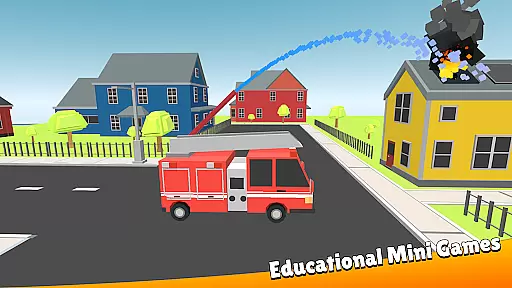
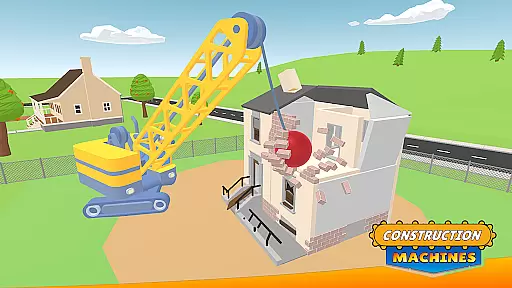
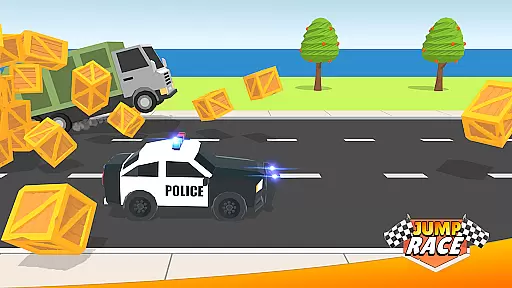
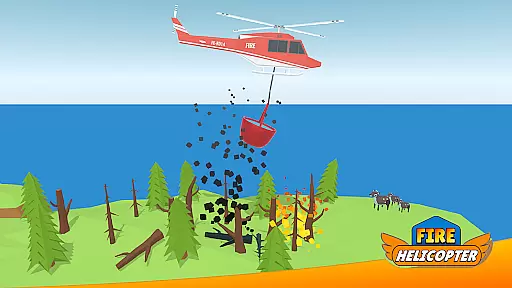
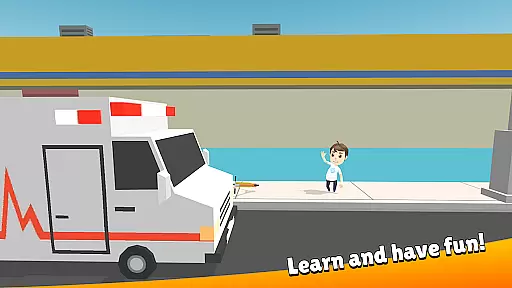
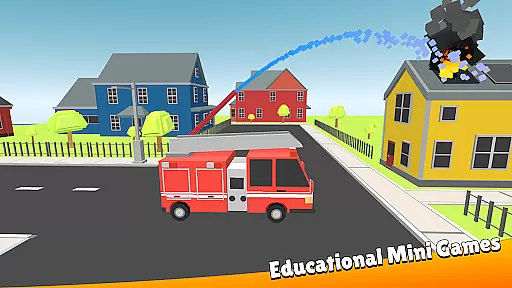
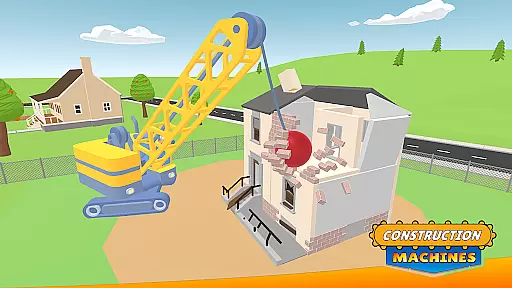
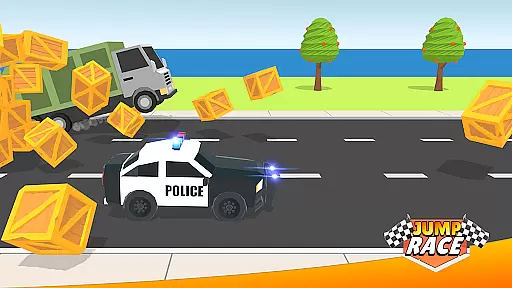
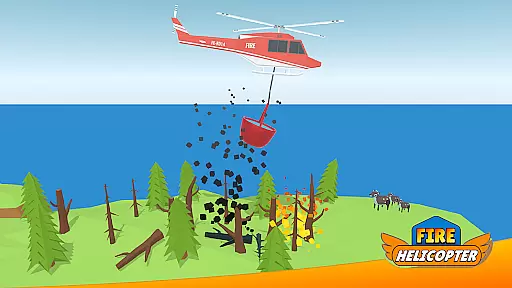
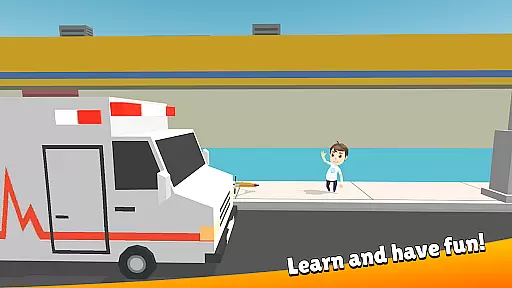
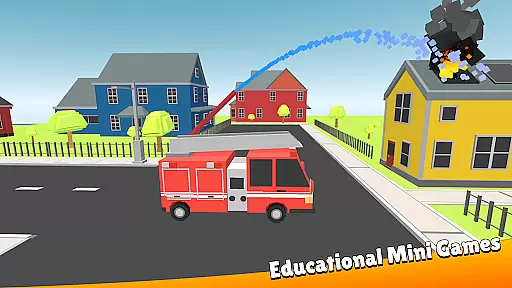
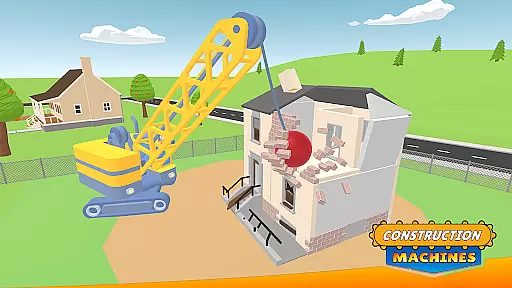
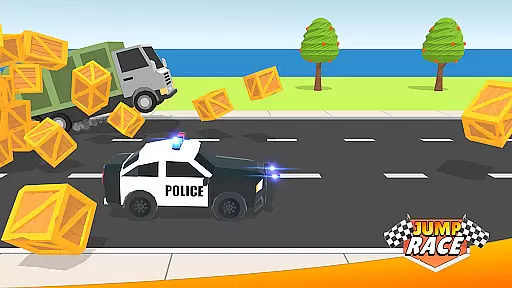
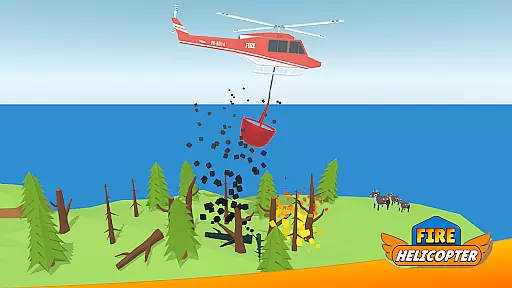
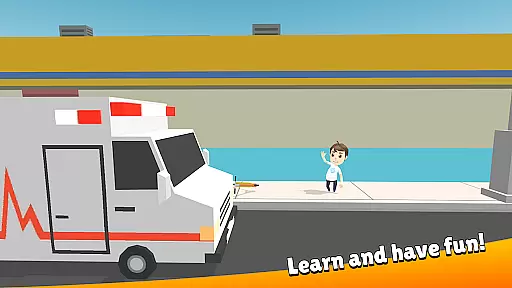
City Patrol: Rescue Vehicles is an educational game designed to introduce young children to the world of rescue services and community helpers. With its 2.5D style graphics, intuitive controls, and a vast interactive city environment, the app provides an engaging platform for learning through play.
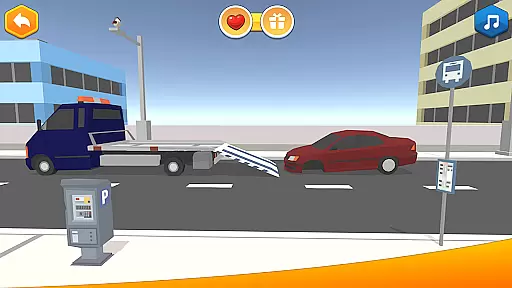
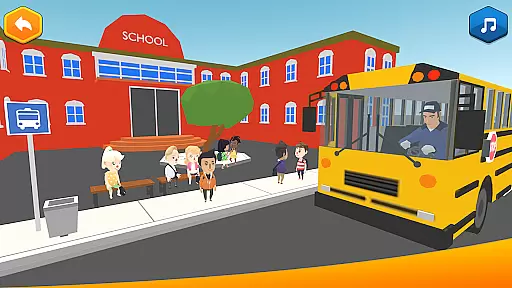
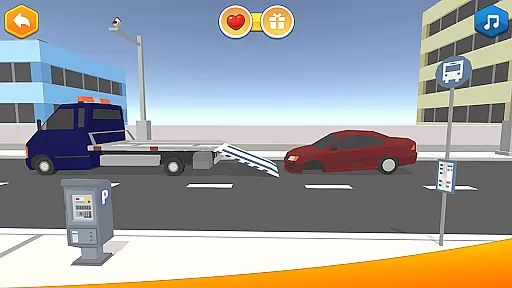
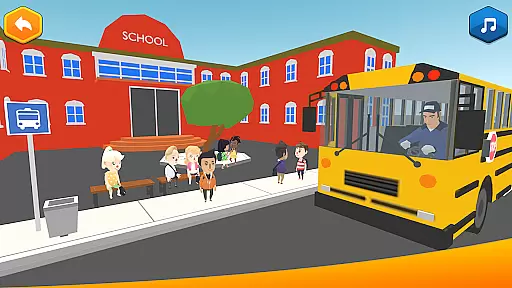
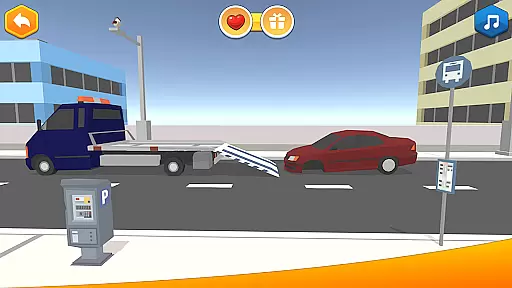
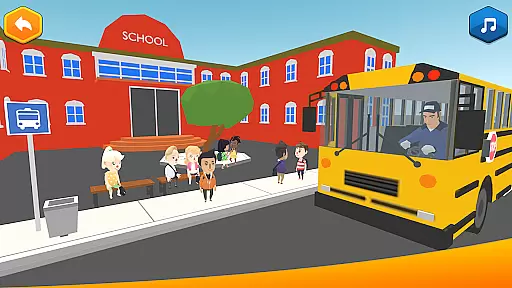
The game allows kids to take on various roles such as firefighters, street cleaners, school bus drivers, police officers, and tow truck operators. Each role presents unique tasks that teach sustainability, develop motor skills, enhance problem-solving abilities, and instill a sense of responsibility. The variety of missions ensures that children remain engaged while learning valuable life skills in a safe digital environment.
Through these activities, children not only enjoy themselves but also gain insights into how different community services function, making this app both entertaining and instructive.
City Patrol offers a rich set of features tailored for young learners. Its 2.5D graphics provide a visually appealing experience while maintaining simplicity for easy navigation by children. The large open-world setting includes diverse scenarios with cars, people, animals, and various urban and rural landscapes, providing an immersive environment.
Players can engage in multiple activities like firefighting, garbage collection and sorting, driving a school bus, patrolling the city, assisting residents with breakdowns, and even racing for fun after completing rescue missions. These activities are designed to be both entertaining and educational, teaching kids about sustainability, responsibility, and teamwork.
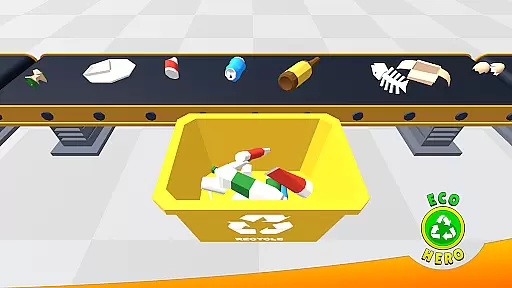
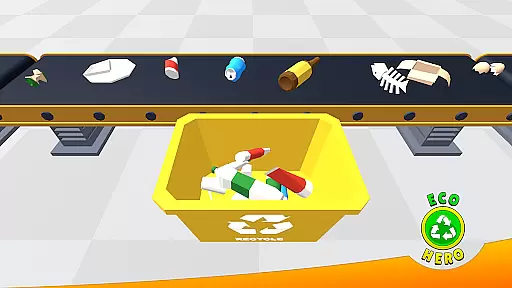
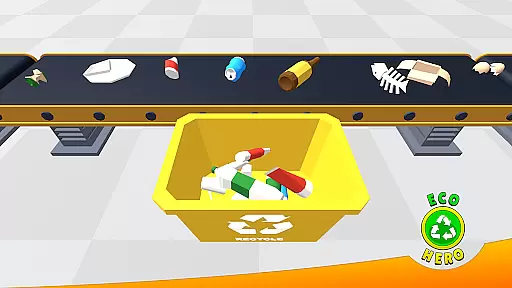
Additionally, the game supports customization options for waste sorting colors, allowing parents to align the gameplay with local recycling standards. This feature enhances the educational value, ensuring that learning extends beyond the screen into real-world applications.
In educational games, content authority and curriculum alignment are crucial for ensuring that children receive accurate and relevant learning experiences. City Patrol: Rescue Vehicles excels in this area by providing a well-thought-out game environment designed specifically for young learners.
The game introduces children to various rescue and special services through engaging activities such as firefighting, street cleaning, and driving a school bus. Each task is crafted with attention to detail, offering realistic scenarios that align with real-world responsibilities and duties.
City Patrol goes beyond mere entertainment by incorporating educational elements like waste sorting, which teaches sustainability. Parents can even adjust the sorting colors to match their country's standards, enhancing the learning experience. This adaptability ensures that the game remains relevant and beneficial across different regions.
By combining fun gameplay with educational content, City Patrol fosters important skills such as motor skills, problem-solving abilities, and a sense of responsibility. The variety of tasks ensures that children remain engaged while developing these essential competencies.
Gamification-learning integration is a key feature of City Patrol: Rescue Vehicles, making it an effective tool for teaching young children valuable life skills through play. The game cleverly blends educational content with entertaining gameplay, creating an immersive experience that captivates young minds.
Children can engage in various rescue missions, including firefighting, cleaning streets, and assisting residents with breakdowns. These activities not only entertain but also instill a sense of responsibility and community service. For instance, the street cleaning task involves collecting garbage, sorting it, and recycling it into useful items or toys, promoting sustainable practices.
After completing rescue missions, players can enjoy racing with their favorite vehicles, providing a balanced mix of education and entertainment. This approach keeps children motivated and eager to continue learning, as they look forward to the fun breaks interspersed throughout the game.
City Patrol's child-friendly design, featuring simple controls and a safe environment, allows kids to focus on the game without distractions. The intuitive interface ensures that even young children can navigate the game easily, enhancing their overall learning experience. Through gamification, City Patrol successfully combines education with enjoyment, fostering creativity and social responsibility in young players.
Engaging 2.5D graphics
Intuitive child-friendly controls
Educational content on sustainability
Varied tasks for skill development
Customizable sorting options
Limited to young children audience
Repetitive gameplay elements
Ads may interrupt gameplay
In-app purchases required
Occasional bugs reported

A world to build at the tip of your fingers!
 3.80
3.80
Perfect for Dino fans of all ages.Vivid illustrations.Fascinating_Facts.Narrated
4.3
Dress up, Makeover, and Party! Design a Wonder World!
3.90
Epic battles, interactive quests and exotic pets. Learn math with Prodigy today!
4.70
Master your phonics letters and sounds with the Alphablocks!
3.80
Find the hidden Numberblocks, add them together and see what happens.
3.50
Enjoy coloring with wide variety of 1000+ coloring games for kids & drawing game
4.50
Coloring book for kids! Learn Color, paint, neon drawing with educational games.
4.40
Kids age 2-8 can create, explore, and play Toca Boca games their way!
3.50
Pro Doctor Dentist for PetsGame
4.60
Monkey Preschool Fix-It is an early learning game for ages 2 to 5.
4.40
Endless runner fun packed with animal facts, exciting wildlife, & adventure.
4.10
Find Carmen - Play the classic detective game, stop VILE and find Carmen
4.10
The kids phonics and reading app that's helped millions of kids learn to read
4.00
Expert-designed fun interactive learning games to prep kids (2-5) for preschool.
4.00
Practice Early Literacy Skills and Build Vocabulary with Elmo & Cookie Monster!
3.90
Companion app for Cozmo, the educational toy robot who’s got a mind of his own.
3.30
Draw shapes, mix colors, and dodge traps to defeat foes in the vibrant Art Zone!
4.5
Join Duggee and the Squirrels as they practice their counting!
4.1


User Reviews