
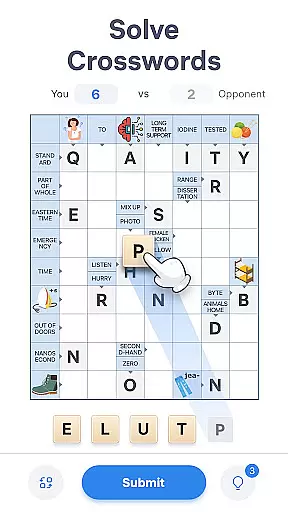
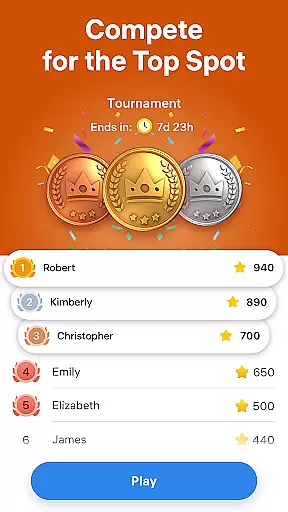
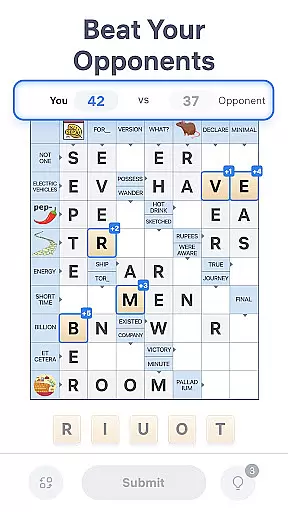
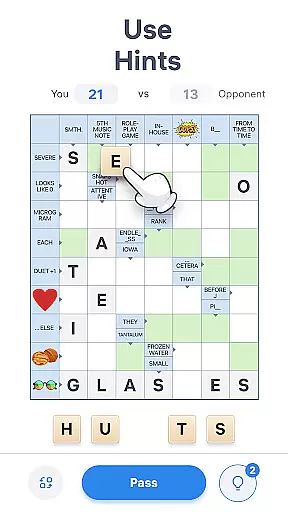
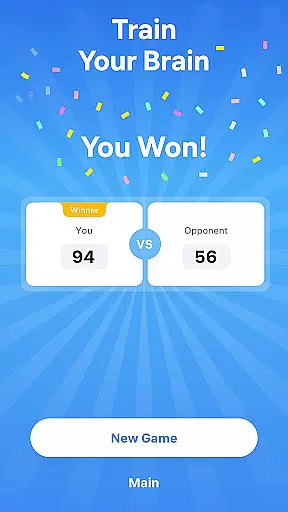
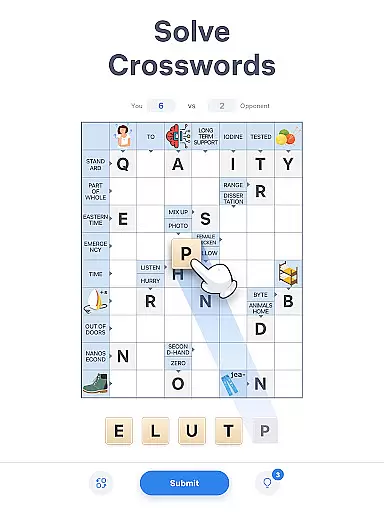
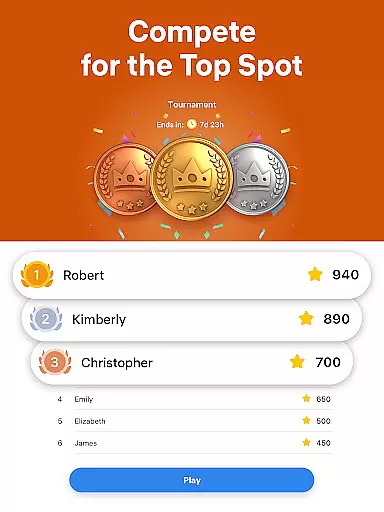
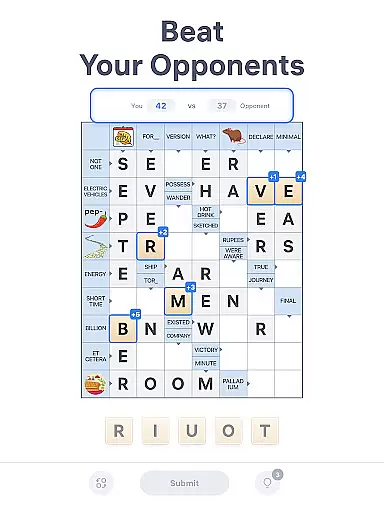
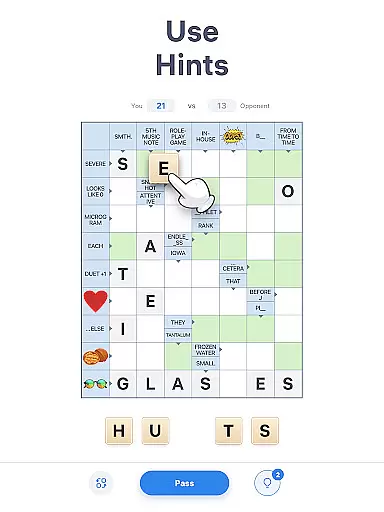
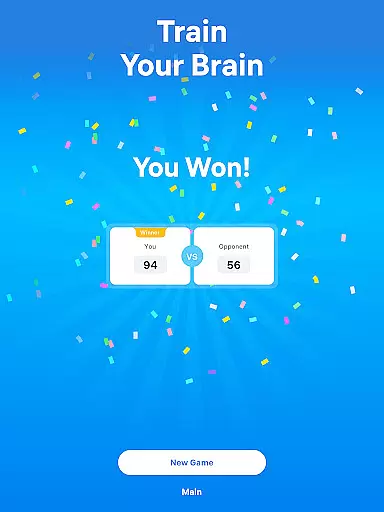
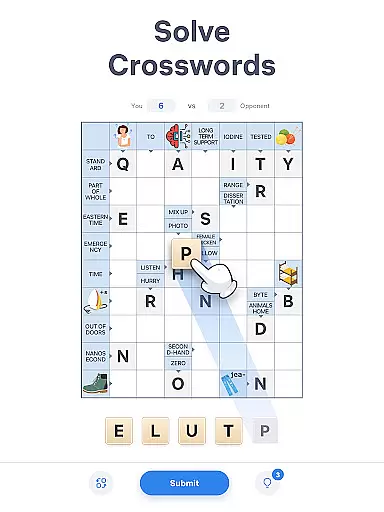
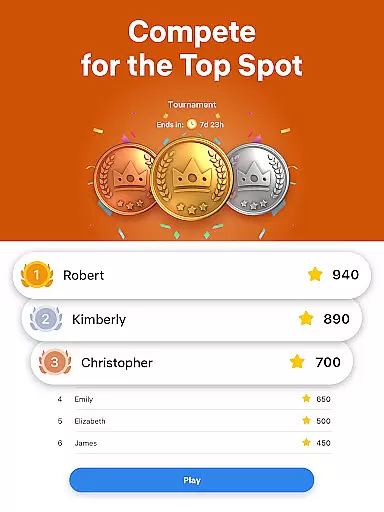
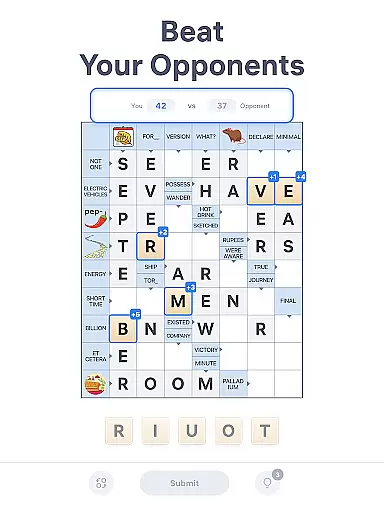
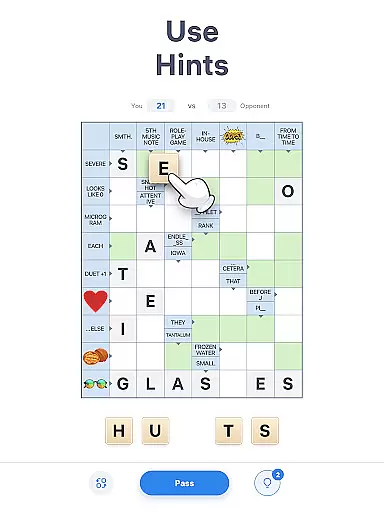
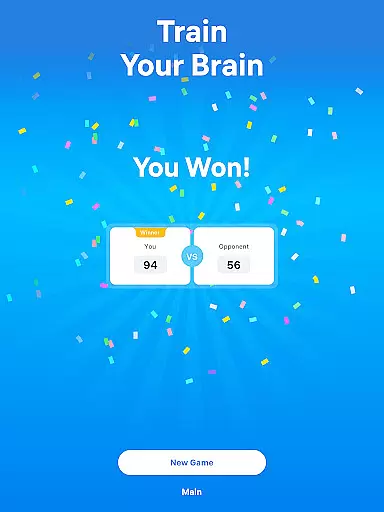
Crossword Master is an engaging word puzzle game that combines the classic charm of crosswords with modern gameplay elements. Designed for both casual players and word game enthusiasts, this app offers a unique turn-based experience where you compete against virtual opponents to solve crossword puzzles while maximizing your score.
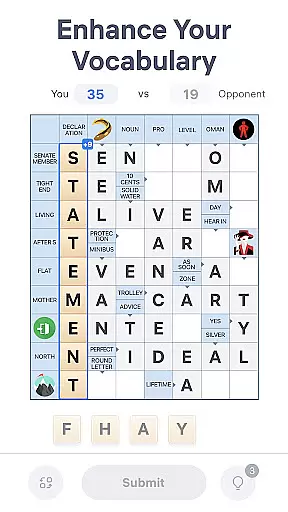
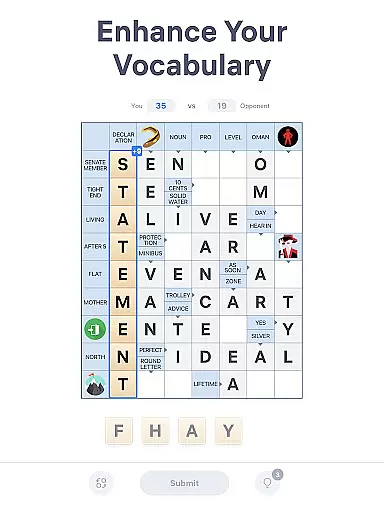
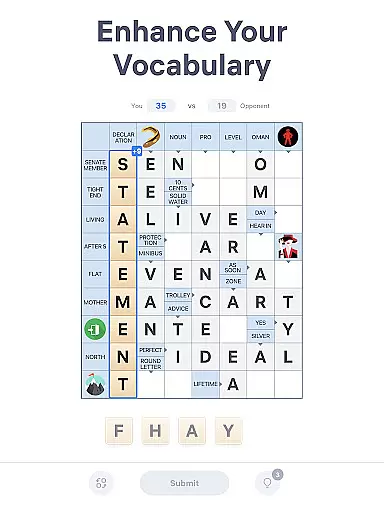
The game features a sleek design with smooth graphics, intuitive controls, and thousands of challenging puzzles. With clues embedded directly in the cells and additional picture-based hints, Crossword Master provides a refreshing twist on traditional crosswords. Whether you're looking to enhance your vocabulary or simply enjoy some brain-training fun, this app delivers hours of entertainment without time limits or pressure.
Perfect for daily mental exercises, Crossword Master helps improve spelling, logic, and general knowledge through carefully crafted puzzles. Its auto-save functionality ensures seamless progress tracking, making it ideal for players who want to solve at their own pace. Dive into this addictive experience and sharpen your mind one word at a time!
Crossword Master stands out with its innovative blend of competitive and cooperative gameplay. Players work together to complete crossword grids but aim to outscore each other by strategically placing letters from a deck. This dynamic creates a perfect balance between collaboration and competition, keeping users engaged for longer sessions.
One of the standout features is the inclusion of visual clues alongside text-based hints, adding an extra layer of challenge and variety. The app also includes helpful tools such as hints for difficult puzzles and an auto-save system that lets you pick up right where you left off. Additionally, there's no rush—no timers mean you can take your time crafting the best possible words.
With thousands of unique puzzles designed to expand vocabulary and test problem-solving skills, Crossword Master caters to all levels of expertise. From beginners learning new words to seasoned wordsmiths seeking complex challenges, the game adapts seamlessly to different play styles. Regular updates ensure fresh content, maintaining user interest over time.
In Crossword Master, clue quality and clarity are essential components that enhance the overall gameplay experience. The game provides clear and well-thought-out clues within the cells themselves, streamlining the process of solving each crossword puzzle. This intuitive design is inspired by Scandinavian-style crosswords, ensuring that players can focus on word crafting without unnecessary confusion.
The app further enriches this experience by incorporating picture clues alongside traditional text-based hints. These visual cues add an extra layer of challenge and fun, engaging players who appreciate diverse problem-solving approaches. Whether you're a seasoned wordsmith or a casual player, the varying clue types cater to all skill levels, making it accessible yet stimulating for everyone.
Additionally, when players find themselves stuck, they can utilize the hint system to gain assistance. This feature ensures that users remain engaged without feeling overwhelmed, striking a perfect balance between challenge and support. By providing these comprehensive aids, Crossword Master maintains high standards of clue quality and clarity, fostering an enjoyable and educational gaming environment.
Crossword Master offers an impressive variety of puzzles that cater to different preferences and skill levels, ensuring that players have access to countless words and clues to unravel. Each crossword puzzle is meticulously designed to train language skills, spelling, logic, and general knowledge, offering a balanced mix of entertainment and cognitive exercise. With thousands of unique puzzles available, players can enjoy hours of engaging gameplay while expanding their vocabulary.
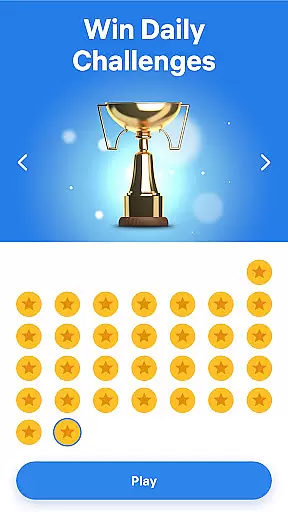
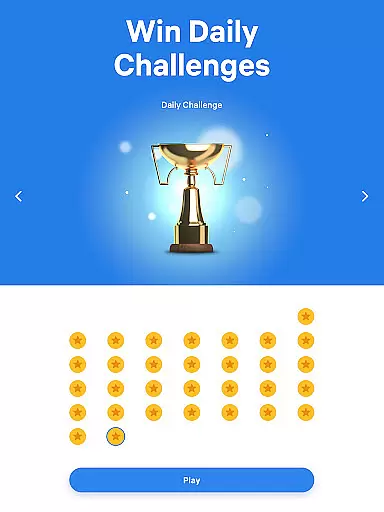
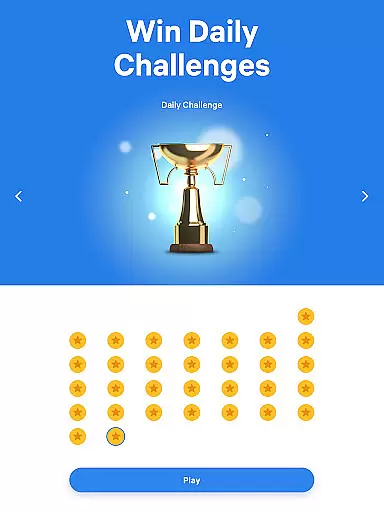
The game stands out with its innovative approach to daily crossword challenges. Players draw letters from a deck and craft words according to given clues, which include both textual hints and picture-based prompts. This dynamic combination keeps the gameplay fresh and exciting, encouraging strategic thinking and creativity. Moreover, the absence of a time limit allows users to solve puzzles at their own pace, adding to the game's appeal for a broad audience.
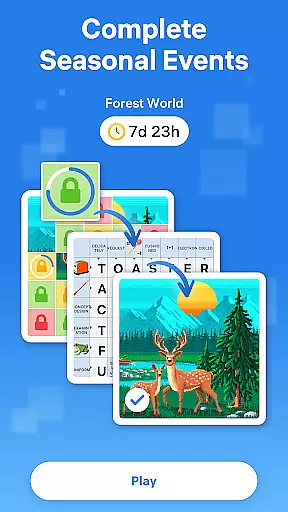
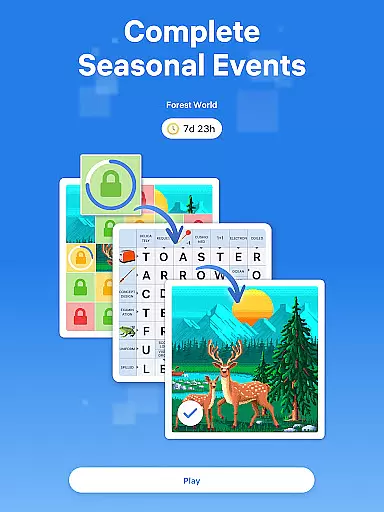
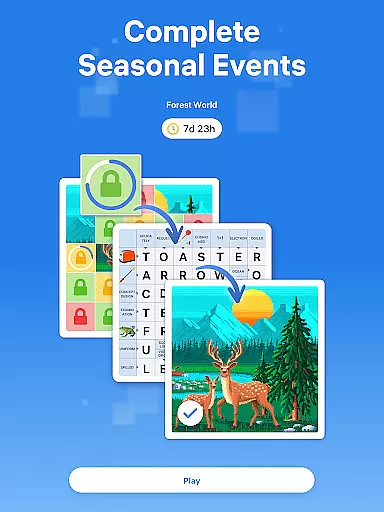
Furthermore, regular updates introduce new puzzles, maintaining player interest over time. Auto-save functionality ensures seamless progress tracking, allowing users to return to their favorite puzzles whenever they choose. By continuously offering diverse and stimulating content, Crossword Master successfully keeps its player base hooked and eager to take on new linguistic challenges.
User-friendly interface
Challenging yet fun puzzles
No time constraints
Auto-save functionality
Versatile difficulty levels
Limited social interaction
In-app purchases available
Occasional ads
Clues can be tricky
Graphics are basic

Guess the imposter in this addictive party word game
 4.60
4.60
Try to find the hidden words!
4.30
Guess who is the Impostor and Mr White. Party game to play with friends. Fake it
4.80
750 professional casual crosswords to keep you busy during coffee break.
4.10
Follow 25 rules and use your wits to escape from the horrifying school.
4.0
A roguelike word game!
4.70
Are you smart enough for this Word Challenge?
4.90
Word Sort meets Solitaire!
4.50
Logic word search puzzles! Brain game, unscramble letters! Daily crossword games
4.50
Best Word Game with Friends!
4.90
Who's the impostor? Give clues, bluff your way through - the perfect party game
4.90
The 2 player games of hangman: save the hangman! Hangman 2player come! Ahorcado!
4.90
Relax your mind with calming word puzzle games! A brain focusing game of words
4.90
A fun multiplayer word game. Who can make the highest scoring words?
4.80
Enjoy the beautiful scenery and endless word search puzzles!
4.70
Get the incredibly addicting word search game that everyone is talking about!
4.70
Better than Wordle, with Unlimited Words and No Daily Limit.
4.60
Combine crossword clues with a fill in the quote cryptogram style answer
4.30
Train your brain and unscramble letters in this fun social crossword puzzle!
4.10


User Reviews