![Delta Touch [10 x Doom engine] logo](https://cdn.linksharehub.com/ocp/?u=https%3A%2F%2Fl1.fancapitalize.com%2Fimages%2F2025%2F12%2F0362662440744f9c4332472af4b0e734.jpg&t=webp)
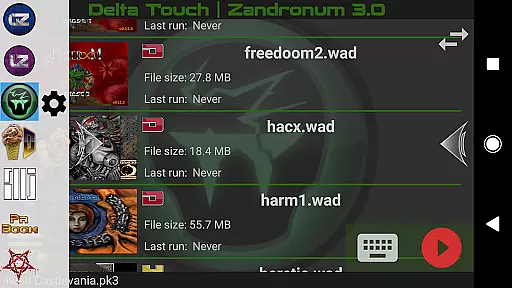
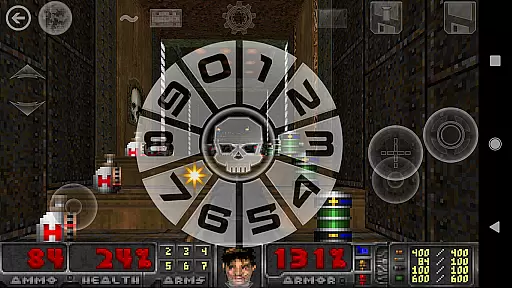
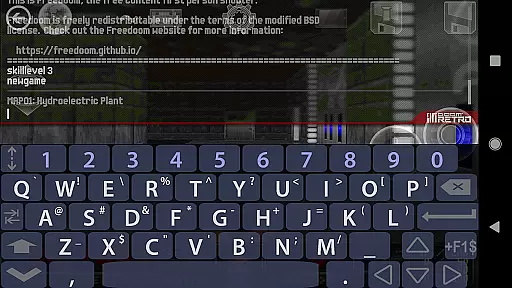
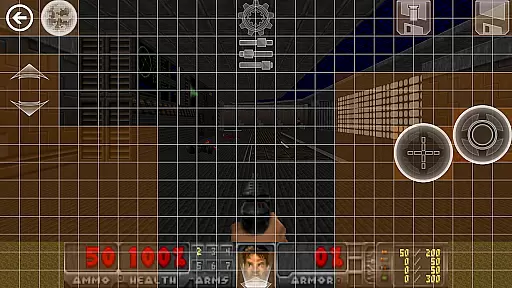
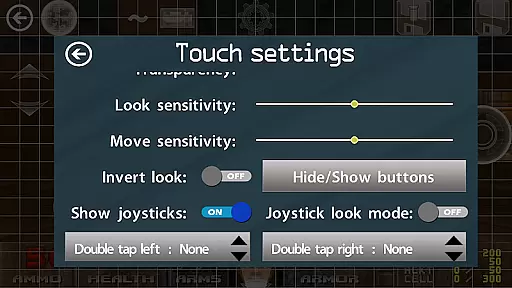
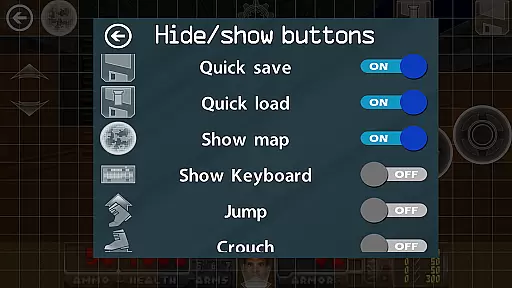
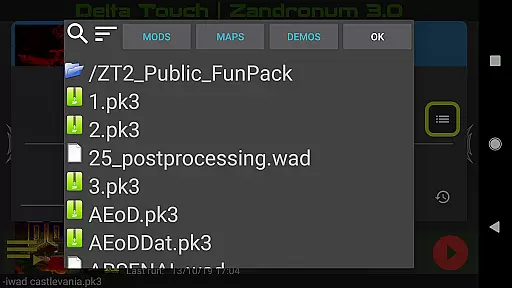
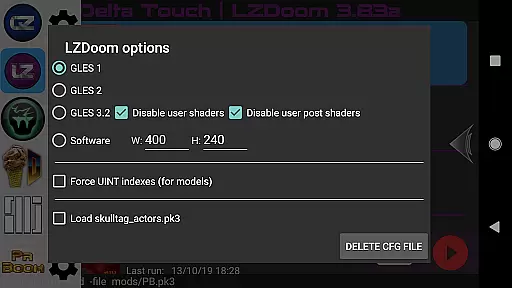
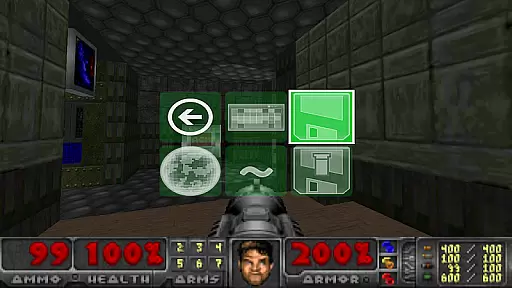
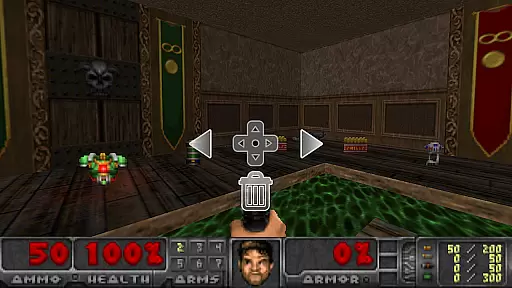
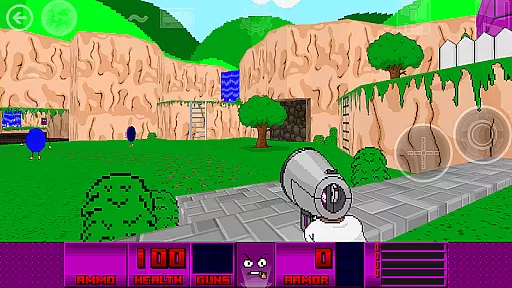
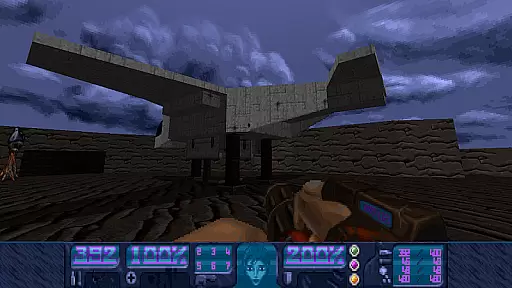
Delta Touch is an action-packed Android application that brings together ten of the best Doom engine source ports, offering a versatile and customizable gaming experience. The app supports classic Doom games as well as Hexen Heretic and Strife wads, providing access to thousands of community-made mods and levels. With full touch screen controls and gamepad support, Delta Touch ensures an immersive experience for both casual and hardcore gamers.
The app includes highly customizable touch screen controls, built-in keyboard access for cheats and console commands, and a custom UI for easy selection of wads and mods. It also features multiplayer capabilities for certain engines and supports mouse and keyboard on Android 8 and above. Whether you're reliving nostalgic moments or exploring new mods, Delta Touch delivers a comprehensive package for Doom enthusiasts.
Designed for high-end devices, Delta Touch pushes the boundaries of mobile gaming with advanced features like gyro aim assist and multitasked rendering. While it provides immediate playability with included FreeDoom data, users can supply their own Doom wad files for original gameplay. This makes Delta Touch not just a game but a portal to endless Doom engine adventures.
Delta Touch stands out with its extensive list of features tailored for Doom engine aficionados. The app incorporates ten different source ports including GZDoom, Zandronum, Chocolate Doom, and more, each offering unique capabilities and compatibility with various mods. These source ports are optimized for mobile performance, ensuring smooth gameplay even on demanding mods like Brutal Doom.
Customization is at the heart of Delta Touch's appeal. Users can enjoy highly adaptable touch screen controls, save/load layouts, and eighteen custom buttons specifically for GZDoom mods. Additionally, the app facilitates seamless navigation through a gamepad-friendly UI, making it accessible for all types of players. The inclusion of Fluidsynth samples enhances in-game music quality significantly.
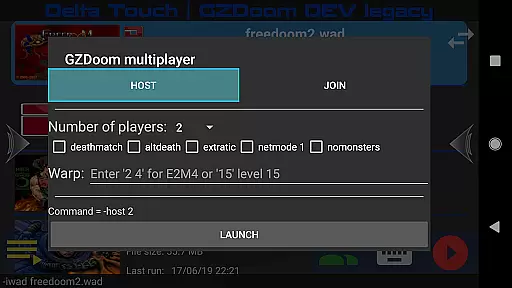
Another remarkable feature is the multiplayer launcher available for GZDoom and Chocolate Doom, allowing cooperative and competitive play. Advanced options such as mouse and keyboard support (on Android 8+), gyroscopic aiming assistance, and user setting import/export further enrich the gaming experience. All these elements combine to create a robust platform that caters to diverse gaming preferences within the Doom community.
Control responsiveness and latency are crucial factors in action games like Delta Touch. These elements determine how quickly and accurately a player's inputs are translated into in-game actions.
Delta Touch offers highly customizable touch screen controls, allowing players to adjust the layout and sensitivity to their preference. This ensures that every tap and swipe is registered instantly, providing a seamless experience.
In addition to touch controls, the game supports various input methods including gamepads and keyboard inputs, which significantly reduce latency. Players can enjoy precise control schemes with minimal delay, enhancing the overall gameplay experience.
The combination of customizable touch controls and support for external input devices makes Delta Touch stand out in terms of control responsiveness and latency, offering players an immersive and responsive gaming environment.
Combat feedback tightness refers to how well a game communicates the impact of combat actions to the player. In fast-paced action games such as Delta Touch, tight combat feedback is essential for an engaging experience.
Delta Touch provides detailed visual and audio cues during combat scenarios. Explosions, weapon effects, and enemy reactions are vividly portrayed, giving players clear indications of successful hits and damage dealt.
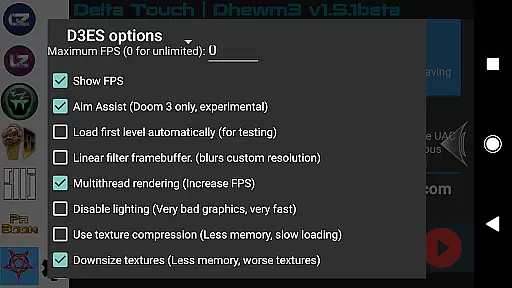
Moreover, the game includes advanced features like aim assist and gyroscopic controls, which enhance the precision of combat actions. These features ensure that players receive immediate and accurate feedback on their performance.
By integrating robust combat feedback mechanisms, Delta Touch delivers a thrilling and immersive experience where every action feels impactful and rewarding.
User-friendly interface
Extensive mod support
Highly customizable controls
Multiplayer capabilities
Optimized performance
Requires high-end device
No included Doom wad files
Complex setup process
Limited older device compatibility
Potential performance issues
NEOGEO's masterpiece game is now available in the app!
 4.70
4.70
Epic Fantasy RPG & Arena
4.30
Thrilling mix of two game genres - Fighting & RPG. Prepare to fight with shadow!
4.70
Take a katana in your ninja hands to fight foes! Stylish ninja stickman game
4.60
Craft, build, and survive in a zombie-infested open world!
3.40
Defend the last base and protect humans against alien monsters !
4.40
Rockstar Games brings its biggest release to mobile yet.
4.40
Keep an eye on the animatronics and you'll make it thru the night... probably.
4.70
Break the ragdoll and relieve your stress! This is the ultimate de-stress game.
4.40
Get pixel gun, kill hords of stupid zombies dead ahead, be a lone survivor
4.80
BLEACH anime action RPG. Relive the story, unleash Bankai, battle Hollows!
4.80
The Ultimate AAA Shooter: Mobile Warfare Redefined.
4.60
Join stickman game - runner & fun race with a crowd. Epic battle & running game
4.60
Step into cooking Games make tower burger and enjoy burger runner games for all
4.40
Robot fight! Get into the shooting games to destroy all transformers and robots!
4.30
Race around the world!
4.30
Collect & Survive
4.30
Feeling lucky?
4.10
NEOGEO's masterpiece game is now available in the app!
3.90


User Reviews