
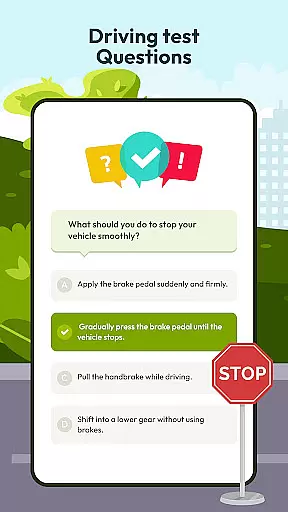
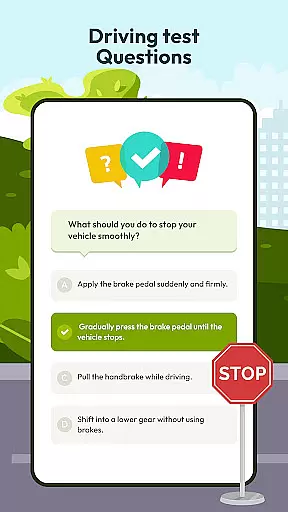
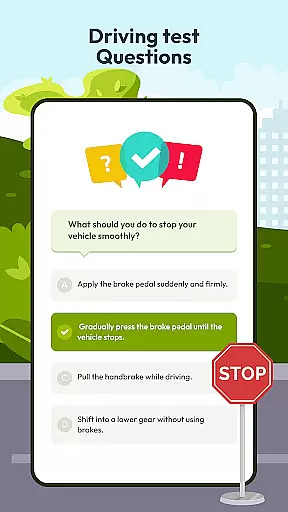
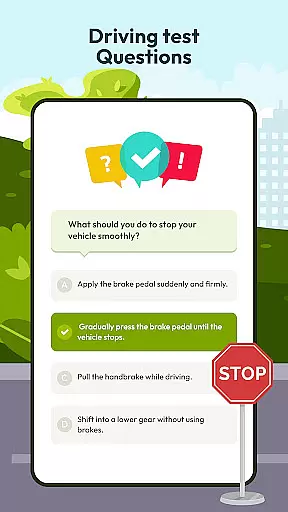
Driving Instructor-Theory Test is a comprehensive traffic app designed to enhance driving skills and knowledge. This app serves as an essential tool for both beginner and experienced drivers, offering features that cover all critical areas of driving education.
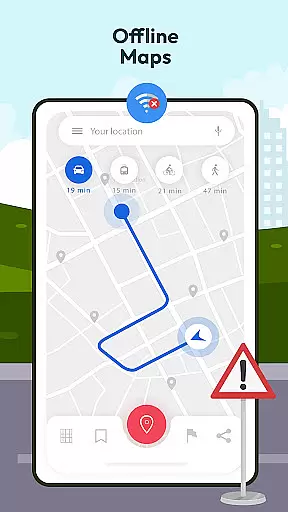
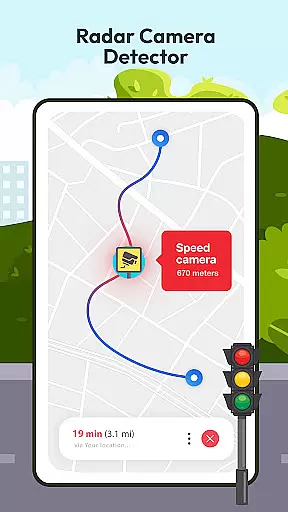
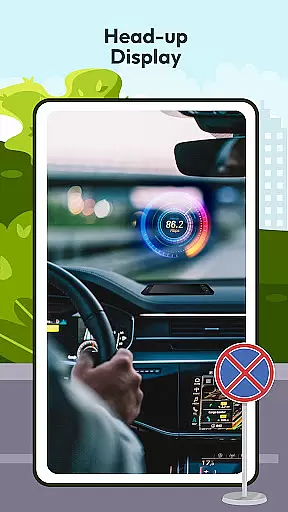
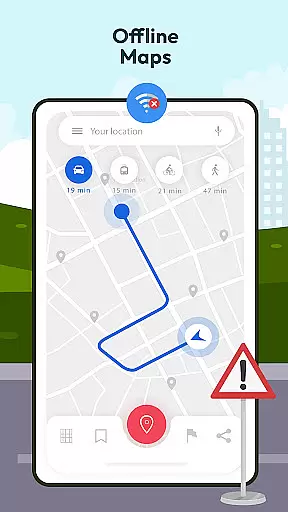
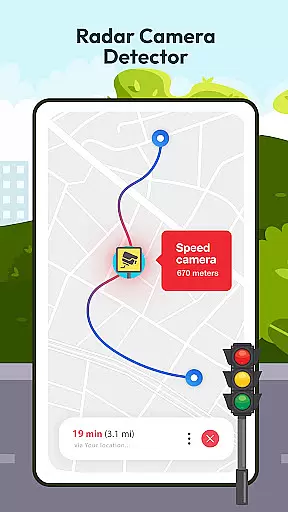
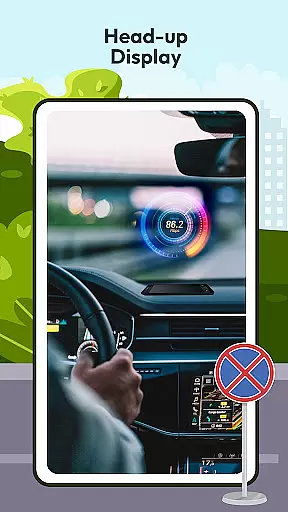
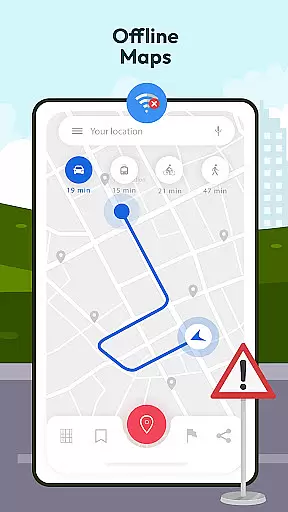
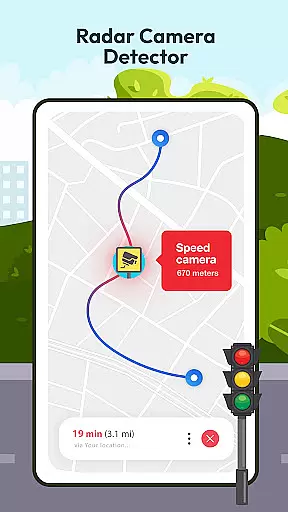
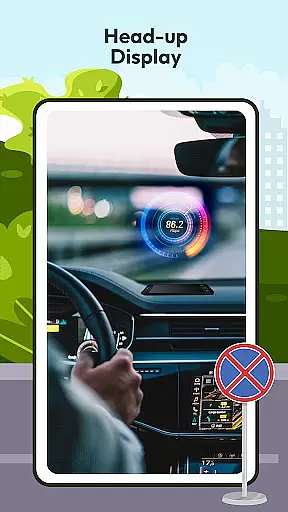
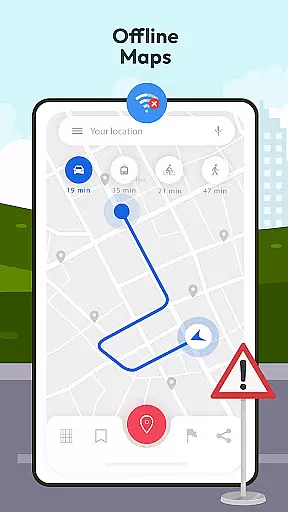
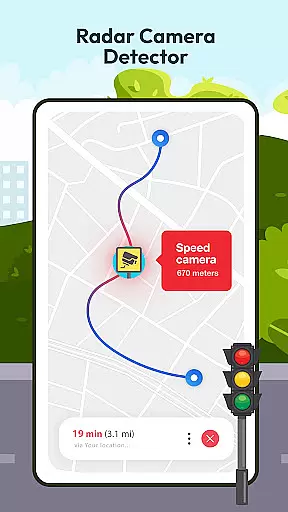
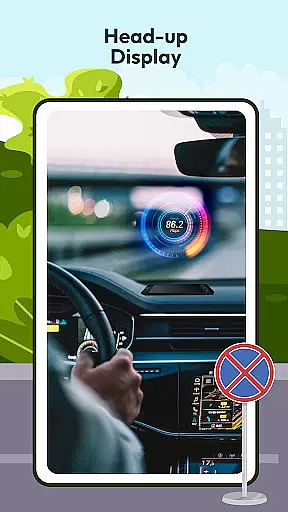
The app provides an extensive selection of test drive questions, ensuring users are well-prepared for their driving exams and real-world scenarios. With advanced functionalities like radar, speed camera detection, HUD (Head Up Display), and offline maps with GPS, it ensures safe and informed driving practices while keeping users aware of their surroundings.
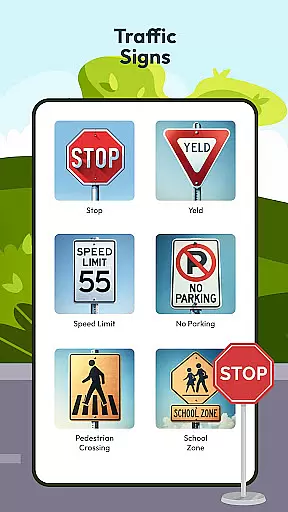
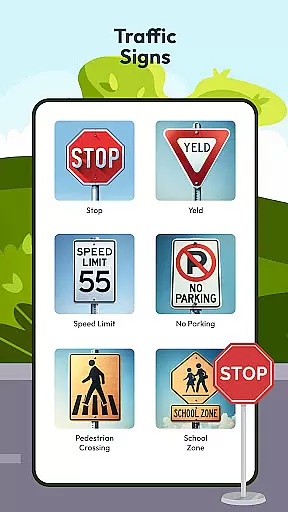
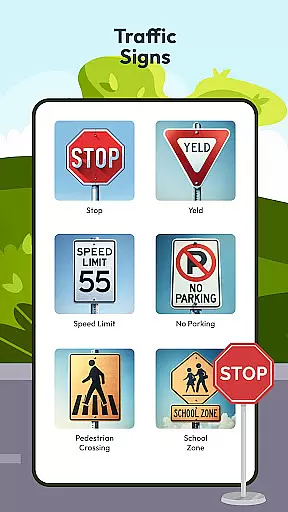
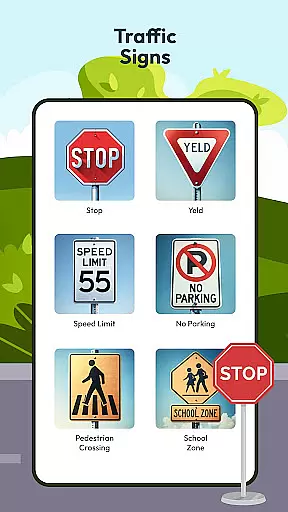
Whether you need to understand international traffic signs, monitor your speed, or access guidelines and tips for various driving conditions, this app equips you with the necessary tools to navigate roads worldwide confidently.
Driving Instructor-Theory Test offers a rich set of features tailored to improve driving proficiency. One standout feature is the extensive library of test drive questions covering all crucial driving areas, which thoroughly prepares users for both theoretical exams and practical challenges.
In addition to educational content, the app includes practical tools such as radar and speed camera detectors, ensuring adherence to speed limits and avoiding penalties. The innovative HUD (Head Up Display) projects vital information onto the windshield, allowing drivers to maintain focus on the road while staying informed about their speed and navigation.
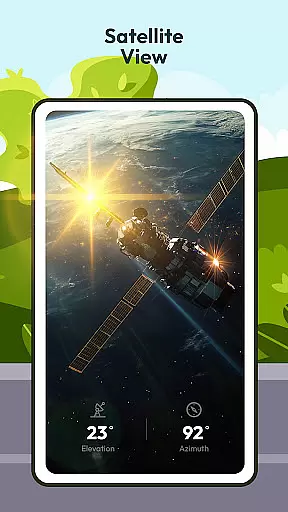
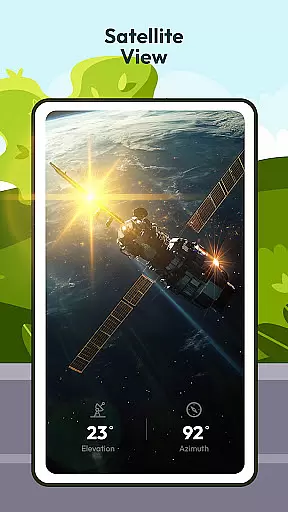
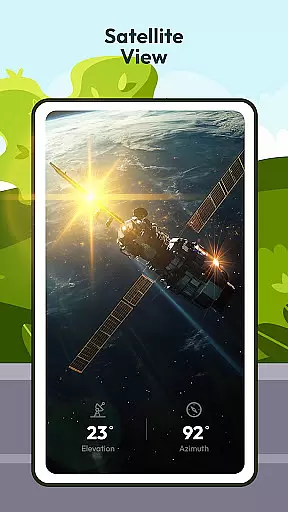
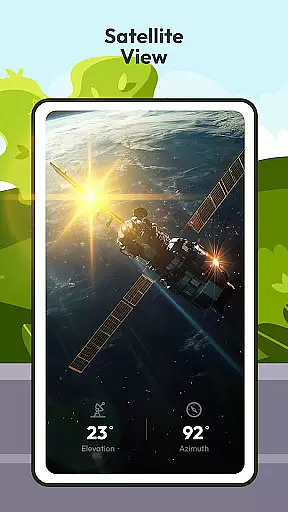
Offline maps combined with GPS functionality provide reliable navigation without requiring an internet connection. Users can also expand their knowledge of international traffic signs and understand vehicle controls better through integrated features, making every journey safer and more predictable.
Understanding your vehicle's specifications and controls is crucial for safe driving. The Driving Instructor App provides comprehensive details about car mechanisms, ensuring users are well-versed in their vehicle's operations.
The app includes an extensive selection of test drive questions covering all critical areas of driving. These questions not only prepare you for your driving test but also enhance your real-world driving skills. Additionally, the integrated speedometer feature helps monitor your speed accurately.
With dedicated sections on international traffic signs and car controls, users can expand their knowledge and become more confident drivers. This detailed vehicle information empowers users to handle various driving conditions safely and efficiently.
Price transparency in driving apps ensures users understand all costs involved without hidden fees. The Driving Instructor App offers a clear view of any potential expenses related to using its features.
While the app itself may be free or require a one-time purchase, it clearly outlines any additional costs for premium features. This openness allows users to make informed decisions about which functionalities best suit their needs.
By providing upfront information on pricing, the app builds trust with its users. Drivers can focus on improving their skills without worrying about unexpected charges, making the learning process smoother and more enjoyable.
User-friendly interface
Comprehensive test preparation
Advanced safety features
Offline map availability
Global traffic sign coverage
Limited vehicle compatibility
Occasional GPS inaccuracies
Premium feature costs
Complex HUD setup
Heavy battery consumption

The Smarter Way Forward
 3.30
3.30
Theme for Car Launcher
4.5
The Texaco App allows you to pay for fuel from the comfort of your car!
4.80
Get your personalized financing options and shop for used cars today!
4.20
Digital Car Key/Launcher, Screen Mirror, Android Dashboard, Remote Wireless Link
4.40
The ExtraMile App allows you to pay for fuel from the comfort of your car!
4.70
1M+ high-quality auto parts at your fingertips. Fitment guaranteed.
4.70
Take state-specific DMV permit tests and ace the exam.
3.90
Find, search, and browse 40,000+ used cars, SUVs, and trucks.
4.50
Marathon ARCO Rewards members earn rewards & apply the rewards for fuel savings!
4.80
Quick and easy car diagnostics to get you the right fix.
4.70
Listings of Tesla's with FSD - Included package
4.60
CVT diagnostics with ELM327 for Nissan-based vehicles
4.40
Launcher for use in the car
4.40
Instant diesel savings. No credit checks or fees. Nationwide growing network.
4.40
A smarter way to park and reserve your spot ahead of time.
4.40
Monitor your behind-the-wheel behavior to become a safer driver and save.
4.10
ODB2 based monitoring application for the Chevy Bolt (2017-2021)
4.00
Mobile Phone Parking - So easy to park
3.70


User Reviews