
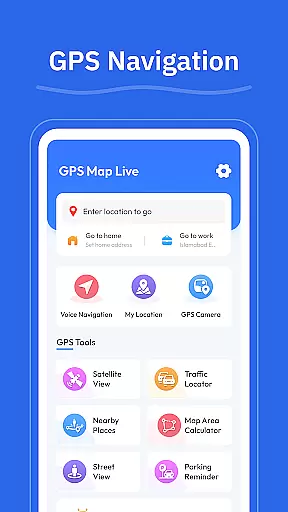

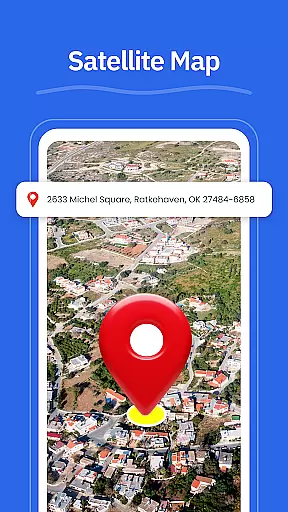
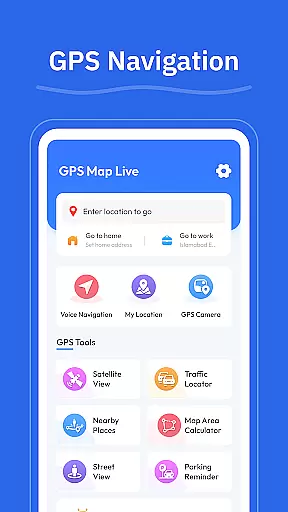

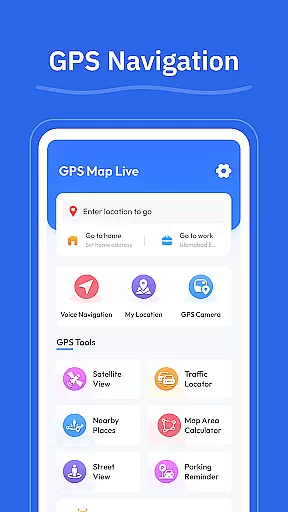

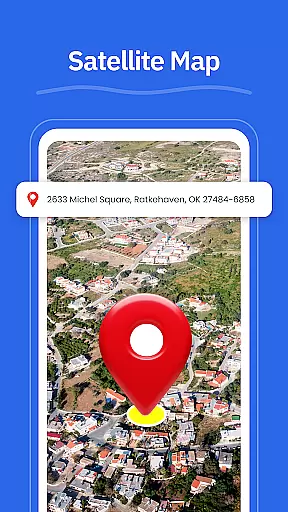
GPS - Maps, Driving Directions is a comprehensive navigation app designed for travelers exploring the United States. The app provides turn-by-turn voice guidance for hands-free driving, clear routes for highways and city roads, and real-time GPS tracking to ensure users always know their current location.
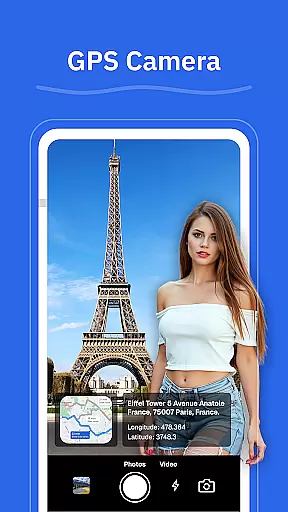
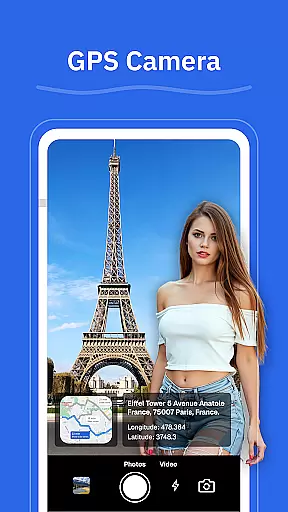
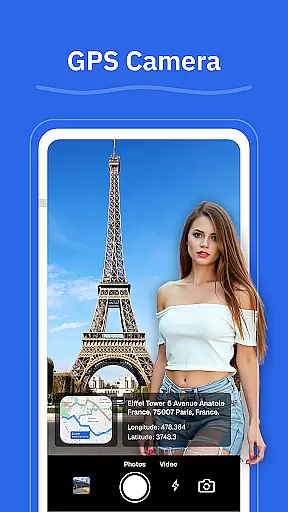
In addition to basic navigation, the app offers advanced features like route optimization based on current road conditions, street view functionality to explore neighborhoods and landmarks, and a GPS camera to save geo-tagged photos. These tools make it easier than ever to navigate confidently across various terrains and road types.
Whether you're commuting daily or embarking on a cross-country road trip, this app enhances your travel experience by helping you find nearby amenities such as gas stations, restaurants, and ATMs. With its clean interface and practical features, GPS - Maps, Driving Directions ensures smooth and reliable navigation for all your journeys.
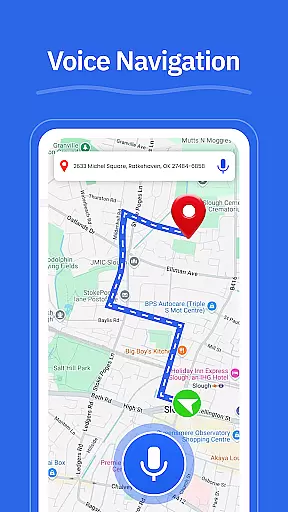
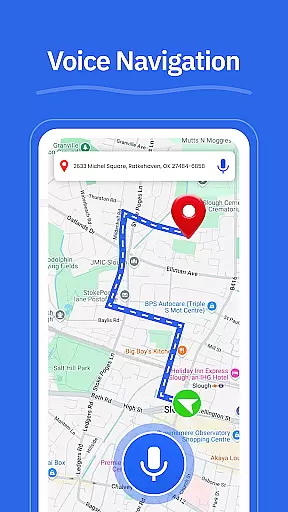
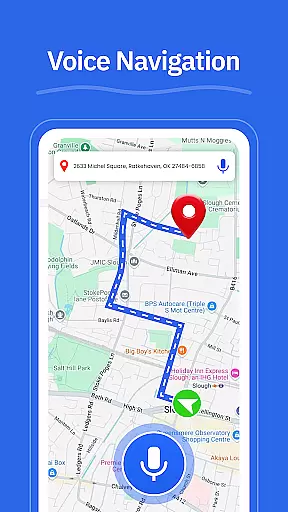
One of the standout features of GPS - Maps, Driving Directions is its turn-by-turn voice guidance, which allows for hands-free navigation while driving. This feature is particularly useful in busy urban environments where keeping your eyes on the road is crucial.
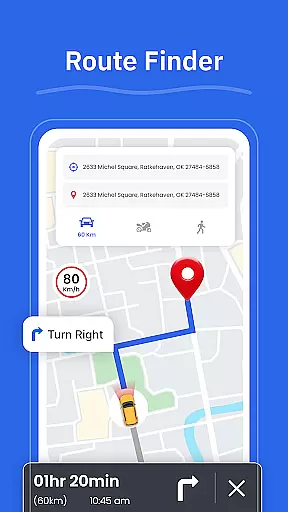
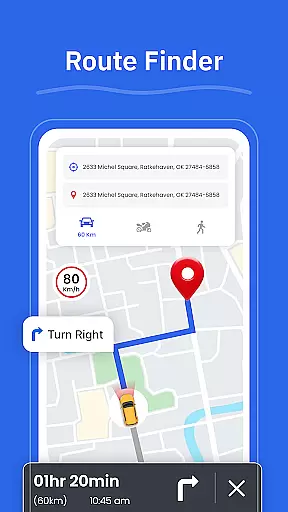
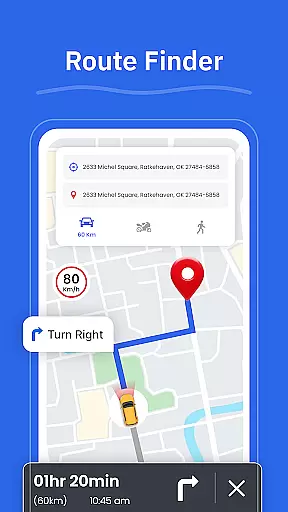
The app also includes a robust route finder that helps users choose the best path based on current traffic and road conditions. Additionally, the street view functionality lets users preview areas and landmarks before they arrive, adding an extra layer of convenience and safety.
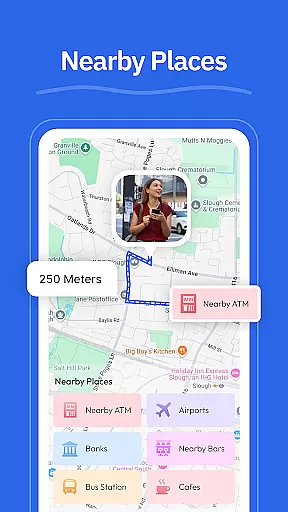
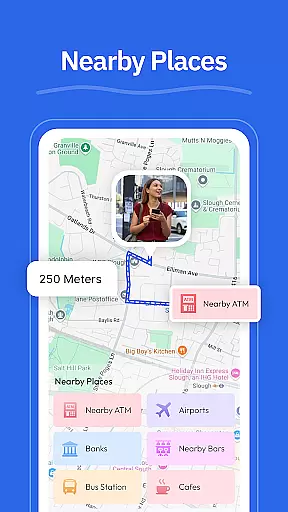
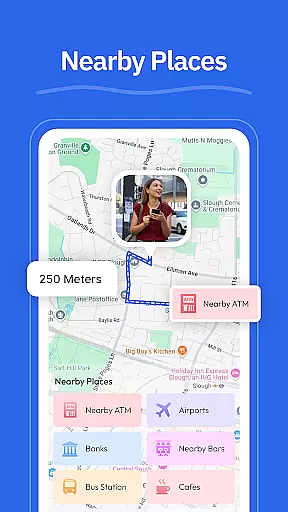
Other notable features include a GPS camera for saving geo-tagged photos, a 'Nearby Places' tool for locating essential services like gas stations and restaurants, and real-time GPS tracking through the 'My Location' feature. Together, these capabilities create a versatile navigation tool suitable for both everyday commutes and long-distance travel.
Map accuracy is essential for any navigation app, and GPS u2013 Maps, Driving Directions excels in this area. The app provides precise location data, ensuring users can trust the maps for their travels across the United States.
With real-time GPS tracking, the My Location feature consistently displays the user's current position on the map. This allows for accurate and reliable navigation whether driving through busy cities or planning a trip across states.
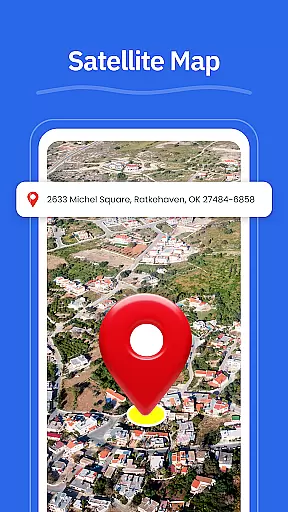
The inclusion of Street View further enhances map accuracy by allowing users to check areas, neighborhoods, and landmarks before they travel. This feature ensures that users have a clear understanding of their destination and any potential obstacles they may encounter along the way.
Effective route planning is a cornerstone of GPS u2013 Maps, Driving Directions, offering users multiple tools to ensure efficient and stress-free travel. The Route Finder feature helps users choose the best route based on current road conditions, saving time and fuel.
In addition to finding optimal routes, the app provides turn-by-turn voice guidance for hands-free driving. This allows drivers to focus on the road while receiving clear directions for highways, interstates, and city roads.
Moreover, the Nearby Places feature enriches route planning by enabling users to find essential stops such as gas stations, restaurants, and ATMs. By integrating these practical considerations into route selection, the app ensures a seamless and convenient travel experience.
User-friendly interface
Accurate GPS tracking
Voice-guided navigation
Real-time traffic updates
Comprehensive POI database
Limited international maps
Occasional lag in updates
High battery consumption
No offline mode available
Some features require premium subscription

Offline maps for phone and smart watch: topographic maps, satellite images...
 3.30
3.30
Offline maps & GPS for hiking, travel, fieldwork & outdoor adventures
4.70
GPX Viewer PRO shows tracks, routes and waypoints from gpx and kml files.
4.60
Complete offline 1:50k South Island topo map including DOC Hunting Permit Areas
4.60
Use GPS maps or search by property owner, address or parcel to view parcel data
4.30
Track friends in real-time and explore worldwide live cameras.
4.60
GPS phone tracker, family locator, secure location sharing app
4.20
Get there with the Waymo Driver — The World’s Most Experienced Driver™
4.90
Navigation, weather, offline maps & tools for smarter, safer travel planning.
4.00
Find AI powered cameras, ALPRs, and other surveillance infrastructure near you
4.70
Navigate confidently with our precise Digital Compass app & Direction Compass!
4.70
Find trails, organize your locations and navigate with offline maps.
4.60
GPS navigation offers route finder, compass, translator, currency converter, etc
4.30
Avoid delays. Get real-time GPS navigation, safety alerts and live traffic.
4.10
Drive safe with real-time speed camera radar, police, and traffic alerts
3.80
MapQuest is your go-to app for maps, GPS, voice navigation & live traffic.
3.80
OpenCPN is a full featured ChartPlotter and Navigator for Android.
3.60
Your guide to the recreational opportunities of the Bureau of Land Management!
3.40
Explore the world with Live Satellite View, 3D Maps, GPS Navigation & Earth Map.
2.90


User Reviews