



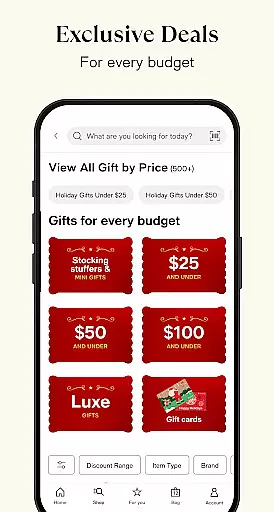
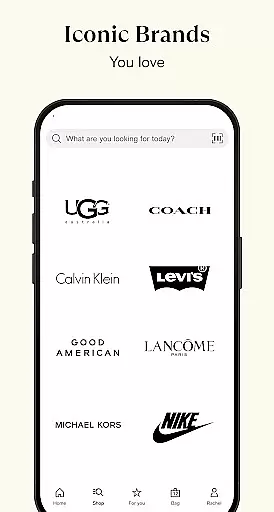
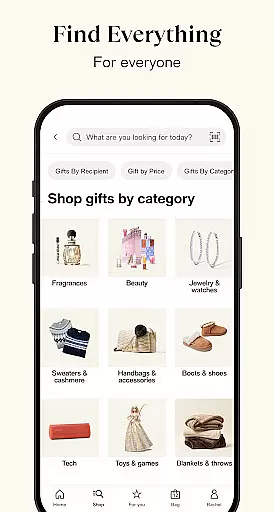

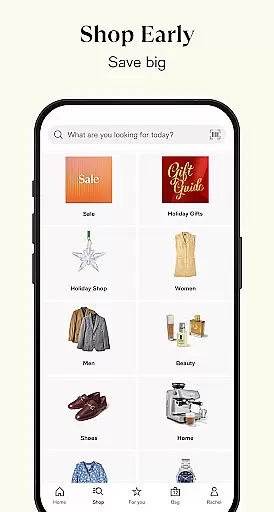




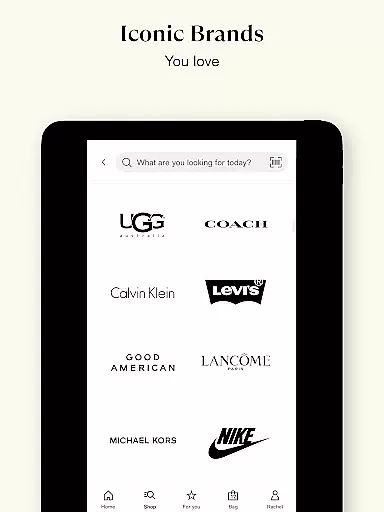
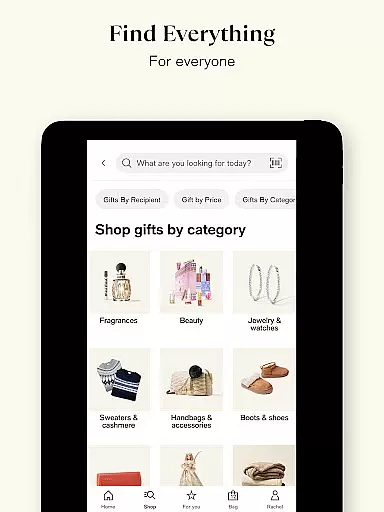

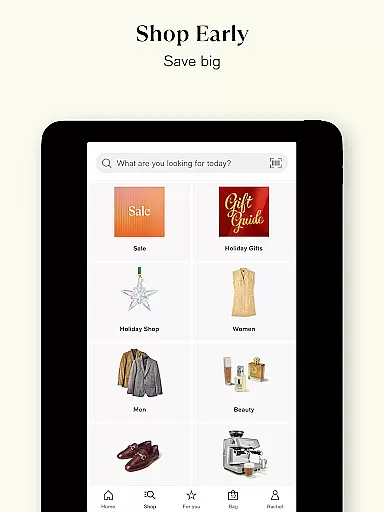
Macy's app is your ultimate shopping companion, offering a seamless blend of online and in-store experiences. With features like Macy's Wallet, users can store all their offers, gift cards, and coupons in one convenient location. The app provides exclusive deals, seasonal rewards, and personalized offers, ensuring you save on every purchase while enjoying free shipping for orders over $99.
Designed for fashion, beauty, home, and more, Macy's app allows you to shop anytime, anywhere. You can scan prices, browse top deals, or opt for FREE store pickup with real-time inventory access. Macy's Pay ensures faster, contactless checkout by integrating your coupons and rewards into one QR code. Additionally, Star Rewards members can track points, earn Star Money, and access member-only sales, making every shopping experience more rewarding.
The Macy's app boasts an array of innovative features designed to enhance your shopping experience. One standout feature is Macy's Wallet, which consolidates all your rewards, offers, gift cards, and coupons in one place, providing timely reminders before they expire. This ensures you never miss out on potential savings.
Another key feature is the ability to shop both online and in-store seamlessly. Users can check local store inventory, scan barcodes for prices, and explore reviews, colors, and sizes. If an item isn't available in-store, you can instantly purchase it through the app with free shipping for orders over $99. Furthermore, Macy's Pay streamlines the checkout process with a single QR code that loads all your discounts and offers, whether shopping online or in-store.
When it comes to online shopping, product variety and clear categorization are essential for a seamless user experience. Macy's app excels in this area by offering an extensive range of products neatly divided into categories such as fashion, beauty, home goods, jewelry, and seasonal items. This ensures that shoppers can easily navigate through the app and find exactly what they need without any hassle.
The app's interface is designed to enhance user engagement by providing intuitive filters and search options. Whether you're looking for specific brands, sizes, colors, or price ranges, Macy's app makes it simple to refine your search. This level of organization not only saves time but also improves the overall shopping experience by making it more personalized and efficient.
Moreover, Macy's leverages its wide product assortment to offer exclusive deals tailored to individual preferences. By analyzing user behavior and purchase history, the app suggests relevant products and promotions, ensuring that customers always have access to the best offers. This personalized approach helps users discover new products while maximizing their savings.
In summary, Macy's app stands out in the Shopping category by offering a vast selection of products with well-structured categorization. This feature empowers users to shop smarter and more efficiently, ultimately enhancing their satisfaction and loyalty to the platform.
Pricing transparency is crucial for building trust with consumers, and Macy's app delivers on this front by ensuring that all costs are clearly displayed. The app provides detailed pricing information, including original prices, discount rates, and final costs after applying coupons and rewards. This openness allows shoppers to make informed decisions and feel confident about their purchases.
In addition to transparent pricing, Macy's app also emphasizes competitive pricing to ensure users get the best deals. By comparing prices across different retailers and offering price-match guarantees, the app ensures that customers never pay more than necessary. Furthermore, frequent sales, exclusive app-only discounts, and seasonal promotions add to the attractiveness of the platform.
Macy's app goes a step further by integrating a feature called Macy's Wallet, which consolidates all offers, gift cards, and coupons in one place. This tool not only simplifies the checkout process but also maximizes savings by automatically applying the best available discounts. Users receive reminders before their offers expire, ensuring they never miss out on potential savings.
Overall, Macy's app sets a high standard for pricing transparency and competitiveness in the Shopping category. By combining clear pricing information with attractive deals and user-friendly features, the app enhances the shopping experience and fosters customer loyalty.
User-friendly interface
Exclusive app-only deals
Seamless online and in-store integration
Comprehensive rewards program
Convenient payment options
Limited international availability
Occasional bugs reported
High minimum spend for free shipping
Some features require account linking
Inconsistent push notifications

Stop overpaying. Grab coupons & deals for Walmart, Target, Amazon & more.
 4.80
4.80
Shop with ease and save more; whether at home or in store!
3.60
Find the hottest deals before they disappear!
4.60
Shop clothes, shoes, bedding, home & more. Save with exclusive deals & rewards!
4.20
New styles & exclusive offers
4.80
Pay Over Time with No Interest¹
4.60
Buy & sell local items. Find amazing deals. Join the largest mobile marketplace!
4.40
The Costco Mobile App is the easiest way to save time and money on the go.
4.70
Save money. Live in style!
3.80
Save with Coupons and Promotions
4.90
Save money on groceries & more. Choose delivery, pickup or Scan & Go shopping!
4.80
Shop anywhere, manage payments, get cashback, discover Klarna Card & more.
4.80
ALDI is your home for low prices on high-quality groceries and products.
4.70
Shop designer clothing, shoes & accessories from the World of Ralph Lauren
4.70
Live Auctions, Savings, and Always Free Shipping! Trusted Since 2008.
4.60
Shop fashion, shoes, home, designer handbags, beauty & more on the Belk app.
4.00
We constantly evaluate our app so you can have the best experience possible.
3.60
LOCATE A LOVE'S TRAVEL STOP AND GET DRIVING DIRECTIONS
3.60
The Dollar Tree app is here to take the thrill of the hunt to the next level.
3.60


User Reviews