
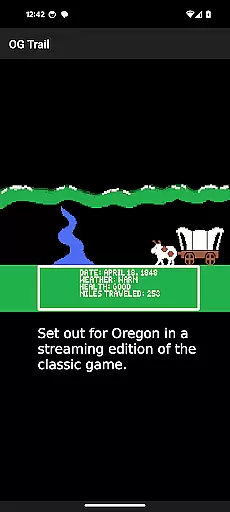
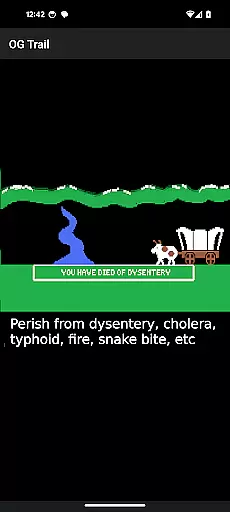
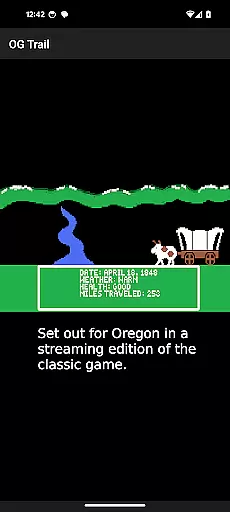
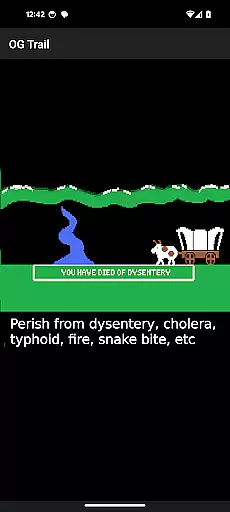
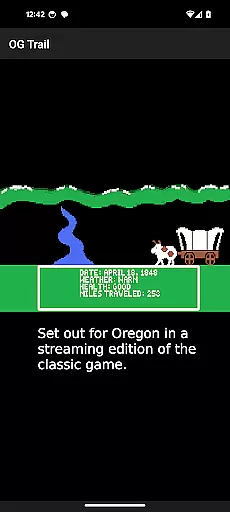
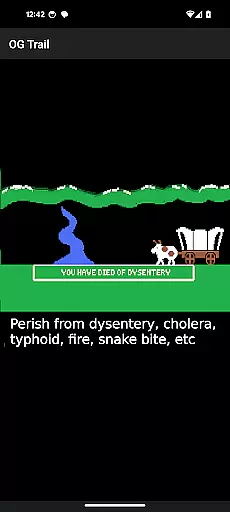
OG Trail is an innovative educational app that brings the classic Oregon Trail simulation to Android devices. This application allows users to experience the historically significant game, which was originally designed to teach school children about the realities of 19th-century pioneer life on the Oregon Trail. The app provides a unique interface that connects users to the streaming version of the game hosted on the Internet Archive.
The key feature of OG Trail is its ability to run the unmodified version of The Oregon Trail (TM) without requiring any ROM files or additional data downloads after the initial load. It's an ideal tool for educators and parents who want to incorporate interactive history lessons into their teaching. By using onscreen controls, users can interact with the game as if they were playing it on its original platform, making it both a fun and educational experience.
This app is particularly useful in classroom settings where students can learn decision-making skills, resource management, and historical context through gameplay. Its requirement for internet connectivity ensures seamless access to the game while maintaining the authenticity of the gaming experience. OG Trail successfully bridges the gap between modern technology and classic educational content, offering a nostalgic yet informative journey through American history.
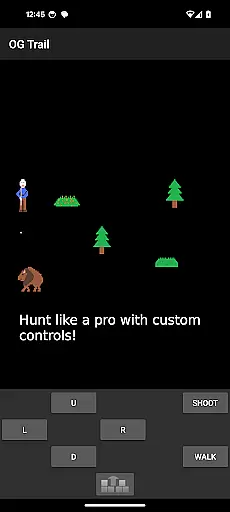
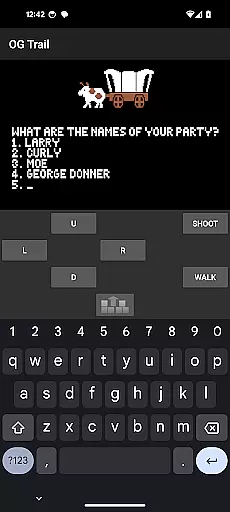
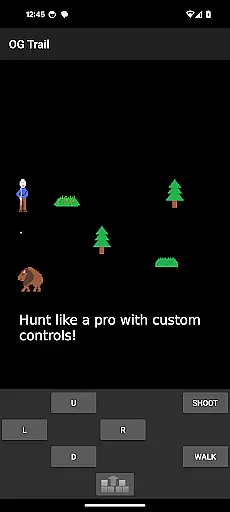
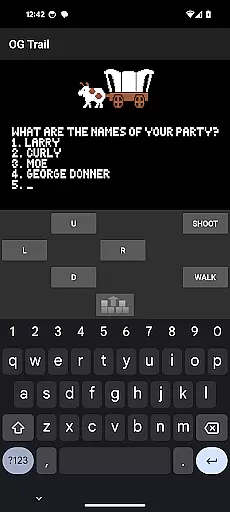
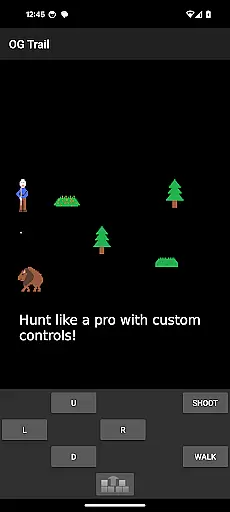
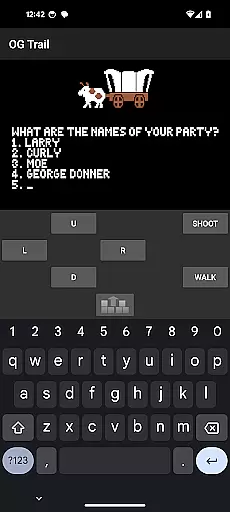
OG Trail stands out with its specialized features tailored for delivering a genuine retro gaming experience. The app includes an intuitive onscreen keyboard and control pad, allowing users to interact with the classic Oregon Trail game as it was originally intended - without touchscreen capabilities. These virtual controls enable players to make choices within the game by selecting corresponding numbers or typing responses like 'yes' or 'no', followed by pressing the enter button.
Another notable feature is its efficient use of resources. Once loaded, OG Trail doesn't consume additional data, making it suitable for environments with limited internet connectivity. The app also provides access to a comprehensive user guide from the Internet Archive, helping new players understand the mechanics and historical significance of the game. Furthermore, the developers have maintained the game's original integrity by not modifying its content, ensuring an authentic educational experience.
The app's design emphasizes accessibility and ease of use while preserving the challenge and learning opportunities of the original game. Its integration with the Internet Archive's resources demonstrates a commitment to providing legitimate and legal access to historical software. These features collectively create a valuable educational tool that combines modern mobile technology with classic learning methods, making history come alive for a new generation of students.
In the realm of educational gaming, content authority and curriculum alignment are crucial for ensuring that learning is both accurate and relevant. OG Trail - Travel to Oregon provides an interface to the classic Oregon Trail simulation, a game revered for its historical educational value. The original game was designed with the intent to teach players about the realities of 19th-century pioneer life on the Oregon Trail.
OG Trail maintains the integrity of the unmodified Oregon Trail game, offering users an authentic experience that aligns with history curricula. By interacting with the game through an onscreen keyboard or control pad, as opposed to touch controls not originally intended for the game, users engage in a way that closely mirrors the original gameplay envisioned by its creators.
The app's dedication to preserving the historical accuracy of the Oregon Trail simulation ensures that educators can trust its content within a learning environment. This makes OG Trail not only a tool for entertainment but also a valuable resource for teaching important historical lessons in an engaging manner.
Gamification-learning integration represents the fusion of game mechanics with educational content, creating an interactive and enjoyable learning process. OG Trail - Travel to Oregon leverages this concept by providing Android users access to the classic educational game, The Oregon Trail. This approach allows players to learn about American history and decision-making skills through immersive gameplay.
By utilizing the publicly available Internet Archive posting of the game, OG Trail ensures that the gamified learning experience remains true to the original. Players must navigate through the challenges faced by pioneers, making critical decisions that affect their virtual wagon party's survival, thus integrating essential educational elements with engaging gameplay.
This seamless blend of gaming and education encourages players to think critically and strategize, promoting deeper understanding and retention of historical facts. OG Trail stands out as an example of how traditional educational content can be successfully adapted into a mobile format without losing its pedagogical value.
User-friendly interface
Authentic gameplay experience
No additional data charges
Educational value maintained
Legal access to classic content
Requires constant internet
Limited touch screen support
Complex for young users
Dependent on external servers
Graphics not optimized

Puzzles, Cats and Programming
 4.80
4.80
Magical girl game where dreams come true. Collect & care for cute princesses!
3.80
Preschool learning games: 123 numbers game for kids, abc learning for toddlers
4.70
A cube building game for small (and large) builders.
4.40
Help your child improve their number literacy with Numberblocks: Card Fun!
2.60
Build your own BRIO railway!
4.30
Companion app for Cozmo, the educational toy robot who’s got a mind of his own.
3.30
Safe, fun, ad-free games for kids! For babies, toddlers, & kids age 2-6
3.60
Create, customize & explore your Toca Boca story! Endless fun & creativity await
4.30
Explore Dopples World, build your avatar life & create endless stories!
4.70
Fun phonics & alphabet tracing game for toddlers, preschool & kindergarten kids!
4.60
Glow Doodle! Baby Coloring & Drawing games for toddlers: Color and Learn! NoAds!
4.40
A must-have sequel to our Learn Letter Sounds with Carnival Kids app
4.30
Find Carmen - Play the classic detective game, stop VILE and find Carmen
4.10
Find the hidden Numberblocks, add them together and see what happens.
3.50
Play pretend & explore at the doctor's & school in Daniel Tiger's Neighborhood.
3.30
A logic puzzle game for 1 - 3 players
4.0
Join Rus and his friends to save Pear Island!
4.5
Discover the infinite cycles of the universe
4.4


User Reviews