
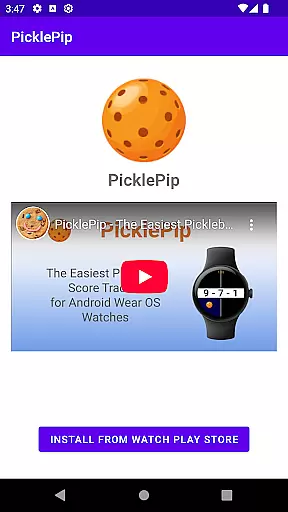
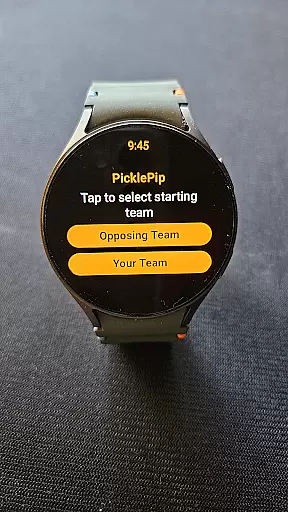
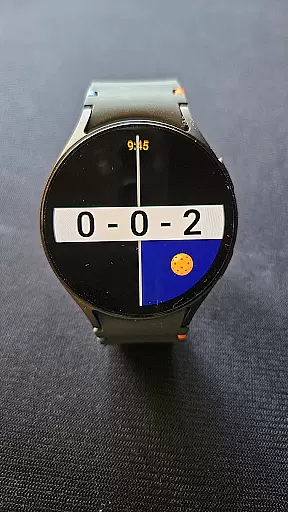
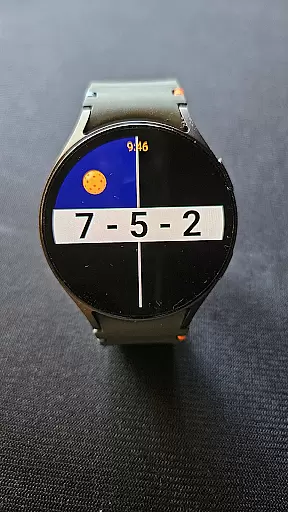
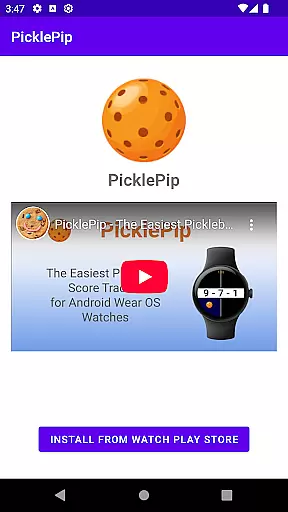
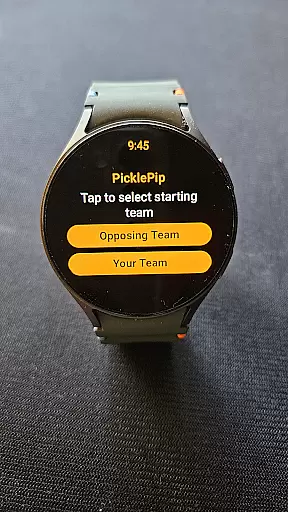
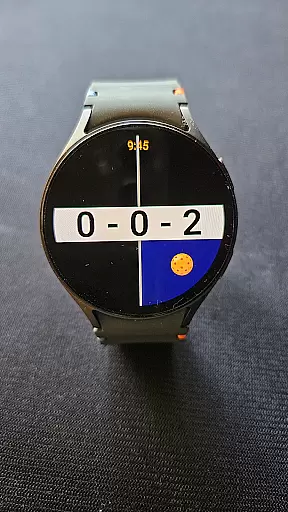
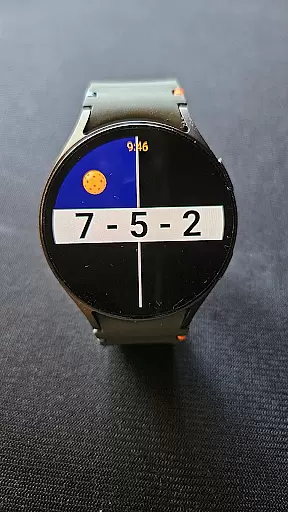
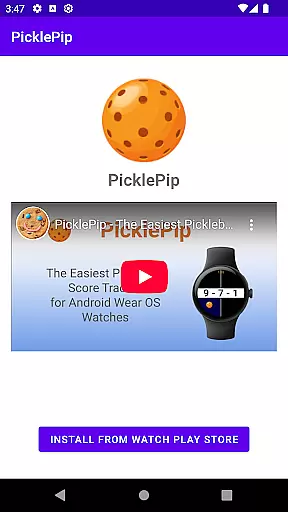
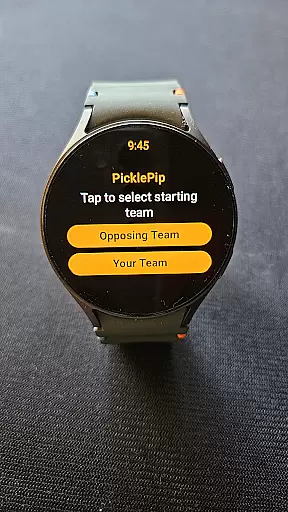
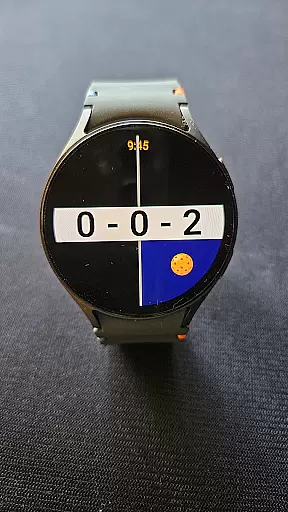
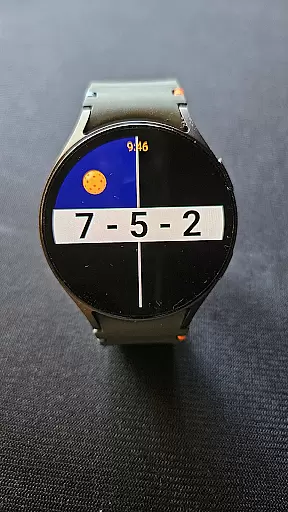
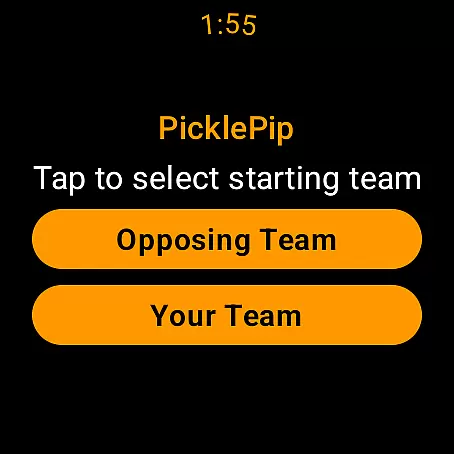


PicklePip is a specialized pickleball score tracking app designed exclusively for Wear OS 3 and higher. This innovative application eliminates scoring disputes by providing an intuitive interface that allows players to easily track scores directly on their smartwatches.
The app supports various smartwatch models including Samsung Galaxy Watch 4, Google Pixel Watches, OnePlus Watch 2 and 3, Xiaomi Watch 2, and several Mobvoi TicWatch models. With features like live score viewing on paired phones, game history storage, and audio announcements, PicklePip enhances the pickleball experience for players who want accurate and hassle-free scorekeeping.
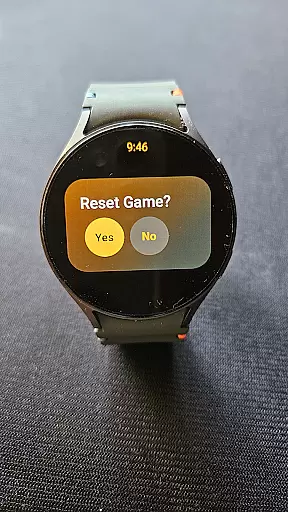
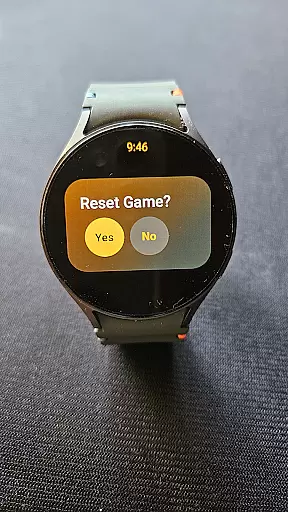
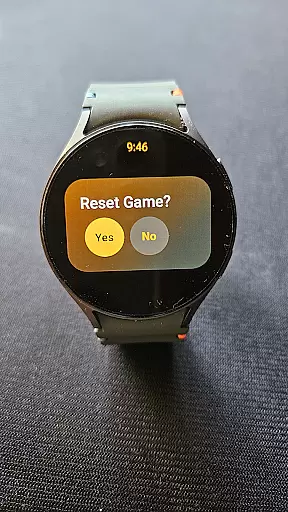
PicklePip offers a range of features tailored for pickleball enthusiasts. The app provides seamless score tracking through simple tap or swipe gestures on the watch face. Players can undo the last point with a double-tap or reset the game with a long-press on the score display.
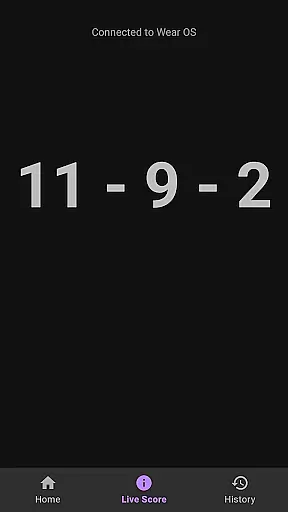
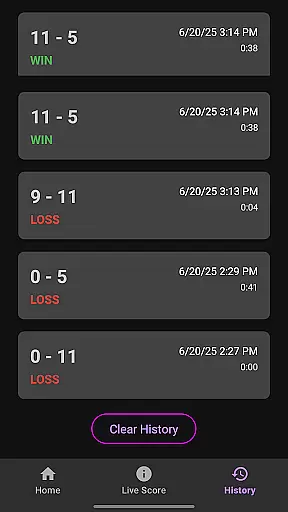
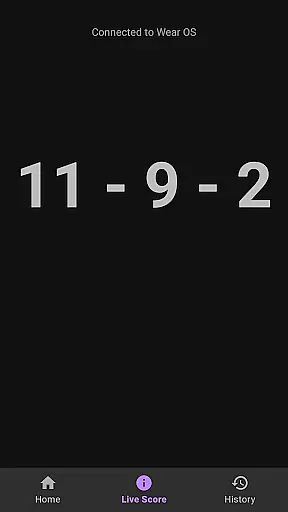
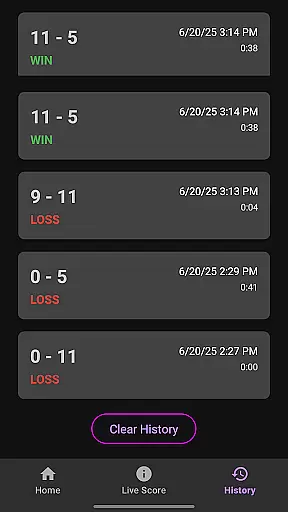
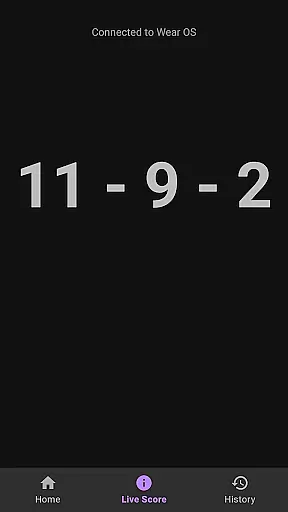
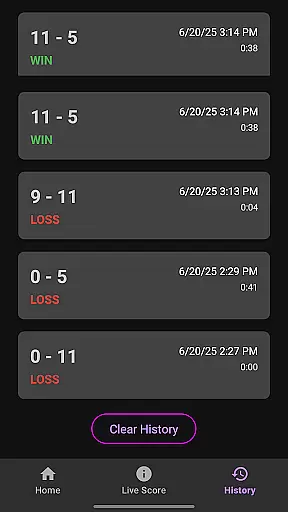
Additional functionalities include visual indicators for serving sides and optional audio announcements of the score. The companion Android app allows users to view live scores on their phones, making it easier for spectators to follow the game. Furthermore, players can store and review past game scores to track their progress over time.
PicklePip offers an intuitive and realistic scoring experience for pickleball enthusiasts. The app is designed to simulate the traditional scoring methods used in actual games, ensuring that users can easily track scores as they would on a physical scoreboard.
With features like tap-to-score and swipe controls, PicklePip mirrors the actions players are likely to take during a game. This design choice enhances the authenticity of the gameplay, making it feel as close to real-life scoring as possible without the need for physical scoreboards.
The app also includes a sideout scoring system, which is crucial for maintaining the integrity of competitive play. By focusing on this style of scoring, PicklePip ensures that players engage with a critical aspect of the sport that requires strategic thinking and awareness.
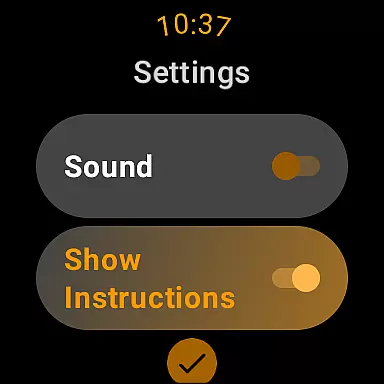
Users benefit from the app's ability to visually display who is serving and from which side, adding another layer of realism to the experience. Additionally, the option to have scores read aloud further immerses players in the game, providing an auditory cue that mimics the presence of a live announcer.
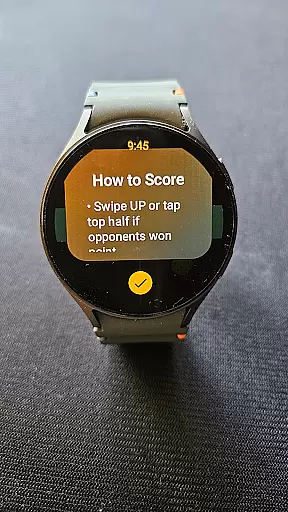
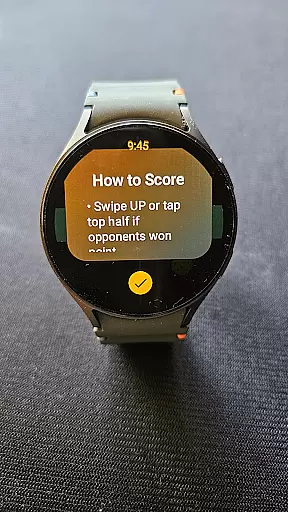
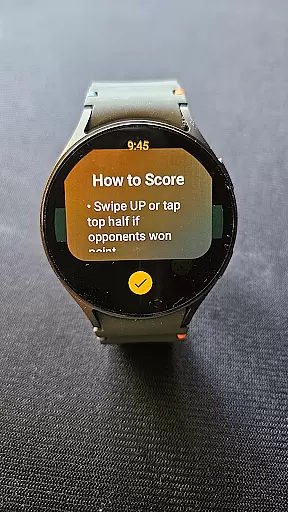
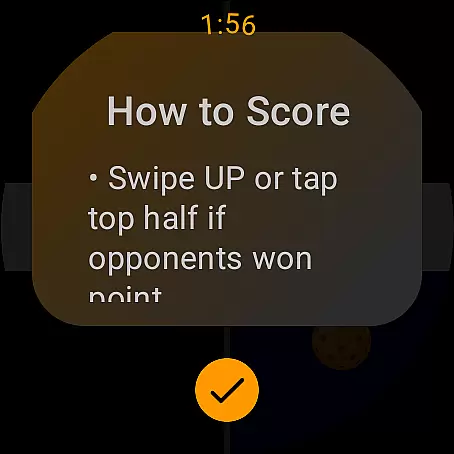
The control scheme of PicklePip is crafted to offer an intuitive user experience that aligns with natural gestures. Players can simply tap the bottom or top half of their Wear OS device screen to register points for their team or opponents, respectively.
In addition to tapping, the app supports swiping actionsu2014swipe down for your score and swipe up for the opponentu2019s scoreu2014making it even easier to keep track during fast-paced games. These straightforward controls ensure that users can focus more on their game and less on the scoring process.
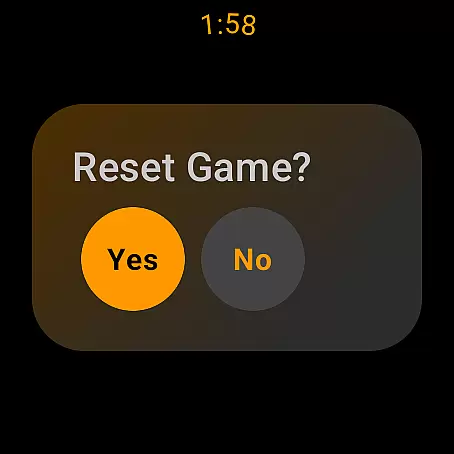
To accommodate human error, PicklePip includes a double-tap function to undo the last point scored, allowing for quick corrections without disrupting the flow of the game. A long-press action resets the score, preparing the app for new matches efficiently.
This intuitive approach extends beyond the watch itself; users can view live scores on their phones, offering spectators an easy way to follow the game's progress. Such seamless integration across devices highlights PicklePip's commitment to providing a user-friendly control scheme.
Intuitive Interface
Real-time Score Tracking
Compatible with Multiple Devices
Audio Announcements Option
Game History Storage
Limited to Wear OS 3+
No Rally Scoring Support
Phone Required for Setup
Small Screen Size
Premium Price Tag

Score as a Super Star in Football Strike: Action Multiplayer Online Soccer Game!
 4.70
4.70
Join over 10,000,000 people in the only official PBA bowling game!
4.40
Online multiplayer golf game. Play online golf games with your friends
4.60
Shoot, score, and outplay your rival in a fast-paced basketball battle duel!
4.60
Establish a stable of talented boxers to take on the world.
4.80
Push your skills, express your style, or just enjoy the ride.
4.60
FIFPRO licensed soccer game
4.50
Create your Ultimate NBA Team and experience realistic 2K Gameplay on Mobile!
4.70
Master the arrow art in archer duels
4.50
Ride, flip, and perform crazy stunts in an open BMX freestyle playground!
4.80
Play online multiplayer or PvP Pool games and compete with your friends!
4.80
NBA-licensed Streetball Game
4.70
Feel combo thrills in Challenge! Aim, strategize, and master your billiard skill
4.60
Play the hit multiplayer Carrom Disc Pool board game and become the best!
4.60
Trampoline backflips, frontflips & trick stunts! Ultimate adrenaline rush!
4.60
Sports app that presents matches' details from the most important championships.
4.50
Realistic golf, real courses
4.10
An easy-to-use app for sports team communication and logistics
3.20
Mental skills exercise/training - improve your power of focus and concentration
4.3


User Reviews