
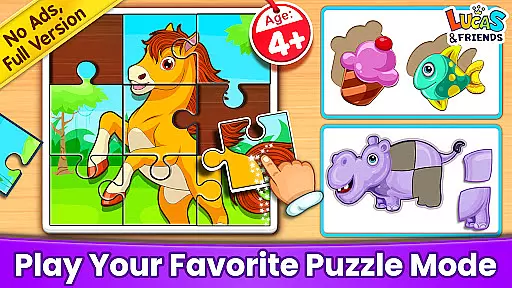
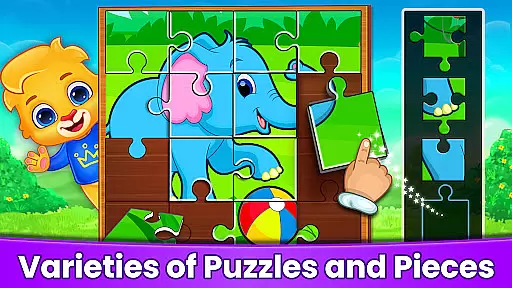
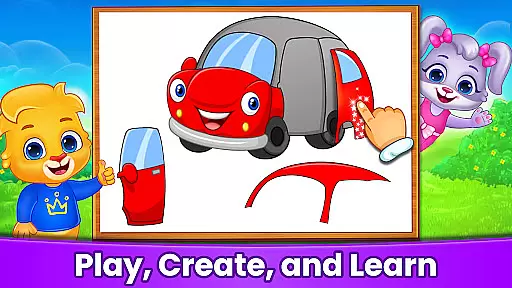
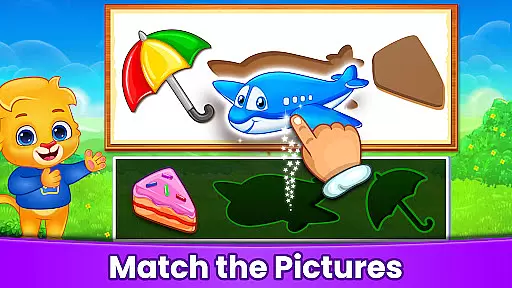
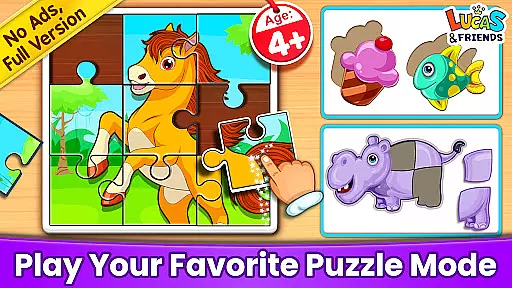
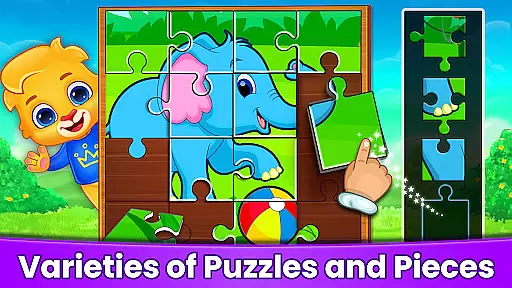
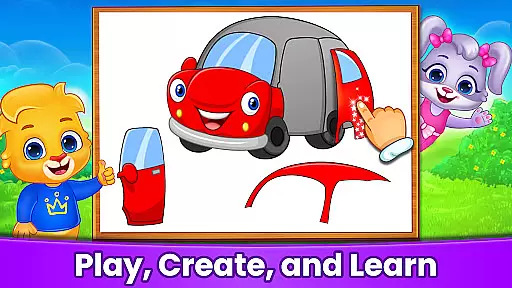
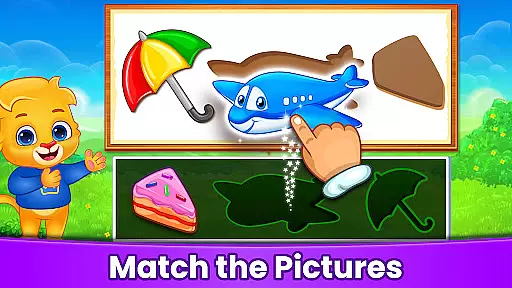
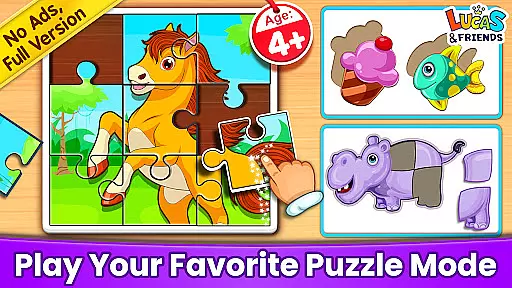
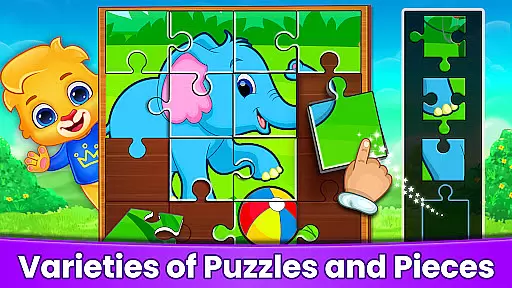
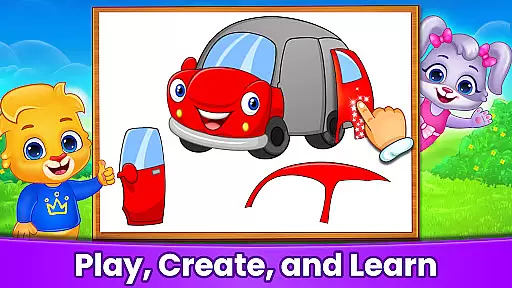
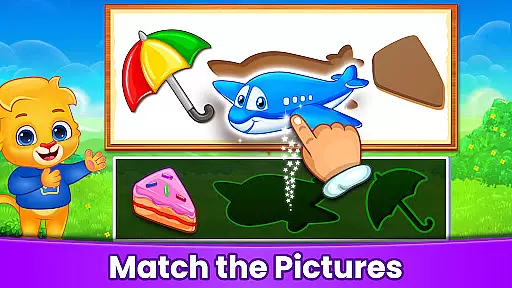
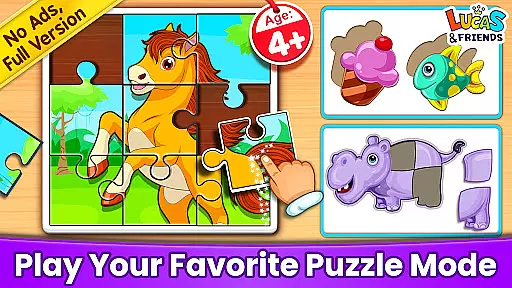
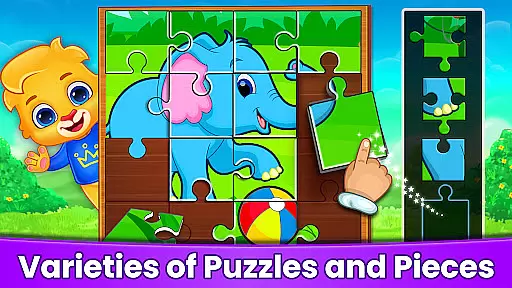
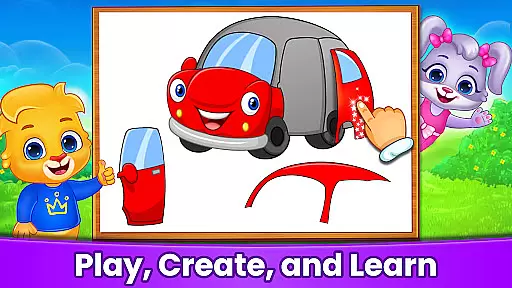
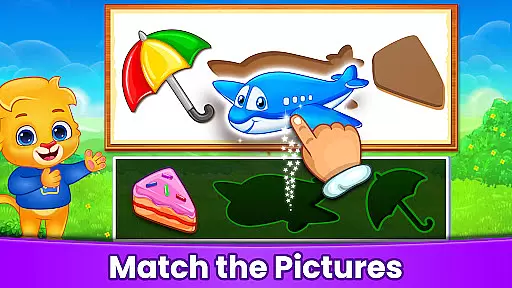
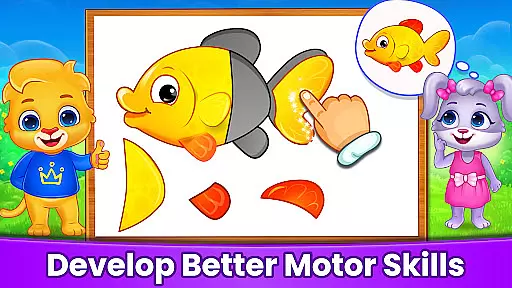
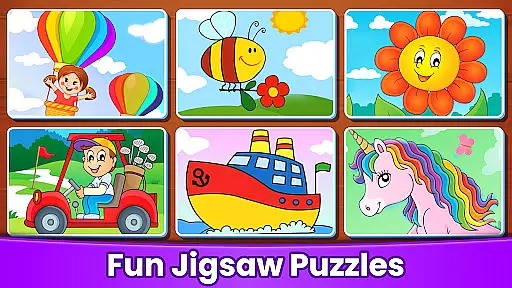
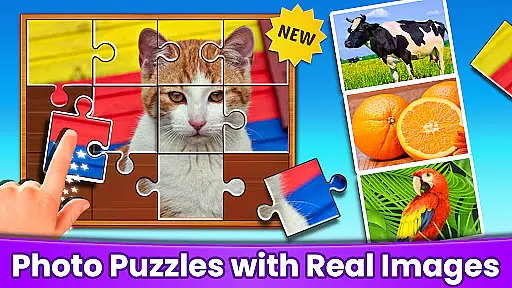

Puzzle Kids - Jigsaw Puzzles is an educational app designed to enhance children's logic skills while helping them recognize shapes and patterns. The app offers a series of interactive drag-and-drop puzzles tailored specifically for young learners. With its colorful interface and engaging mini-games, Puzzle Kids makes learning fun and accessible for toddlers, kindergarteners, and preschoolers.
Each mini-game in Puzzle Kids challenges children to manipulate shapes, solve jigsaw puzzles, and understand how smaller shapes fit into larger images. Children can collect stickers and toy rewards as they complete games, providing additional motivation and engagement. The app is completely free, with no third-party ads or in-app purchases, making it a safe and enjoyable learning environment for kids.
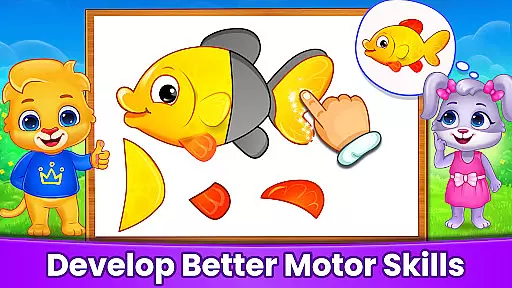
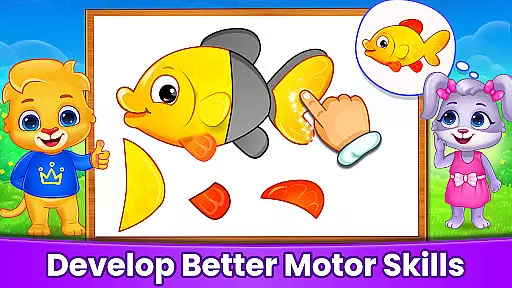
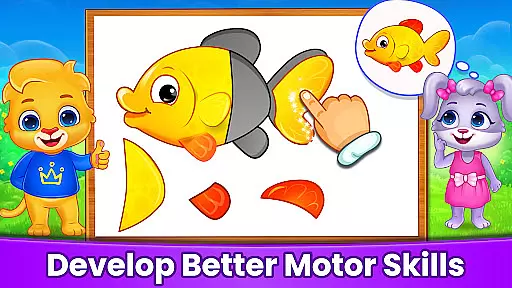
Puzzle Kids offers four unique mini-games that challenge children's problem-solving and logic skills. The Shape Matching game prompts children to drag objects onto corresponding outlines, enhancing their shape recognition abilities. Object Builder tasks kids with assembling scattered pieces into a larger image, fostering spatial awareness and fine motor skills.
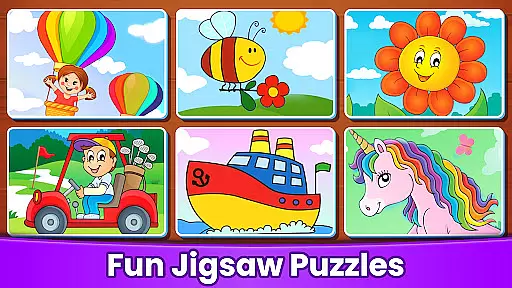
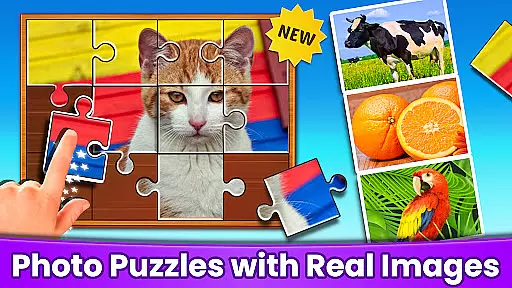
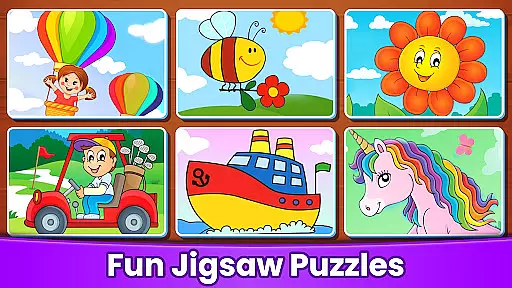
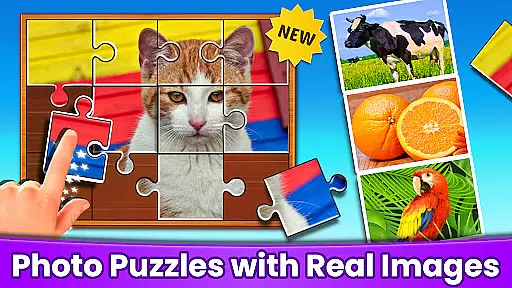
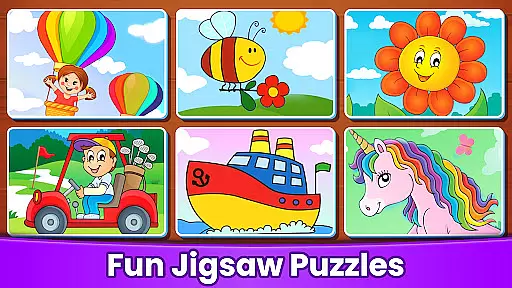
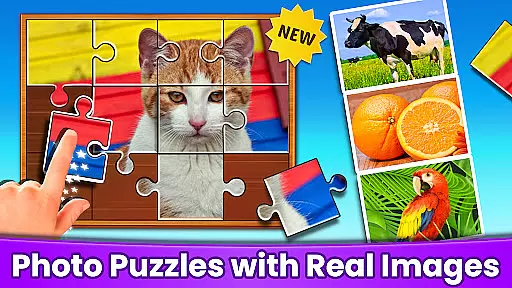
The Guess the Object game encourages children to use clues to uncover mystery pictures, promoting deductive reasoning. Finally, the Jigsaw Puzzles feature allows kids to arrange complex shapes into detailed images, with adjustable difficulty levels for different age groups. These features collectively help improve concentration, cognitive skills, and hand-eye coordination, all within a vibrant and user-friendly interface.
When it comes to educational apps, content authority and curriculum alignment are crucial for ensuring that children receive accurate and relevant learning experiences. Puzzle Kids - Jigsaw Puzzles takes this responsibility seriously by offering a suite of games designed to build logic skills and pattern recognition in young learners.
The app's content is crafted with care, featuring four unique mini-games that challenge problem-solving abilities and cognitive skills. Each game, from Shape Matching to Jigsaw Puzzles, aligns with fundamental educational objectives, helping children recognize shapes, solve puzzles, and understand how smaller parts fit into larger pictures.
Parents can trust Puzzle Kids to provide a reliable learning tool that supports early childhood education without the need for third-party ads or in-app purchases. The colorful interface not only captures the attention of toddlers, kindergarteners, and preschoolers but also facilitates easy manipulation of on-screen objects, enhancing their spatial awareness and fine motor skills.
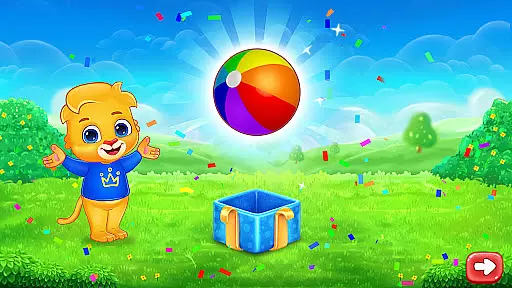
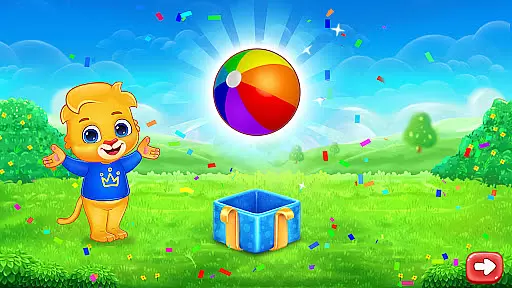
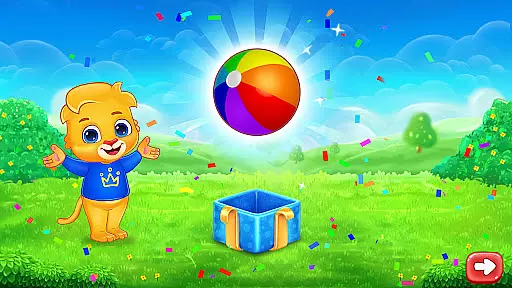
By engaging with Puzzle Kids, children earn stickers and toys as rewards, providing positive reinforcement for their learning achievements. This blend of entertainment and education ensures that kids remain motivated while they develop essential skills, making it an authoritative and curriculum-supportive resource for early learning.
Gamification in learning transforms education into an engaging and interactive experience, and Puzzle Kids - Jigsaw Puzzles excels in integrating this approach. By turning core learning concepts into fun challenges, the app successfully merges play with education, creating an environment where kids naturally want to explore and learn.
The app features a selection of drag-and-drop puzzles that are specially designed for children. These include Shape Matching, Object Builder, Guess the Object, and Jigsaw Puzzles. Each mini-game uses gamification elements such as rewards, colorful visuals, and interactive tasks to keep children engaged while subtly teaching them about shapes, patterns, and problem-solving.
Puzzle Kids enhances concentration and cognitive skills through its clever game design. As children complete puzzles, they earn sticker and toy rewards, which serve as motivational incentives. This system not only makes learning enjoyable but also helps improve focus and perseverance, as kids are encouraged to complete tasks to earn their next reward.
With its completely free model, devoid of third-party ads and in-app purchases, Puzzle Kids ensures that the gamification-learning integration remains pure and beneficial. Parents can feel confident that their child's gaming experience is both educational and safe, fostering a love for learning that can extend beyond the screen.
Completely free
No third-party ads
Engaging mini-games
Rewards system
User-friendly interface
Limited advanced options
Simple graphics
Fewer updates
Basic sound effects
Repetitive gameplay

Woof! The very first official Hey Duggee app for CBeebies' new favourite show.
 3.70
3.70
Play educational games for preschool toddlers—plus more to discover ►AdsFree◄
4.60
Creative beauty & fashion
4.50
Fun dentist game with Cocobi friends!
4.10
Epic battles, interactive quests and exotic pets. Learn math with Prodigy today!
4.70
OG Munchers - Play classic Number Munchers game on Android
4.40
The kids phonics and reading app that's helped millions of kids learn to read
4.00
Amazing learning and educational games for children of all ages.
4.70
3D school bus driving game for kids!
4.50
Play virtual baby daycare simulator & be a babysitter, take care of cute babies!
4.60
Enjoy coloring with wide variety of 1000+ coloring games for kids & drawing game
4.50
A world for little builders to create, imagine, and learn through play.
4.20
Endless runner fun packed with animal facts, exciting wildlife, & adventure.
4.10
Welcome to the dollhouse! Unboxing, doll games, dress up & cute pets await!
4.00
Cure the patients to create your hospital story!
3.90
Magical girl game where dreams come true. Collect & care for cute princesses!
3.80
Baby Phone Game for Kids & Toddlers to Learn Sounds, Numbers, ABCs, Phone Calls
3.80
Explore & build the cute kitty city, create fun stories & discover surprises!
4.4
Perfect for Dino fans of all ages.Vivid illustrations.Fascinating_Facts.Narrated
4.1


User Reviews