
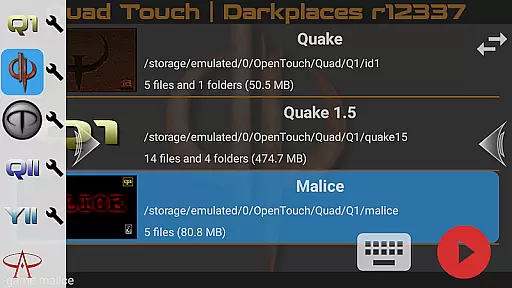
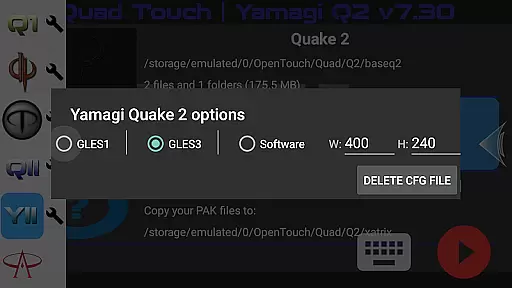
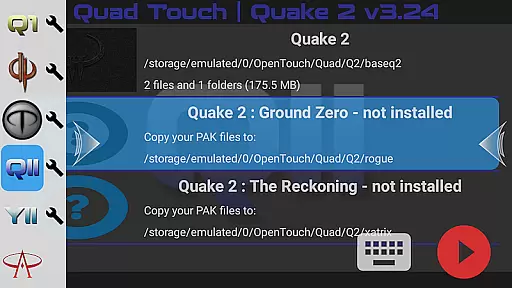
Quad Touch brings the most advanced Quake engines to Android, offering an unparalleled first-person shooter experience. The app supports multiple engine versions including DarkPlaces, QuakeSpasm, FTEQW, and more, each providing unique features and enhanced graphics.
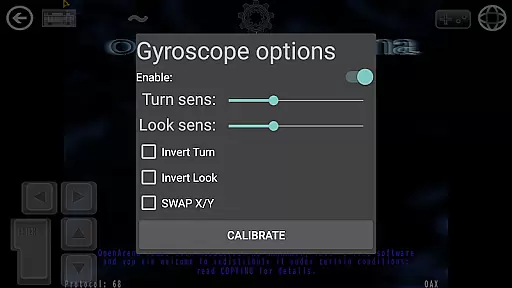
Designed for both classic game enthusiasts and modern gamers, Quad Touch delivers a versatile gaming platform. With full gamepad support, customizable touch controls, and gyro aim assist, it ensures an immersive experience on your mobile device. Whether you're reliving the nostalgia of Quake or exploring mods and total conversions, this app caters to all FPS fans.
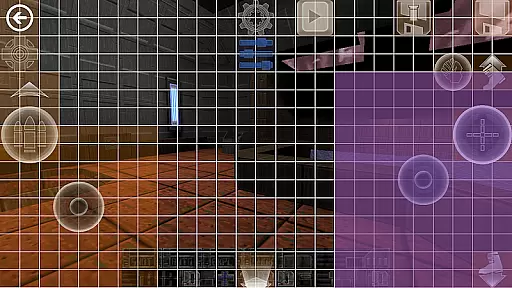
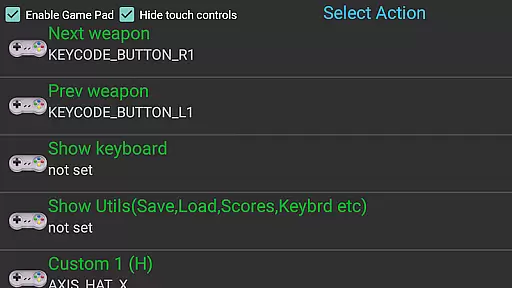
Quad Touch stands out with its comprehensive feature set tailored for FPS enthusiasts. The app includes six custom buttons for personalized command binding, a built-in keyboard, and weapon wheel for seamless gameplay. These features provide users with extensive control options beyond traditional touch input.
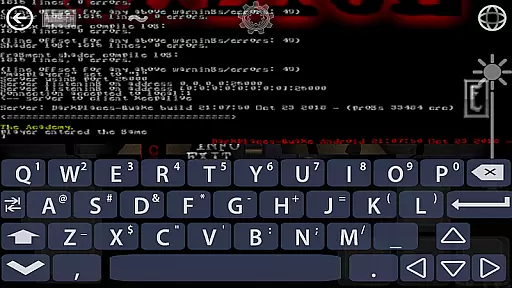
Another remarkable aspect is the full console access for all supported games, allowing advanced configuration. The app also offers mod selection through an intuitive GUI, import/export settings functionality, and scoped storage compatibility. With support for official expansion packs and Hexen 2, Quad Touch ensures a rich and varied gaming library on your Android device.
Control responsiveness and latency are crucial factors in action games, especially for a touch-based FPS experience. Quad Touch delivers an exceptional level of precision and speed in its controls, ensuring that every tap and swipe is registered instantly without delay.
The app incorporates advanced touch algorithms that optimize input recognition on Android devices. This ensures that players can execute complex maneuvers seamlessly, whether they're using on-screen buttons or external gamepads. The result is a fluid gameplay experience where actions feel natural and immediate.
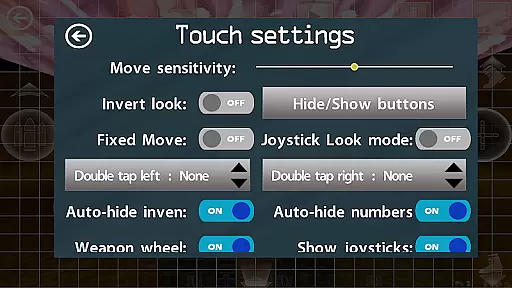
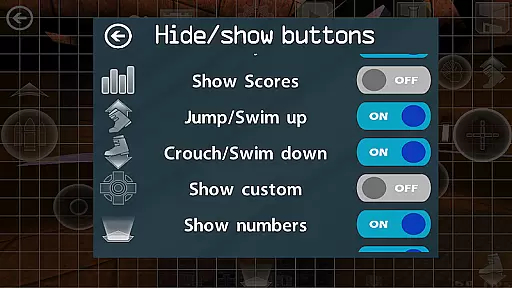
For users who demand high performance, Quad Touch offers customizable control schemes. Players can adjust sensitivity settings, button placements, and even create personalized command bindings to suit their playstyle. These features collectively enhance the overall responsiveness of the game controls.
Ultimately, the low-latency architecture of Quad Touch provides gamers with a competitive edge. Whether playing classic Quake engines or modern adaptations, users will appreciate how their inputs translate directly into in-game actions without perceptible lag.
Combat feedback tightness refers to how well a game communicates the impact of combat actions to the player. In Quad Touch, this aspect has been meticulously crafted to provide satisfying and precise responses during intense gaming sessions.
The app employs sophisticated haptic feedback systems that work in tandem with visual and audio cues. When players fire weapons or take damage, they receive immediate tactile responses through vibrations, enhancing the sense of immersion. This multi-sensory approach ensures that every combat interaction feels impactful and real.
Additionally, Quad Touch features finely-tuned hit detection and damage indicators. These elements help players understand their position in combat scenarios more clearly, allowing them to make split-second decisions based on accurate feedback. Such precision is vital for maintaining engagement and excitement.
By combining these technical aspects with optimized graphics rendering, Quad Touch achieves a high standard of combat feedback tightness. Gamers can expect a consistently thrilling experience across various FPS titles supported by the app, making each battle feel dynamic and rewarding.
Advanced engine options
Customizable controls
Full gamepad support
Wide game compatibility
Regular updates
No included game data
Complex setup required
High-end device recommended
Limited beginner guidance
Premium price point

Take a katana in your ninja hands to fight foes! Stylish ninja stickman game
 4.60
4.60
Be a spider hero and conquer the vice town
4.50
The Ultimate AAA Shooter: Mobile Warfare Redefined.
4.60
Secret of Mana—the landmark action RPG first released for SNES in 1993!
3.60
Memorize Scripture and climb through a vibrant hand-drawn Bible adventure!
5.00
BLEACH anime action RPG. Relive the story, unleash Bankai, battle Hollows!
4.80
Aim the arrow and become a legendary archer! Multiplayer action & shooting games
4.40
Experience the epic Western adventures that defined a generation
3.90
Keep an eye on the animatronics and you'll make it thru the night... probably.
4.70
Get pixel gun, kill hords of stupid zombies dead ahead, be a lone survivor
4.80
Plan. Adapt. Assassinate.
4.80
NEOGEO's masterpiece game is now available in the app!
4.70
Swing into action as a spider legend in an epic fighting adventure
4.60
Throw shurikens and cut through your enemies!
4.60 4.50
4.50
Kick all fighters out of the arena! Enjoy the casual fighting game experience
4.30
Action-packed FPS For All
4.30
NEOGEO's masterpiece game is now available in the app!
4.10
Combine a wide variety of skills and abilities to unleash dazzling combo attacks
4.00


User Reviews