
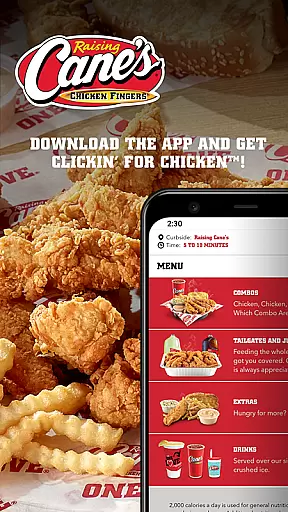
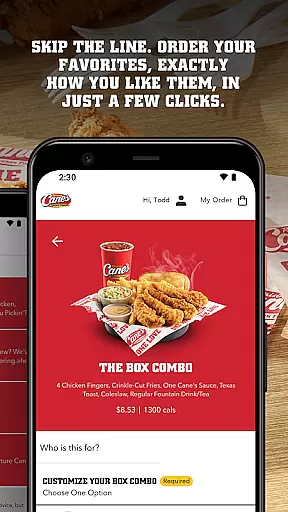
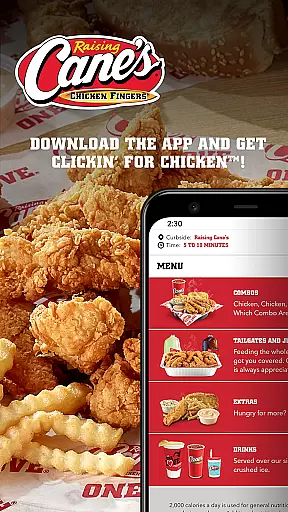
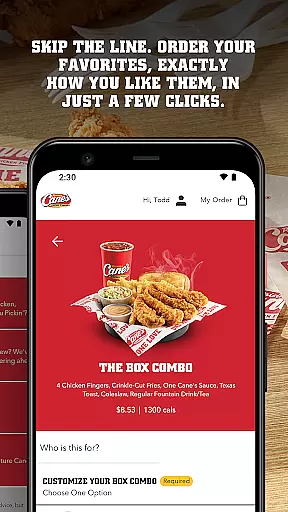
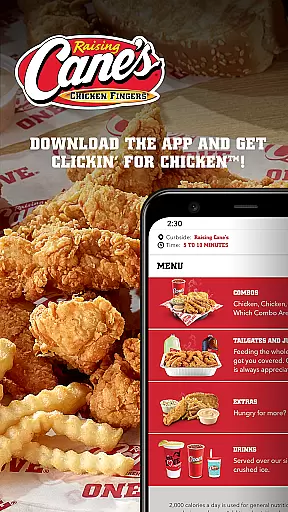
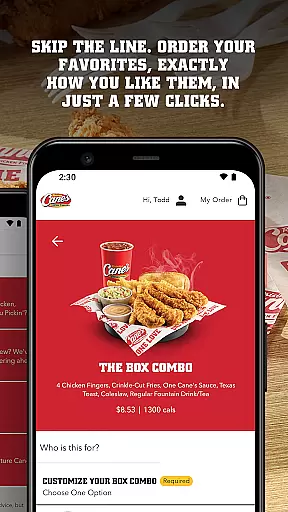
Raising Cane's Chicken Fingers app is your go-to solution for ordering their signature One Love® chicken finger meals. Designed to streamline the entire food ordering process, this app allows you to skip long queues by ordering ahead and customizing your favorites with just a few taps.
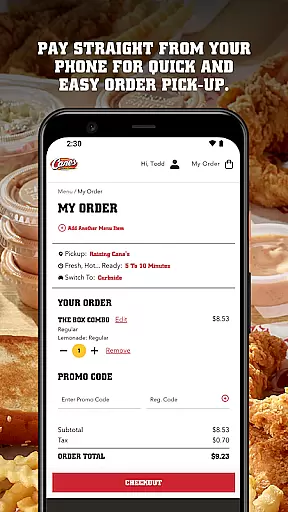
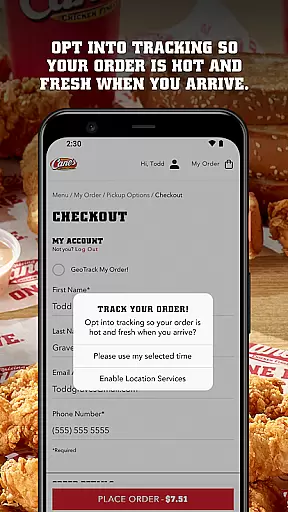
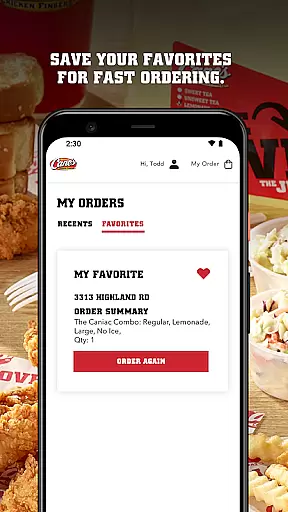
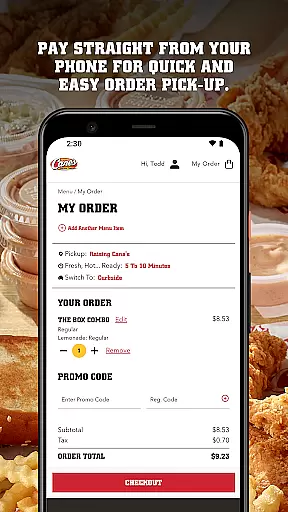
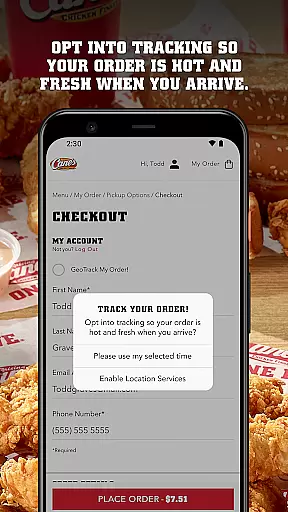
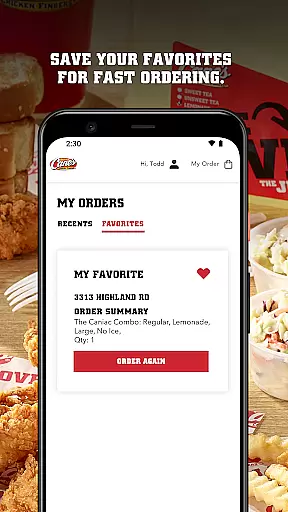
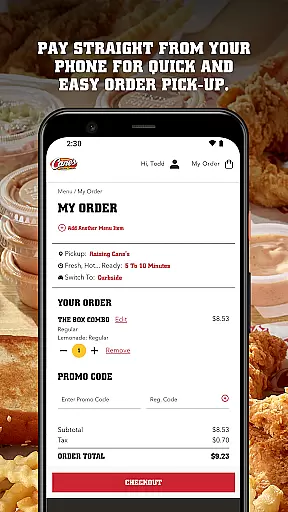
One of its standout features is the ability to pay directly from your phone, ensuring quick and easy pick-up. With Tasty Tracking, you can ensure your meal is fresh and hot when you arrive. The app also supports quick reordering, saving your favorite meals for faster future transactions.
Whether you're a busy professional needing a quick bite or a family looking to enjoy quality chicken meals at home, Raising Cane's app provides a seamless experience that enhances convenience and satisfaction.
The Raising Cane's Chicken Fingers app offers several key features that enhance user experience. First, the Order Ahead functionality lets you customize and order your preferred meals exactly how you like them, all within minutes. This feature alone saves considerable time and effort.
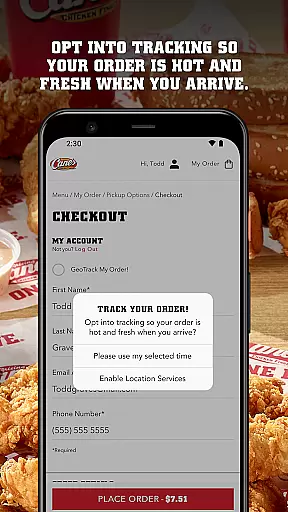
Another significant feature is Pay Ahead, which allows users to make payments directly through the app, facilitating a smoother and quicker pick-up process. Additionally, the Tasty Tracking feature ensures that every order is fresh upon arrival, enhancing overall meal quality.
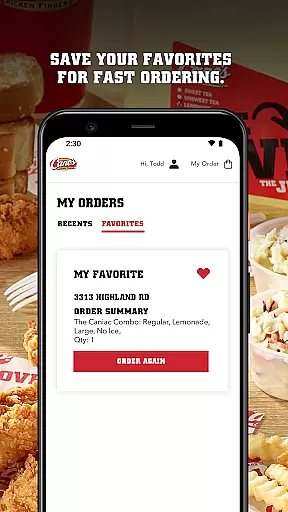
For those who frequently order the same items, Quick Reordering saves your favorite meals, making future orders even faster. These features collectively provide a comprehensive and efficient user experience, setting the app apart in the Food & Drink category.
Locating your nearest Raising Cane's Chicken Fingers has never been easier. The app provides a seamless store locator feature that ensures you can find your favorite chicken finger meals quickly and efficiently.
With the integration of advanced mapping technology, users are provided with precise locations of all nearby outlets. This functionality not only displays the closest restaurants but also offers essential details such as operating hours and contact information.
The benefit to you is clear - less time searching means more time enjoying. Whether you're at home or traveling, the store locator guarantees that a quality meal is always within reach, ensuring convenience and satisfaction.
Raising Cane's app excels in offering flexible delivery and pickup solutions. By allowing customers to order ahead, it effectively eliminates waiting times, making the experience of getting your meal smoother than ever before.
Payment is streamlined through the app, enabling swift transactions directly from your phone. This Pay Ahead feature ensures that your order is ready precisely when you arrive, maintaining food quality and temperature.
Moreover, the Tasty Tracking system keeps you informed about your order status, ensuring that every pick-up is timed perfectly for freshness. These combined services create an efficient, user-friendly experience that prioritizes both speed and meal quality.
User-friendly interface
Fast ordering process
Secure payment options
Fresh and hot meals
Quick reorder function
Limited menu options
Occasional bugs
Location restrictions
No delivery option
App only in English

Fix bad slushies with SlushIQ tools for Ninja Slushi, Iceman, and home mixers.
 4.2
4.2
Top restaurants delivered
4.70
Simple recipes and kitchen tips for easy meal planning. Your digital cookbook.
4.60
Order your Buffalo Wild Wings favorites for takeout & delivery
4.50
Sweeten the season!
4.90
Papa Johns Pizza, delivering an awesome pizza ordering experience for Android!
4.80
Tons of tasty options, ready in an instant! Order for pickup or delivery.
4.70
The ultimate app to save recipes from Instagram, TikTok, Facebook & more.
4.60
Order, Deals & Rewards
4.20
Quickly order, pay, reload your Starbucks Card and earn free drinks or food.
4.80
Enjoy all your Legendary favorites at Texas Roadhouse!
4.80
Get Rewards, Easy Ordering & Exclusive Offers
4.70
Earn rewards when you order online for delivery or pickup from Sonic Drive-In.
4.60
Order ahead & earn rewards
4.60
Order your Domino's favorites then follow the progress with Domino's Tracker®!
4.60
Stashcook: Keep healthy food recipes, cooklist & weekly meal plans for any diet.
4.50
Order ahead, receive points with qualifying purchase & redeem available rewards.
4.50
Get exclusive food deals, earn rewards, fast reordering & order ahead options.
4.30
Order Beer, Snacks & More 24/7
4.20


User Reviews