
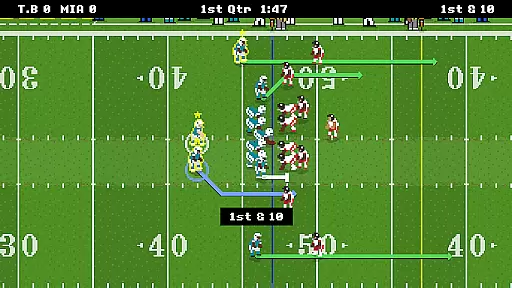
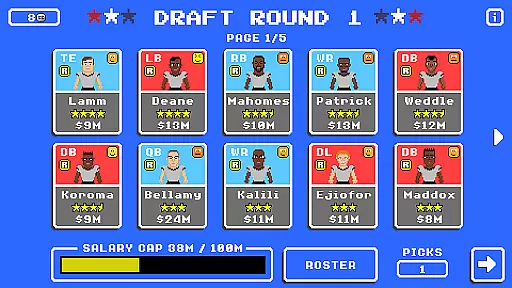
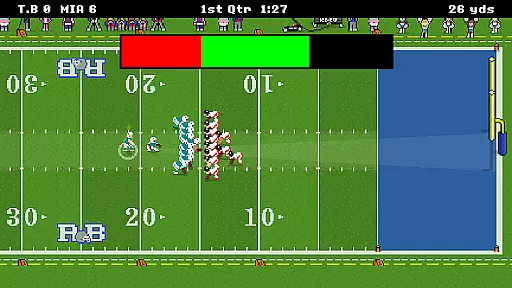
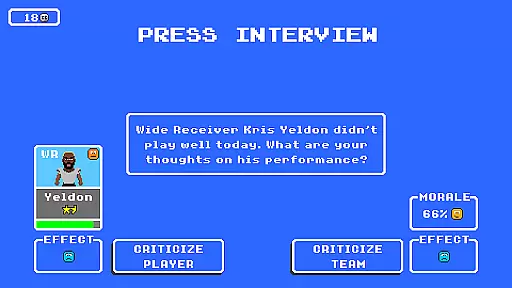
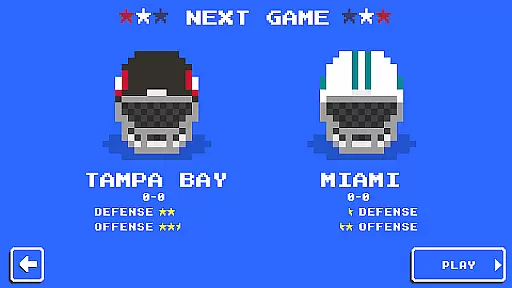
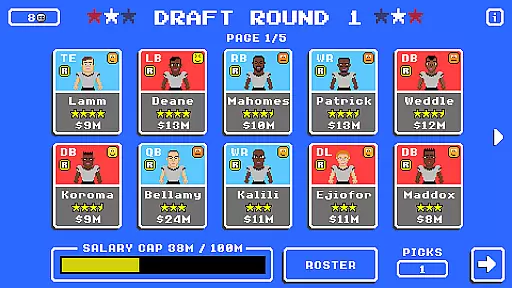
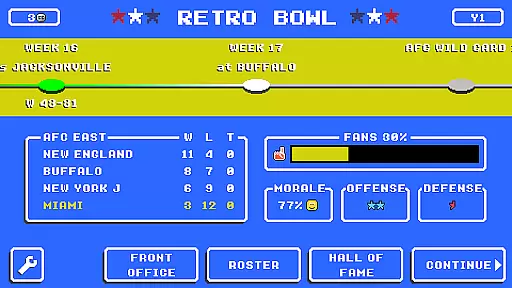
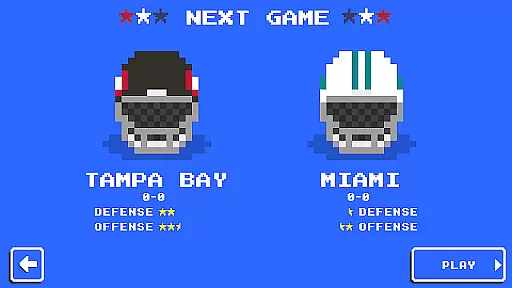
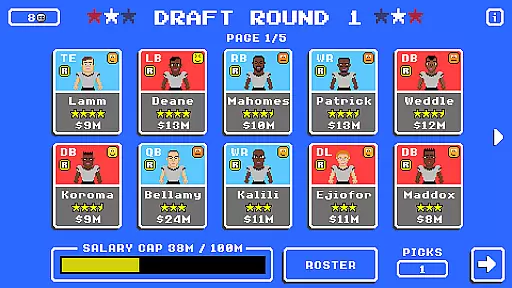
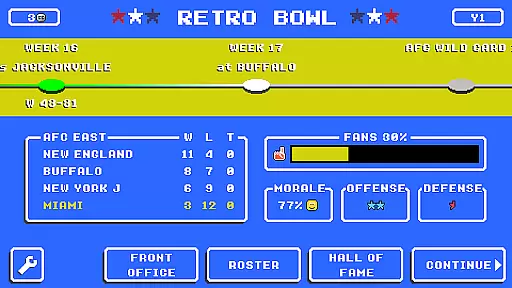
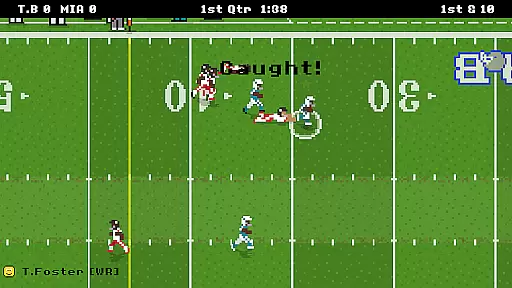
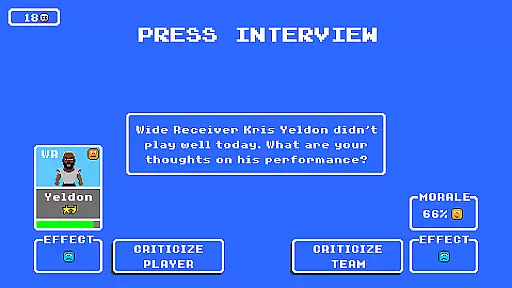
Retro Bowl is a sports game that combines strategic football management with arcade-style gameplay. The app allows users to manage their own football team, handling everything from player rosters to in-game decisions. With its retro aesthetic and simplified mechanics, it offers both nostalgic appeal and accessible gameplay for casual players.
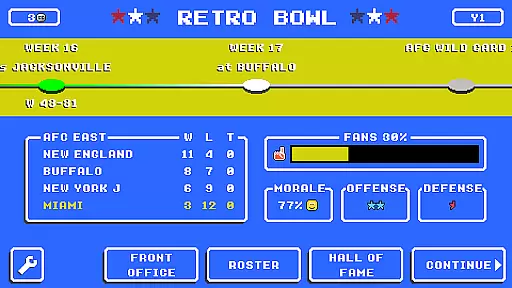
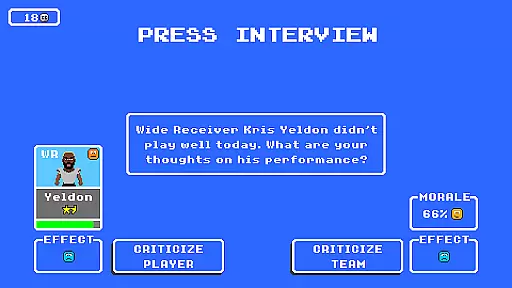
The game challenges users to balance team management with on-field strategy, requiring them to handle press conferences, player egos, and tactical decisions during matches. Its intuitive controls and pick-up-and-play design make it ideal for short gaming sessions while still offering depth for those who want to dive deeper into the management aspects.
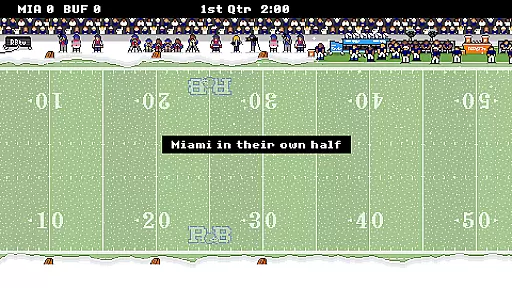
Retro Bowl stands out with its unique blend of retro visuals and modern gameplay elements. The app features an 8-bit art style reminiscent of classic gaming consoles, paired with simple yet engaging football mechanics. Users can create plays, manage teams, and compete in leagues, all while enjoying the nostalgic pixelated graphics.
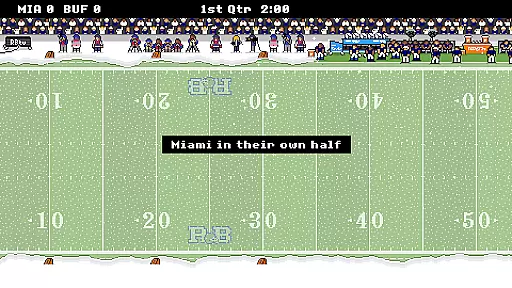
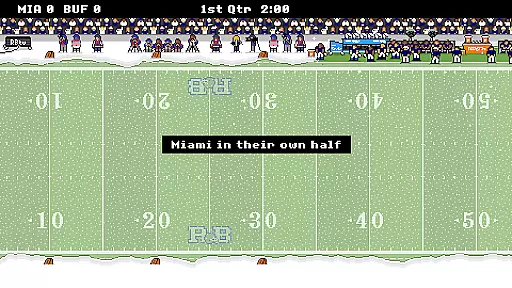
Beyond its visual appeal, Retro Bowl includes various customization options for team colors, logos, and strategies. Players can also experience different weather conditions and difficulty levels, adding variety to each match. The game's progression system rewards thoughtful management and smart play-calling, ensuring long-term engagement for sports enthusiasts.
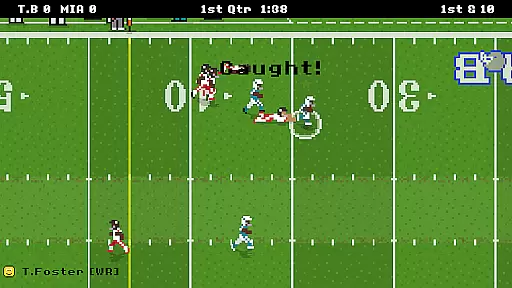
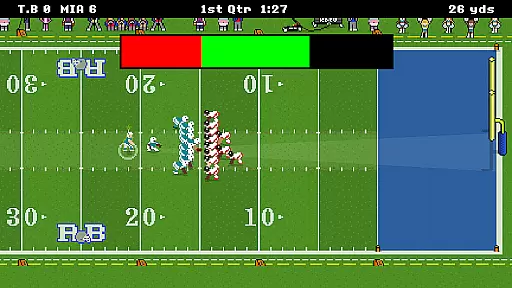
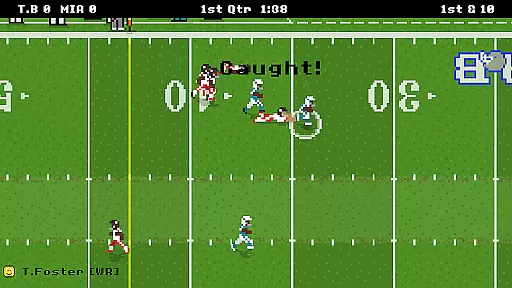
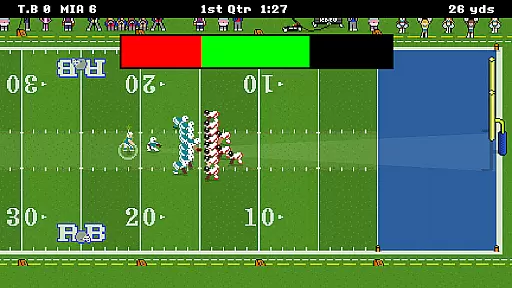
Retro Bowl captures the essence of football with its gameplay realism and attention to physics accuracy. The game employs a retro-style simulation that mirrors the dynamics seen on an actual football field. Players will notice how the ball's trajectory, player movements, and collisions reflect real-world physics, providing an immersive experience.
The developers have ensured that each play feels authentic, from the snap of the ball to the final whistle. Retro Bowl includes realistic player interactions such as tackling, blocking, and passing, which are all governed by underlying physical models. This dedication to detail makes every game session both challenging and rewarding.
For users, this means experiencing the thrill of making strategic decisions that can turn the tide in a match. Whether it's calling the right play or executing a perfect pass, the game's physics engine supports a level of realism that keeps players engaged. Such authenticity is crucial for those who appreciate the intricacies of football and seek a genuine virtual representation of the sport.
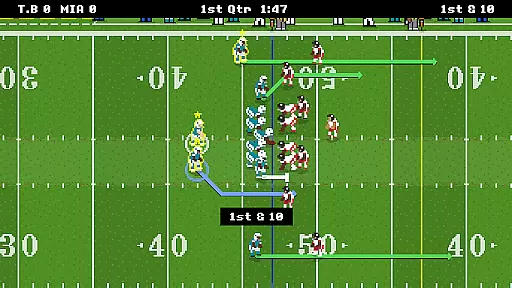
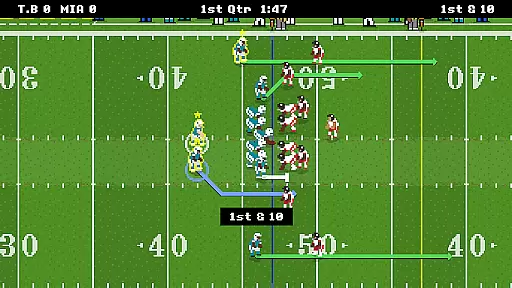
In Retro Bowl, the control scheme is designed to be intuitive, allowing players to focus on strategy rather than complex mechanics. With simple swipe and tap gestures, users can execute plays, make substitutions, and manage various aspects of their team efficiently. This streamlined approach ensures that even newcomers to sports games can quickly grasp the basics and enjoy the game.
The interface provides clear visual cues and feedback for every action, enhancing the overall user experience. Players can easily navigate through menus, adjust strategies, and issue commands without any confusion. This simplicity does not compromise depth; instead, it allows for more engaging gameplay sessions where decision-making takes center stage.
Ultimately, the intuitive controls contribute significantly to player satisfaction. By removing barriers to entry and facilitating seamless interaction, Retro Bowl enables gamers to immerse themselves fully in the role of a football coach. This accessibility broadens the appeal of the game, attracting both casual players and seasoned strategists alike.
Easy-to-learn controls
Nostalgic retro design
Engaging gameplay loop
Quick session times
Strategic depth
Limited advanced features
Repetitive over time
Few customization options
Ads between matches
No multiplayer mode

Real boxing game with PvP fights, tournaments & epic knockouts
 4.60
4.60
Build a football club from scratch and see if you can conquer the leagues!
4.70
Grab the ball and play your Basketball career in this 3D Real-time Sport Game!
4.60
Coach a franchise of NFL PA licensed pro football players to gridiron glory
4.60
Play eFootball™ with users around the world!
4.10
Raise your duckling into a champion racer in this addictive pet & adventure game
3.90
Out of the Park Baseball Go is a strategy & sports gaming fan’s dream come true.
4.40
Rediscover the joy of the original Backyard Baseball 1997
3.70
Mika Football App, Live scores, news, match insights & player info!
4.20
For Fans to Buy Tickets
4.80
8 Pool Master is an interesting billiard game
4.70
Basketball Team Management Sim Coach a custom team and dunk your way to glory!
4.70
Mobile Team Manager: Team Chat | Schedule Team Games | Build Player Roster
4.50
Ice Fishing Derby - It's the fun of ice fishing without the frostbite
4.40
Old-School Football
4.40
Fun multiplayer golf game! Prove you’re a golf legend and play with friends!
4.40
Pro Freestyle Football
3.20
Play fun baseball with doodle-style characters and hit massive home runs!
4.1
Play T20 Cricket World Cup 2025. Real matches, offline & tournament mode!
4.3


User Reviews