

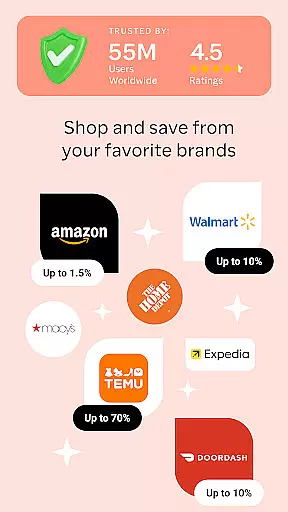
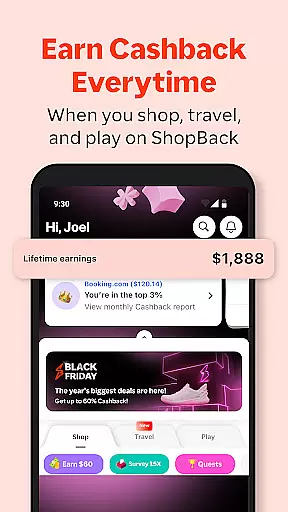
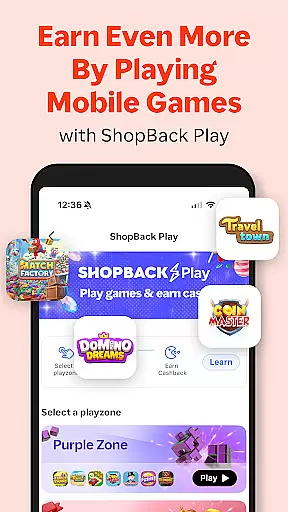

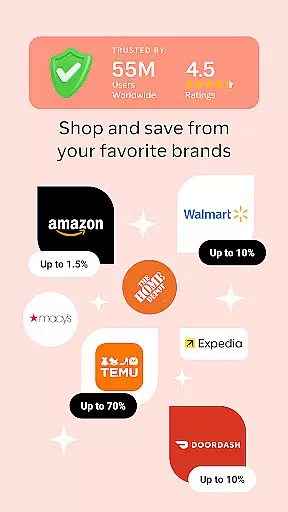
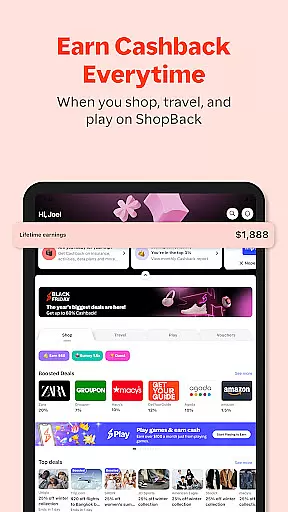

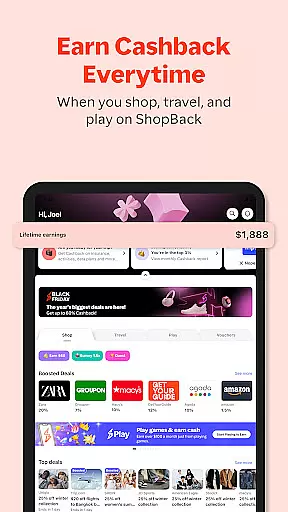
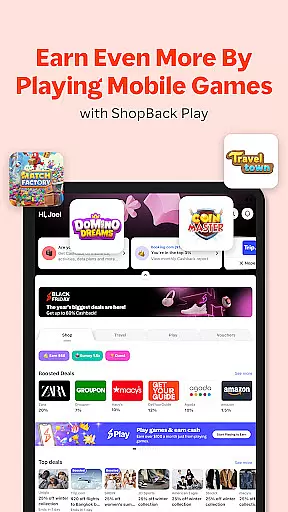
ShopBack is a leading shopping rewards platform that enables users to earn Cashback on their purchases from over 3,500 partner stores globally. The app serves as a one-stop solution for smart shoppers looking to maximize savings through various deals and payment methods. Available in multiple markets across Asia-Pacific and beyond, ShopBack provides a seamless experience for users to shop online or offline while earning attractive rewards.
The platform's key feature is its Cashback system, where users receive a percentage of their spending back when they shop through the app. This innovative approach not only helps shoppers save money but also offers additional benefits such as exclusive coupon codes, loyalty programs, and credit card mile integration. With its user-friendly interface and comprehensive reward system, ShopBack has become an essential tool for millions of shoppers worldwide.
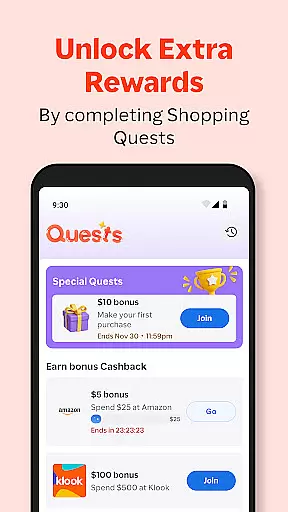
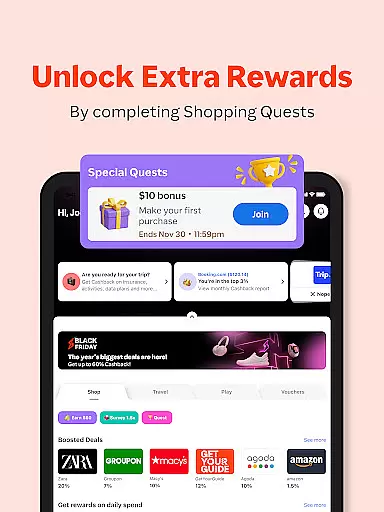
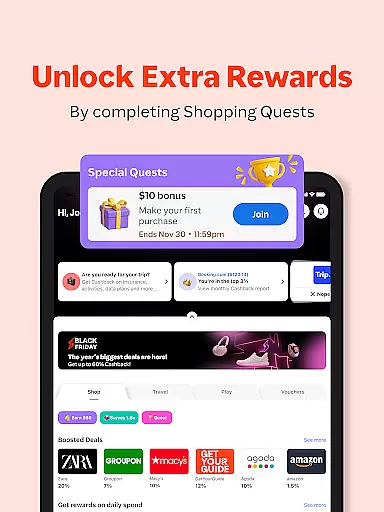
ShopBack distinguishes itself through several advanced features designed to enhance the shopping experience. The app's browser extension, available for Chrome users, automatically searches for the best Cashback deals and discounts across multiple websites. This intelligent feature ensures that users never miss out on potential savings while shopping online. Additionally, the platform offers limited-time shopping quests that provide bonus Cashback opportunities for completing specific shopping tasks.
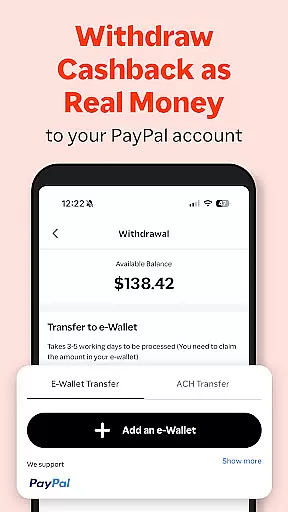
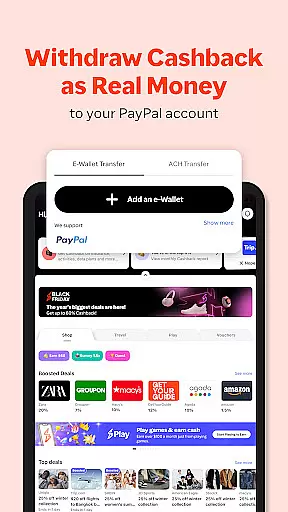
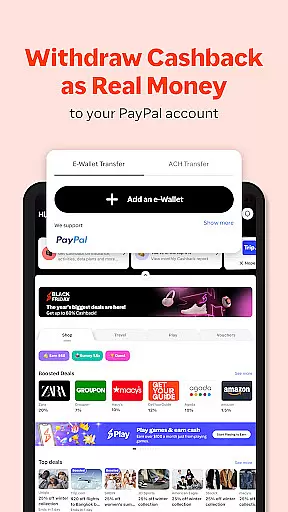
For users in select markets, ShopBack Pay revolutionizes the payment process by allowing customers to earn extra Cashback at over 4,700 outlets both online and offline. The app also includes a gift voucher purchasing system, enabling users to buy digital vouchers while earning instant Cashback. These features are complemented by a robust tracking system that monitors purchases and verifies Cashback eligibility, ensuring accurate reward distribution. With multiple withdrawal options including PayPal and bank transfers, ShopBack provides flexible ways to access earned rewards.
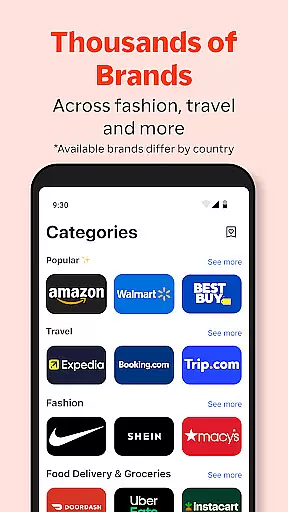
ShopBack offers an extensive selection of products across various categories, ensuring that users can find exactly what they need. With over 3,500 stores globally, the app provides a diverse shopping experience tailored to different markets. This vast network includes everything from fashion and electronics to groceries and travel services.
The app's categorization system is designed for ease of use, allowing shoppers to quickly navigate through different product types. Each category is further broken down into subcategories, making it simple to locate specific items. For instance, within the fashion section, users can easily filter by clothing type, brand, or price range.
What sets ShopBack apart is its integration of online sales, coupon codes, and loyalty programs. This combination not only enhances the shopping experience but also maximizes savings. Users can stack these benefits, enjoying both immediate discounts and long-term Cashback rewards on their purchases.
By providing such a comprehensive and well-organized product range, ShopBack ensures that users can make informed purchasing decisions while maximizing their savings potential. This level of variety and organization ultimately leads to a more satisfying and efficient shopping experience.
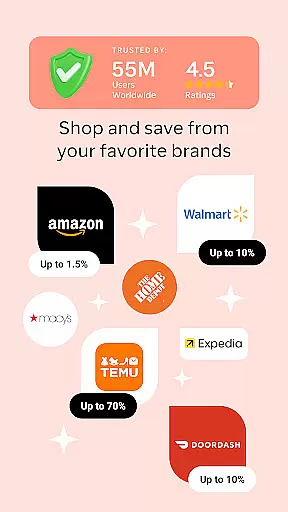
One of ShopBack's key strengths lies in its commitment to pricing transparency and competitive rates. The platform ensures that users have access to the best available prices by partnering with over 3,500 stores worldwide. These partnerships enable ShopBack to offer exclusive deals and discounts that might not be available through direct store visits.
The app goes beyond just displaying prices; it actively tracks Cashback earnings and purchase history. This feature allows users to monitor how much they're saving in real-time. Additionally, ShopBack provides detailed information about when Cashback will be credited and when it becomes withdrawable, creating a transparent financial tracking system.
Furthermore, ShopBack enhances its pricing competitiveness through limited-time shopping quests. These special promotions offer bonus Cashback opportunities, effectively lowering the net cost of purchases. The app also supports price comparison across different merchants, empowering users to make the most economical choices.
This combination of transparent pricing structures, exclusive deals, and additional earning opportunities makes ShopBack a powerful tool for cost-conscious shoppers. Users can trust that they're getting the best possible value for their money while enjoying the convenience of a single-platform shopping experience.
User-friendly interface
Wide merchant network
Multiple earning opportunities
Flexible payout options
Regular promotional campaigns
Limited offline coverage
Market-specific restrictions
Verification delays
Regional service variations
Technical dependency

Weekly deals & coupons, build your shopping list, order for pickup or delivery
 4.70
4.70
World’s simplest mobile payment solution for machines.
4.50
Shop with ease and save more; whether at home or in store!
3.60
Shop now, pay later. No credit needed.
4.90
The PetSmart App is a great resource for every step of your pet parent journey!
3.40
Pay Over Time with No Interest¹
4.60
An easy Secret Santa & gift exchange planner - Simplify your gift shopping!
4.80
Create Wishes & Get Inspired
3.20
Fast delivery and epic savings await in your AliExpress app!
4.40
Stop overpaying. Grab coupons & deals for Walmart, Target, Amazon & more.
4.80
New styles & exclusive offers
4.80
Shop shoes, sneakers, activewear, and clothes from the adidas shopping app
4.80
Create wishlists and share with family. Claim gifts for any occasion!
4.80
Unlock the latest from Nike & Jordan. Shop sneakers & apparel for all athletes.
4.70
Prescriptions, coupons, photos and shopping - it's all in the Walgreens app.
4.60
The deals you love & beyond!
4.50
E-commerce Wholesale Marketplace: Shop and save on all your business supplies
4.40
Shop, Save and Earn | Social Shopping & Savings Deals | Real Money Payouts
4.20
The Only App For Life Out Here.
3.10


User Reviews