
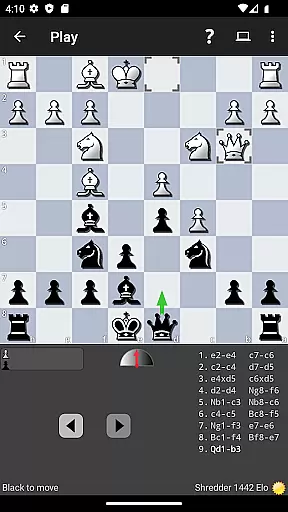

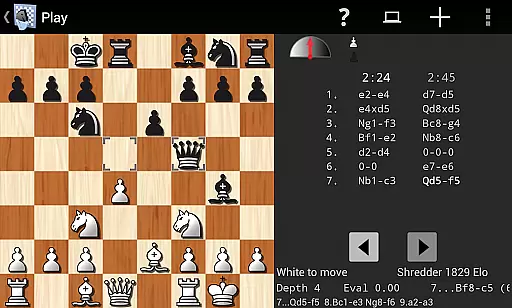
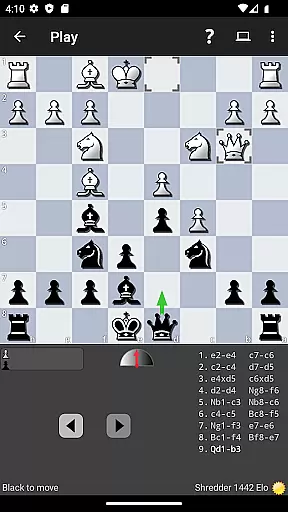
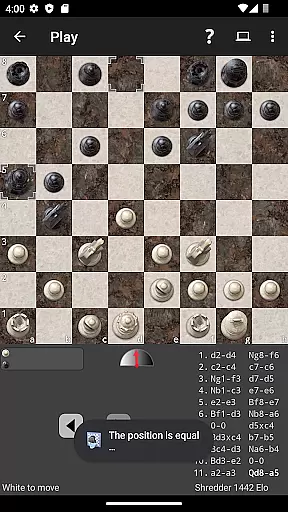
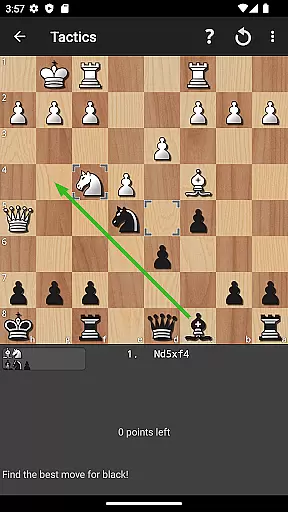
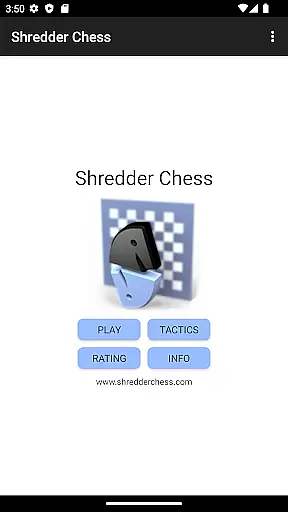
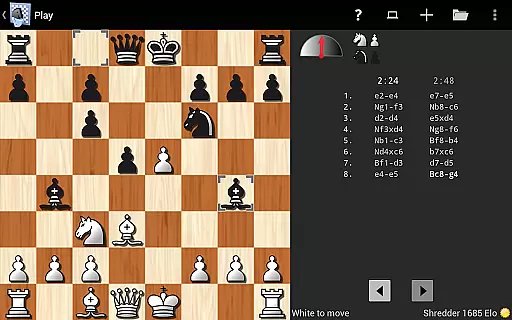
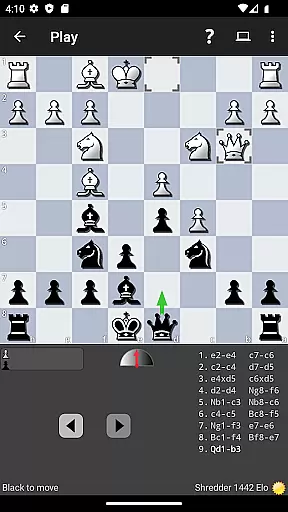
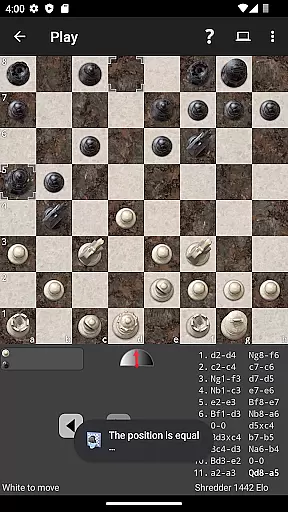
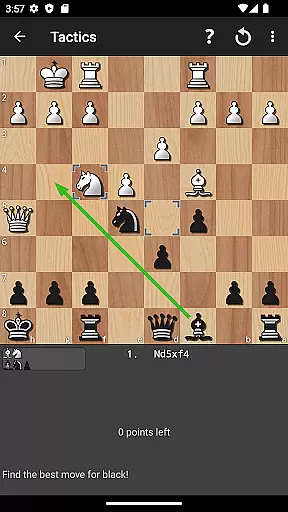
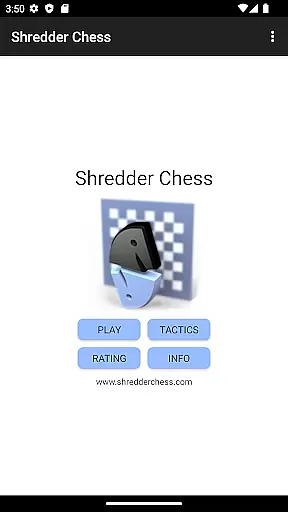
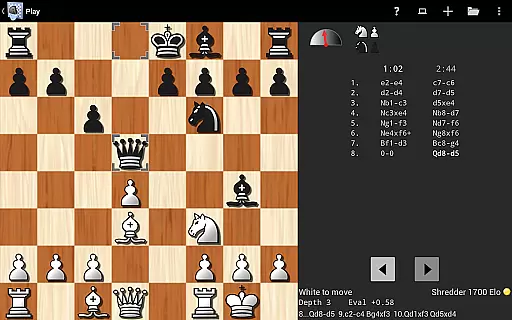
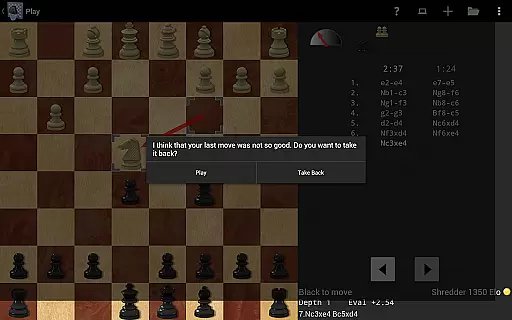
Shredder Chess is a premier chess application designed for both casual players and serious enthusiasts. As the 19-time computer chess world champion, Shredder offers an unparalleled playing experience with adjustable difficulty levels ranging from beginner to master. The app provides users with the ability to play against the AI, analyze their games, solve built-in puzzles, and receive coaching during gameplay.
One of the standout features of Shredder Chess is its ability to simulate human opponents of varying skill levels, even replicating typical human errors at certain levels. This makes it an ideal training tool for those looking to improve their game. Additionally, the app tracks user performance on puzzles and offers advice when needed, ensuring continuous learning and improvement.
Whether you're using a mobile phone or tablet, Shredder Chess delivers a seamless experience. Its intuitive interface and extensive feature set, including opening books, position analysis, and PGN import/export capabilities, make it a versatile tool for enhancing your chess skills anytime, anywhere.
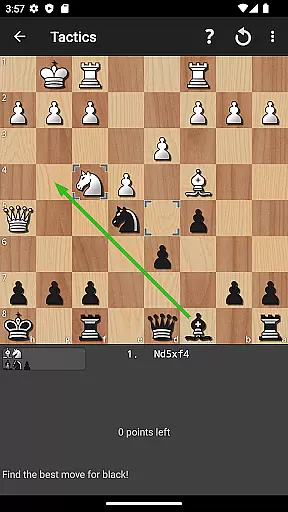
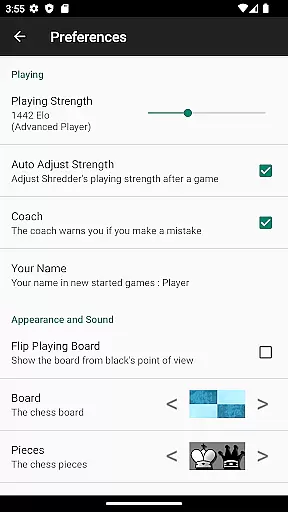
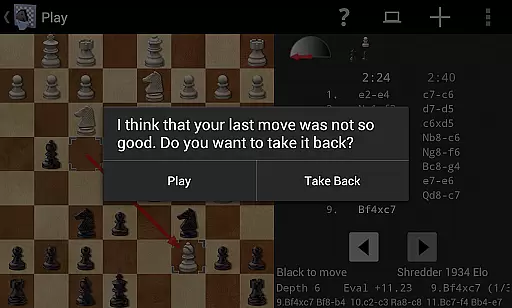
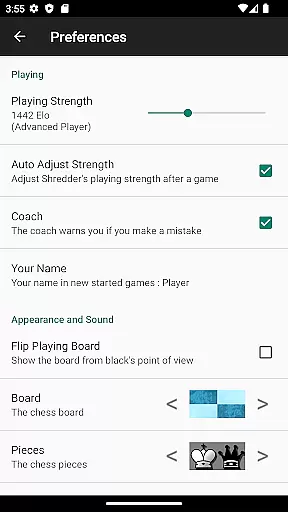
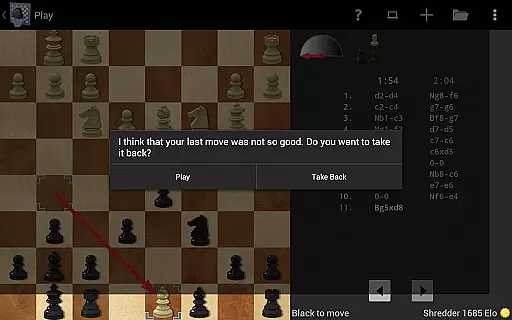
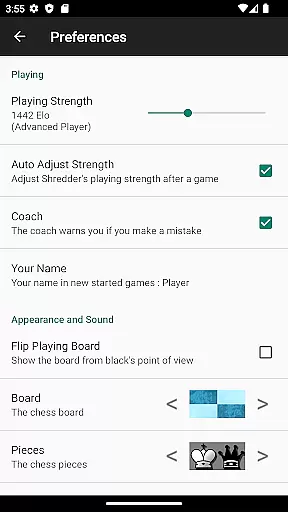
Shredder Chess stands out due to its comprehensive feature set tailored for chess enthusiasts. The app allows users to adjust the AI's playing strength, catering to all skill levels. It includes a library of 1000 built-in chess puzzles, providing ample opportunity for practice and improvement. During gameplay, a virtual coach monitors your moves and alerts you to potential mistakes, offering real-time feedback.
The app also rates your play by calculating an Elo rating, giving users a measurable way to track their progress over time. With its ability to simulate opponents of any strength and deliberately make human-like mistakes, Shredder Chess serves as a powerful training tool. Users can analyze their games, identify errors, and refine their strategies accordingly.
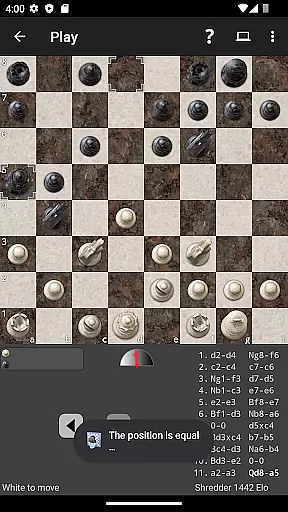
Additional features include various chessboards and piece designs, blindfold mode, and support for importing and exporting games in PGN format. These functionalities ensure that players have a diverse and customizable chess experience, whether they are solving puzzles, engaging in matches, or studying specific positions.
Shredder Chess upholds the integrity of traditional chess rules while offering flexible adaptations to suit players of all levels. The app allows users to adjust the playing strength from beginner to master level, ensuring that each game adheres to authentic chess principles regardless of difficulty.
With its ability to mimic human players and deliberately make mistakes at certain levels, Shredder Chess provides a realistic simulation of real-world opponents. This feature not only maintains rule authenticity but also adds an educational layer by helping users recognize and learn from typical human errors in chess.
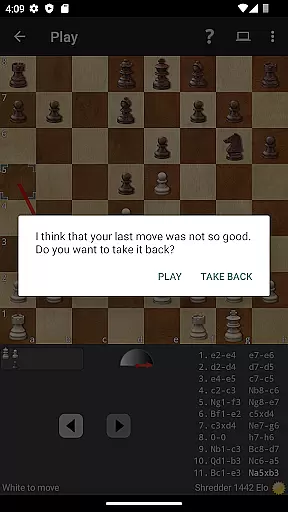
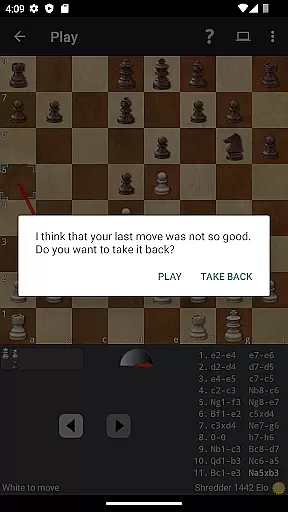
The inclusion of a coach who watches over your moves and warns you of potential mistakes further enhances the adherence to chess rules. By receiving instant feedback, players can correct their strategies in real-time, thus preserving the essence of true chess gameplay while learning.
Moreover, the app's support for importing and exporting games in PGN format ensures that users can seamlessly continue their chess games across different platforms without compromising on rule consistency or losing progress, making it an invaluable tool for both casual and serious chess enthusiasts.
Shredder Chess stands out with its exceptional AI opponent quality, which is a result of being developed by the 19-time computer chess world champion. The AI is designed to simulate any level of human play, providing users with a challenging yet fair match every time they play.
The AI's adaptability is one of its key features; it can automatically adjust its strength to match the user's skill level, offering a personalized experience that helps players improve over time. This dynamic adjustment ensures that the AI remains a worthy opponent, keeping the game engaging and educational.
In addition to adjustable difficulty, the AI also offers an analysis mode where it helps users find their mistakes and understand how to improve their strategies. This dual functionality as both an opponent and a learning tool underscores the high-quality design of the AI system within Shredder Chess.
Furthermore, the AI's capability to rate a player's performance using the Elo rating system adds another layer of depth to the gaming experience. By providing measurable feedback on one's playing strength, Shredder Chess encourages continuous improvement and mastery of the game through quality AI interactions.
World-class chess engine
Adjustable difficulty levels
Real-time coaching feedback
Extensive puzzle library
User-friendly interface
No online multiplayer
Limited social features
Premium price point
Complex for beginners
Occasional bugs reported
Strike sparks hard, but don't get charred!
 3.00
3.00
Roast coffee beans and compose a delicious cup of coffee.
3.80
Joyful color by number & paint by number in this relaxing coloring game!
4.60
Fantasy Christmas Color.Paint by number on holiday coloring book to relax.
4.90
Challenge friends in offline 2 player games. Play boxing, fighting, chess, snake
4.00
Start Playing this cool Domino Game right now!
4.70
Lords of Waterdeep is a strategy board game, set in the D&D world of Waterdeep.
3.80
Harvest resources to build a woodland village in a beloved digital board game!
4.90
The iconic murder-mystery. Six suspects, six weapons, nine rooms, one culprit.
4.60
Mahjong match game with large tiles, senior-friendly design, and offline play.
4.90
Pop Color – A Relaxing Zen Color Game
4.90
Plan, Build, Conserve
4.80
Celebrate Christmas joy with fun paint by number & happy holiday coloring book!
4.70
Connect matching tiles to clear the board. Memory puzzle game at leisure!
4.70
City Building Strategy Game: find the perfect spot for every polyomino piece!
4.60
Nostalgia Color: Relive Your Fondest Memories
4.40
Dominoes online! Classic board games - Fives, Threes, Block and Draw Dominos!
4.40
The popular roll & write game by Paolo Mori
3.90
The city of London has hired you to redesign their Underground lines!
4.4


User Reviews