
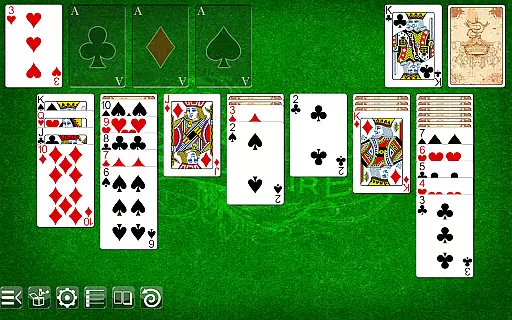
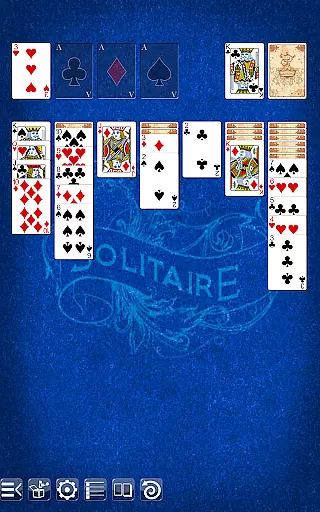
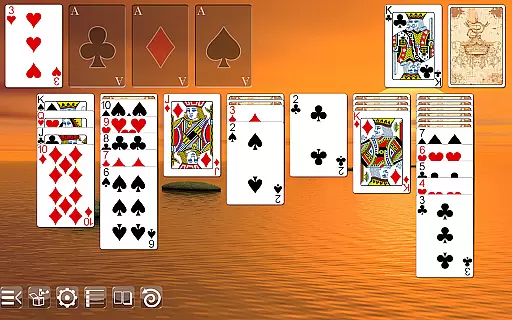
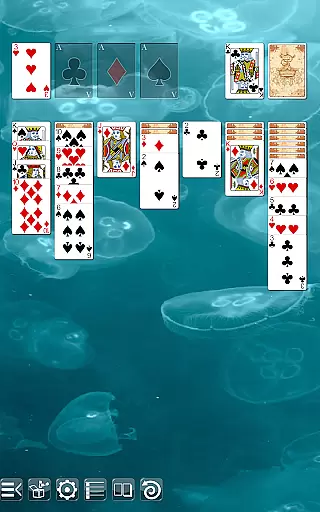
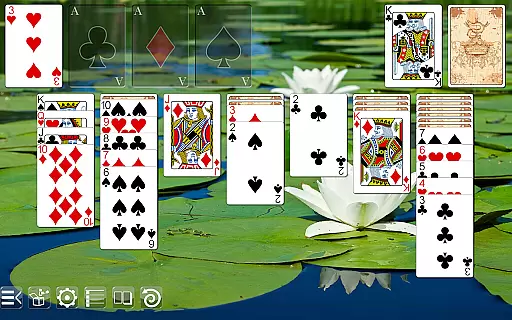
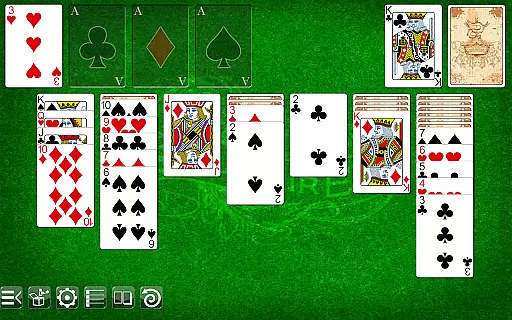
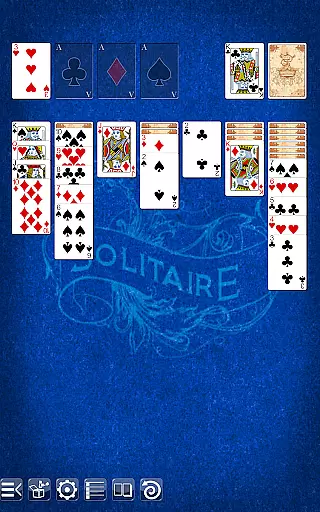
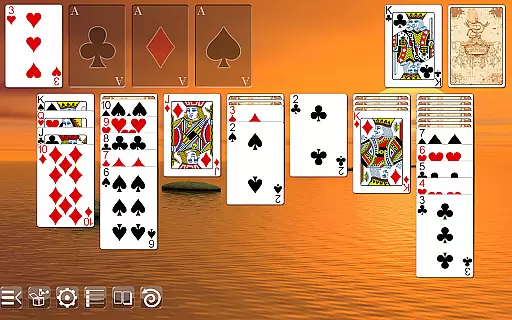
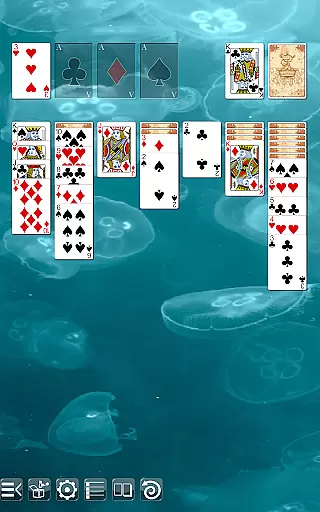
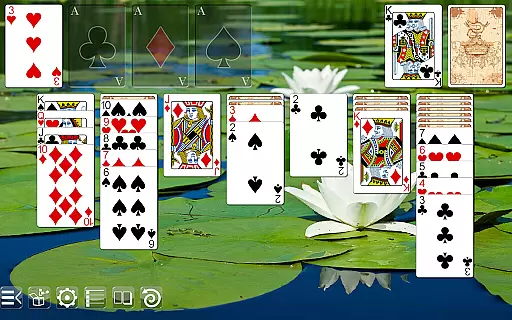
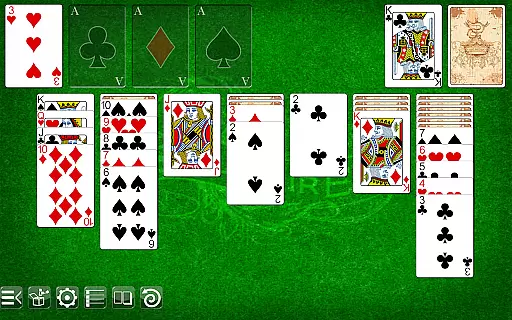
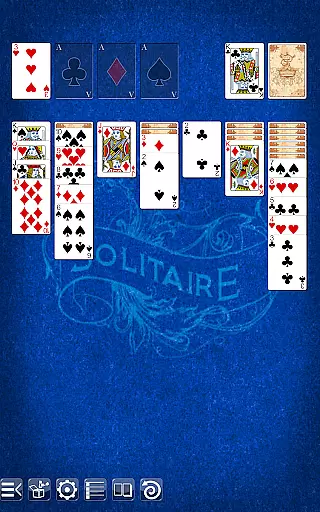
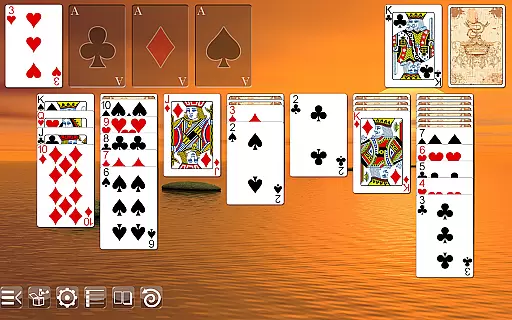
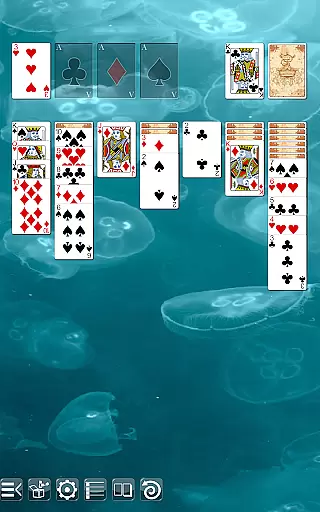
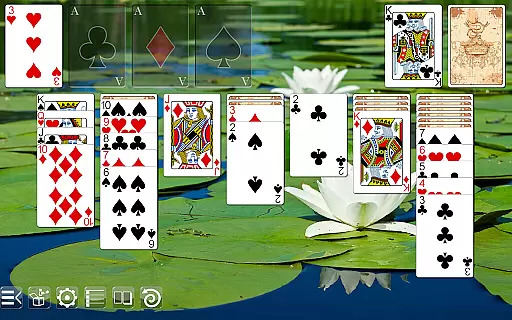
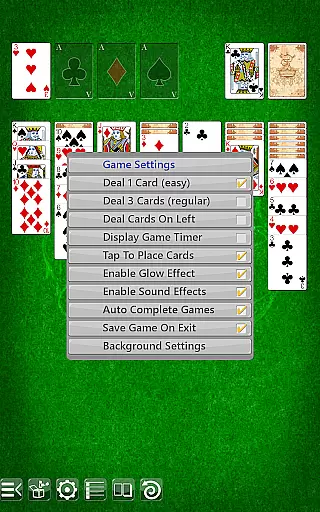
Solitaire is a classic card game that brings the timeless experience to your mobile device with stunning graphics and intuitive gameplay. Designed for both casual players and card game enthusiasts, this app offers crisp visuals optimized for every screen size, from smartphones to high-definition tablets. With customizable options such as 5 table backgrounds and 2 card backs, users can tailor the game to match their personal preferences or mood.
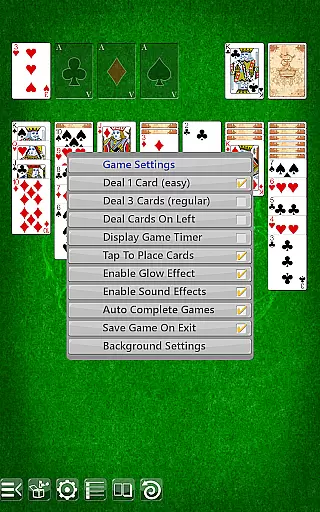
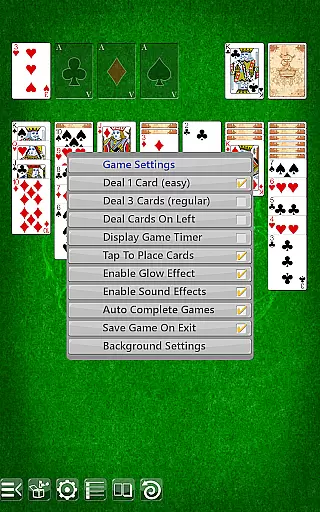
Whether you call it Solitaire, Patience, or Klondike, this version delivers an exceptional card-playing experience without interruptions. The app supports multiple gameplay modes, including drag-and-drop or tap-to-place mechanics, while offering features like undo functionality, portrait and landscape orientations, and the ability to draw one or three cards. Its user-friendly design ensures accessibility for all types of players, making it a go-to choice for anyone looking to enjoy a premium Solitaire experience on the go.
This Solitaire app stands out due to its rich feature set designed to enhance the traditional card game experience. One notable aspect is its self-adjusting layout technology, which ensures sharp graphics across devices of varying sizes, providing a seamless visual experience whether you're playing on a phone or tablet. Additionally, the app supports both portrait and landscape modes, catering to different user preferences and increasing flexibility during gameplay.
Players can choose between two distinct card backs and select from five unique table backgrounds, allowing for personalization based on individual taste. The inclusion of regular and ornate face cards adds another layer of aesthetic customization. Functionality-wise, the app provides essential tools such as an undo feature, options to draw one or three cards, and the ability to deal cards on either the left or right side. These thoughtful additions not only improve usability but also make each session more engaging and enjoyable.
Random Number Generation (RNG) is crucial in card games to ensure that the shuffling and dealing of cards are fair and unpredictable. In Solitaire, RNG fairness guarantees that each game starts with a unique and random card arrangement, providing players with a fresh experience every time they play.
This version of Solitaire employs advanced algorithms to maintain high standards of RNG, ensuring that no two games are alike. The randomness is not just for novelty; it's certified to meet industry standards, giving players confidence that the game-play is unbiased and true to traditional Solitaire rules.
Players benefit from this meticulous attention to RNG fairness as it enhances the challenge and replayability of the game. With each deal being genuinely random, players must adapt their strategies, keeping the game engaging and intellectually stimulating.
Control fluidity and input latency are essential for a seamless card gaming experience. In Solitaire, these aspects dictate how smoothly and responsively the game reacts to a player's actions, whether they are dragging and dropping cards or tapping to place them.
The application supports both drag & drop and tap-to-place game-play, catering to user preferences and devices. This dual functionality ensures that interactions are smooth and natural, minimizing input latency and making the game enjoyable across different types of devices.
By optimizing control fluidity, Solitaire maintains an intuitive and effortless game-play experience. Players can focus on their strategy and enjoyment without being hindered by sluggish controls, resulting in a satisfying and immersive gaming session.
User-friendly interface
Customizable visuals
No ads or permissions
Supports multiple orientations
Optimized for all screen sizes
Limited background options
No multiplayer mode
Basic card designs
Missing advanced stats
No in-game tutorials

Enjoy 4 classic solitaire card games : Klondike TriPeaks Spider & Pyramid cards
 4.2
4.2
Play for fun, practice or get advice for 400+ VP games and over 2000 pay tables.
4.60
Decked Builder is the premium deck building app for Magic the Gathering (MTG)
2.90
Build a squad of gnomes and embark on a roguelike adventure with card battles!
4.0
Sit on the Iron Throne
4.60
Special Klondike Edition
5.00
Large Card Solitaire Games: Play the addictive solitaire classic card games now!
4.90
Play and Master the Fun Classic Card Games with Friends
4.60
Classic Solitaire. The most famous card game in the world!
4.50
Enjoy Fun and Relaxing Classic Spades Card Game with Friends!
4.90
Solitaire Games: Play fun card games and boost your IQ!
4.80
Restore and customize the truck exclusively to your own through Solitaire!
4.60
Play classic FreeCell with large cards, offline mode and online daily challenges
4.60
Train your brain and kill time
4.40
Solitaire Collection Pro: Klondike, Spider, FreeCell, Pyramid, No Wifi Needed!
4.30
Compete against the computer in this classic trick-taking game.
4.20
Kill the monsters & grab the loot in the classic card game!
3.70
A fun and challenging rougelike dungeon card game.
4.4
Fishing, the card game that combines trick-taking strategy with deck-building
4.2


User Reviews