
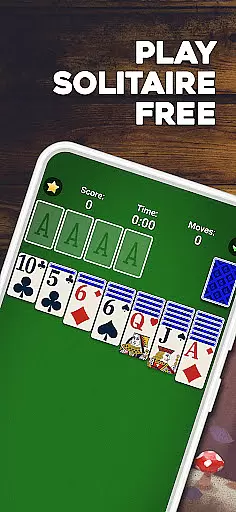
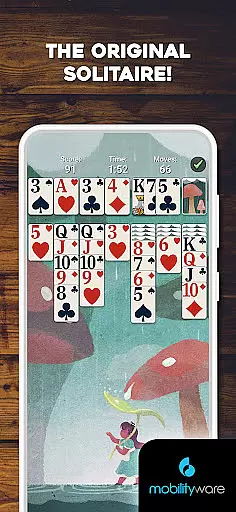
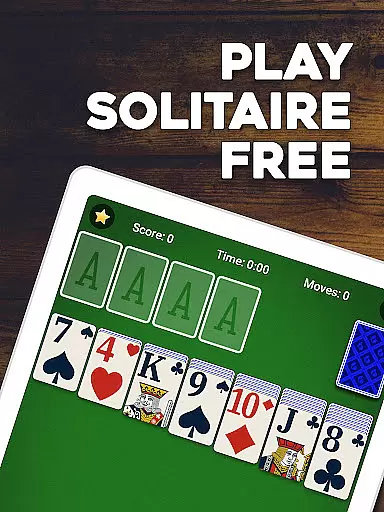
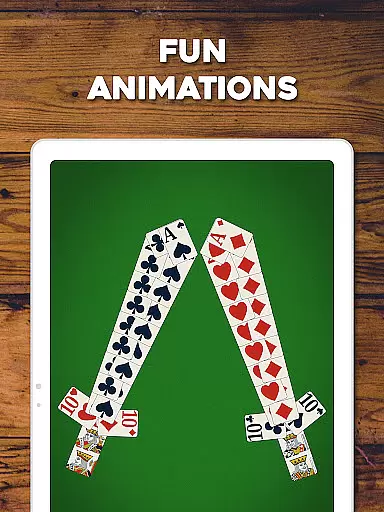
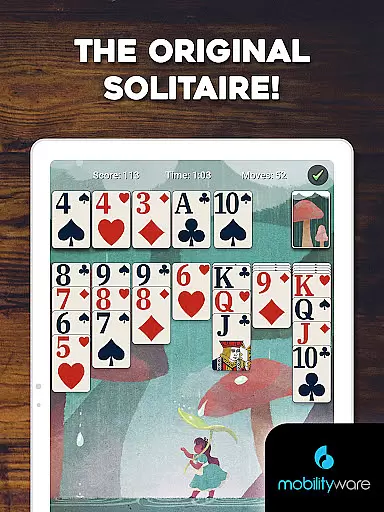
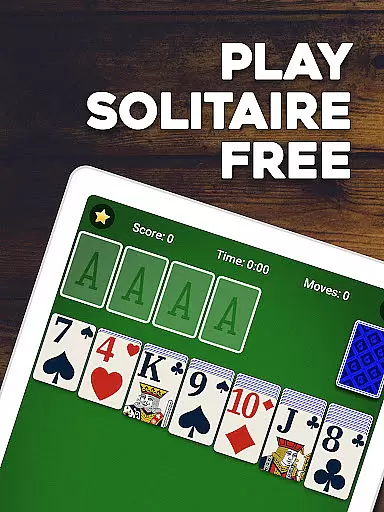
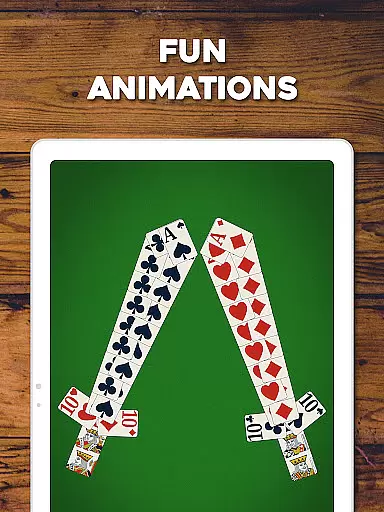
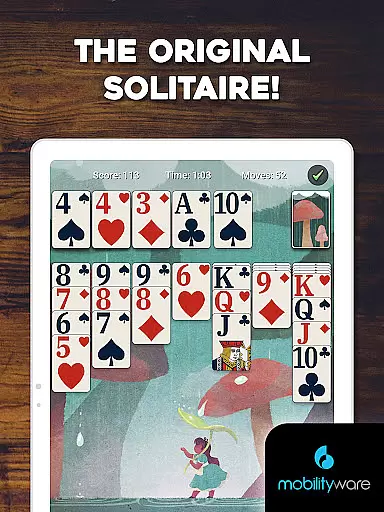
Solitaire by MobilityWare represents the quintessential digital adaptation of the classic card game, offering players an engaging blend of nostalgia and modern gaming enhancements. As a premier choice in the Card category, this app provides users with a rich Klondike Solitaire experience complemented by stunning graphics, smooth animations, and an intuitive interface.
Designed for both casual and serious players, Solitaire offers various modes including Draw 1 and Draw 3 cards, customizable options like personalized card decks and tables, and convenient features such as offline play and dark mode. With regular updates, daily challenges, and multiplayer capabilities, it ensures continuous engagement while honing strategic thinking skills.
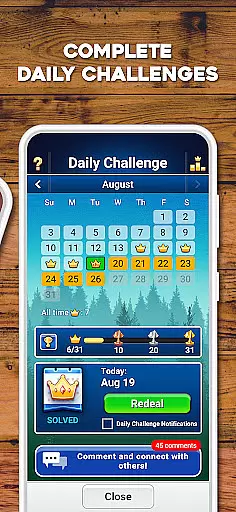
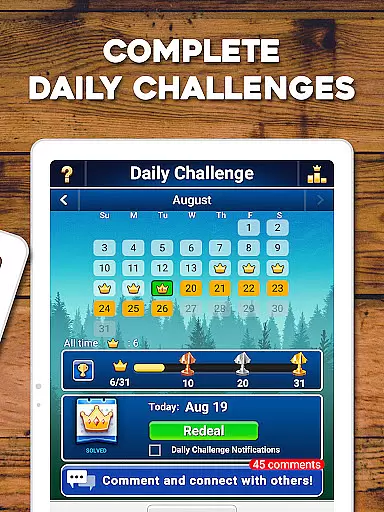
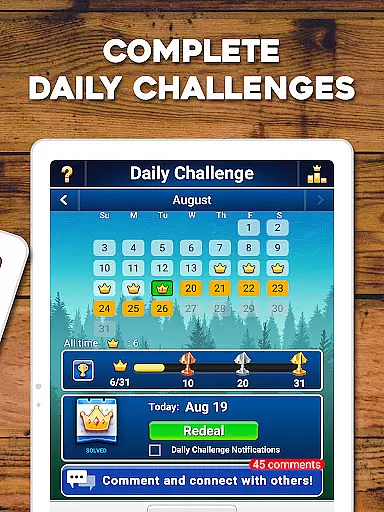
This Solitaire app stands out due to its comprehensive feature set tailored to enhance user experience. Players can enjoy classic Klondike Solitaire enriched with modern twists such as hints, unlimited undos, and tap-and-drag controls that make gameplay seamless and enjoyable. The inclusion of daily challenges and weekly events adds layers of excitement and rewards.
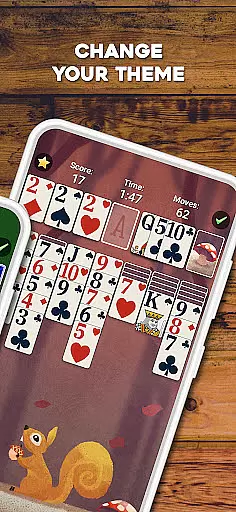
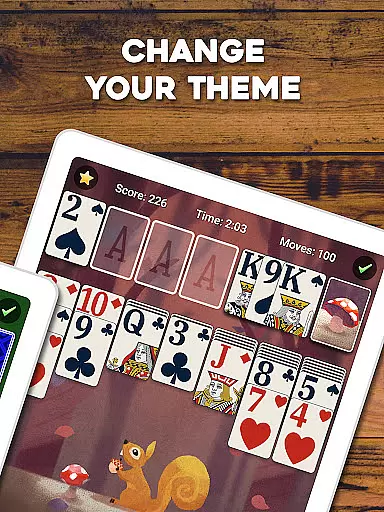
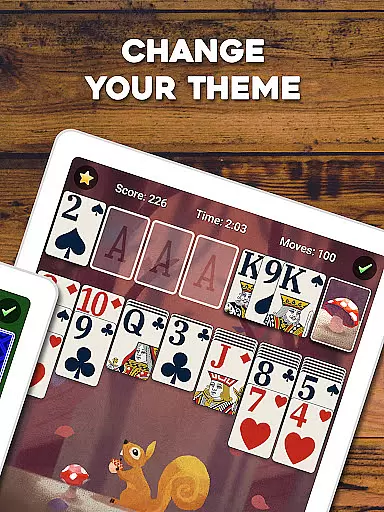
Customization is at the heart of this app's appeal; users can personalize their gaming environment with custom photos for cards and backgrounds, choose between standard or Vegas scoring, and switch to left-handed mode for comfort. Furthermore, the app supports both portrait and landscape orientations and includes a statistics tracker to monitor progress over time, making it versatile and user-centric.
Random Number Generation (RNG) fairness is crucial in card games like Solitaire to ensure every game starts with a shuffled deck that provides an unpredictable and fair experience. In Solitaire by MobilityWare, RNG is at the core of each game setup, ensuring that players face new challenges every time they play.
The implementation of RNG in this app guarantees that no two games are the same, which keeps the gameplay fresh and engaging. The sophisticated algorithms used for shuffling the cards mimic real-life randomness, providing authenticity to the gaming experience.
For players, this means that their strategic skills are genuinely tested without any predictability or repetitive patterns. This feature enhances the overall enjoyment and trustworthiness of the game, as users can be confident that each session's outcome depends solely on their skill and decisions.
Furthermore, MobilityWare's commitment to fair play is demonstrated through regular updates and improvements to their RNG systems, maintaining high standards of certification and fairness across all their card games.
Control fluidity and input latency are essential factors in digital card games, impacting how smoothly and responsively the game behaves to user inputs. Solitaire by MobilityWare excels in delivering an intuitive and seamless control scheme that makes gameplay enjoyable and stress-free.
The app employs advanced touch controls that allow players to drag and drop cards effortlessly across the tableau. With minimal input latency, actions such as moving cards or undoing moves happen instantaneously, providing a satisfying tactile response akin to handling physical cards.
This level of responsiveness not only enhances user engagement but also allows players to execute complex strategies without frustration. Quick reactions and smooth transitions between moves enable users to focus more on planning their next steps rather than struggling with unresponsive controls.
Overall, MobilityWare has prioritized creating an accessible yet refined interface where both novice and experienced players can enjoy classic Solitaire with ease, making it one of the most beloved versions available today.
User-friendly interface
Regular content updates
Offline play capability
Customizable card decks
Multiplayer functionality
Limited card game variety
In-app purchases available
Occasional ads display
No advanced tutorials
Basic AI opponents

This classic partnership trick-taking card game is always ready to play!
 4.60
4.60
Krumit's Tale is a solo card-based dungeon crawler - a follow-up to ‘Meteorfall’
4.30
Collect and play the original CCG on Arena. Magic is now on your phone!
4.10
Solitaire games and ocean adventure await!
4.60
Play anywhere anytime the most popular card game
4.70
Play classic FreeCell with large cards, offline mode and online daily challenges
4.60
Riichi Mahjong - A fun, strategic variant of the classic multiplayer game!
4.80
Challenge your deck building skills in this RPG cardventure!
4.50
Classic Solitaire. The most famous card game in the world!
4.50
Relax and unwind with Solitaire: Card Games.
4.70
Play Solitaire, win real cash prizes, and enjoy endless fun anytime, anywhere!
4.70
Enjoy the fun and classic Card game Phase 10 with your friends and family!
4.70
Train your brain with the challenging & addictive Solitaire Classic Card Games!
4.70
Find dragons in mysterious land and play card games.
4.60
Hardwood Hearts, where breaking hearts is just part of the game.
4.50
Craft and plan your strategy with Vault of the Void's dynamic deckbuilding!
4.40
The original digital version of the cult-classic kitty card game!
4.40
Build a dice pool to purify Astrea's corruption and save the Star System.
4.10
Decked Builder is the premium deck building app for Magic the Gathering (MTG)
2.90


User Reviews