
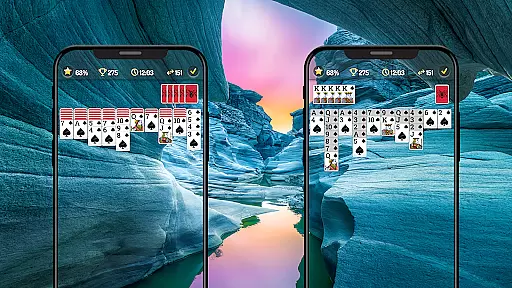
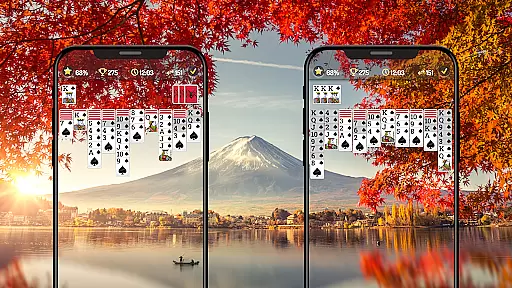

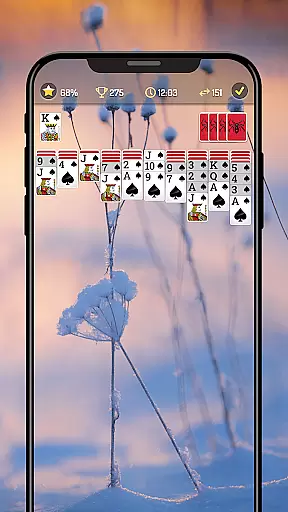
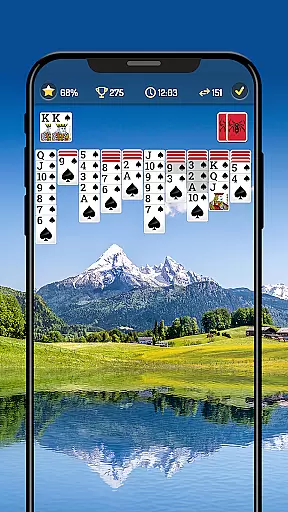
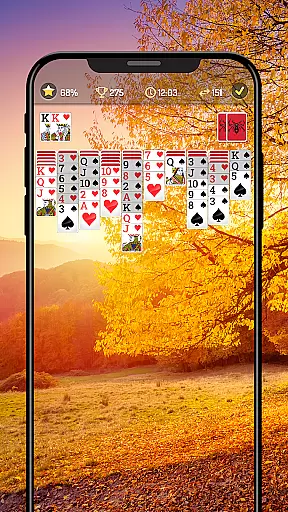
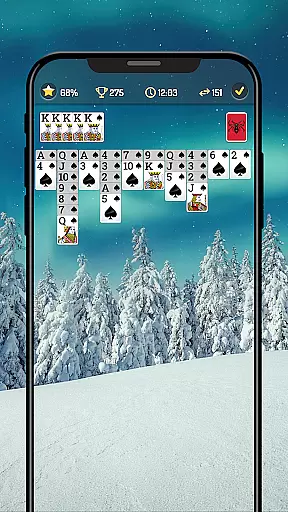
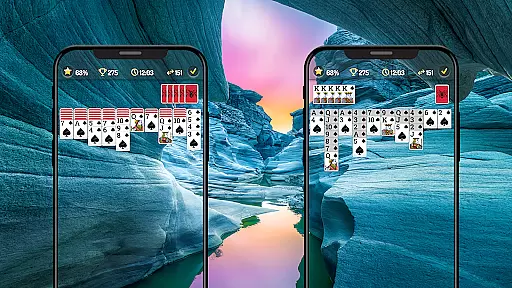
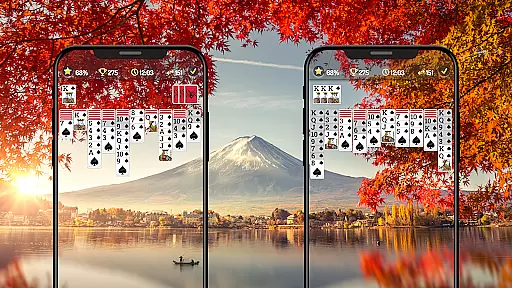

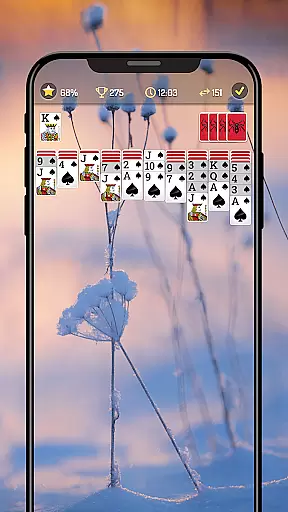
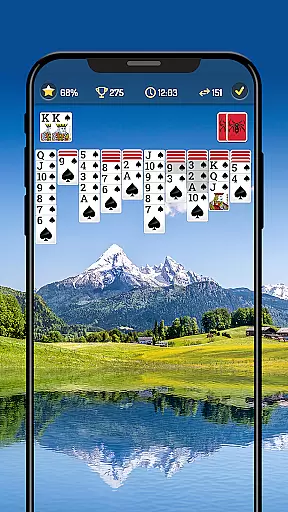
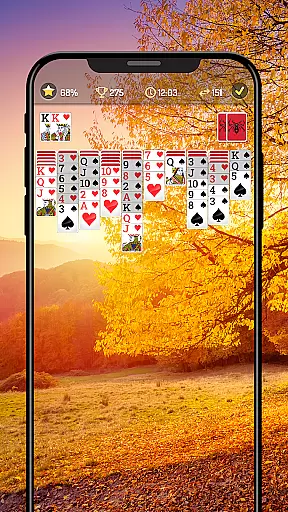
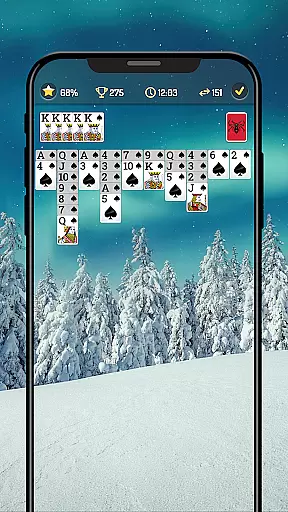
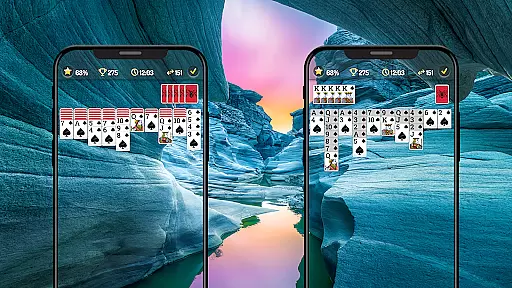
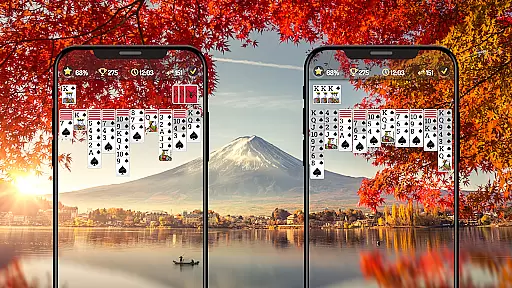

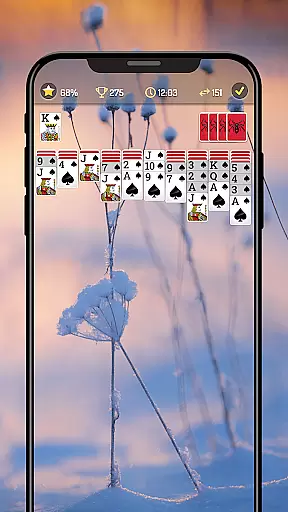
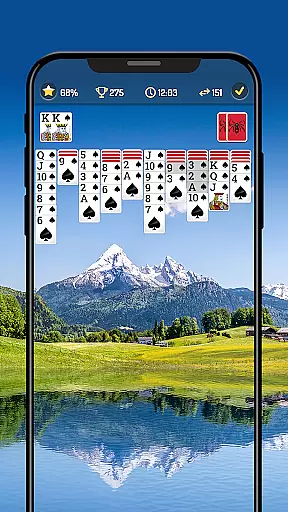
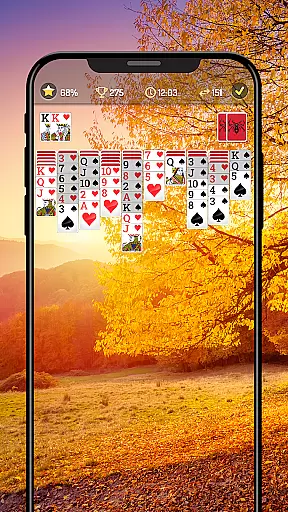
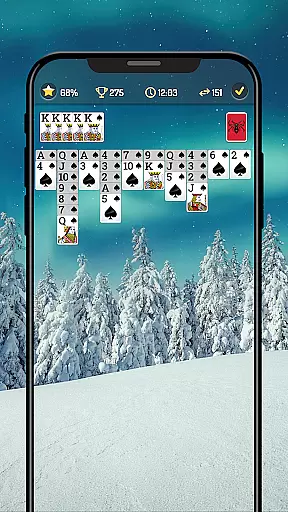

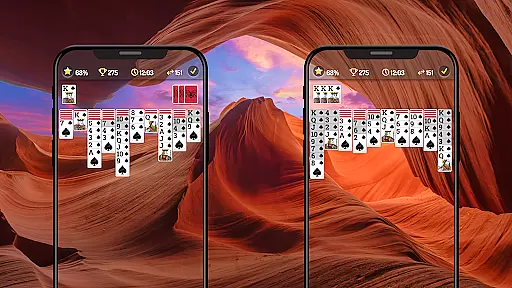
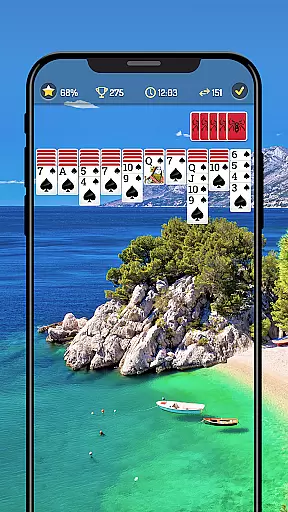
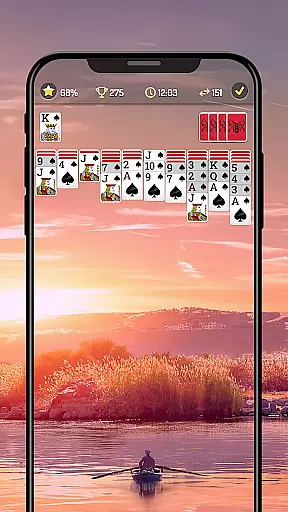
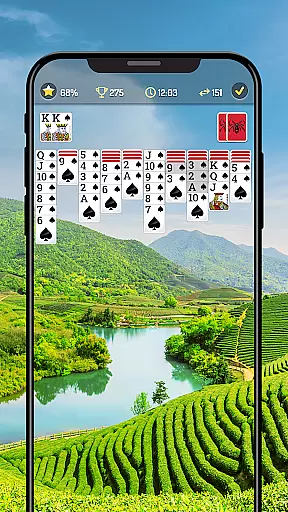
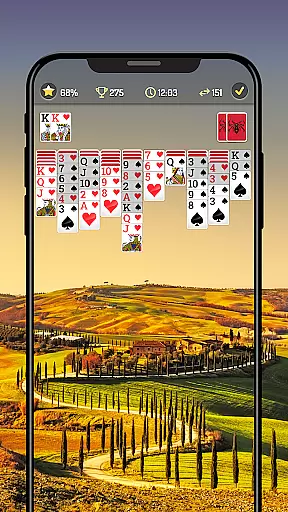

Spider Solitaire is a modern take on the classic card game, designed to challenge your strategic thinking while providing relaxation. The app offers multiple difficulty levels by allowing players to choose between 1, 2, 3, or 4 suits, making it suitable for both beginners and advanced players. With its offline play capability, Spider Solitaire ensures you can enjoy the game anytime, anywhere without needing an internet connection. Its adaptive features like auto-complete, hints, and customizable card designs enhance user experience while maintaining the traditional essence of the game.
The app also incorporates daily challenges and rewards, adding a layer of motivation for regular players. Whether you're commuting, taking a break at work, or relaxing at home, Spider Solitaire provides a perfect way to sharpen your mind while having fun. Its intuitive drag-and-drop functionality and support for multiple languages make it accessible to a global audience. By blending classic gameplay with innovative features, Spider Solitaire stands out as a top choice for card game enthusiasts.
Spider Solitaire boasts a variety of features that cater to different types of players. One of its key highlights is the option to play in various modes, including Draw-1 and Draw-3 cards, which adjust the level of difficulty based on your preference. The inclusion of a timer mode adds an extra layer of challenge for those who want to test their speed and efficiency in solving puzzles. Additionally, the app supports big font options and left-handed mode, ensuring comfort and accessibility for all users.
Customization plays a significant role in enhancing the gaming experience. Players can personalize card faces, card backs, and backgrounds to suit their style. The app also tracks personal statistics, giving users insights into their progress over time. Features like daily challenges, hints, and auto-complete provide assistance when needed, while leaderboard integration allows players to compete globally. These elements combine to create a dynamic and engaging environment that keeps players coming back for more.
Spider Solitaire ensures the highest standards of RNG (Random Number Generator) fairness, which is crucial for card games. The game employs certified algorithms to shuffle the cards, ensuring that every session is unpredictable and fair.
This commitment to verified randomness guarantees players an authentic card game experience. Each deal presents a unique challenge, maintaining the game's integrity and excitement.
Players benefit from this transparency as they can trust that each game outcome is genuinely random. This feature enhances the overall gaming experience by providing a level playing field for all users.
The Spider Solitaire app offers exceptional control fluidity and minimal input latency, allowing players to focus on their strategy without distraction. With responsive touch controls, users can easily navigate through the game with either single taps or drag-and-drop actions.
Whether playing in Draw-1 or Draw-3 modes, the seamless interaction ensures that gameplay remains smooth and enjoyable. This responsiveness caters to both casual players and those seeking mastery over the classic card game.
By prioritizing user interface performance, Spider Solitaire delivers a satisfying tactile experience. Players can execute moves swiftly and accurately, making every decision count towards becoming a true Spider Solitaire master.
User-friendly interface
Offline play available
Customizable visuals
Daily challenge rewards
Accessible to all skill levels
Limited social features
No multiplayer mode
Ads may interrupt gameplay
Premium features locked behind paywall
Occasional bugs reported

Compete against the computer in this classic trick-taking game.
 4.20
4.20
Play the legendary Blackjack 21! Win like a pro in this exciting casino game!
4.50
Card-Based Farkle Fun
4.80
The classic Hand & Foot experience with a premium, easy to play, offline design.
4.10
Solitaire games and ocean adventure await!
4.60
Large Card Solitaire Games: Play the addictive solitaire classic card games now!
4.90
World Series of Poker: Texas Hold em, Video Poker & Omaha Poker Card Games!
4.20
Fishing, the card game that combines trick-taking strategy with deck-building
4.3
Cozy Thanksgiving moments plus relaxing offline solitaire games.
4.60
Solitaire Games: Play fun card games and boost your IQ!
4.80
The most popular cribbage app available; all of the options, none of the fluff!
4.80
Enjoy a beautiful solitaire card game with classic rules and relaxing play.
4.60
A sleek, addictive Solitaire experience made for the modern player.
4.60
Sit on the Iron Throne
4.60
The Fox in the Forest is a beautifully illustrated trick-taking card game.
4.50
Play classic Spider Solitaire & Spiderette! Daily challenges, badges & events!
4.50
Solitaire Classic Pro, like Spider, Klondike Solitaire,FreeCell,Pyramid,Tripeaks
4.40
The original digital version of the cult-classic kitty card game!
4.40
Kill the monsters & grab the loot in the classic card game!
3.70


User Reviews