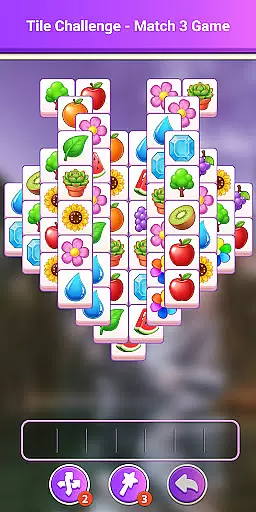
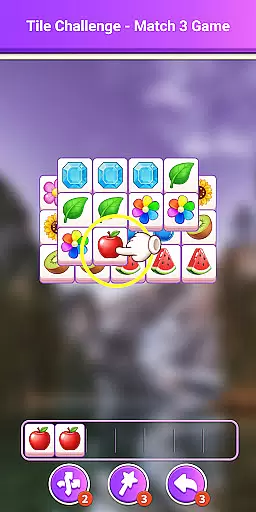
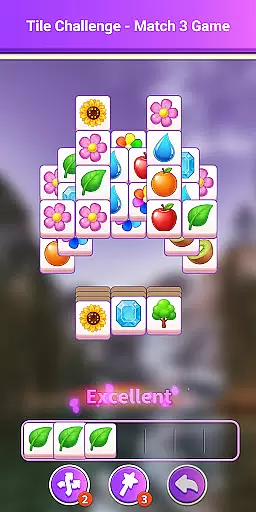
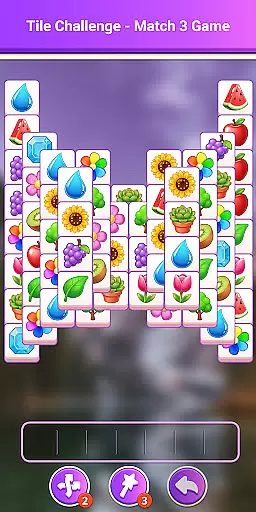
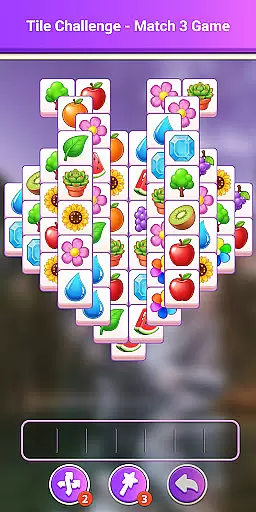
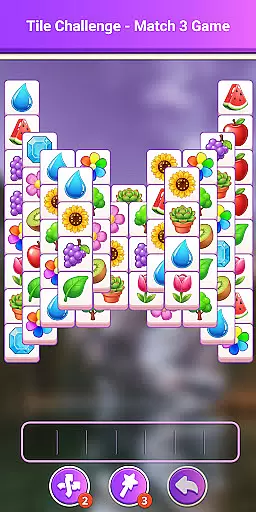
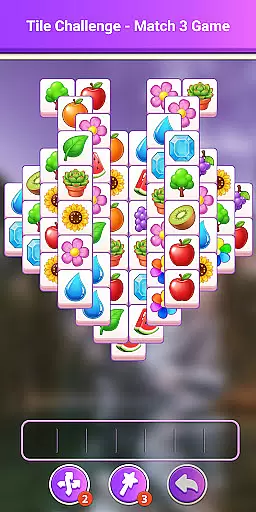
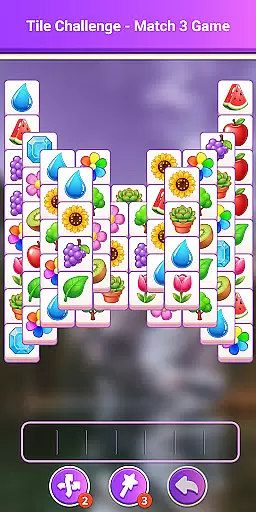
Tile Challenge - Match 3 Game is a casual puzzle game designed for players who enjoy quick, engaging challenges. The core gameplay involves matching and collecting items to clear levels while ensuring the collection bar does not fill up completely.
One of the standout features is its daily challenges, which provide fresh puzzles every day, testing both strategy and skill. With polished animations, an intuitive interface, and responsive controls, this app offers a visually pleasing and smooth gaming experience. It's perfect for casual gamers looking for entertainment during short breaks or commutes.
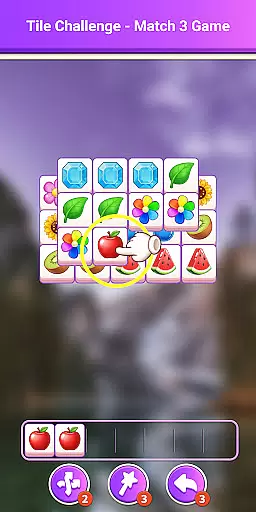
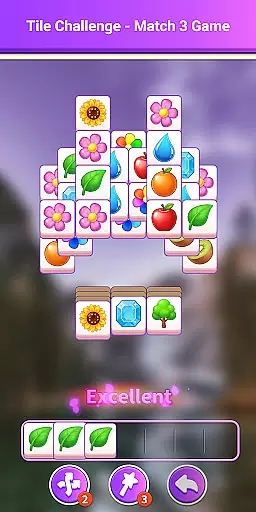
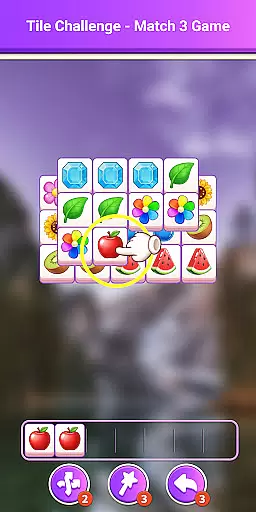
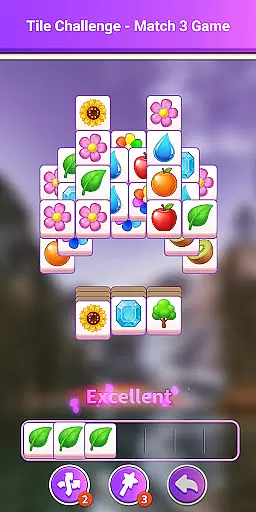
This app shines with its simple yet addictive gameplay mechanics. Players tap items to collect them in a bar and match three identical ones to clear them, requiring both strategy and quick thinking. The clean and colorful interface enhances the overall experience, offering seamless navigation and enjoyable animations.
Another notable feature is the ability to create a desktop shortcut by enabling home screen permissions, allowing for quick access without disrupting regular phone use. Additionally, the app provides easy access to FAQs for troubleshooting. These thoughtful design elements ensure that Tile Challenge - Match 3 Game remains accessible and entertaining for all types of players.
At the heart of Tile Challenge - Match 3 Game lies an elegantly simple core gameplay mechanic that ensures players can dive into the action without any learning curve. The game requires users to tap items, collecting them in a bar by matching three identical ones to clear them from the board.
This straightforward match-three formula is elevated through engaging mechanics that keep the experience fresh and addictive. Players are challenged to remove all items before the bar fills up, adding a layer of strategy and urgency to the otherwise calming puzzle-solving.
The beauty of this casual game is its ability to cater to both novice gamers who prefer a laid-back experience and seasoned players looking for their next challenge. With intuitive controls and clear visual feedback, it offers an accessible yet rewarding experience for everyone.
Tile Challenge - Match 3 Game excels in providing flexible session lengths that adapt seamlessly to various lifestyles and schedules. Whether you have a few minutes to spare or want to indulge in an extended play session, this game adjusts accordingly without compromising on engagement or enjoyment.
Designed with modern life in mind, the game allows quick access through home screen shortcuts, ensuring you can jump right back into your favorite puzzles whenever you desire. This feature makes it perfect for filling short breaks throughout the day or unwinding during longer periods of leisure time.
Moreover, daily challenges present bite-sized tests of skill that encourage regular visits while respecting players' time constraints. These thoughtful design choices make Tile Challenge - Match 3 Game not just entertaining but also considerate of how people live today.
Easy-to-learn mechanics
Vibrant visuals
Daily challenges
Quick access shortcut
Polished animations
Limited depth
Repetitive over time
In-app ads present
No multiplayer mode
Frequent updates needed
Relive those 8 bit glory days
 4.5
4.5
Funny Italian Brainrot games for antistress. Unwind with Italian Meme games.
4.70
Adds up the dots on a group of dominoes with your phone's camera and keeps score
4.30
Classic brain train minigames
4.5
Enjoy satisfying games, tidy up your virtual space in addictive cleaning games!
4.50
No internet. Play Fun Mini Puzzles, Color Blocks & Cards, 2 Player, Boys & Girls
4.50
A cozy puzzle city builder for creativity on the go
4.3
Merge numbers on the balls and run to aim for 2048!
4.20
Choose from lots of puzzles and minigames to play. Chess, wordgames & more!
4.60
Relax, merge, and shine! Create your own beauty style story with every move.
4.50
Build the Most Beautiful Queen!
4.40
Sam is ready to face his fear of the dark!
4.40
Explore dungeons simple action RPG game Dungeons & Pixel Hero!
4.00
How does a p fall?
3.70
Manage car traffic by building roads and cities in this highway simulator game
3.70
A Cozy Cooking Game. Mix, Cook, and Discover New Recipes!
3.70
Heads or tails? Coin Flipper in an idle game about flipping coins!
3.60
Spice up your next game night with a threesome of hilarious adult party games!
4.0
InfinityLabyrinth it is the most valuable game in the universe.
4.4


User Reviews