
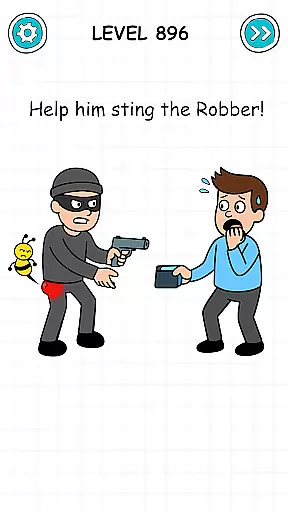
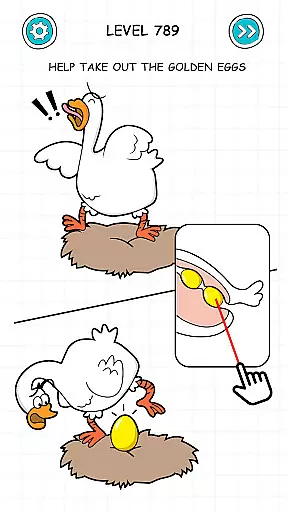
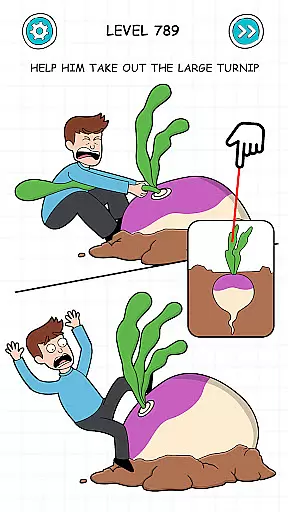
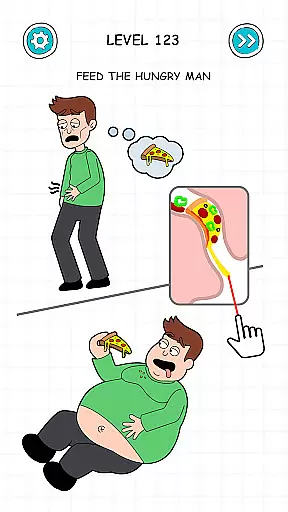
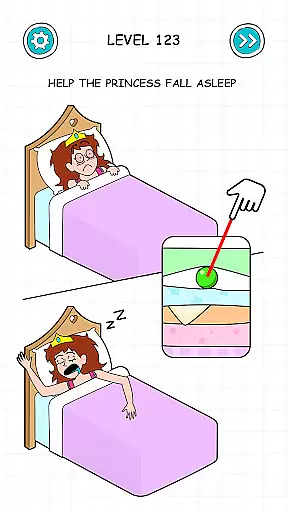
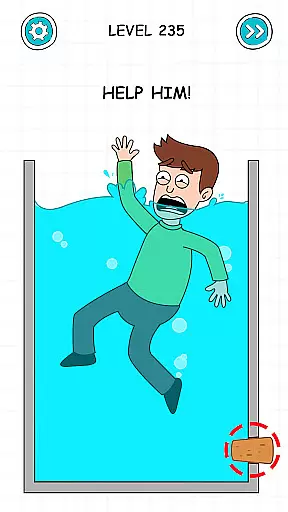
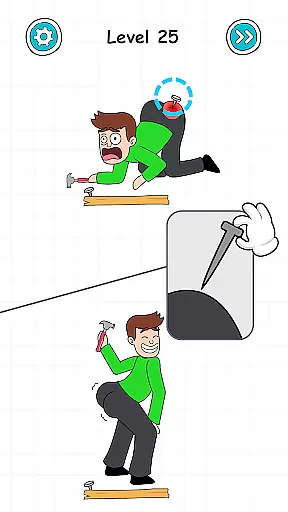
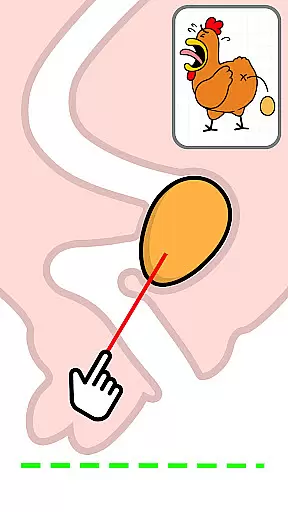
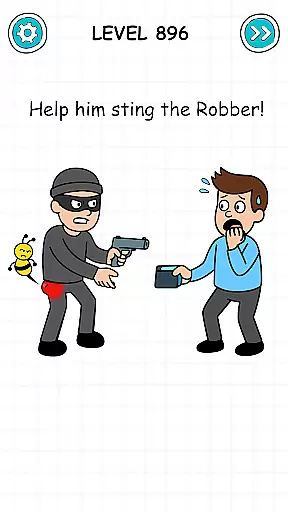
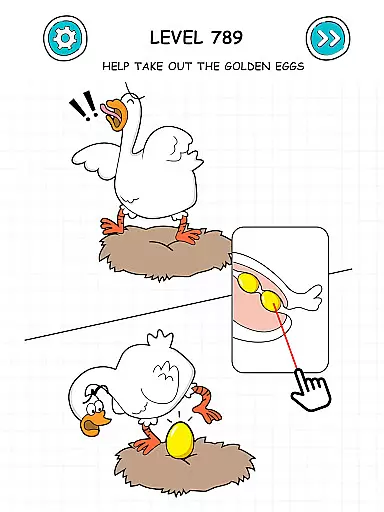
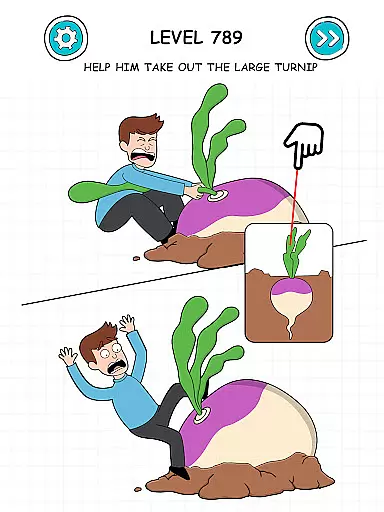
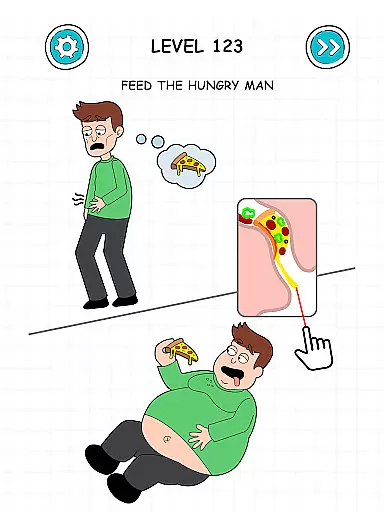
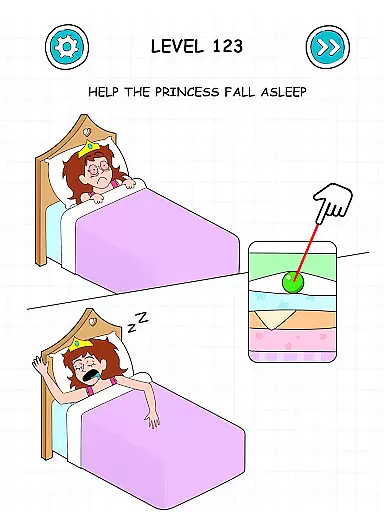
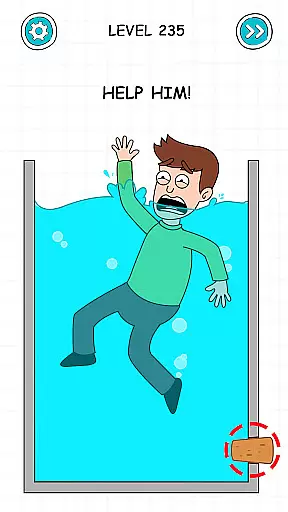
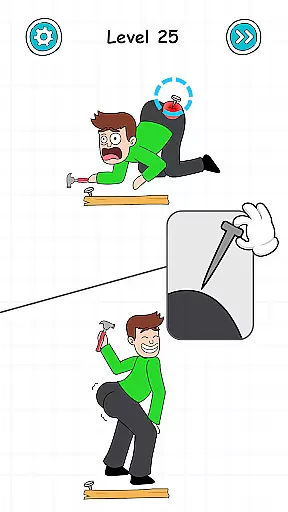
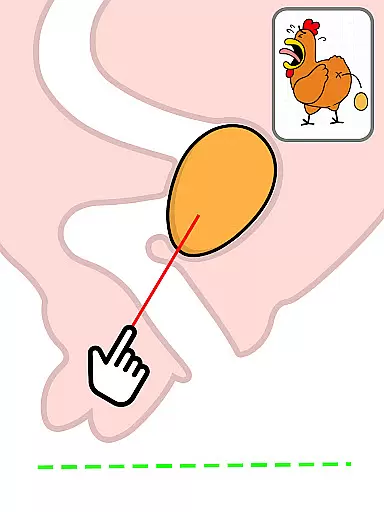
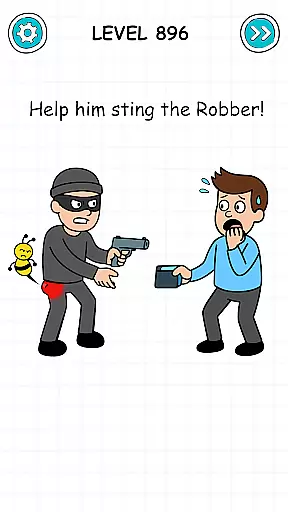
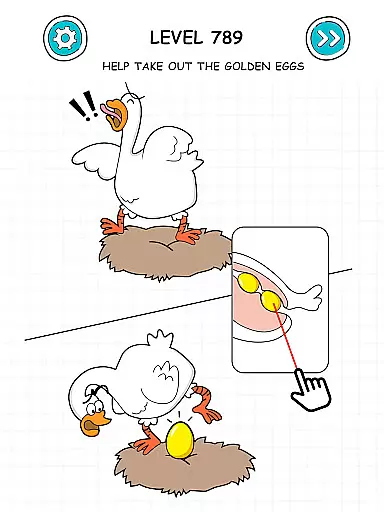
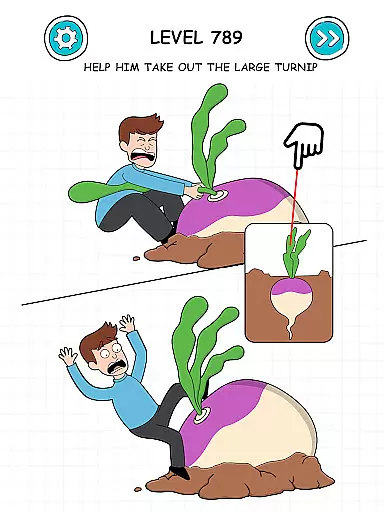
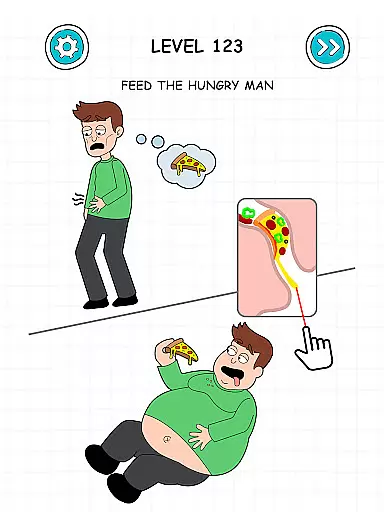
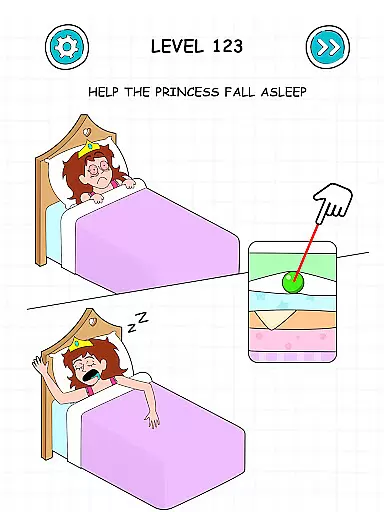
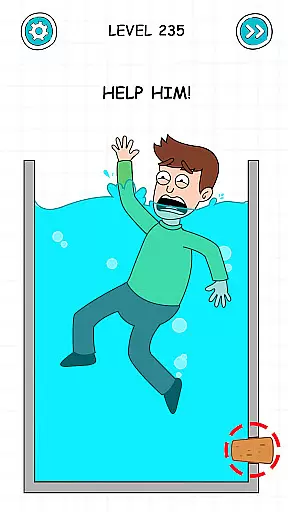
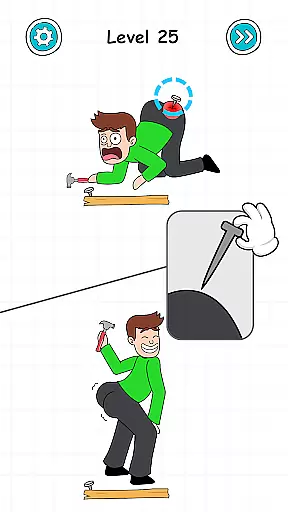
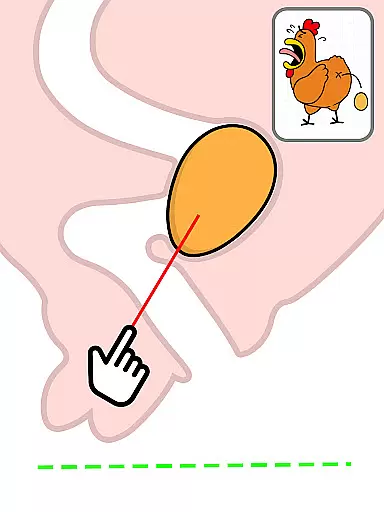
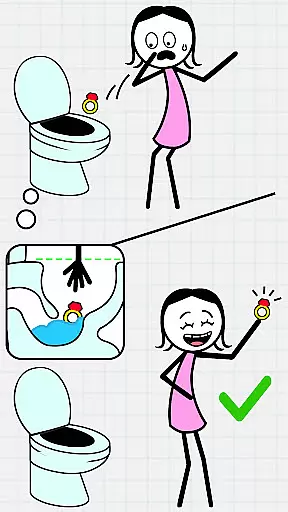
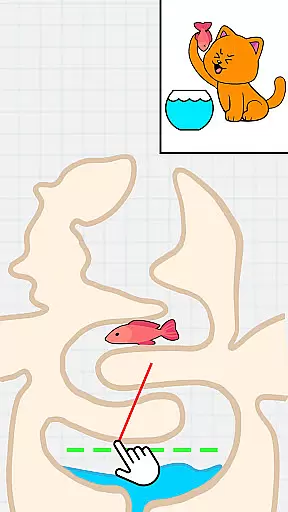
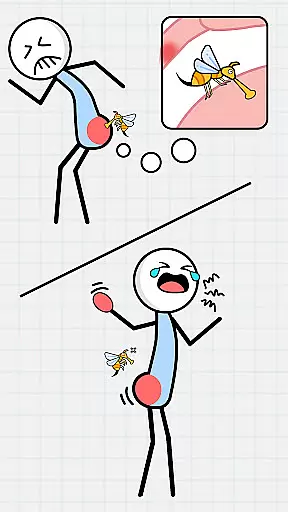
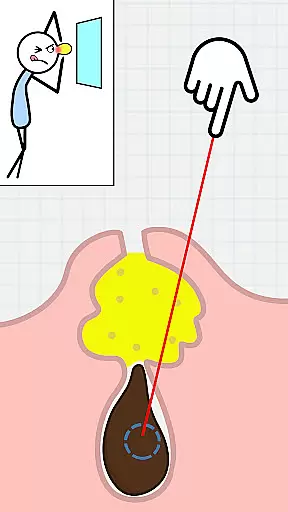
Tricky Puzzle: Fun Brain Story is a casual puzzle game designed to entertain and challenge players with tricky situations that require problem-solving skills. The game combines engaging brain teasers with a captivating story, offering an addictive experience for users who enjoy testing their mental agility.
Each level presents unique puzzles that are both entertaining and stress-relieving, making it perfect for casual gamers looking to pass the time while keeping their minds sharp. With its combination of challenging gameplay and immersive storytelling, this app provides endless fun for puzzle enthusiasts.
Tricky Puzzle: Fun Brain Story stands out with its engaging brain puzzles that are carefully crafted to test your problem-solving abilities. Each level introduces tricky situations that require creative thinking, ensuring that players remain hooked as they progress through the game.
The app also features a fun, unfolding story that adds depth to the overall gaming experience. Unlike typical puzzle games, this app combines challenging gameplay with narrative elements, creating a more immersive experience. Whether you're solving puzzles or following the storyline, the game keeps you entertained while providing a perfect way to relieve stress.
At the heart of Tricky Puzzle: Fun Brain Story lies its core gameplay, which is designed to be simple yet deeply engaging. The game combines addictive puzzle mechanics with an unfolding narrative that keeps players invested.
The puzzles are crafted to be easy to understand but challenging to solve, ensuring that players of all skill levels can dive in without feeling overwhelmed. This approach creates a seamless blend of entertainment and mental stimulation.
Each level introduces a new tricky situation that requires creative thinking to resolve. The intuitive mechanics ensure that players can focus on enjoying the experience rather than struggling with complex controls.
This simplicity in design allows users to enjoy shorter gaming sessions, making it perfect for filling brief moments of free time throughout the day.
Tricky Puzzle: Fun Brain Story offers remarkable session length flexibility, catering to various play styles and schedules. Players can enjoy quick puzzle-solving bursts or longer storytelling sessions, depending on their available time and preference.
The game is structured in bite-sized levels, each presenting a unique brain teaser that can be completed in a few minutes. This design enables users to naturally pause and resume their progress at convenient points.
For those seeking brief entertainment, the game provides satisfying short sessions. Meanwhile, players who prefer extended gameplay can immerse themselves in the unfolding story across multiple levels.
This adaptability makes the game suitable for both casual and dedicated gamers, enhancing its appeal across different user demographics.
Engaging brain puzzles
Captivating storylines
Addictive gameplay
Stress-relief focus
Challenging levels
Limited hints available
Ads between levels
Paid hint packages
Simple graphics
Repetitive music

All-in-one tricky challenges, viral trending mini games. Stay calm & relax.
 4.20
4.20
Style your hair with Hair salon, Spa Beauty salon - Make up doll game
4.50
Keep Popgoes alive in a quirky collection of LCD minigame challenges!
5.00
Monster Attack! Hide and run cleverly or unleash your inner angry hunter!
4.20
Sort colorful balls in this relaxing puzzle game. Train your brain & have fun!
4.80
Build bridges till the winning stage!
4.20
A companion app for score tracking while playing My Cows! on a roadtrip
4.3
Short and sweet incremental mining game!
4.40
Unwind with calming and antistress games designed to relieve stress and anxiety.
4.40
Search for hidden objects scattered around hand-drawn worlds.
4.70
The award winning game where everything burns.
4.70
Enjoy satisfying games, tidy up your virtual space in addictive cleaning games!
4.50
No internet. Play Fun Mini Puzzles, Color Blocks & Cards, 2 Player, Boys & Girls
4.50
Aim and Destroy as many blocks as you can!
4.40
"My PlayHome School" expands the PlayHome world into the classroom!
4.30
Build Your Tactical Fortress, One Gear at a Time!
4.20
The SPY Corps needs your help! Spy Fox need’s you!
4.10
Train concentration, reasoning, coordination and patience in a fun way.
4.4
1000 Start Ups is a fun endless running game suitable for all ages.
4.5


User Reviews