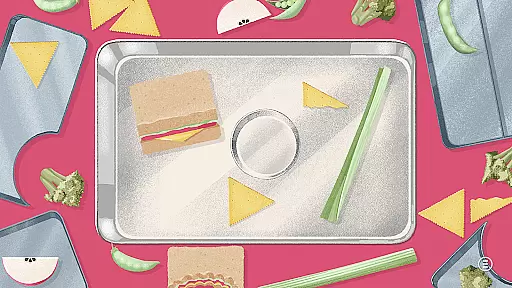
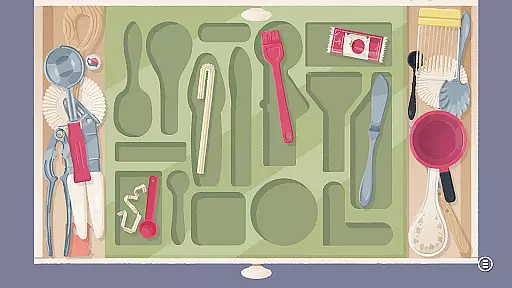

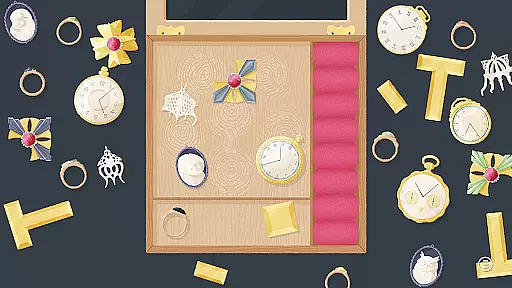
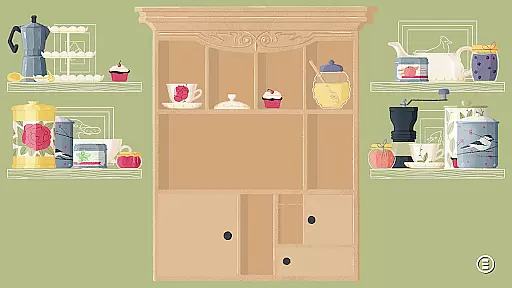
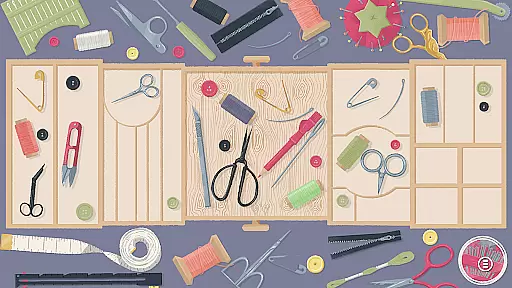
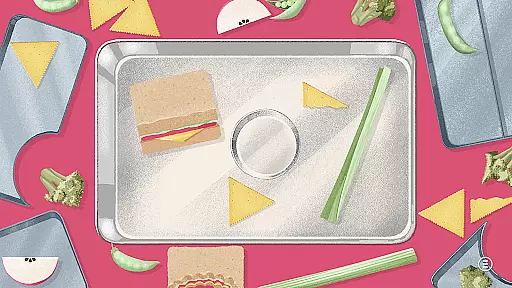
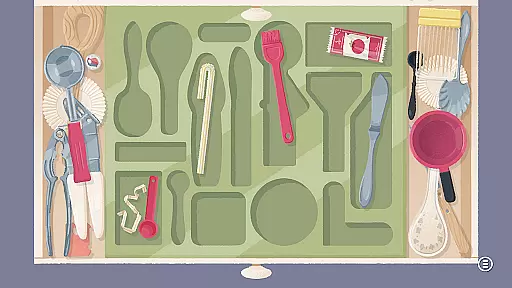

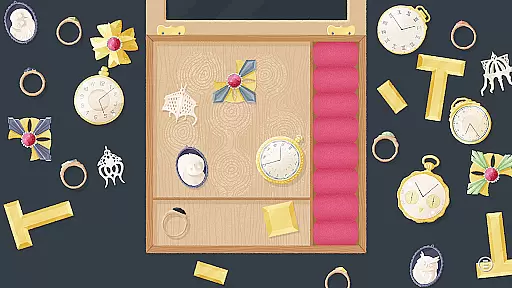
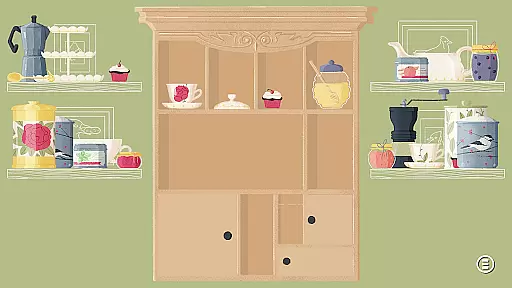
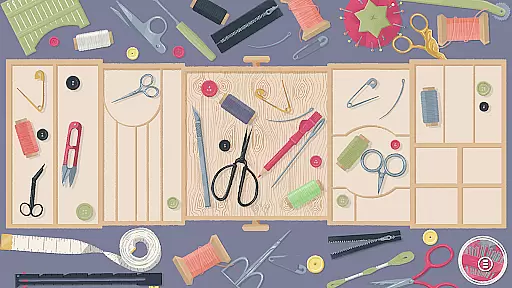
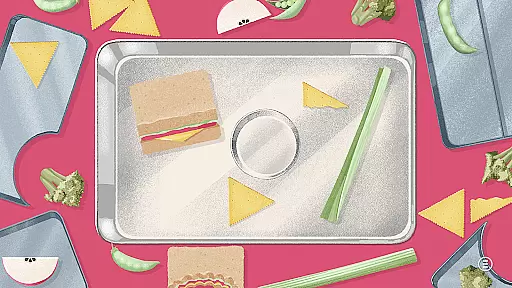
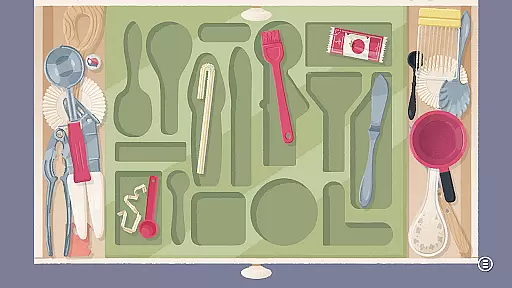

A Little to the Left: Drawers is a delightful puzzle game that invites players to sort, stack, and organize household objects into charming arrangements. With 25 new Cupboards & Drawers themed puzzles, the game offers a mix of traditional organization levels and intricate nested puzzles.
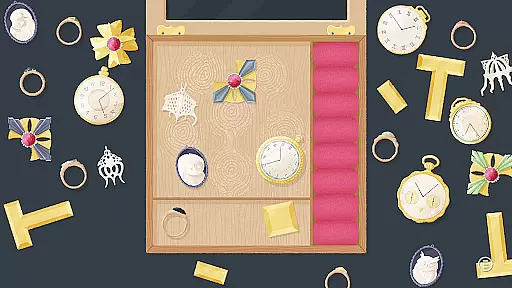
Featuring four additional 'Pet the Cat' interludes, secret compartments, and multiple drawers to manage within each level, this game provides an engaging experience for puzzle enthusiasts. The new functionality allows multiple organizing steps within a single level, enhancing the gameplay depth and charm.
The game stands out with its unique combination of 25 new puzzles, including both Cupboard & Drawers themed levels and classic organization challenges. Players will encounter nested puzzles that add layers of complexity and fun.
With the introduction of secret compartments and multiple drawers to navigate, A Little to the Left: Drawers elevates the organization genre by requiring strategic thinking and planning. The 'Pet the Cat' interludes offer relaxing breaks, making it a well-rounded and captivating experience.
Puzzle logic consistency is essential for ensuring that players can understand and solve challenges in a predictable and coherent manner. In A Little to the Left: Drawers, each puzzle adheres to a clear set of rules and patterns that guide the player through the process of sorting and organizing household objects.
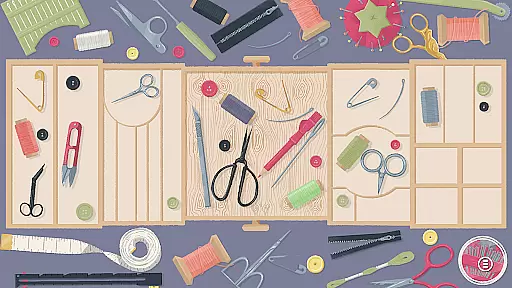
The game incorporates 25 new puzzles with Cupboards & Drawers themes, blending traditional organization levels with innovative gameplay mechanics. This includes puzzles nested within puzzles, where multiple steps are required to complete tasks within a single level, enhancing the depth and engagement of the experience.
Players benefit from this logical structure as it allows them to strategize and think critically about the placement and arrangement of items. The consistency in puzzle logic not only aids in the development of problem-solving skills but also provides a satisfying sense of accomplishment upon completion.
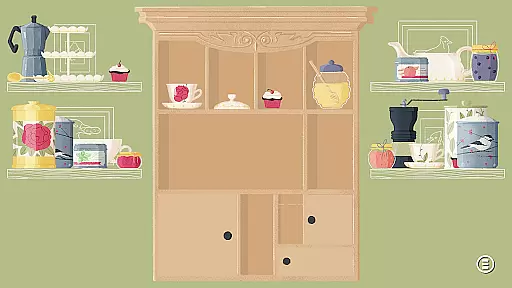
Creativity and uniqueness are at the heart of A Little to the Left: Drawers, setting it apart from other puzzle games. With charming illustrations and surprising scenarios, the game invites players into a world where they must clean out cabinets and secret compartments, discovering delightful new puzzles along the way.
Among its creative features, the game includes four additional 'Pet the Cat' interludes and introduces secret compartments that add an element of surprise and exploration. These elements ensure that each playthrough feels fresh and engaging, encouraging players to think outside the box.
The uniqueness of A Little to the Left: Drawers lies in its ability to combine familiar household settings with unexpected twists, such as multiple drawers that open and close, requiring strategic movement of objects between them. This inventive approach captivates players' imaginations and keeps them invested in uncovering all the game's secrets.
Engaging puzzles
Charming illustrations
Innovative gameplay
Relaxing interludes
Secret compartments
Limited puzzle variety
Short gameplay
Fewer levels
No multiplayer
Simple graphics

Cut the Rope, catch a star, and feed Om Nom candy in this award-winning game!
 4.90
4.90
Antistress, relaxing Minimalist game. Smart shapes for adults. Fit them all
4.70
Draw to get enough sugar in all the cups! The official 'sugar, sugar' game!
4.50
Match and master your way through exciting puzzles in this tile matching game!
4.80
A relaxing wood block puzzle for fans of wood puzzle and classic blocks game.
4.90
Get your daily fix of Agent 47 with this elegant, strategy-based Hitman game.
4.60
Baba Is You is a puzzle game where you change the rules by which you play.
4.80
3-minute hidden object games. Search and find hidden objects to relax quickly.
4.90
Draw the shapes of the parts that the drawings need and solve the puzzle!
4.50
Can you find all hidden objects? Relax, enjoy, and test your observation skills!
4.90
The occult puzzle game.
4.90
A time-spanning journey
4.90
Rotate, redirect, and escape through the maze of arrows.
4.70
Meet GLaDOS and solve crazy construction puzzles in the official Portal™ world!
4.60
Water Sorting Puzzle
4.60
Visit Brimwave Beach; merge, restore and design while you solve a fiery mystery.
4.60
Organize, merge and stack hexagon in this logical brain teaser! Solve and relax
4.50
Tap to shoot and enjoy a burst of colors in this relaxing puzzle game!
4.30
a whimsical adventure of pocket antics at the intersection of golf and pool
4.10


User Reviews