
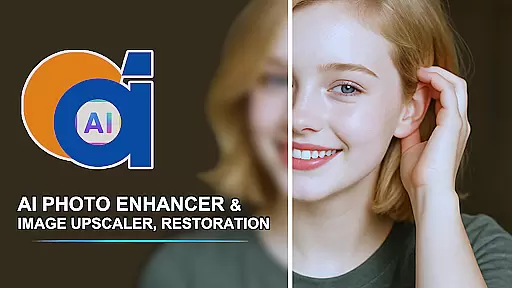
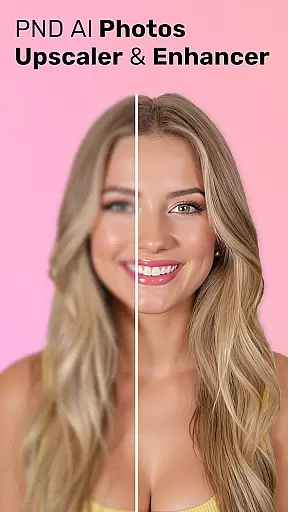
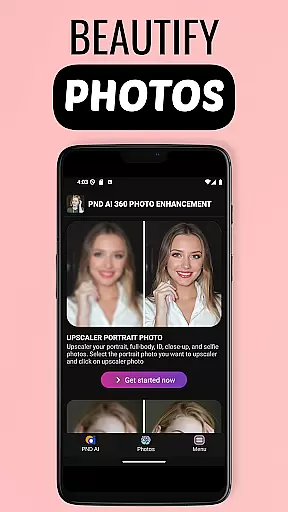
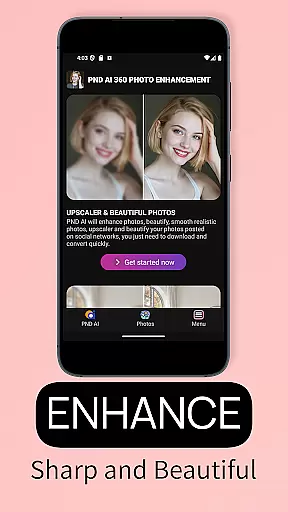

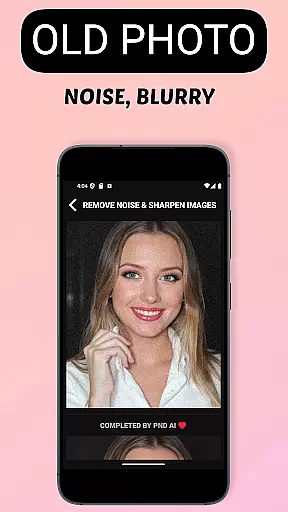
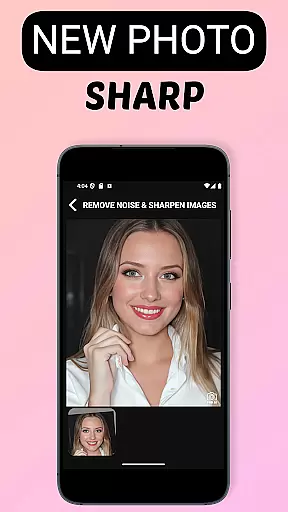
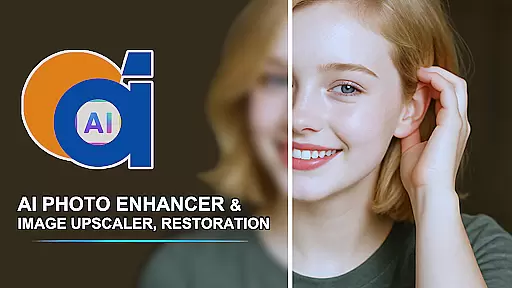
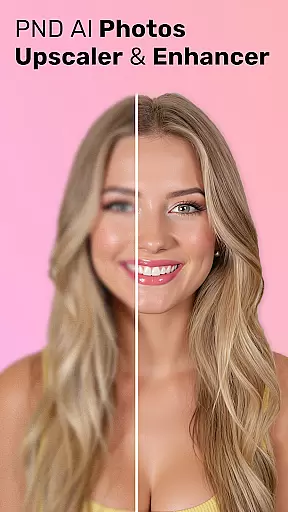
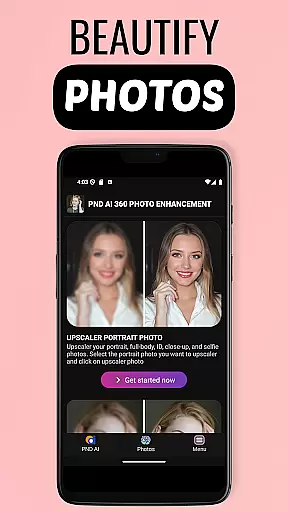
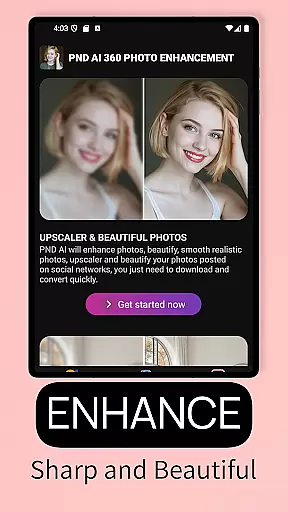
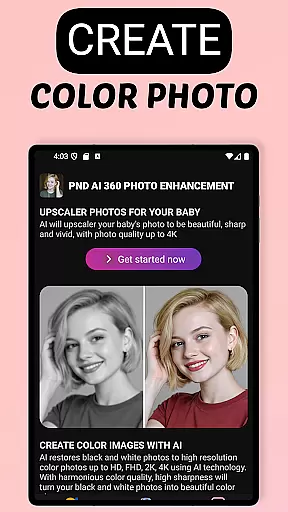
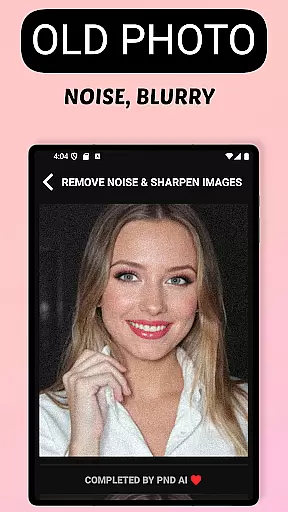
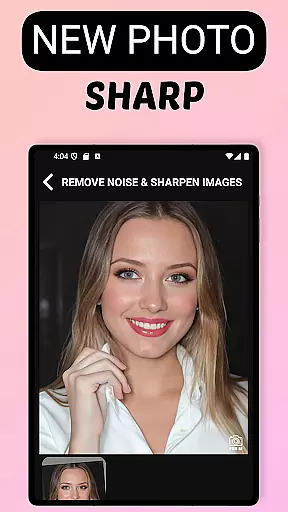
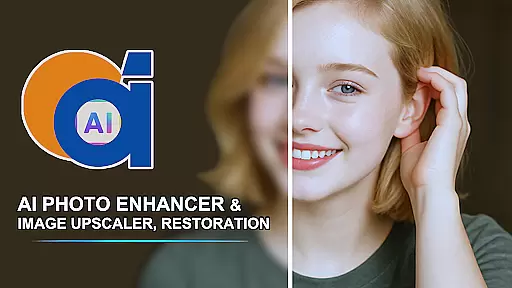
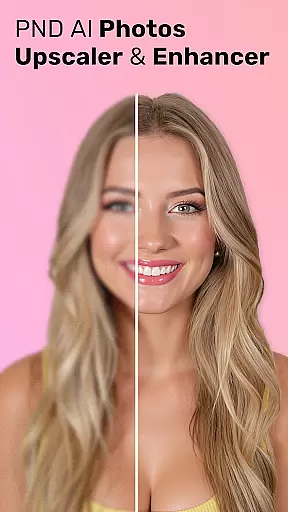
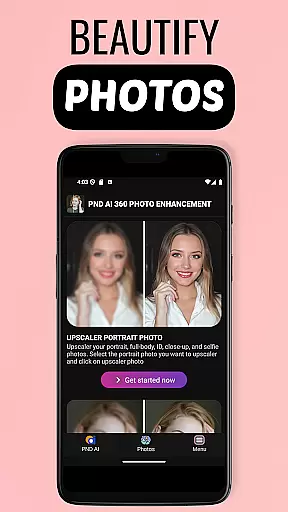
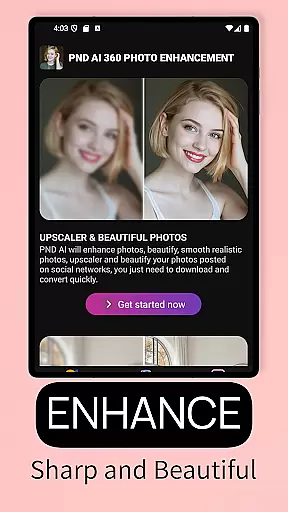
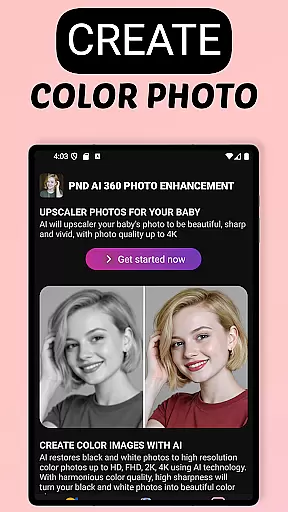
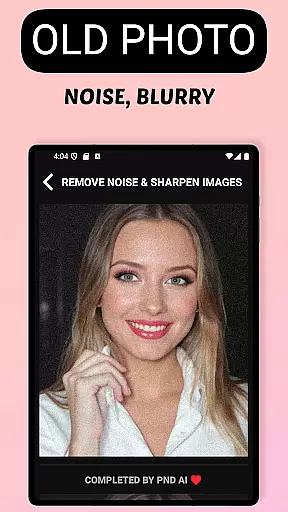
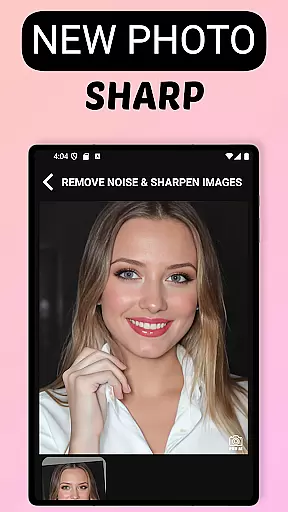
AI Photo Enhancer 360 is a cutting-edge AI-powered application designed to transform your old, blurry, or damaged photos into sharp and vibrant images with minimal effort. The app utilizes advanced artificial intelligence technology to automatically detect imperfections in photos such as blurriness, underexposure, or damage, and then intelligently restores them while preserving their natural look. Whether you're looking to revive cherished memories or enhance photo quality for professional use, this tool offers an efficient solution.
In addition to restoration, the app provides creative features like black-and-white photo colorization, resolution upscaling to 2K, 4K, or even 8K, and portrait enhancement tools that smooth skin and adjust lighting. With its user-friendly interface and powerful processing capabilities, AI Photo Enhancer 360 caters to both casual users and professionals seeking high-quality results without complex workflows.
AI Photo Enhancer 360 stands out through its comprehensive suite of features tailored for photo enhancement. One of its core functionalities is the ability to sharpen low-resolution or blurry images using AI algorithms, ensuring every detail is crisp and clear. Additionally, it offers specialized tools for restoring old or damaged photos, including unblurring and beautification options that maintain authenticity while improving visual appeal.
Beyond restoration, the app introduces innovative creative tools such as AI-driven black-and-white photo colorization, which breathes new life into vintage images by adding realistic colors. Another standout feature is its image upscaling capability, allowing users to increase resolutions up to 8K without losing quality. This makes it ideal for printing or digital sharing. Furthermore, advanced portrait editing tools enable users to refine facial details, remove blemishes, and create unique profile pictures with customizable styles ranging from artistic to cartoonish designs.
AI Photo Enhancer 360 offers an extensive product database that caters to a wide array of photo enhancement needs. The application is designed to address issues with old, blurry, and low-resolution images, providing specialized tools for sharpening, restoration, and colorization. With features ranging from AI-driven beautification to resolution upscaling, the app ensures comprehensive coverage for both amateur and professional users.
The depth of the product database is evident in its ability to handle various types of photo defects intelligently. Whether it's restoring precious memories captured in faded photographs or converting black and white images into vibrant colored ones, the app employs advanced algorithms to maintain the natural aesthetics of the original content. This meticulous attention to detail guarantees that every processed image retains its authenticity while gaining a new lease on life.
Users benefit from this robust database through seamless photo processing experiences. The app's automatic detection and intelligent correction of damaged or underexposed areas make photo enhancement accessible even to those without technical expertise. By delivering true-to-life details and colors, AI Photo Enhancer 360 empowers users to breathe new life into their cherished memories effortlessly.
Personalization is at the core of AI Photo Enhancer 360's offerings, allowing users to tailor photo enhancements according to their unique preferences. The app leverages sophisticated AI technology to analyze individual photos and apply custom adjustments that enhance specific elements such as skin tone, lighting, and background settings. This personalized approach ensures that each image receives the exact treatment it needs to shine.
The precision of personalization extends beyond mere restoration; it encompasses creative transformations as well. Users can experiment with artistic styles, from modern interpretations to classic renditions, thanks to the appu2019s advanced AI Gen technology. This feature enables the creation of distinctive profile pictures that reflect personal flairu2014be it contemporary, whimsical, or timeless aesthetics.
By prioritizing personalization precision, AI Photo Enhancer 360 delivers unparalleled user satisfaction. Its adaptive algorithms learn from user interactions, continuously refining their ability to match individual tastes over time. As a result, whether you're looking to improve portrait photos or upscale small images for high-quality prints, this app provides tailored solutions that meet diverse enhancement requirements with remarkable accuracy.
Advanced AI restoration
User-friendly interface
High-resolution upscaling
Secure data handling
Versatile creative tools
Limited free usage
Premium feature costs
Internet connection required
Occasional processing delays
Subscription model

Color haircut changer style on
 3.30
3.30
Shop Smarter, Dress Better, and Shine Brighter!
4.10
Enhance Your Look with Face Analysis, Hair Style Changer, Beauty Score, Rating
3.90
Wacky mirror filter, waves effect & wavy effect to make your own funny videos.
4.60
Download Today
4.40
The all new Cosmo Prof app offers exclusive pro products, deals, and training.
4.00
Book beauty salon, hair or health and wellness experiences in an instant
4.90
For businesses, Booksy Biz allows you to manage your schedule & more on the go.
4.60
Book your appointments
4.90
Salon appointment booking and scheduling software for beauty pros and barbers.
4.80
Monthly Perfume Subscription
4.70
Top brand haircare & fragrance
4.60
Crown Heart Emoji Photo Editor has given you the chance to look cute girl
4.40
All-in-one solution for independent beauty pros to manage & grow their business
4.30
Beauty for every eye, lip & face. Earn rewards, play games, connect with others.
4.30
Seasonal color palette, my personal color, hair color changer, makeup, wardrobe
4.20
Glow up with science: cosmetics, ingredients scanner, tracking & face analysis
4.10
Try On Style with AI: Virtual Dressing Room & Personal Fashion Stylist App
4.00
Your future self face age old or young from camera selfie into beautify videos
4.3


User Reviews