
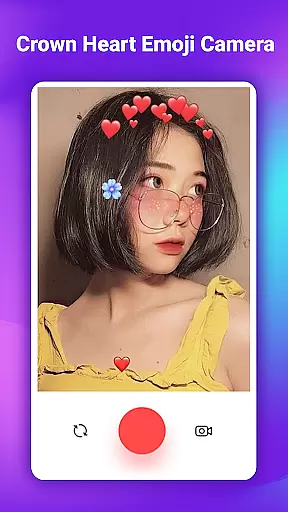
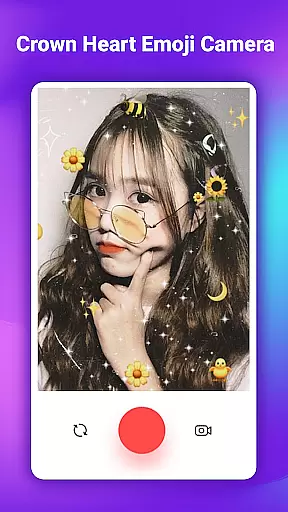
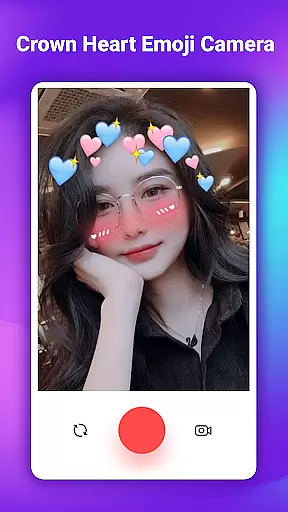
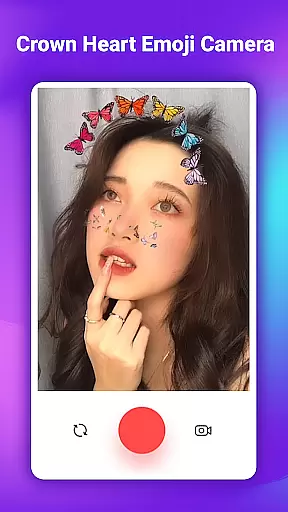
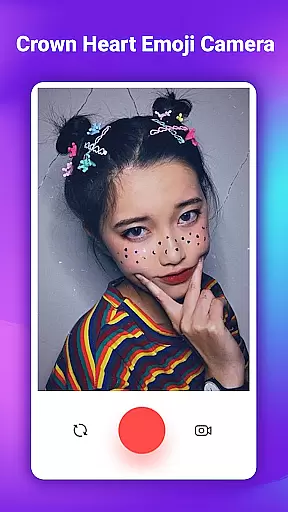
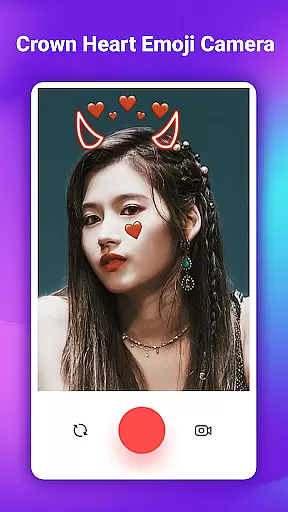
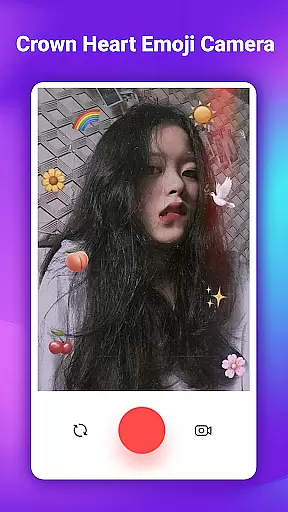
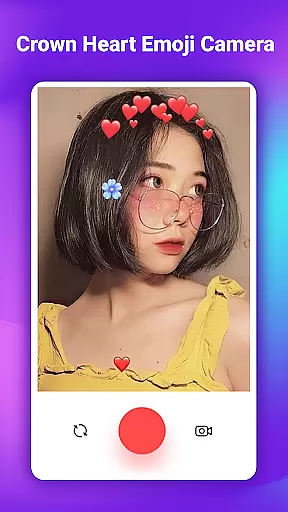
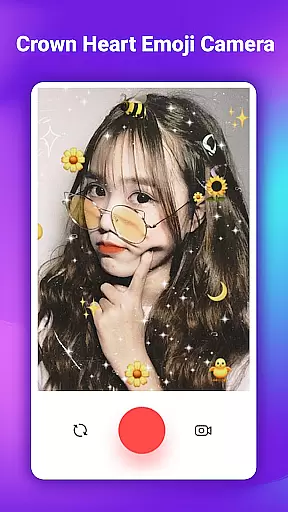
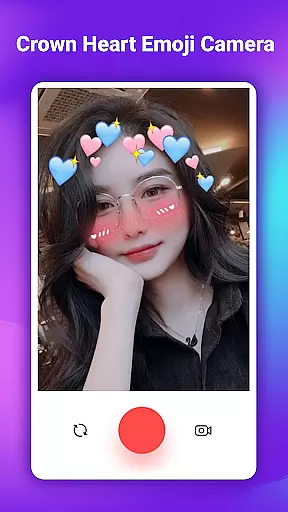
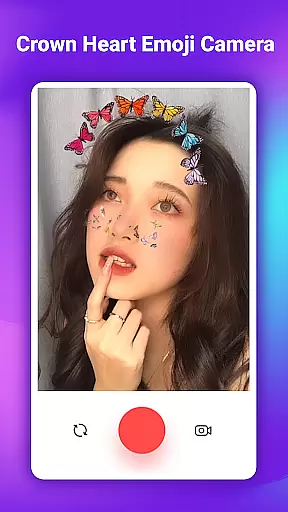
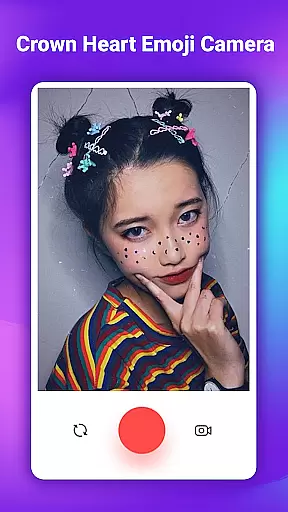
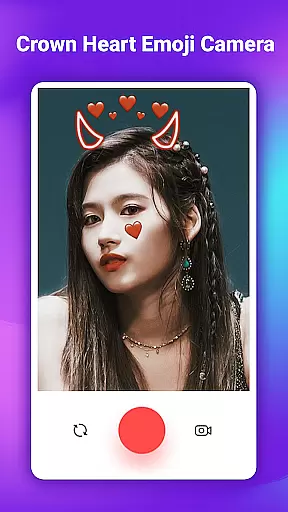
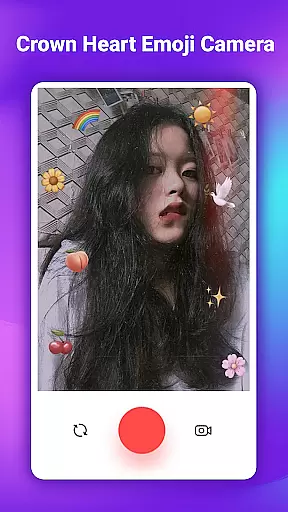
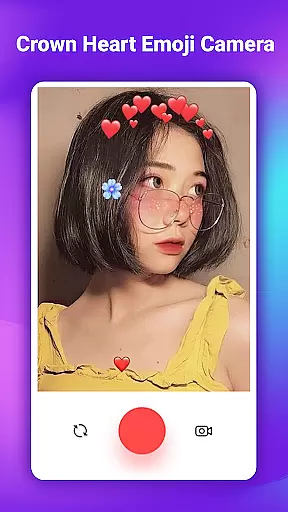
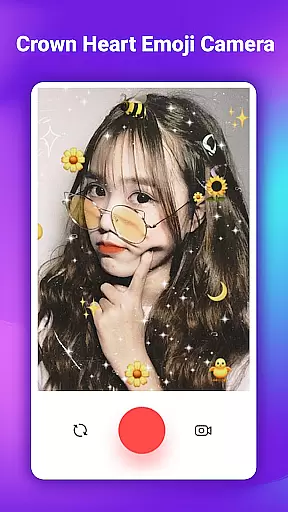
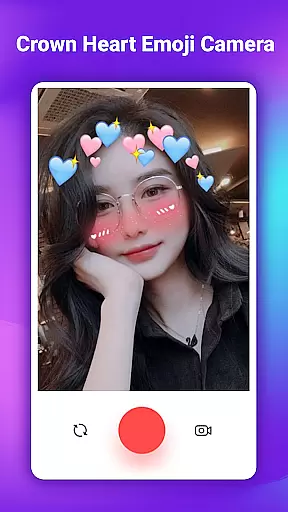
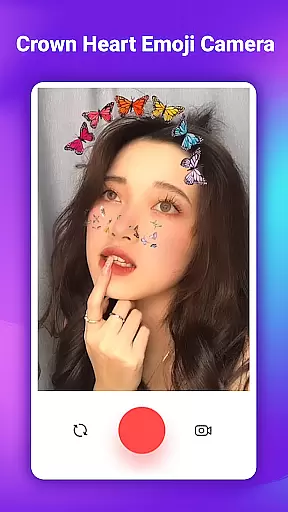
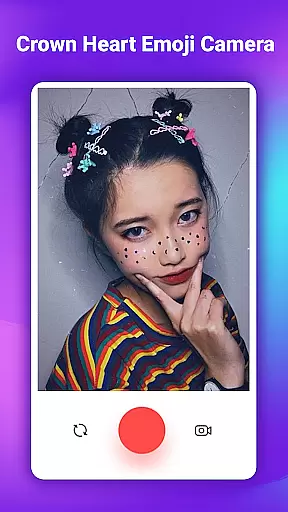
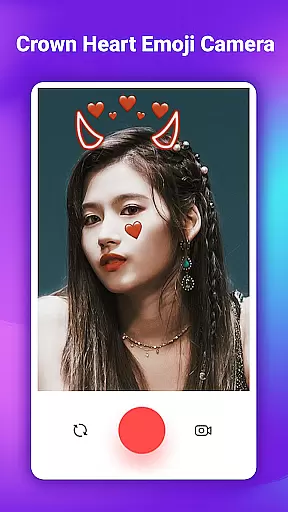
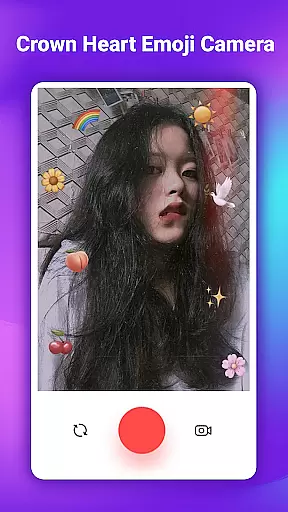
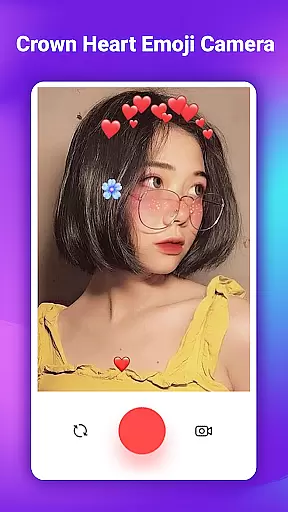
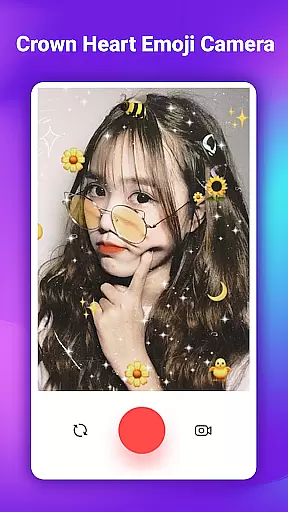
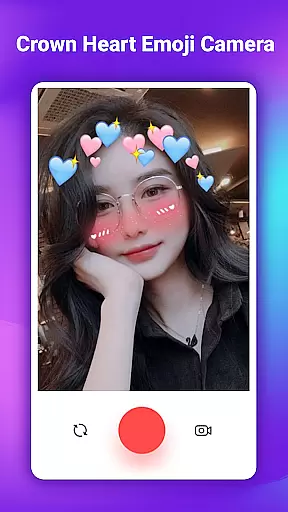
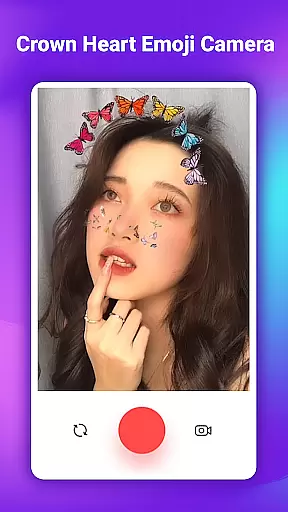
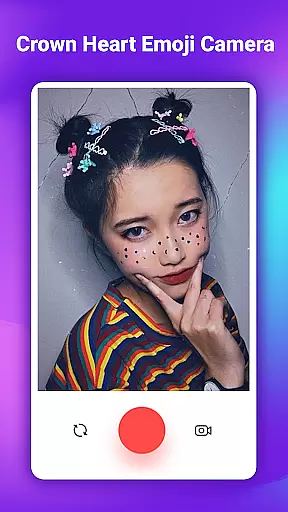
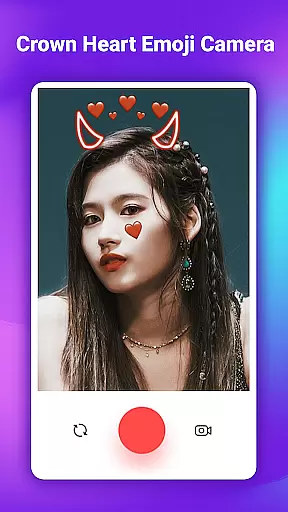
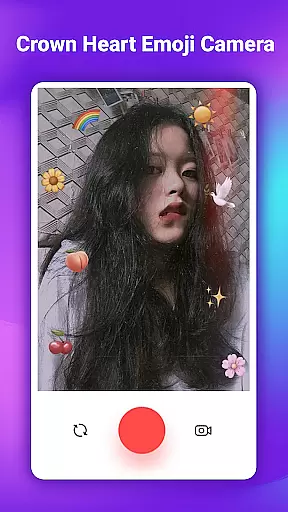
Crown Heart Emoji Camera is a feature-rich photo editing app designed specifically for users who want to add creative and fun elements to their photos. The app's core functionality revolves around its extensive collection of emoji stickers, filters, and effects that transform ordinary images into eye-catching works of art.
One of the standout features is the Flower Crown Emoji Stickers collection, which includes over 50 unique designs like heart crowns, cat faces, and various floral arrangements. These stickers are perfect for adding a playful touch to selfies and group photos. The app also offers specialized tools like the Crown Editor and Emoji Filters that provide multiple face stickers to enhance your pictures with stunning effects.
This app is particularly useful for social media enthusiasts who want to increase engagement on their posts. By using the app's creative tools, users can produce visually appealing content that stands out in crowded social feeds. Whether you're a student wanting to preserve memorable college moments or an influencer looking to boost your online presence, Crown Heart Emoji Camera provides all the necessary tools to create professional-looking edits right from your mobile device.
The Crown Heart Emoji Camera app boasts an impressive array of features that cater to diverse photo editing needs. At its core, the app provides a comprehensive library of Cute Filters & Photo Stickers, including specialized collections like Flower Crown Emoji Stickers and Emoji Crown For Girls. These collections feature carefully curated designs that range from whimsical cat face filters to elegant flower crown combinations.
What sets this app apart is its user-friendly interface that simplifies the editing process. Users can easily navigate through different sticker categories and apply them to both new and existing photos. The minimalist design ensures that even beginners can achieve professional-looking results without any learning curve. Advanced features include the ability to layer multiple stickers and adjust their size and position for precise customization.
The app's value extends beyond basic editing capabilities. It supports Full HD quality image saving and offers seamless social media integration. Users can directly share their edited masterpieces across various platforms, making it an excellent tool for content creators who need to maintain a consistent posting schedule. Additionally, the app's regular updates ensure that users always have access to fresh content and improved functionality.
When it comes to beauty applications like Crown Heart Emoji Camera, the depth of the product database plays a crucial role in user satisfaction. This app offers an extensive library of over 50 stickers including flower crown emoji stickers, heart crowns, and cat faces.
The variety ensures that users can find the perfect sticker for any occasion, making their photos not just images but stories told through creative embellishments. Each sticker is designed to be both adorable and expressive, catering specifically to those who wish to add a unique touch to their selfies.
By providing such a rich selection, the app allows users to transform ordinary pictures into memorable works of art. Whether it's for personal amusement or sharing on social media, these features help enhance creativity and personal expression.
This depth in the product database not only makes photo editing more enjoyable but also significantly boosts the potential for increased engagement on platforms like Instagram or Facebook, where visual appeal is key.
Personalization precision in apps like Crown Heart Emoji Camera refers to how accurately the application can tailor its features to meet individual user preferences. With its array of cute filters and photo stickers, this app excels in delivering personalized experiences.
Users can select from various flower crown emoji stickers and other decorative elements that best suit their style or mood. The appu2019s intuitive interface simplifies the process of applying these enhancements, ensuring that even those new to photo editing can achieve professional-looking results.
Moreover, the inclusion of multiple face stickers and emoji filters adds another layer of customization. These tools enable users to create stunning selfies that stand out, whether they're looking to increase likes on social media or simply have fun with friends.
Ultimately, the precision in personalization offered by Crown Heart Emoji Camera empowers users to express themselves fully, turning everyday photos into unique expressions of personality and creativity.
User-friendly interface
Extensive sticker library
High-quality image output
Regular content updates
Seamless social sharing
Limited advanced editing tools
Some features require purchase
Occasional performance issues
Ads between editing sessions
Basic filter selection

Your Personal Stylist for Smart Shopping, Beauty & Styling Outfits.
 4.5
4.5
Professional HD Camera App: Capture Bright HD Selfie & Record Stunning Moments
4.40
Get Smart About Your Skin with Fully Personalized Beauty Tech!
4.80
Beauty camera to take nature selfie with photo filter. Photo makeup face editor.
4.50
Beauty camera & Selfie camera for perfect selfie with filter, sticker, makeup
4.70
Beauty Camera AI Photo Editor with effect, filter, makeup tools for photo editor
4.30
Seasonal color palette, my personal color, hair color changer, makeup, wardrobe
4.20
Monthly Perfume Subscription
4.70
Beauty for every eye, lip & face. Earn rewards, play games, connect with others.
4.30
Book beauty salon, hair or health and wellness experiences in an instant
4.90
The ultimate beauty membership
4.70
Beauty Camera - Selfie Camera with beauty editing tool, makeup, filter, sticker
4.60
For businesses, Booksy Biz allows you to manage your schedule & more on the go.
4.60
All-in-one solution for independent beauty pros to manage & grow their business
4.30
Glow up with science: cosmetics, ingredients scanner, tracking & face analysis
4.10
The all new Cosmo Prof app offers exclusive pro products, deals, and training.
4.00
This barber game allows you to create and design hair styles on diverse people
3.80
Edit Your Photos and Videos with Beauty Filters & Get Makeup Artist Tutorials
3.60
Beauty/age defining ai coach guides you through the exercises in daily routine.
3.30


User Reviews