
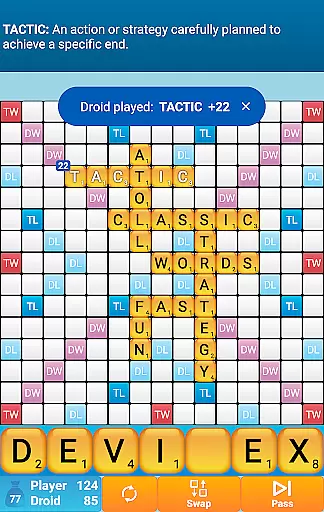
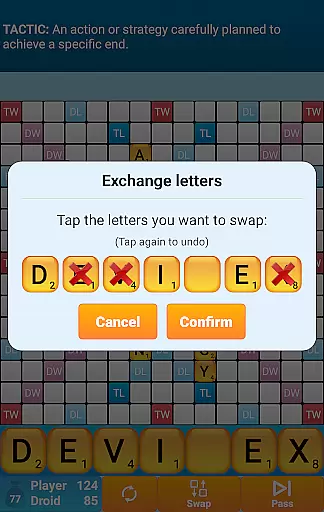
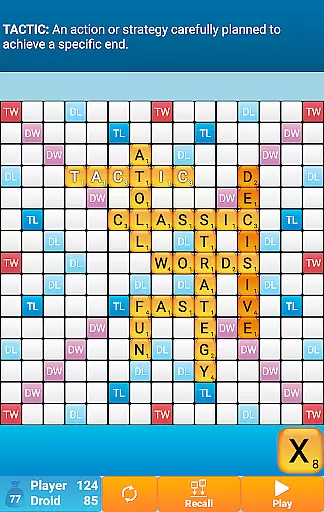
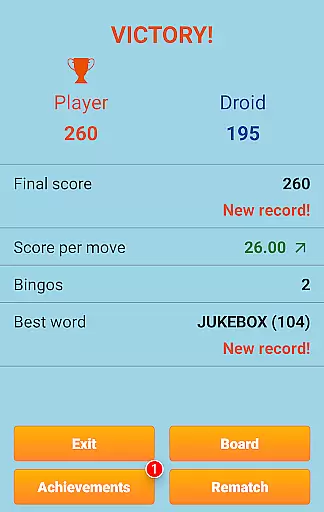
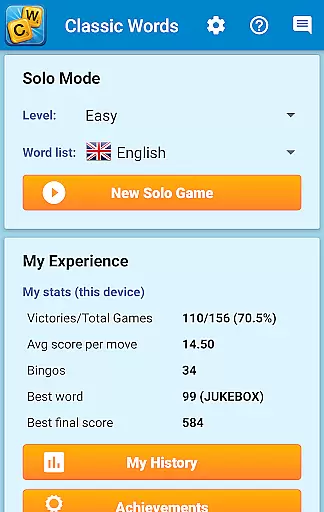
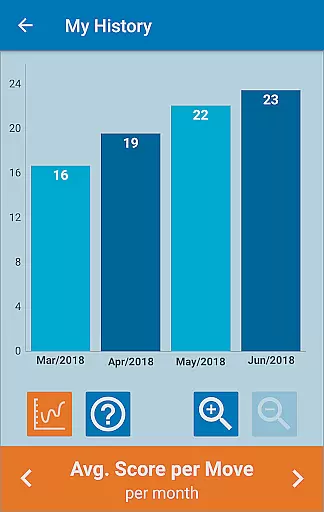
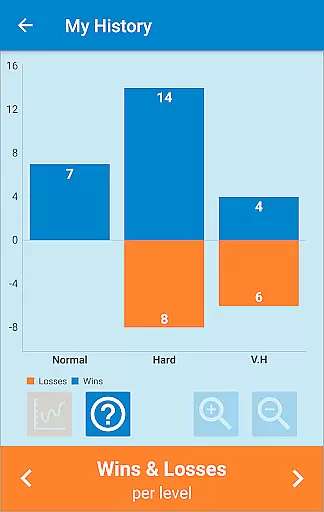
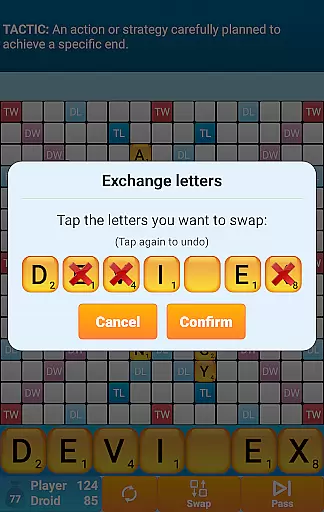
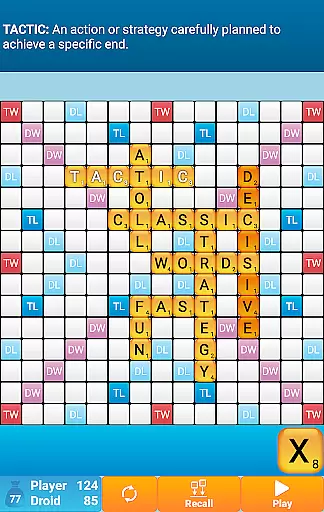
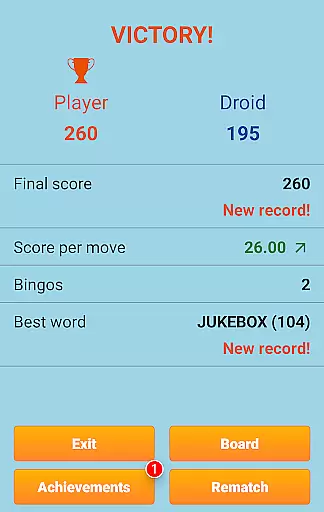
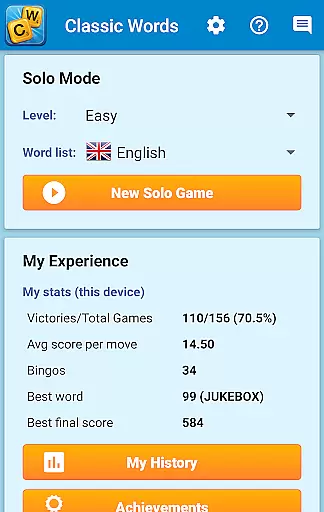
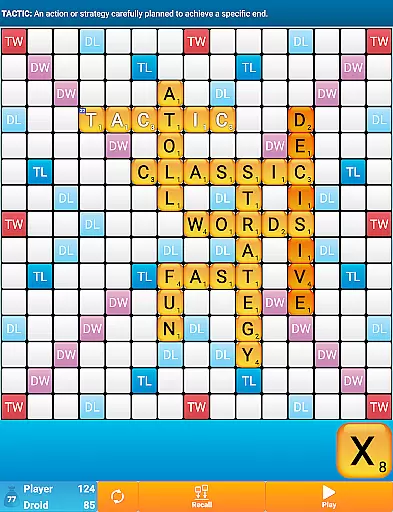
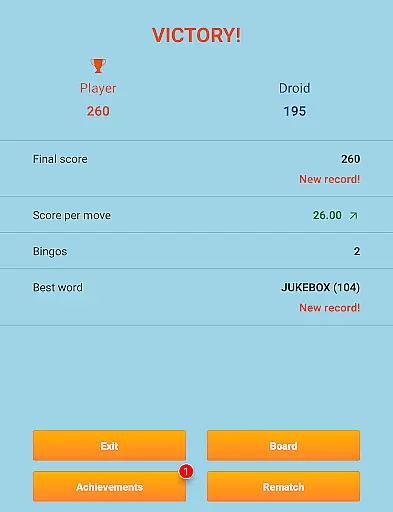
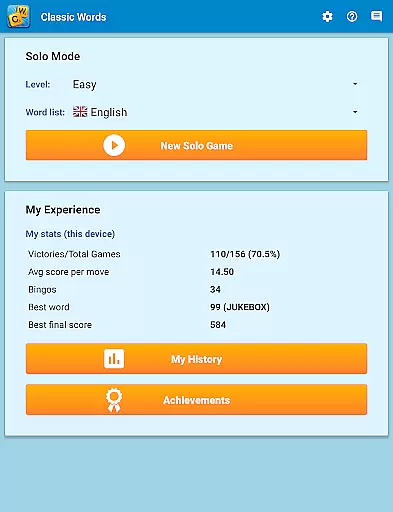
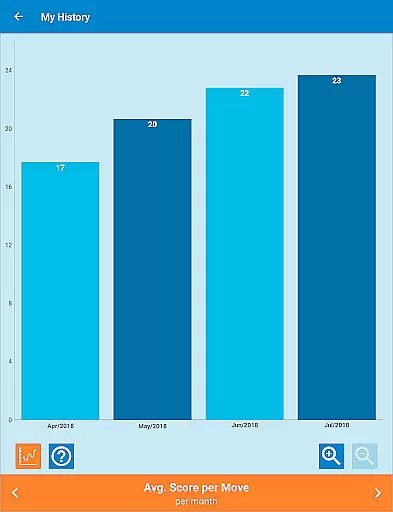
Classic Words Plus is a premium word game designed for solo play against your smartphone or tablet. This crossword-style board game offers an ad-free experience, making it perfect for players seeking uninterrupted gameplay. With 6 difficulty levels and support for multiple languages including English, Spanish, French, Italian, German, Dutch, and Polish, the app caters to both beginners and advanced players.
The game stands out with its unique features such as the Teacher mode, which helps expand vocabulary through built-in word definitions, and the Pass-and-Play mode for offline two-player games on a single device. Classic Words Plus uses high-quality word lists like the NASPA Word List 2020 for English, ensuring accurate and challenging matches. Its smart AI opponent provides varying skill levels, offering strategic challenges that improve your wordplay skills while delivering an enjoyable pastime.
Classic Words Plus boasts several standout features that enhance the gaming experience. The app includes a robust AI system with six levels of difficulty, allowing players to choose opponents ranging from beginner to expert. By supporting multiple languages and adapting letter distributions and points accordingly, the game ensures authentic crosswords-style challenges across different linguistic contexts.
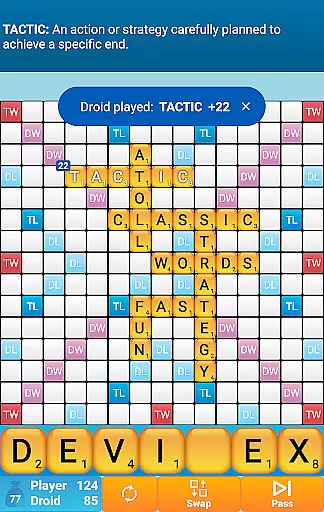
One of the key highlights is the ability to display word definitions by simply swiping on them, enriching players' vocabularies during gameplay. Additionally, the offline Pass-and-Play mode enables local multiplayer fun without requiring internet connectivity. Unlike online multiplayer games where cheating can occur, Classic Words guarantees fair play by randomly generating letters and blanks while maintaining equal information access between the player and AI. These thoughtful features make it ideal for both casual enjoyment and competitive training.
In Classic Words Plus, clue quality and clarity are essential for an engaging word game experience. The game provides clear definitions of words by simply swiping them, enhancing the understanding of new vocabulary as players engage with the board. This feature is particularly beneficial for those looking to expand their lexicon while enjoying a competitive match.
The app supports multiple languages, including English, Spanish, French, Italian, German, Dutch, and Polish. Each language's dictionary is adapted to fit tournament standards, ensuring that every word formed adheres to official guidelines. This meticulous attention to detail in word selection guarantees that clues provided during gameplay maintain high standards of accuracy and relevance.
Players can choose from six difficulty levels, which directly impacts the complexity of the clues presented. Whether you're a beginner or a tournament-level player, the varying levels ensure that the challenge remains stimulating without becoming frustrating. This adaptive approach caters to users of all skill sets, making it an inclusive platform for word game enthusiasts.
Classic Words Plus offers a rich puzzle variety that keeps players engaged through its dynamic board-based, crossword-style gameplay. With support for seven languages, each game session can transform into a unique linguistic challenge, allowing players to switch between different dictionaries and enjoy diverse word formations based on the chosen language.
The inclusion of six distinct difficulty levels adds another layer of variety, catering to both casual players and hardcore word game aficionados. As players progress through these levels, they encounter increasingly complex boards and strategic opportunities, keeping the experience fresh and intellectually stimulating.
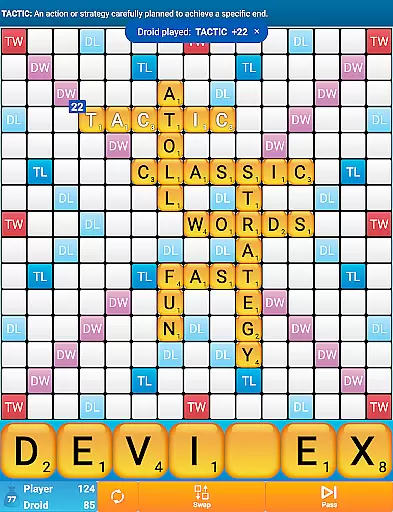
Moreover, the game incorporates special scoring squares such as Double Letter, Double Word, Triple Letter, and Triple Word, which introduce additional strategic depth. These elements encourage players to think critically about word placement, adding a layer of tactical decision-making that enhances puzzle diversity. By leveraging these features, Classic Words Plus ensures that no two games feel alike, offering countless hours of mentally invigorating entertainment.
Ad-free experience
Smart AI opponent
Offline multiplayer mode
Vocabulary-building tools
High-quality word lists
No online multiplayer
Limited social features
Premium price tag
Complex for beginners
Fewer updates

Best Word Game with Friends!
 4.90
4.90
Great Word Game with Friends!
4.80
Find words from the same topic, group them by association, win the word puzzle!
4.50
Crossword puzzles for all ages- easy to hard. All offline!
4.90
Enjoy the beautiful scenery and endless word search puzzles!
4.70
Word Trip – where players relax, solve word puzzles, and boost your brainpower!
4.90
Try to find the hidden words!
4.30
A collection of engaging word and logic games with puzzles for all skill levels
4.80
Zen Word - where challengers relax, solve word games, and train their minds!
4.80
Challenge your brain with online learning and solve word puzzles!
4.90
Enhance your mind and unwind with word puzzles and solitaire. Play now!
4.80
A fun multiplayer word game. Who can make the highest scoring words?
4.80
Unleash your vocabulary in the world’s #1 word cross puzzle game!
4.70
The highly addictive fun word game.
4.70
Get the incredibly addicting word search game that everyone is talking about!
4.70
Unleash your inner codebreaker! Solve challenging cryptograms & word puzzles.
4.70
Daily crossword puzzles for brain training! Master vocabulary with word games!
4.50
Play word games with friends! Smart puzzles, custom tiles & multiplayer fun!
4.40
Scramble Words Puzzle Game
4.2


User Reviews