
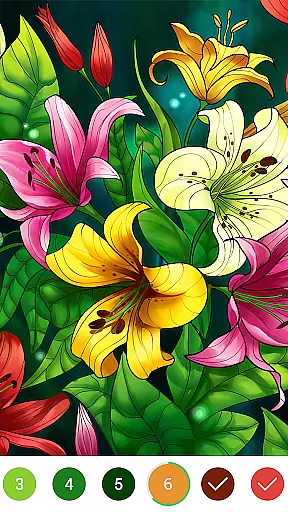


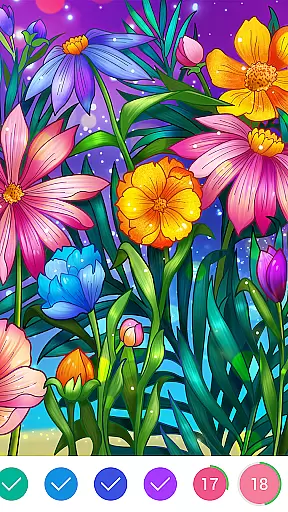




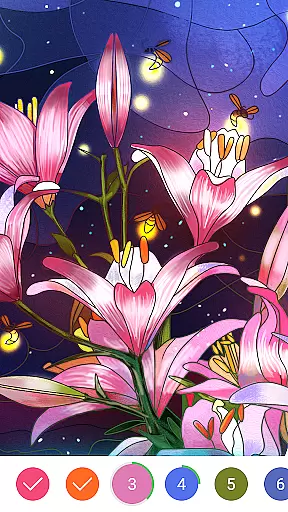

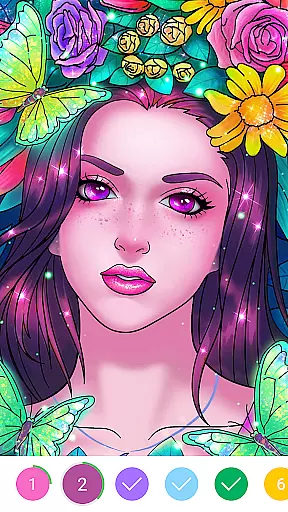





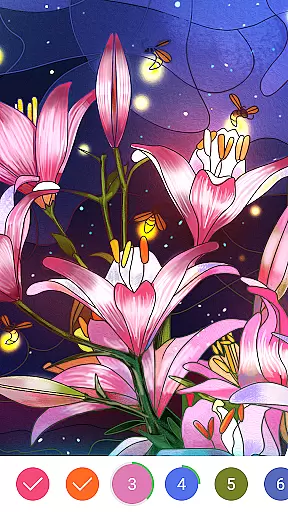

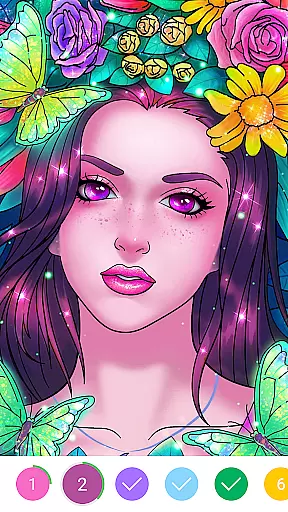





Coloring Book: Color by Number is a relaxing board game that allows users to create digital artworks through a number-guided painting system. Designed for both beginners and art enthusiasts, this app provides an easy way to relieve stress while producing beautiful pieces of art. The app features a wide range of categories including famous paintings like the Mona Lisa and Starry Night, as well as themes such as mandalas, animals, and nature.
Users can enjoy painting without needing any artistic skills, thanks to the intuitive number-based coloring system. Each area in the artwork is marked with numbers corresponding to specific colors, making it simple to follow along. Whether you're at home or on the go, Coloring Book offers a portable creative outlet that lets you color and recolor images effortlessly. This makes it an ideal choice for those seeking a calming yet engaging activity.
The app also connects users with history's greatest artists, allowing them to recreate masterpieces from Leonardo da Vinci, Vincent van Gogh, and more. By following the numbered patterns, players can bring these timeless works to life on their devices. With its combination of entertainment and relaxation, Coloring Book: Color by Number serves as a perfect digital hobby for people of all ages.
Coloring Book: Color by Number stands out due to its innovative approach to digital art creation. One of the key features is its user-friendly interface, which eliminates the need for advanced artistic abilities. Instead, users rely on a straightforward number-matching system where each numbered section corresponds to a particular color. This ensures that even complete novices can produce stunning results every time they use the app.
Another notable feature is the vast selection of coloring pages available across multiple categories. From intricate mandalas to serene landscapes, there’s something for everyone. Additionally, the app includes reproductions of iconic paintings by legendary artists such as Michelangelo and Van Gogh. These options not only provide variety but also give users the chance to engage with classic art forms in a modern context.
Sharing capabilities further enhance the experience, enabling users to showcase their finished creations on social media platforms directly from the app. The ability to save, recolor, and edit projects adds another layer of flexibility. Overall, Coloring Book: Color by Number combines accessibility, creativity, and convenience into one comprehensive package, making it a standout option among board games.
Rule authenticity and flexibility are crucial elements in any board game, including digital coloring books like Coloring Book: Color by Number. This app ensures that the foundational rules of color by number are preserved while offering users the flexibility to explore their creativity.
The app strictly adheres to the traditional color by number rule set, where each numbered area corresponds to a specific color. This method provides a structured yet relaxing coloring experience. Users can easily follow these numbers to fill in the images, ensuring an authentic adherence to the color by number concept.
Flexibility is introduced through various customization options. Users can choose from different categories such as Mandala, floral, animals, and famous paintings. This variety allows users to select images that suit their preferences while still following the established rules, enhancing their overall engagement and satisfaction with the app.
While Coloring Book: Color by Number doesn't involve AI opponents in the traditional sense, it offers features that enhance the solo coloring experience, simulating some aspects of competitive or cooperative play. The app includes a vast array of coloring pages that adapt to different skill levels, providing a challenge akin to competing against varying levels of AI difficulty.
The app's selection of coloring pages spans multiple categories, including famous artworks by Leonardo da Vinci, Michelangelo, and Vincent van Gogh. These intricate designs offer a complex coloring challenge, similar to facing a skilled AI opponent in other board games. This feature ensures that users continually engage with new and stimulating content.
Additionally, the ability to share creations on social networks introduces a form of indirect competition. Users can compare their finished works with others, fostering a community-driven competitive environment. This aspect enhances user interaction and motivates users to improve their coloring skills, paralleling the experience of competing against AI opponents.
Easy-to-use interface
Variety of art styles
No artistic skill required
Portable and convenient
Social sharing options
Limited free content
In-app purchases necessary
Ads may disrupt workflow
Occasional bugs reported
High device storage usage

Shredder, the chess world champion. Play and learn chess.
 4.50
4.50
Pick a Theme, Play the Game
4.2
Roast coffee beans and compose a delicious cup of coffee.
3.80
Enjoy tile matching puzzles and unlock fun stories!
4.90
Fantasy Christmas Color.Paint by number on holiday coloring book to relax.
4.90
Loop and Merge!
4.5
Lords of Waterdeep is a strategy board game, set in the D&D world of Waterdeep.
3.80
The iconic murder-mystery. Six suspects, six weapons, nine rooms, one culprit.
4.60
Challenge players Worldwide in Classic Domino! 3 fun Modes await your Reign
4.70
Best Dice Game with Friends!
4.80
Legendary board game classic from award-winning designer Vlaada Chvátil
4.70
Domino Frenzy - Tile board game.
4.70
Become a chess master
4.70
The fastest way to learn and improve your Chess! The ultimate Chess teacher!
4.70
Plunder your way to Viking adventure in the award-winning board game!
4.60
Relive your favourite childhood game, now on mobile and tablet.
4.60
online interactive board games
4.50
Dominoes online! Classic board games - Fives, Threes, Block and Draw Dominos!
4.40
Meet adorable cats and sew the coziest quilts.
3.90


User Reviews