
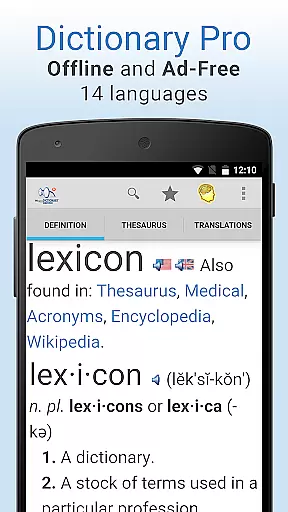
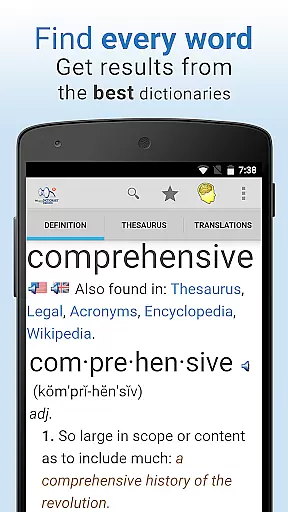
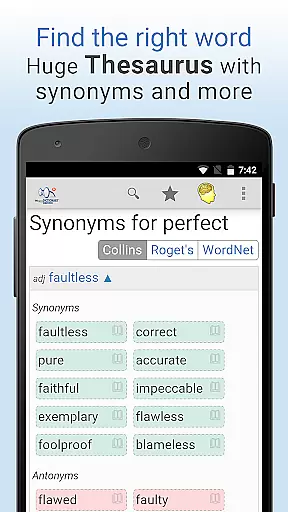
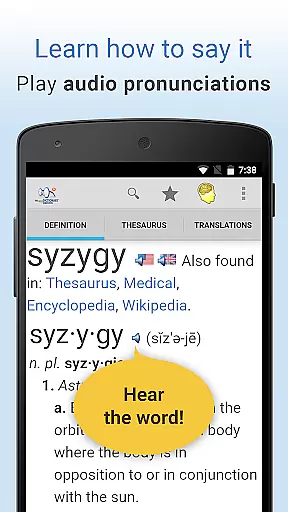
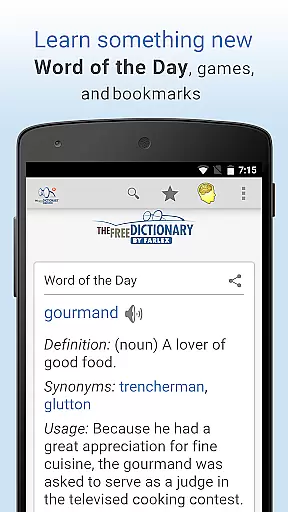
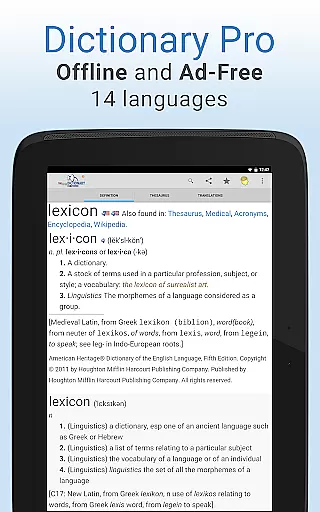
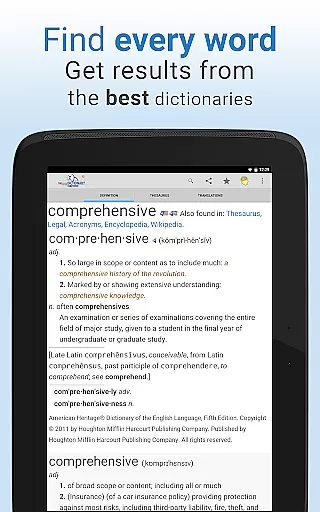
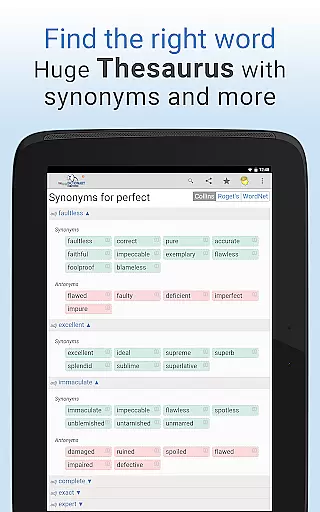
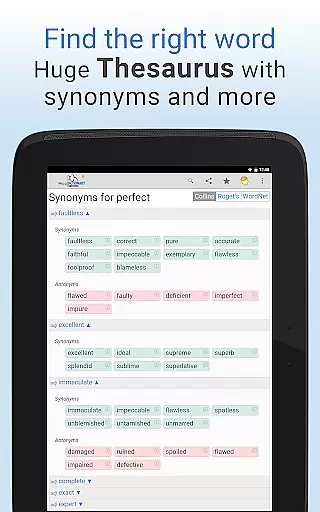
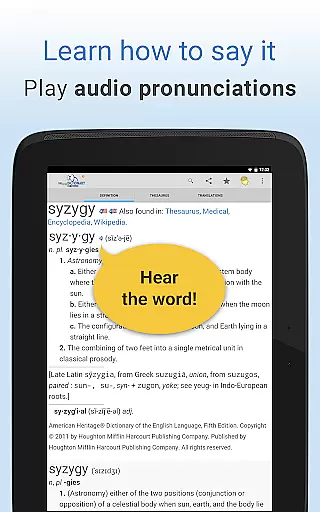
Dictionary Pro is a premium reference app designed for users who need comprehensive language resources at their fingertips. This app offers an expansive offline dictionary and thesaurus, supporting English and over 40 other languages, ensuring functionality even without an internet connection. With content from top publishers like Webster's, Roget's, and Cambridge University Press, it provides authoritative definitions, synonyms, translations, and more.
The app stands out with its ad-free experience and advanced features such as voice search, audio pronunciations, and customizable homepages. Users can bookmark words, sync across devices, and access specialty dictionaries covering medical, legal, and financial terminology. Its intuitive interface supports multiple languages, making it versatile for both casual learners and professionals.
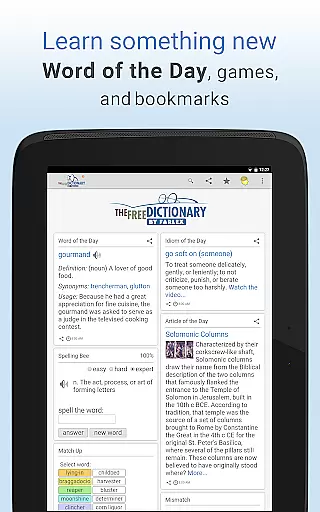
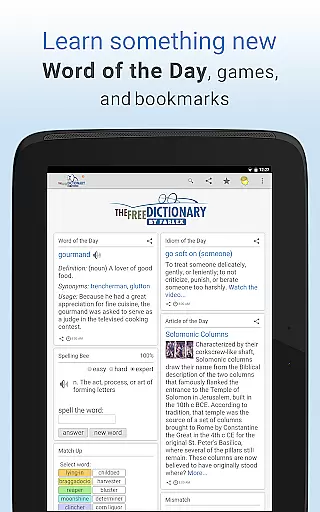
Dictionary Pro is ideal for students, writers, and language enthusiasts who require reliable linguistic tools. The inclusion of word games, idioms videos, and daily Word of the Day content adds educational value while keeping users engaged. By combining extensive offline capabilities with modern usability enhancements, this app delivers unmatched utility in the Books & Reference category.
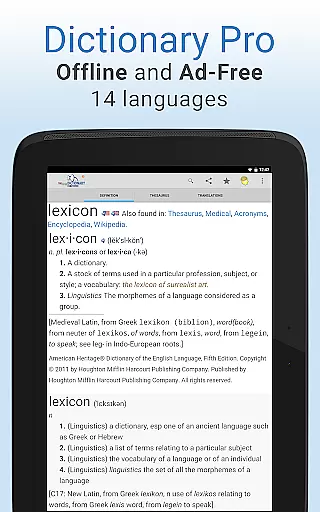
Dictionary Pro boasts a rich set of features that cater to diverse user needs. One standout capability is its fully offline functionality, which includes not only an extensive English dictionary but also translations into 40+ languages. This ensures uninterrupted access to critical information regardless of connectivity. Additionally, the app integrates content from over 100 trusted sources, including McGraw-Hill and Houghton Mifflin, offering unparalleled depth in definitions, etymologies, and example sentences.
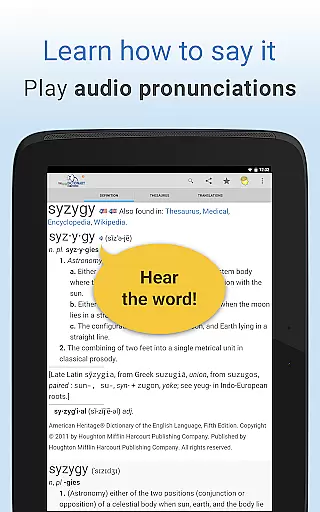
Advanced functionalities enhance the overall user experience. Voice search allows users to look up words hands-free, while the 'Jump to Definition' feature enables quick navigation between dictionary entries, thesaurus results, and translations. Users can customize their homepage by adding or removing articles, games, and even local weather updates. Furthermore, the app supports multilingual navigation, adjustable font sizes, and seamless sharing of favorite words via social media or messaging platforms.
Exclusive features like earning meals for hungry children through usage demonstrate Dictionary Pro’s commitment to social responsibility. Integration with external apps via API calls (for developers) highlights its technical versatility. These robust features collectively position Dictionary Pro as a top-tier reference tool, blending practicality with innovation to meet the demands of modern users.
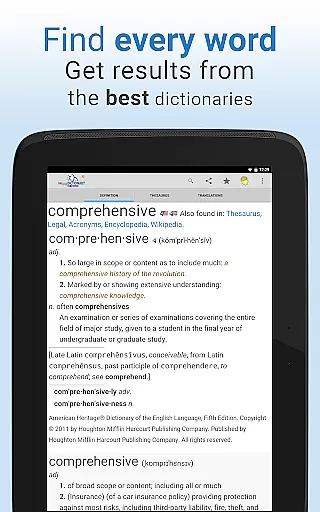
Dictionary Pro offers an extensive e-book library that includes over 100 dictionaries and encyclopedias from trusted publishers such as McGraw-Hill, Houghton Mifflin, HarperCollins, Random House, and Cambridge University Press. This vast collection ensures users have access to authoritative content across various fields.
The app guarantees copyright authenticity by partnering directly with these reputable publishers. Users can trust the legitimacy of the information provided, whether they are looking up general definitions or specialized terms in medical, legal, scientific, or financial contexts.
With offline functionality for 13 languages and translations into more than 40 languages, Dictionary Pro provides a comprehensive linguistic resource that is accessible anytime, anywhere. This feature not only enhances convenience but also ensures uninterrupted learning without the need for constant internet connectivity.
One of Dictionary Pro's standout features is its format compatibility, which allows seamless integration with other applications through API calls. Developers can utilize this capability to enhance their own apps by incorporating robust dictionary functionalities provided by Dictionary Pro.
The app supports multiple search methods including voice search, making it versatile for different user preferences. Whether you prefer typing out your query or using voice commands, Dictionary Pro adapts to provide quick and accurate results.
Additionally, Dictionary Pro enables users to look up definitions directly from other apps by highlighting text and sharing it with the app. This cross-app functionality underscores the appu2019s commitment to providing flexible and user-friendly solutions for all dictionary-related needs.
Comprehensive offline content
No ads or interruptions
Voice search functionality
Multilingual support
Daily educational content
Premium price point
Large file size
Limited free version
Complex interface
Occasional bugs

“There was one last piece of cake. My little sister said ‘Me too!’”
 4.00
4.00
Powerful Bible study tools linked to every verse in an easy-to-use Bible reader!
4.60
CleverBook Pro makes the popular guide for the game even better!
4.00
The Psalms for singing
4.1
Master AKC Rally signs with in-depth hints, diagrams, and expert guidance.
4.50
Read and study the Bible and other content in over 1,000 languages.
4.80
Read unlimited novels, audiobooks, stories & Unlock ebooks, fanfiction and more!
4.70
Discover, track, and share your reading with friends & our community of readers
4.60
A companion for prayer, with Azan alarm, Quibla direction, and Holy Quran book
4.10
What’s that bird? Just answer 5 questions, snap a photo, or record its song!
4.90
The Bible Audio Guide
4.80
Audiobook player with cross-device progress sync, playlists, and widget support.
4.80
My Bible offers a comprehensive app by providing offline access, daily verses.
4.80
"Do you like green eggs and ham?"
4.70
Daily Devotional Widgets & Hourly Verses. Listen to Bible & Watch Holy Stories
4.70
Build family tree & discover DNA, family history heritage, origins and ancestors
4.60
Read Trending Romance Stories
4.00
Enjoy your favorite books
3.50
A guide for the Court of Atonement spiritual healing process.
4.5


User Reviews