
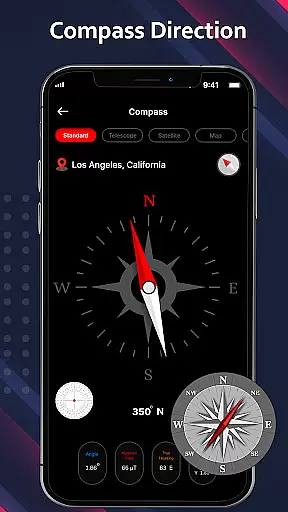
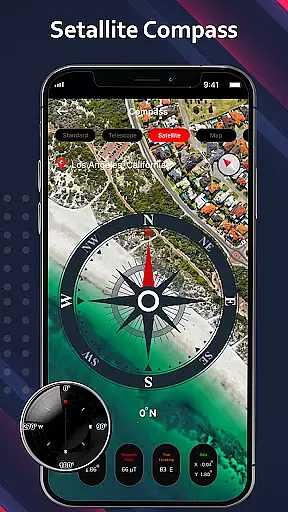
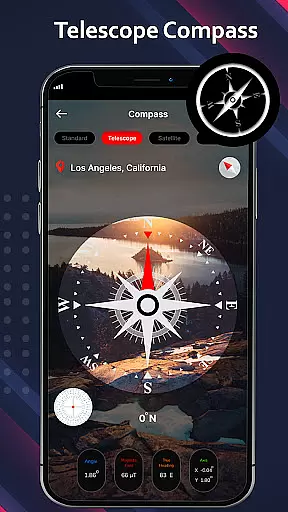
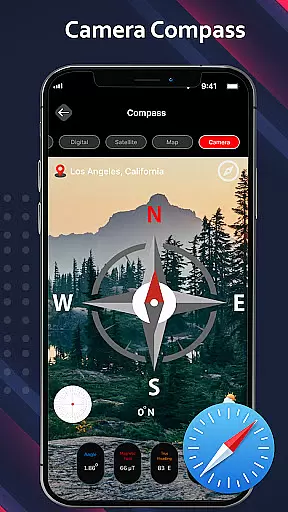
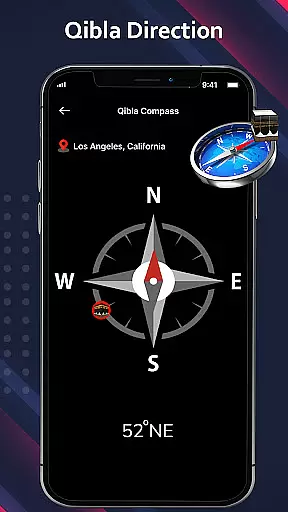
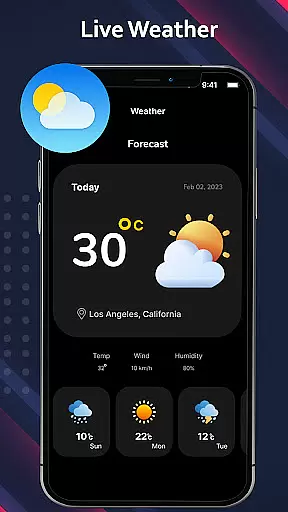
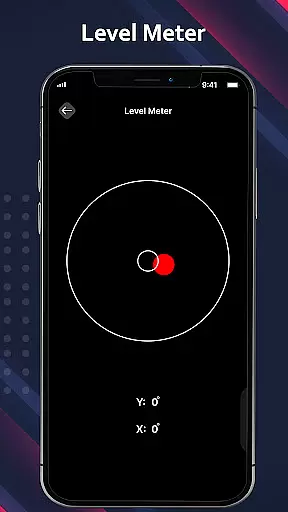
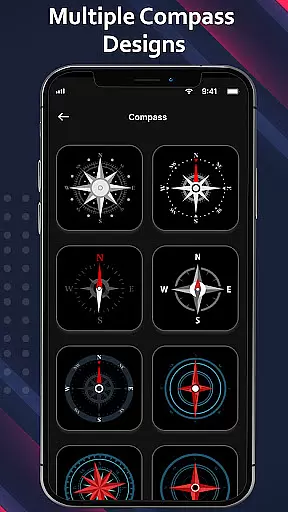
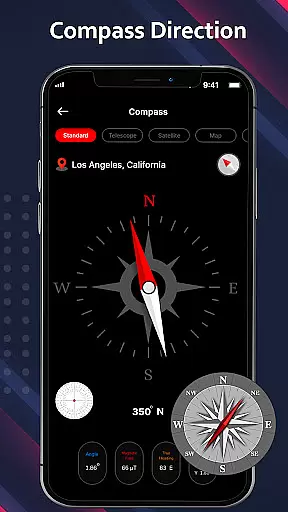
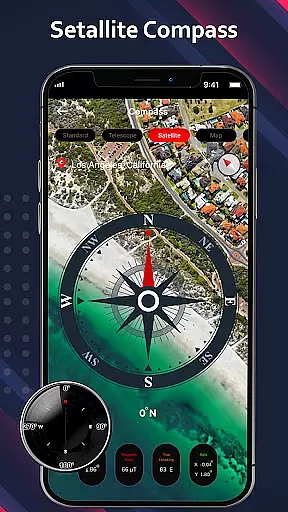
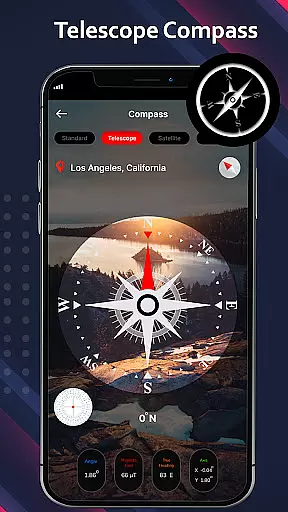
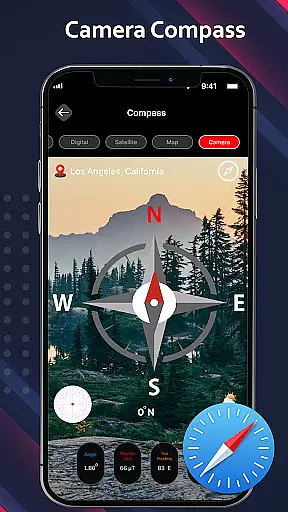
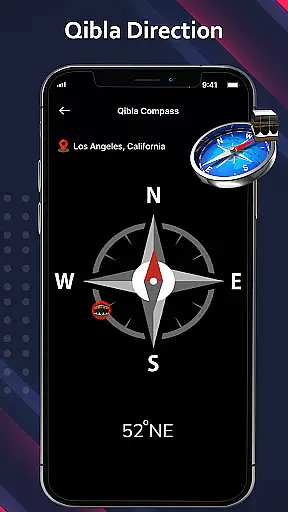
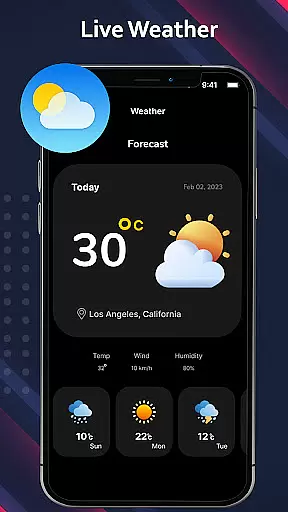
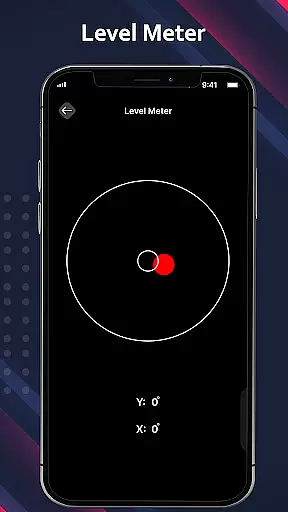
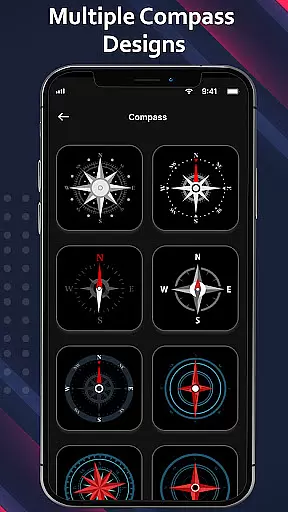
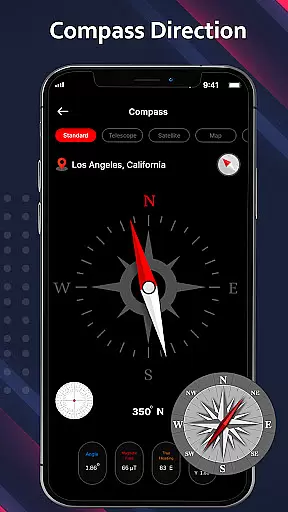
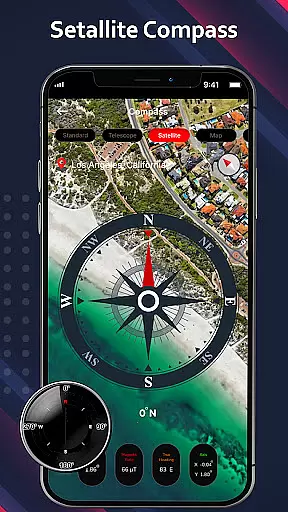
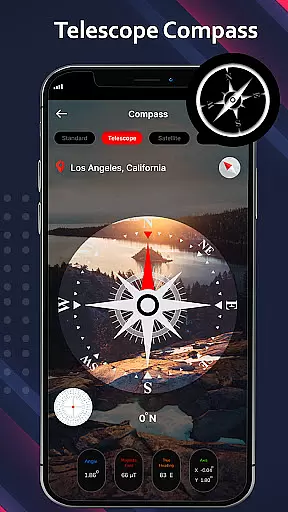
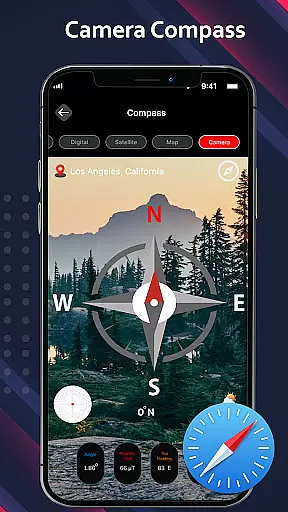
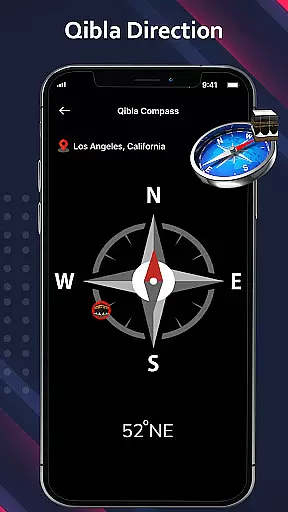
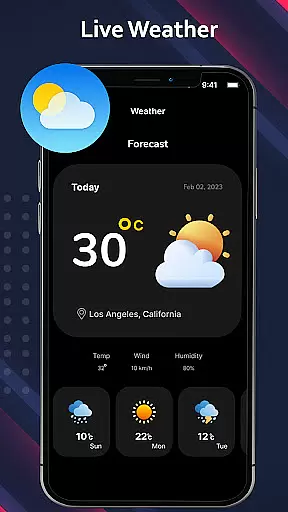
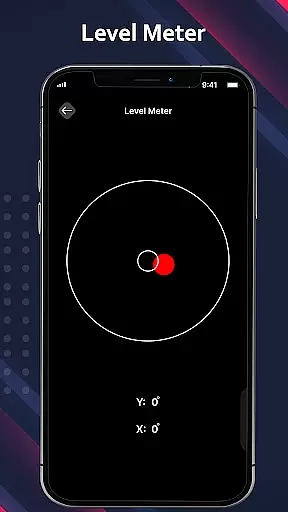
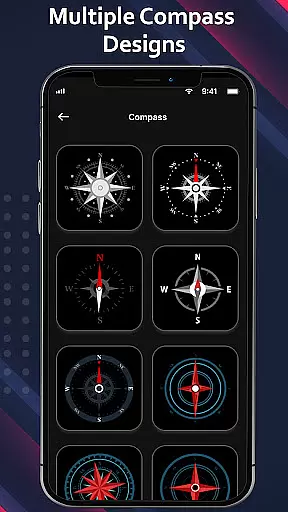
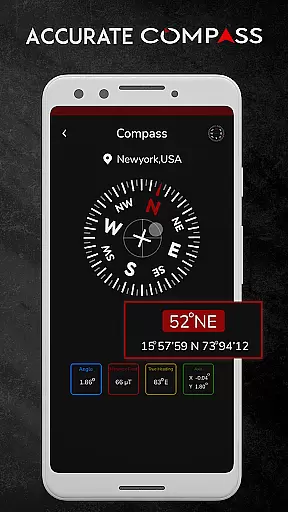
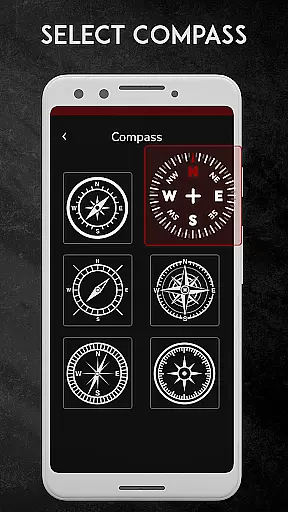
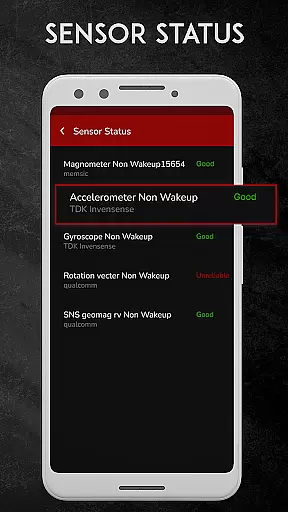
Digital Compass for Android is a highly precise and versatile navigation tool designed to assist users in determining cardinal directions with exceptional accuracy. This app goes beyond basic compass functionality by offering multiple specialized modes, including standard compass, satellite compass, camera compass, telescope compass, and even a qibla compass for Muslim users. Whether you're hiking, traveling, or simply navigating through unfamiliar areas, this app provides real-time direction guidance alongside weather updates, making it an indispensable companion for outdoor activities.
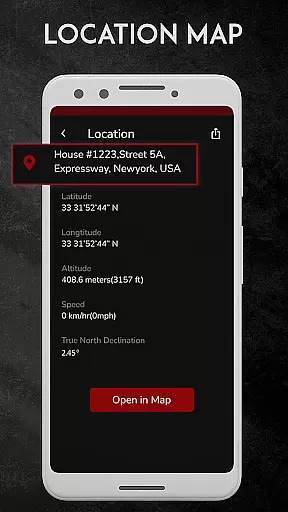
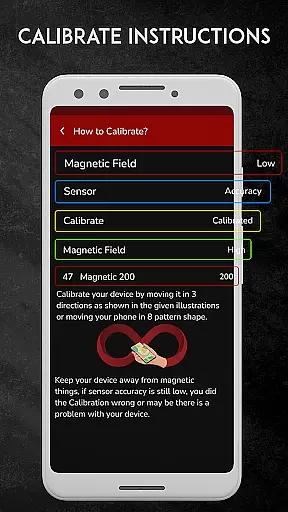
One of the standout features of Digital Compass is its ability to integrate with GPS technology, allowing users to pinpoint their exact location using latitude and longitude coordinates. The app's intuitive interface ensures ease of use while delivering reliable magnetic field measurements. Its smart design minimizes interference from nearby magnetic objects, ensuring consistent precision. With its comprehensive set of tools, Digital Compass empowers users to confidently explore new environments without losing their way.
Digital Compass for Android distinguishes itself through a variety of advanced features tailored to meet diverse navigational needs. At its core, the app functions as a traditional compass but enhances this experience with specialized modes such as the camera compass, which overlays directional information onto live camera views, providing real-time guidance. The telescope compass further refines object measurement accuracy, making it ideal for tasks requiring precision, like surveying or stargazing.
In addition to these innovative tools, the app includes a satellite compass that offers clear navigation instructions by displaying the precise location of your destination. For users seeking spiritual alignment, the qibla compass helps determine prayer direction. Weather updates are seamlessly integrated into the app, ensuring users stay informed about current conditions while navigating. These features collectively create a robust navigation solution that caters to both casual explorers and professionals alike.
Forecast accuracy and data credibility are essential features of any weather application, ensuring users receive reliable information to make informed decisions. Digital Compass for Android integrates a weather compass that provides real-time weather updates alongside precise compass readings. This dual functionality allows users to stay informed about current weather conditions while accessing accurate directional guidance.
The app employs advanced sensors and algorithms to measure the Earth's magnetic field, delivering consistent and credible data. By combining these measurements with satellite data, the app ensures high forecast accuracy. Users can trust the app to provide dependable weather forecasts, whether they are hiking, traveling, or simply planning their day.
For users who frequently engage in outdoor activities, having access to credible weather data is crucial. The weather compass feature not only enhances navigation experiences but also prepares users for any environmental changes. With this reliable tool, users can confidently explore new terrains, knowing they have accurate weather information at their fingertips.
Temporal and spatial forecast range refers to an application's ability to provide weather predictions over specific time periods and geographic areas. Digital Compass for Android excels in this area by offering comprehensive forecasting capabilities. The app uses satellite compass technology to deliver precise location data, ensuring users receive accurate weather updates tailored to their current position.
This app goes beyond basic forecasting by incorporating features like the telescope compass, which enhances object measurement accuracy through quick focusing. Such functionalities allow users to get detailed weather insights, whether they are observing distant landscapes or planning a local hike. The integration of various compass modes, including standard, camera, and satellite, further enriches the user experience.
By leveraging these advanced tools, Digital Compass for Android supports both short-term and long-term planning. Whether users need immediate weather conditions for a day trip or extended forecasts for a camping expedition, the app provides the necessary data to plan effectively. This extensive temporal and spatial coverage makes the app an invaluable resource for anyone requiring detailed and reliable weather information.
User-friendly interface
Accurate magnetic readings
Multiple compass modes
Real-time weather updates
GPS integration
Magnetic interference possible
Requires periodic calibration
Drains battery faster
Limited offline functionality
Not suitable for indoor use

Accurate weather forecast and beautiful weather & clock widgets
 4.20
4.20
Live Alabama weather from James Spann—forecasts, radar, alerts, Spanncams.
4.70
Accurate weather forecast, daily weather changes are easy to grasp
4.90
Your local weather app with storm radar, rain tracker, weather maps & AQI.
4.4
The moon phases app for tracking the lunar calendar, blue moon and full moon.
4.80
Accurate Local Weather Forecast, let you easily understand the nearby weather!
4.20
NOAA forecast & radar for your exact location.
4.80
A professional, comprehensive and accurate weather forecast app
4.90
A powerful weather forecast to get real-time weather information
3.60
Weather radar, hyperlocal tracker and weather maps: follow your weather station
4.80
Local Weather provides accurate and current hourly and daily forecasts.
4.80
Live local weather updates: various widgets & radar maps & hourly forecast.
4.70
Track lightning strikes with our thunderstorms map, radar and lightning alarm.
4.70
Accurate Thermometer: indoor & outdoor temperature, humidity, pressure, and wind
4.50
Weather forecast & live radar map
4.20
Stay Ahead Of Changing Weather Conditions
4.00
Magnetic Compass meets smart tech: Get directions and weather alerts seamlessly
3.30
Quickly check the Hanalei river gauge height during heavy rains on Kaua'i.
4.3
Detailed weather info and moon phase, subtle animation, customizable
4.0


User Reviews