
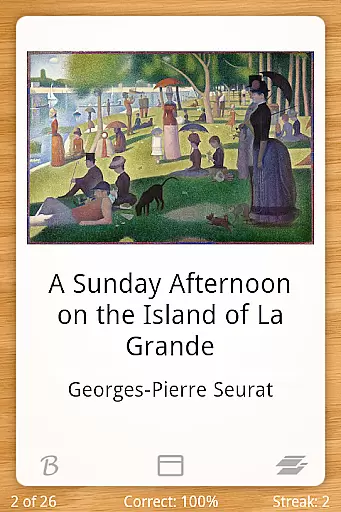
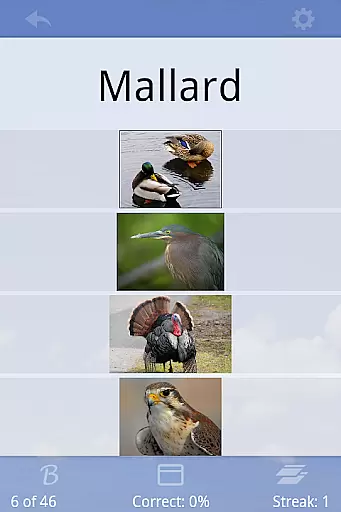
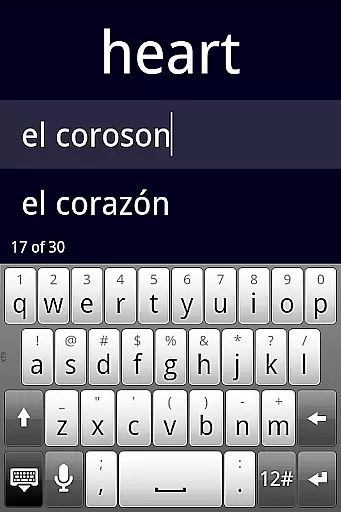
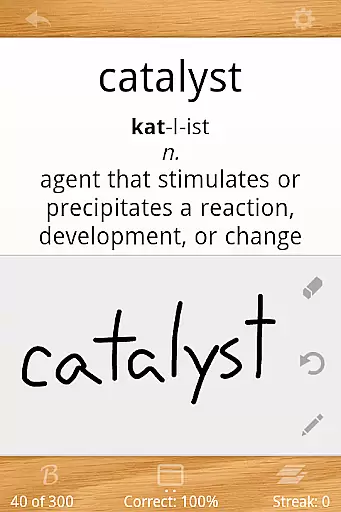
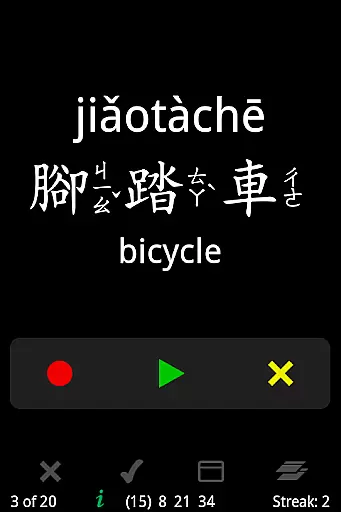
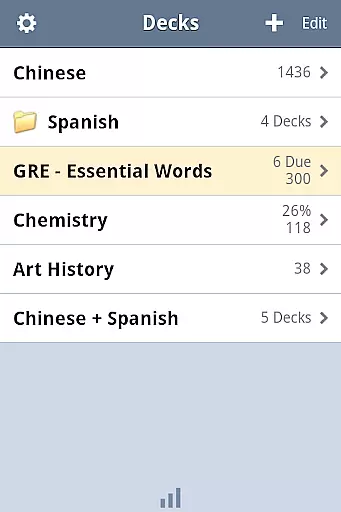
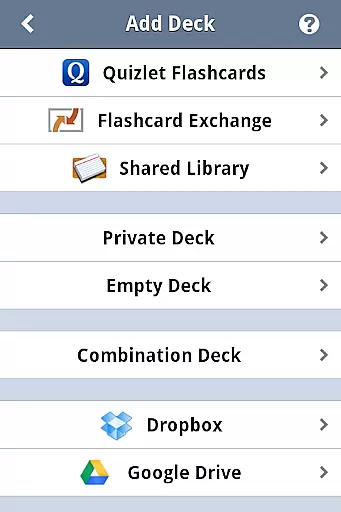
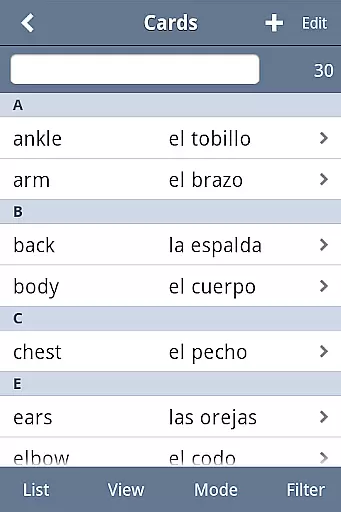

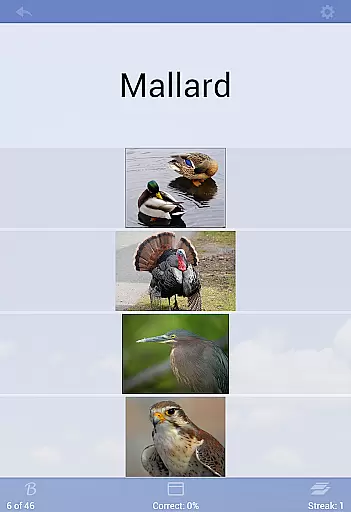
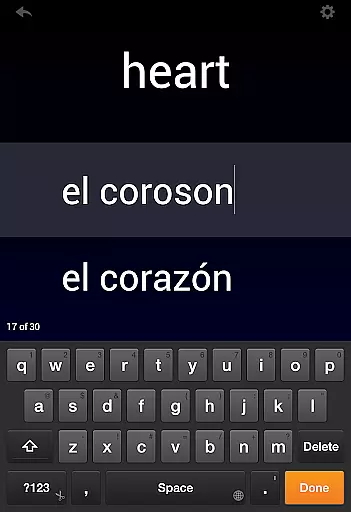
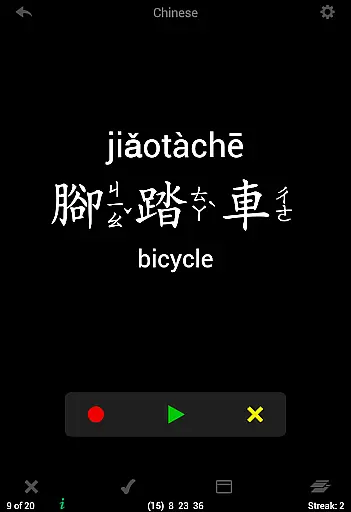
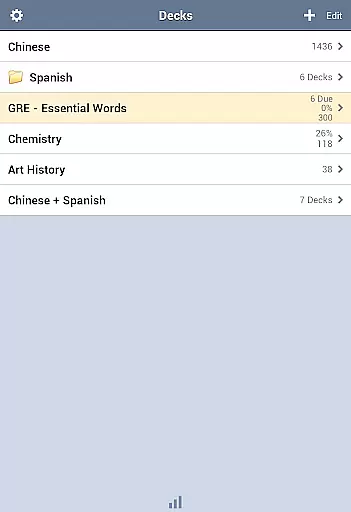
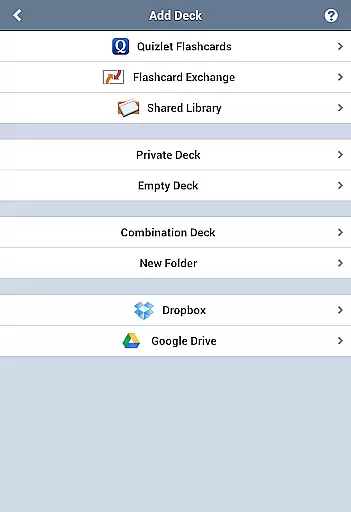
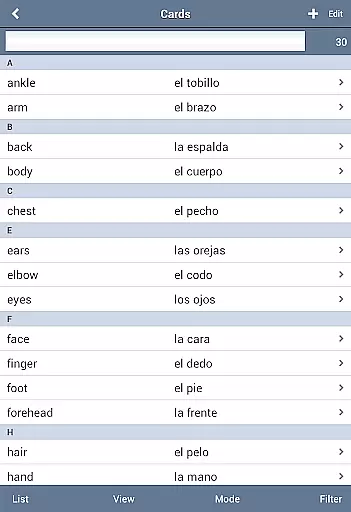
Flashcards Deluxe is a comprehensive flashcard app designed for effective learning. The app offers two intelligent study modes - Leitner and Spaced Repetition, which prioritize cards based on user performance. With support for 18 languages through offline text-to-speech functionality, it enables auditory learning without internet dependency.
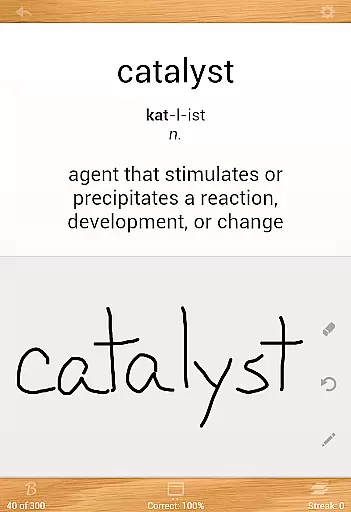
The app allows users to create up to 5-sided cards, incorporate multimedia elements like images and sounds, and customize their experience with various themes and color options. Advanced features include automatic card disabling upon mastery, finger-drawing for self-grading, and seamless integration with cloud services like Dropbox and Google Drive for backup and synchronization.
Ideal for students preparing for exams or language learners building vocabulary, Flashcards Deluxe combines powerful functionality with an intuitive interface, making it suitable for both beginners and advanced learners seeking efficient study solutions.
Flashcards Deluxe stands out with its sophisticated feature set tailored for diverse learning styles. The app's two study modes employ adaptive algorithms - Leitner focuses on traditional spaced repetition while the advanced mode uses super-efficient memory scheduling techniques. The inclusion of text-to-speech in 18 languages provides versatile language learning opportunities without requiring constant internet access.
Users can create complex cards with up to five sides and incorporate multimedia elements including zoomable images and repeatable audio clips. The three-tier response system (Wrong, Partial Knowledge, Mastered) enables more nuanced progress tracking compared to basic correct/incorrect systems. Additional features like multiple choice quizzes, spelling tests, and finger-drawing for self-assessment cater to different learning preferences.
The app's organizational tools are equally impressive, allowing users to categorize cards, organize decks in folders, and combine multiple decks for study sessions. Professional-grade features include slideshow mode, browse mode for unrestricted navigation, and robust import capabilities supporting large datasets of up to 10,000 cards. Cloud integration through Dropbox and Google Drive ensures data security and cross-device accessibility.
Flashcards Deluxe ensures content accuracy through its robust creation and import features. Users can either craft their own flashcards or download pre-existing decks from the app's Shared Library, guaranteeing that study materials are both relevant and accurate.
The app supports a variety of card types, from 1 to 5 sided cards, accommodating different learning styles and subjects. This versatility allows learners to tailor their study sessions with precision, ensuring that the information they review is presented in a manner conducive to retention.
With support for text-to-speech in 18 languages, users can rely on the app for pronunciation guidance, enhancing language learning experiences. The inclusion of audiovisual elements like pictures and sounds further enriches the educational content, making it more engaging and authoritative.
Moreover, the app's developer provides excellent customer support, promptly addressing any questions or concerns. This commitment to user satisfaction reinforces the credibility of Flashcards Deluxe as an authoritative tool for educational purposes.
Flashcards Deluxe offers personalized learning paths through its advanced study modes, including Leitner and Spaced Repetition techniques. These methods adapt to individual performance, focusing more on areas where users struggle, thus optimizing the learning process.
The app's multiple response levels allow users to indicate their confidence in each card, enabling the system to adjust future reviews accordingly. This feature creates a tailored experience that evolves with the learner's progress, promoting efficient knowledge acquisition.
Additionally, the ability to divide cards into categories and organize decks in folders empowers users to structure their study materials according to personal preferences or curriculum requirements. Such customization facilitates a more organized approach to learning.
With options like automatic card disabling after mastery and adjustable review thresholds, Flashcards Deluxe ensures that each learner's journey is uniquely suited to their pace and proficiency, enhancing overall educational outcomes.
User-friendly interface
Advanced study algorithms
Offline language support
Multimedia integration
Cloud synchronization
Premium price point
Feature overload possible
Steep learning curve
Limited social features
Occasional sync issues

An animated storybook app to help ease your child through toilet training.
 3.70
3.70
A 2024 digital study guide for the Expert Infantryman and Expert Soldier's Badge
4.5
An aviator’s preparation, study and test tool for FAA Knowledge Exams.
3.90
Gain new skills in 10 minutes
4.70
A must-have app for mastering Japanese verb/adjective conjugations.
3.60
Explore numbers the Starfall way!
4.00
Astronomy Guide To Night Sky
4.30
Memorize anything efficiently with AnkiDroid! Many pre-built decks available.
4.80
Fun, personalized math learning games that adapt to your child’s needs.
4.40
AI Language tutor: Speak fluently with Lucy’s personalized coaching
4.70
Prepare for the BCBA / BCaBA exam. Study ABA with the ABA Wizard app.
4.60
The Only Official DVSA Theory Test Kit App
4.50
Astronomy Guide to the Night Sky
4.40
Professional Award-Winning Astronomy Star Map App With Telescope Control
4.40
Pass your FAA written with flying colors - Study Buddy can help.
4.30
An aviator’s preparation, study and test tool for FAA Knowledge Exams.
4.30
The "Go To" app for Airmen studying for promotion to SSgt and TSgt
4.30
FAR/AIM, FAR for Flight Crew and FAR for Aviation Maintenance Technicians
3.80
Grazing Risk Monitoring Service
4.3


User Reviews