
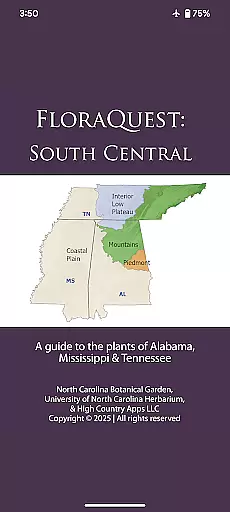
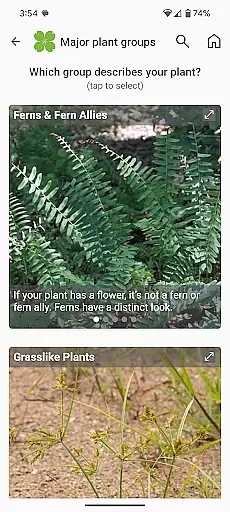
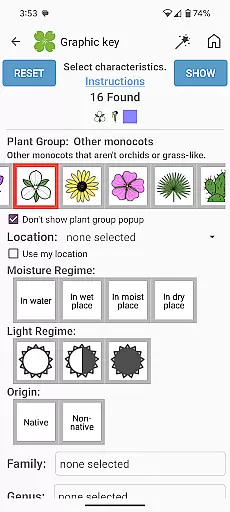
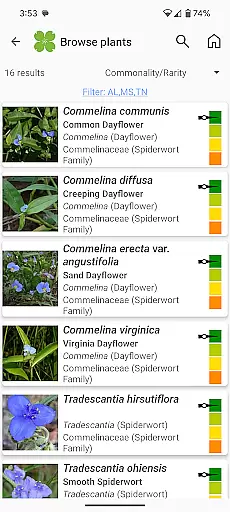
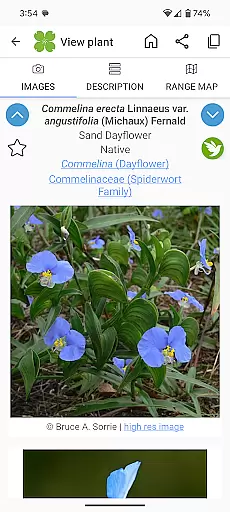
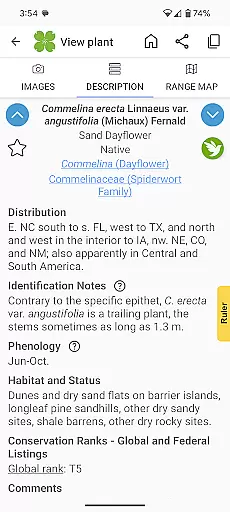
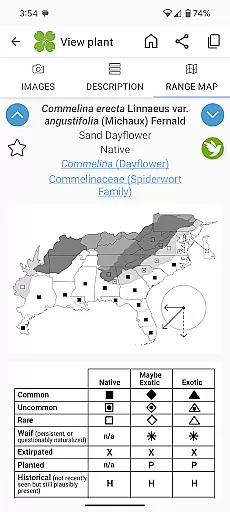
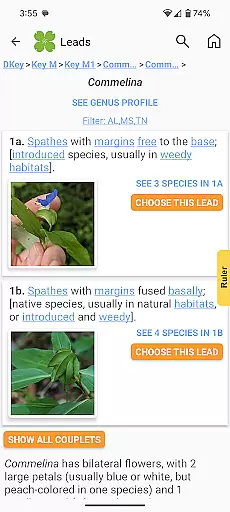
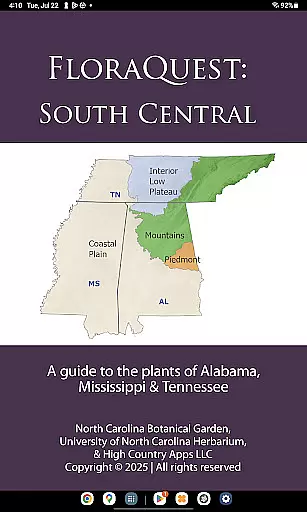
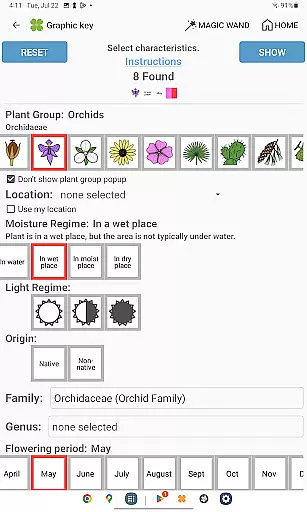
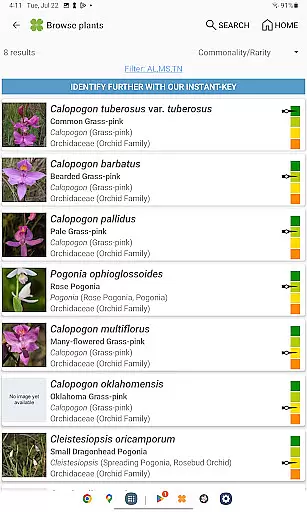
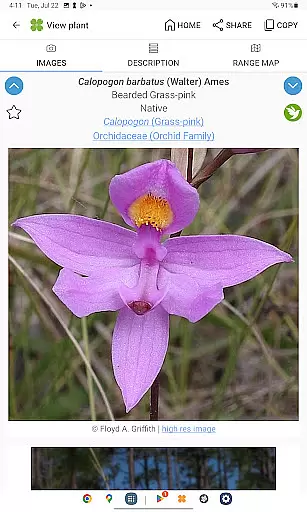
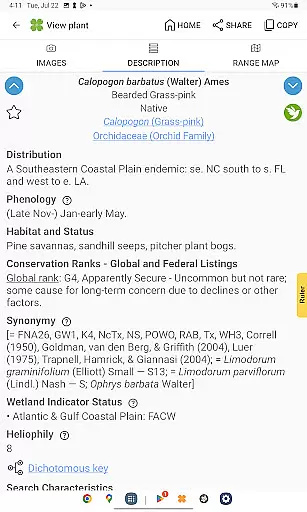
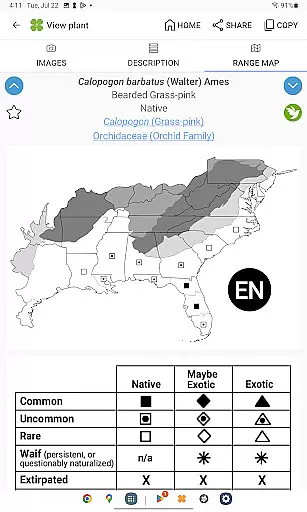
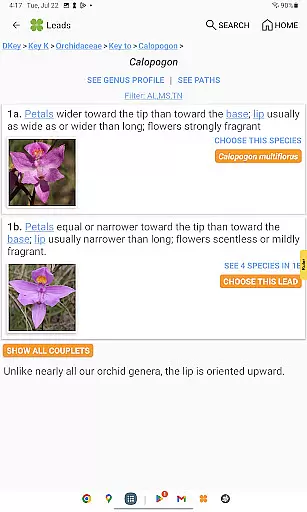
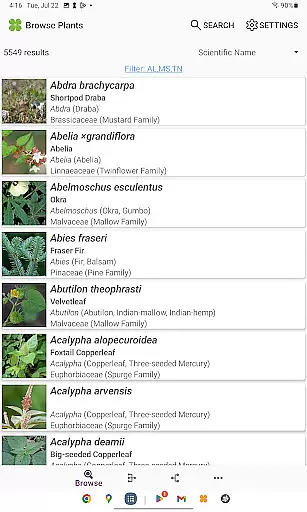
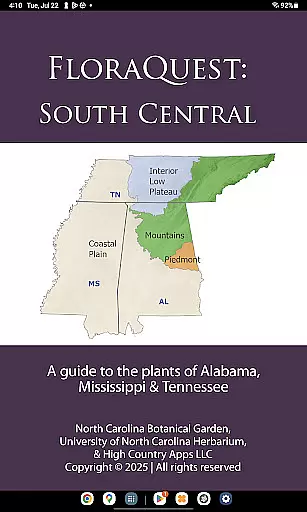
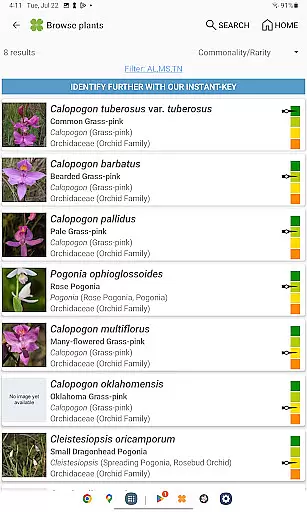
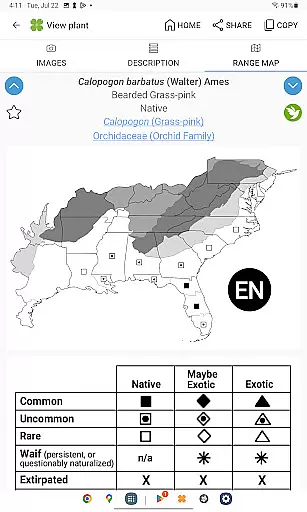
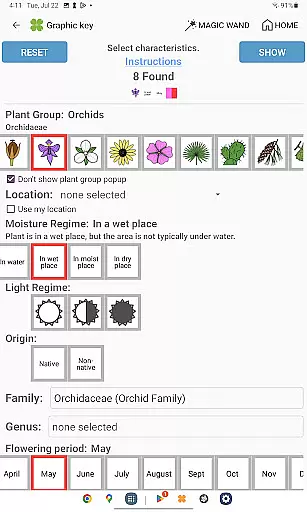
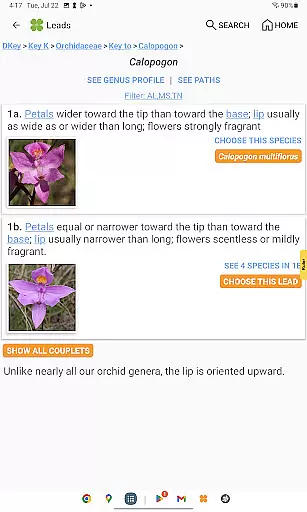
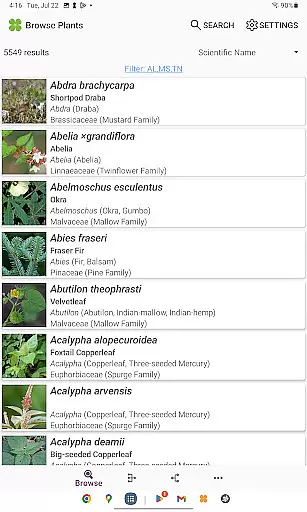
FloraQuest: South Central is a comprehensive plant identification app developed by the University of North Carolina's Southeastern Flora Team. This powerful tool provides detailed information on 5,549 plant species found across Alabama, Mississippi, and Tennessee. The app features an extensive collection of resources including graphic keys, dichotomous keys, habitat descriptions, range maps, and over 38,000 diagnostic photographs.
What sets FloraQuest apart is its offline functionality, allowing users to identify plants without an internet connection. The app also includes several innovative features such as illustrated glossary terms, image-enhanced keys, dark mode support, and plant sharing capabilities. These tools make it invaluable for both professional botanists and casual plant enthusiasts exploring the region's diverse flora.
The app's Great Places to Botanize feature helps users discover recommended botanical exploration sites throughout the covered states. As part of a larger initiative to document plant species across 25 states, FloraQuest: South Central represents a significant advancement in digital field guides, offering enhanced search functionality and improved user experience compared to previous versions.
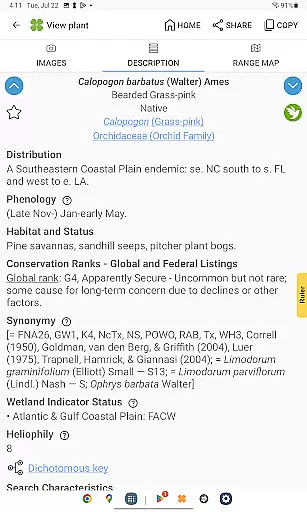
FloraQuest: South Central stands out with its comprehensive set of features designed for optimal plant identification. The app's easy-to-use graphic keys and powerful dichotomous keys provide multiple approaches to species identification. Its library of over 38,000 high-quality diagnostic photographs offers visual confirmation of plant characteristics, while detailed habitat descriptions and range maps help users understand species distribution.
The app's technical capabilities include base 2 and base 3 code search functionality, image-enhanced dichotomous keys, and improved graphic key navigation. Practical features like dark mode support enhance usability in various lighting conditions, while the plant sharing capability allows users to exchange findings with fellow enthusiasts. The inclusion of illustrated glossary terms makes botanical terminology more accessible to beginners.
One of the most valuable aspects of FloraQuest is its offline functionality, enabling reliable use in remote areas without cellular service. The app's developers have thoughtfully included features that cater to both professional researchers and amateur botanists, making it a versatile tool for anyone interested in plant identification across Alabama, Mississippi, and Tennessee.
FloraQuest: South Central offers an extensive e-book library with information on 5,549 plant species found across Alabama, Mississippi, and Tennessee. This vast collection ensures that users have access to a comprehensive resource for identifying and learning about local flora.
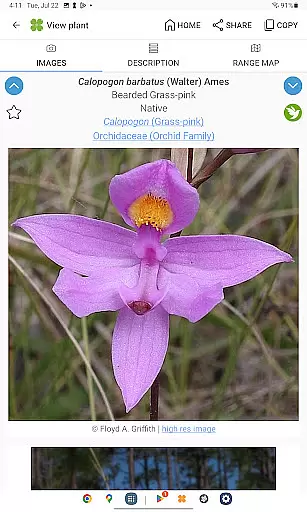
The app includes over 38,000 high-quality diagnostic photographs, providing visual references that enhance the identification process. These images are not only numerous but also carefully curated to ensure accuracy and relevance in botanical studies.
Copyright authenticity is maintained through collaboration with the University of North Carolina's Southeastern Flora Team, ensuring all content is credible and legally compliant. Users can trust the integrity of the information provided as it comes from reputable academic sources.
With offline functionality, users can access this rich library without needing an internet connection, making it ideal for fieldwork or areas with limited connectivity. This feature underscores the app's commitment to accessibility and convenience while maintaining strict adherence to copyright standards.
FloraQuest: South Central excels in format compatibility by offering various tools tailored to different user preferences and needs. The app features easy-to-use graphic keys and powerful dichotomous keys, catering to both casual enthusiasts and professional botanists who prefer structured identification methods.
In addition to traditional key formats, the app supports enhanced search functionalities using base 2 and base 3 codes, allowing for more precise and flexible searches. This variety ensures that users can find the information they need quickly and efficiently, regardless of their preferred search method.
The inclusion of illustrated glossary terms and image-enhanced dichotomous keys further broadens the appu2019s appeal by accommodating visual learners. These features make complex botanical concepts more accessible and understandable, enhancing the overall user experience.
Furthermore, dark mode support and improved graphic keys demonstrate the appu2019s dedication to modern usability standards. By embracing these contemporary design elements, FloraQuest: South Central ensures compatibility with current technological trends while remaining user-friendly across diverse devices and settings.
User-friendly interface
Offline functionality
Comprehensive plant database
High-quality images
Innovative features
Limited geographic scope
Large file size
Steep learning curve
Premium price point
Occasional bugs

Essential Technical Rescue Field Operations Guide 6, the Industry Standard Guide
 4.20
4.20
Find, discuss, and organize your world of books and shows.
4.60
Translate into 100+ languages with the world’s most accurate AI translator.
4.70
Werewolf novels & romance stories in audiobooks for book lovers! Werewolf storie
4.60
KJV Bible works offline with Audio, Hebrew & Greek lexicon (concordance) & more!
4.20
Daily Prayer, personalized Bible Study, AI-guided Insights, and Spiritual Growth
4.80
Daily rosary and gospel reflections for catholic
4.90
Read Trending Romance Stories
4.00
The Apostolic Lutheran Church hymnal
4.2
A KJV Bible with Apocrypha and precept-based study concordance
5.00
The Original Tropical Freshwater Aquarium Fish And Plant Care Guide
4.80
Daily Devotional Widgets & Hourly Verses. Listen to Bible & Watch Holy Stories
4.70
Unlock unlimited access to bestselling ebooks, novels, stories, and audiobooks
4.60
Bible Spiritual Companion
4.40
Learn Electricians' Handbook PRO complete guide beginners to advance.
4.40
Daily Bible app: King James Version with verses and audio for studying&prayer
4.40
Pretty Moon information App with Complications and Tile
4.30
Read the romance stories on the go. Take my breath away, The Spoiled Girl
4.30
CleverBook Pro makes the popular guide for the game even better!
4.00


User Reviews