
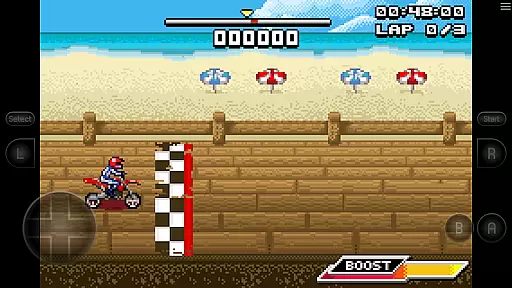
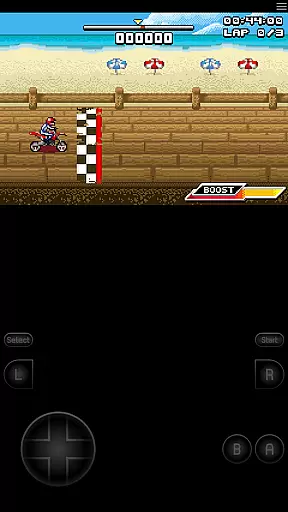
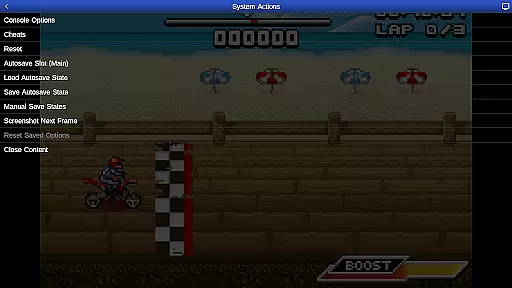
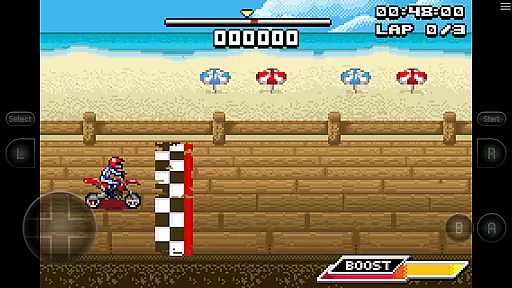
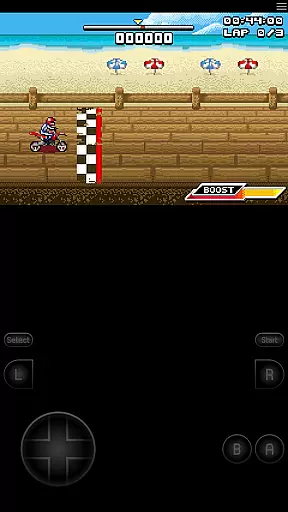
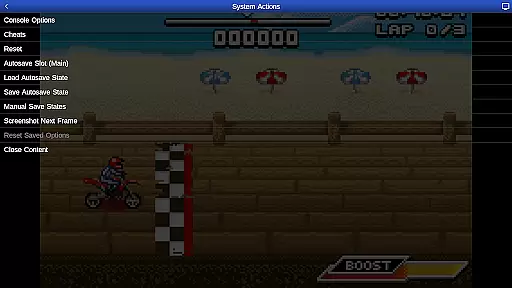
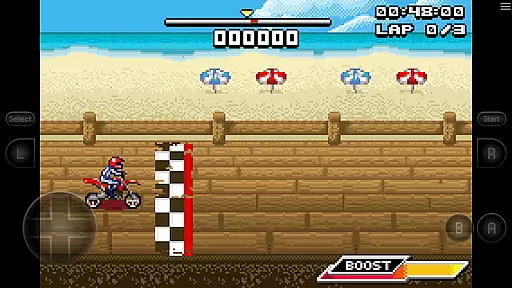
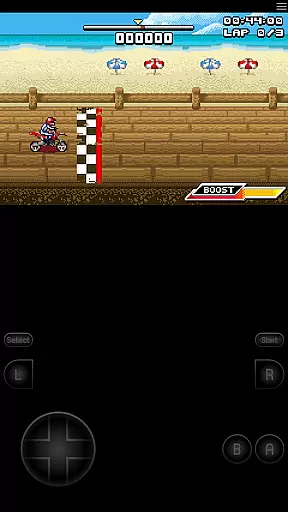
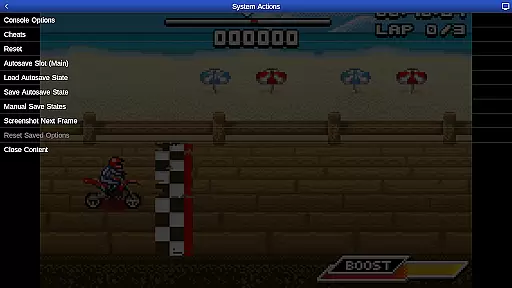
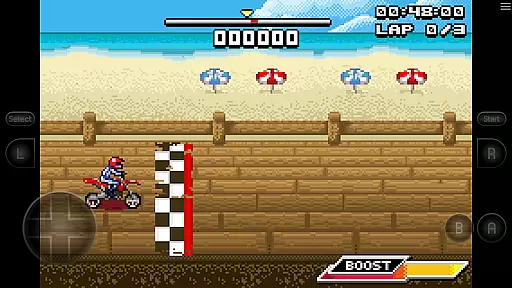
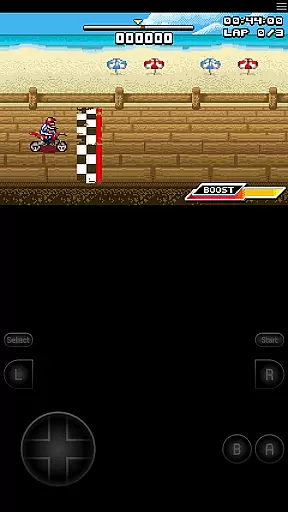
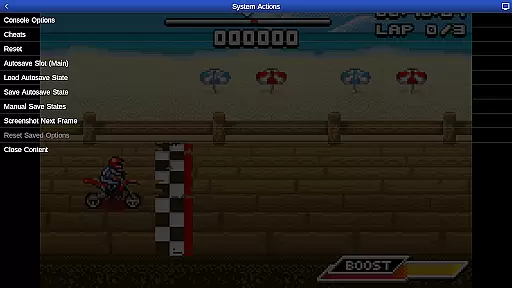
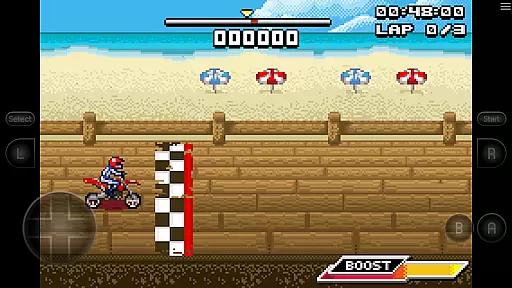
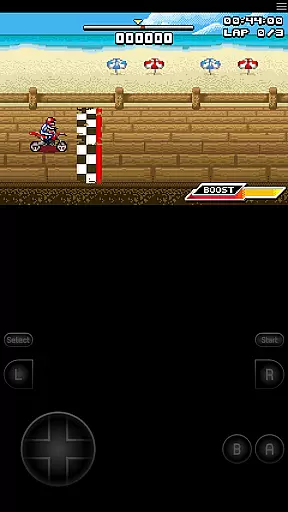
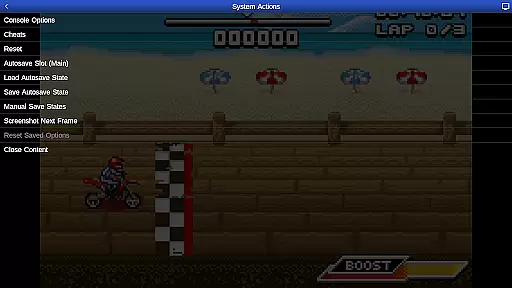
GBA.emu is an advanced open-source Gameboy Advance emulator that offers a minimalist UI and focuses on low audio/video latency. It supports a wide range of devices, from the original Xperia Play to modern devices like the Nvidia Shield and Pixel phones. The app provides high-level BIOS emulation without the need for a BIOS file and supports .gba file formats, optionally compressed with ZIP, RAR, or 7Z.
One of its standout features is the support for hardware accelerometer, gyroscope, and light sensors, making it versatile for different types of games. Additionally, users can enjoy configurable on-screen controls and compatibility with Bluetooth/USB gamepads and keyboards, including Xbox and PS4 controllers. This makes GBA.emu not just a tool for nostalgia but also a comprehensive platform for enjoying classic games with modern conveniences.
GBA.emu boasts several key features that enhance the user experience. Firstly, it includes high-level BIOS emulation, eliminating the need for a BIOS file, and supports .gba file formats, which can be optionally compressed with ZIP, RAR, or 7Z. This flexibility in file handling ensures that users can easily manage their game library.
Another significant feature is the support for hardware sensors such as accelerometers, gyroscopes, and light sensors. These capabilities allow for more immersive gameplay experiences. Moreover, the app supports cheat codes using VBA-M-compatible files (.clt extension) and offers configurable on-screen controls. Users can also connect Bluetooth or USB gamepads and keyboards, ensuring compatibility with any HID device recognized by the OS. This extensive feature set makes GBA.emu a top choice for Gameboy Advance enthusiasts.
GBA.emu brings authentic arcade emulation to your mobile device, focusing on delivering a true Gameboy Advance experience. The emulator is meticulously designed to replicate the original hardware's behavior, ensuring that classic games run as they were intended.
This app achieves authenticity through high-level BIOS emulation, eliminating the need for actual BIOS files while maintaining accurate system responses. The minimalist UI further enhances the nostalgic experience by removing modern distractions and letting users focus purely on gameplay.
Players can enjoy included games like Motocross Challenge, experiencing the same mechanics and physics as the original releases. The emulator supports various control schemes including configurable on-screen controls and external gamepads, making it adaptable to different play styles while preserving the classic feel.
Control responsiveness in GBA.emu is engineered to provide precise and immediate feedback, crucial for fast-paced arcade games. The emulator supports multiple input methods including touch controls, Bluetooth, and USB gamepads, all optimized for minimal input latency.
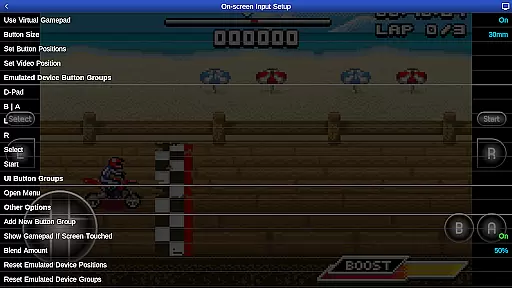
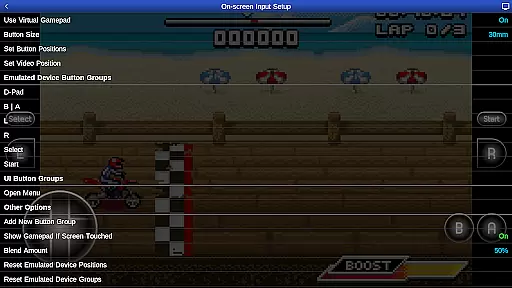
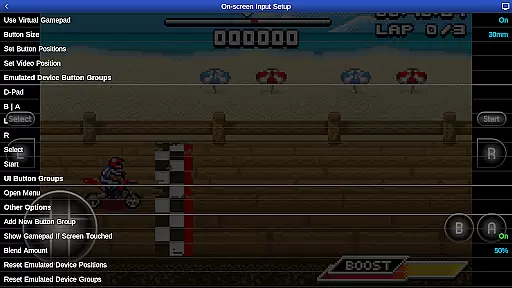
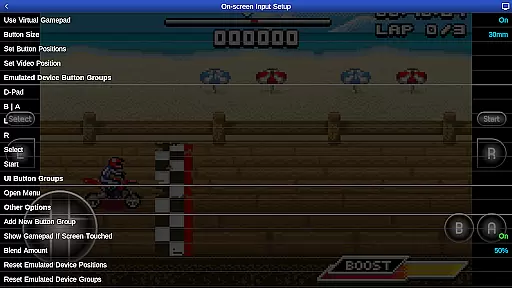
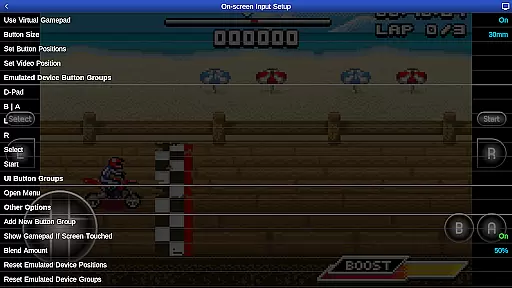
The configurable on-screen controls allow users to customize button placement and size for optimal comfort and accuracy. Advanced input handling ensures that even complex controller inputs are registered correctly, whether using Xbox or PS4 controllers.
For motion-controlled games, GBA.emu leverages hardware sensors like accelerometers and gyroscopes, providing accurate motion tracking. This comprehensive approach to input management makes every gaming session smooth and responsive across different devices.
User-friendly interface
Wide device compatibility
Low audio/video latency
Comprehensive sensor support
Flexible file format options
No included ROMs except one sample game
Limited to Gameboy Advance games
Requires manual updates
Occasional device-specific issues
Dependent on external storage

Snake Legacy, sans pub, repensé pour une expérience fluide et élégante.
 4.3
4.3
Machine Gun Fire Rumbles in the Jungle
4.2
Sega Saturn Emulator
4.20
Infinite Arcade
4.0
Suck the other’s blood and be the longest surviving mosquito!
4.40
Dad doesn’t let you go out, can you outwit your parents and escape?
4.00
Premium version. Save the galaxy from alien shooter in this classic game
4.50
Draw your legs to win the race!
4.20
Challenge your friends in this game! Two players on one device!
4.70
This is an emulator for a certain 64 bit console with online cloud backup.
4.80
Master the hills in this extreme downhill racing game!
4.60
Nostalgia.GBC is a high quality GBC emulator.
4.50
Relax and catch fish for your aquarium while earning rewards in these tank games
4.40
Mine & Craft Block Mini World! Survival Crafting and Building & Creative Online.
4.30
Enter Double Dragon Trilogy, a compilation of the beloved arcade series
4.10
Dig yourself a way to gold, diamonds and success with this addictive mining game
3.90
This app is a very fast emulator
3.40
Sharpen your mind and reflexes while playing 4Way Dash
4.5
A fluid, action-packed arcade space shootout!
4.1


User Reviews