
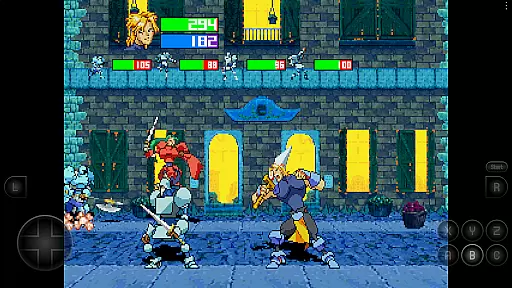
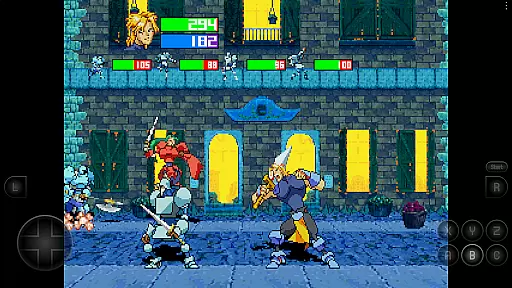

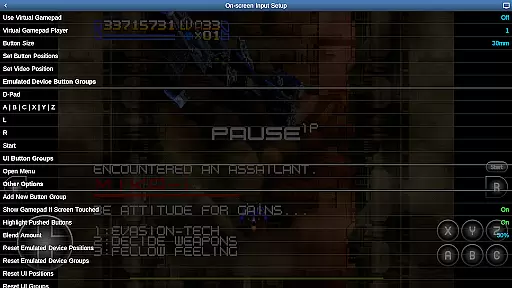
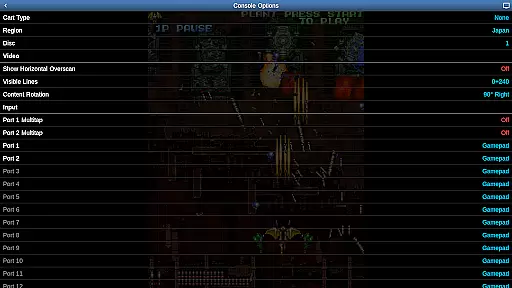
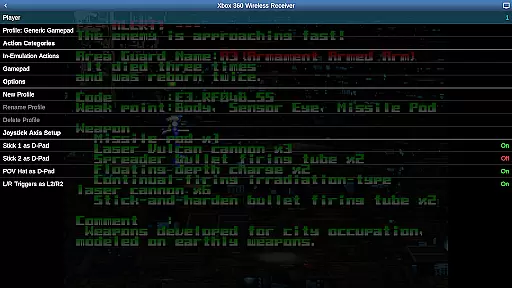
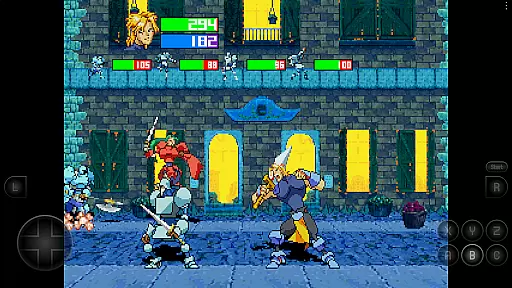
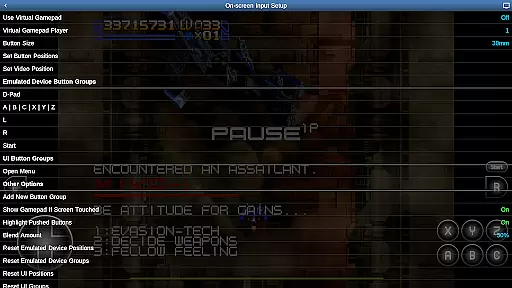
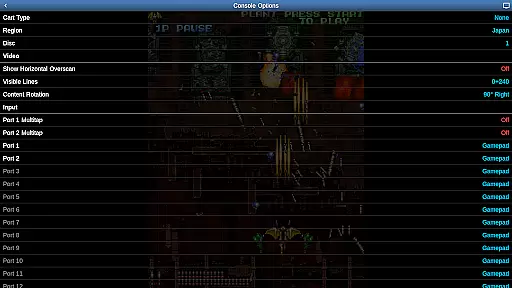
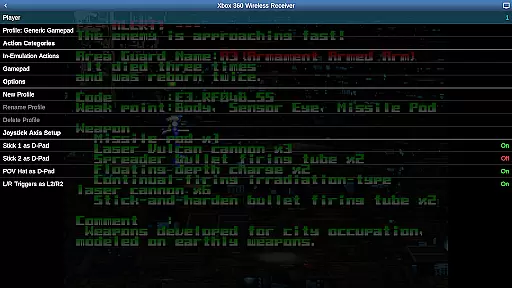
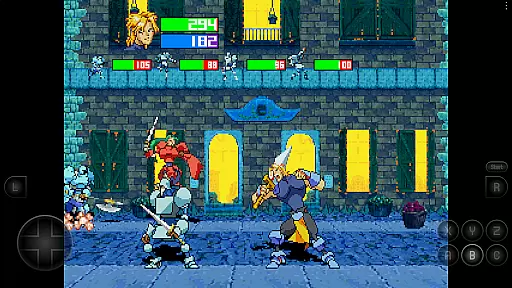
Saturn.emu is an advanced open-source Sega Saturn emulator designed for Android devices. It offers a minimalist user interface and focuses on delivering low audio and video latency, making it ideal for gaming enthusiasts who value performance. The app supports multiple file formats including .cue, .ccd, and .chd, even within ZIP archives, and provides features like per-game screen rotation for Tate mode shmups and multitap/light gun support.
Optimized for devices with specifications similar to the Pixel 4 or higher, Saturn.emu ensures smooth emulation of classic Sega Saturn games. With configurable on-screen controls and compatibility with Bluetooth/USB gamepads and keyboards, users can enjoy a customizable and immersive gaming experience. This emulator does not include ROMs, requiring users to supply their own legally obtained game files.
The app's dedication to performance and its compatibility with Android's storage access framework allows gamers to access their game files from both internal and external storage seamlessly. Saturn.emu represents a perfect blend of functionality and user-centric design, bringing beloved retro games to modern mobile devices while maintaining optimal performance standards.
Saturn.emu stands out with its robust feature set tailored for Sega Saturn enthusiasts. The emulator supports various file formats such as .cue, .ccd, and .chd, including those compressed in ZIP files, ensuring broad compatibility with different game archives. Its support for multiple disc games via .m3u files enhances the gaming experience by allowing uninterrupted playthroughs of multi-disc titles.
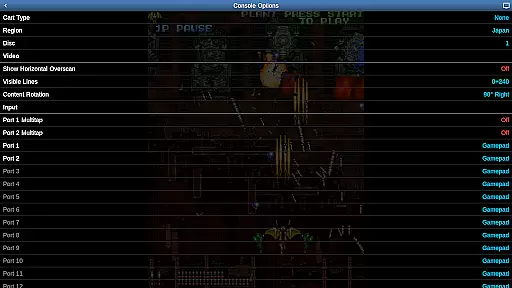
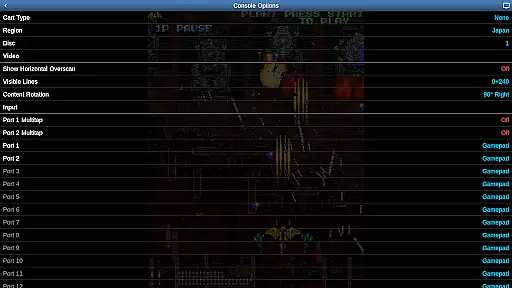
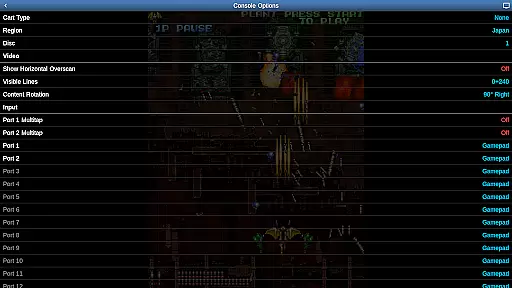
One of the key highlights is the per-game screen rotation feature, which caters specifically to Tate mode shmups, offering a unique vertical display option that enhances gameplay dynamics. Additionally, Saturn.emu includes multitap and light gun support, expanding the range of games that can be played and adding authenticity to the emulation experience.
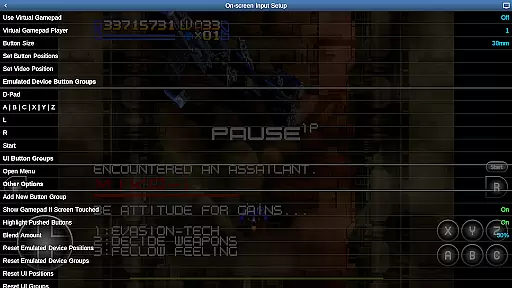
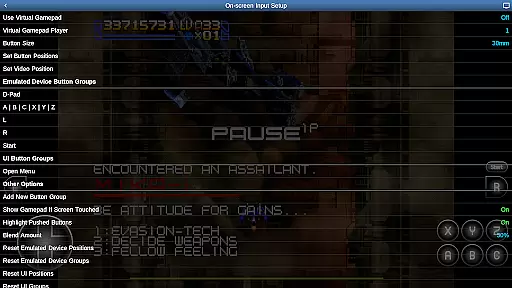
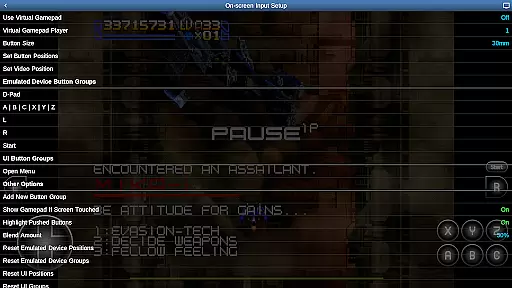
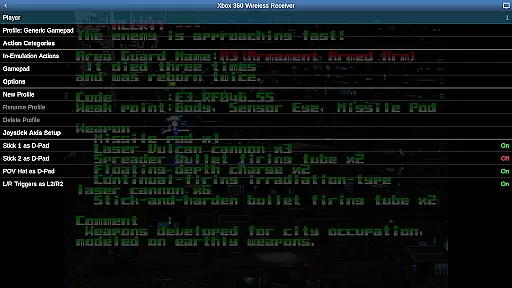
The app also excels in control customization, providing users with fully configurable on-screen controls. For those preferring physical controllers, Saturn.emu supports Bluetooth and USB gamepads, including popular models like Xbox and PS4 controllers. By focusing on low-latency performance and seamless integration with Android's storage access framework, Saturn.emu delivers a polished and responsive emulation solution for retro gaming aficionados.
Arcade authenticity and nostalgia are crucial elements for any emulator aiming to recreate the classic gaming experience. Saturn.emu, based on Mednafen, captures this essence by offering advanced emulation capabilities that ensure games run as they did in the original arcade settings.
This emulator supports a variety of file formats including .cue, .ccd, and .chd, even within ZIP archives, allowing users to enjoy their favorite arcade games without compatibility issues. The inclusion of per-game screen rotation caters specifically to Tate mode shmups, enhancing the nostalgic experience for fans of vertical scrolling shooters.
By providing features such as multitap and light gun support, Saturn.emu ensures that multiplayer experiences and specific game mechanics are preserved, delivering an authentic arcade feel. These functionalities not only maintain the integrity of the original gameplay but also evoke memories of classic arcade halls.
The ability to configure on-screen controls and support for Bluetooth/USB gamepads like Xbox and PS4 controllers further enhances the nostalgic value. Users can customize their control schemes to match their preferred setup, making each gaming session a trip down memory lane while enjoying the low audio/video latency that Saturn.emu is designed for.
Control responsiveness is a key factor in delivering an immersive and enjoyable gaming experience. Saturn.emu excels in this area by focusing on low audio/video latency, ensuring that every input from the user is registered and acted upon with minimal delay.
The emulator supports multiple disc games using .m3u files, which helps maintain continuity and responsiveness during gameplay transitions. This feature is essential for games that require quick reflexes and precise timing, as it prevents any lag or interruption that could detract from the gaming experience.
With configurable on-screen controls, users have the flexibility to adjust their control layout to suit their playstyle. This customization capability ensures that players can achieve optimal control responsiveness tailored to their preferences, whether they prefer touch controls or physical gamepads.
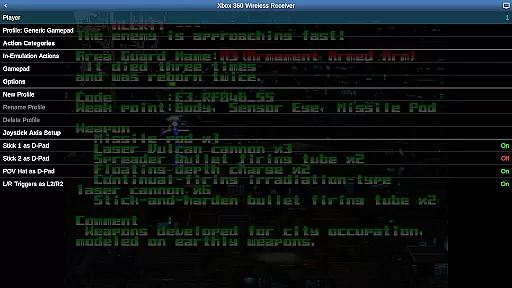
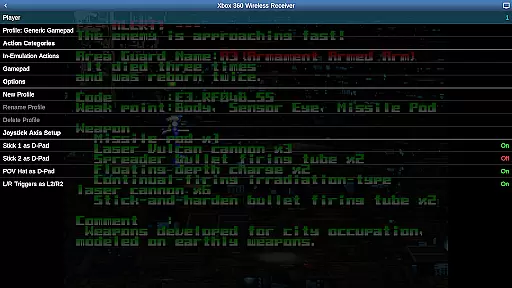
Furthermore, Saturn.emu's compatibility with HID devices recognized by the OS, such as Xbox and PS4 controllers, guarantees that users can utilize their preferred hardware for the best possible control experience. This seamless integration of various control options underscores the emulator's commitment to providing responsive and intuitive gameplay, making it a top choice for arcade enthusiasts.
Low audio/video latency
Supports multiple file formats
Customizable on-screen controls
Compatible with HID devices
Regular updates and issue fixes
No ROMs included
Requires high-end device
Complex setup for beginners
Limited customer support
Dependent on third-party storage

A Ball Bouncer With Depth
 4.00
4.00
A fluid, action-packed arcade space shootout!
4.1
Divine powers at your fingertips! An innovative and frantic shoot-'em-up!
4.3
Jump and fly your way through danger in this rythm-based action platformer!
4.50
Running game: dance in a twerk battle and become the twerk hero in our fun race!
4.30
Genesis/Mega Drive/CD & Master System/Mark III Emulator
4.30
Venture into the galaxy to fight against the invasion of space invaders.
4.60
Premium version. Save the galaxy from alien shooter in this classic game
4.50
Millions of crafters have smashed billions of blocks! Now you can join the fun!
4.40
*Try for free.* Survive alone in a Roguelike Reverse Bullet Hell.
4.80
Punch your way through the Streets of Rage once again!
4.80
Local offline 2 3 4 player multiplayer minigames - race, tanks, football
4.60
Fruit is waiting to be sliced, ninja. Play the hit mobile game !
4.50
Play all your favorite Playstation games in your android device!!
4.50
The only Sega Saturn emulator for Android
4.40
Collect layers in running game & build the biggest slinky toy to beat the giant!
4.30
This app is a very fast emulator
3.40
Turn-based pixel game where jumping is the only weapon!
4.5
Infinite Arcade
4.3


User Reviews