
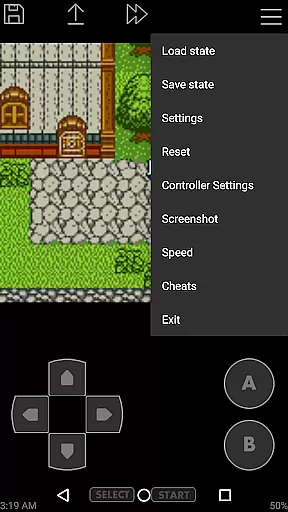
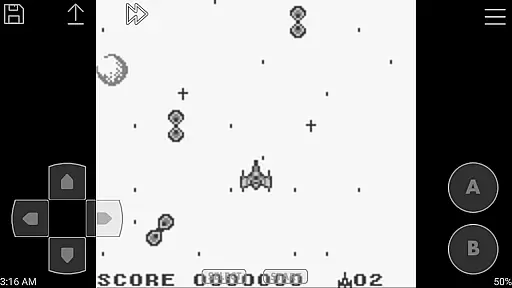
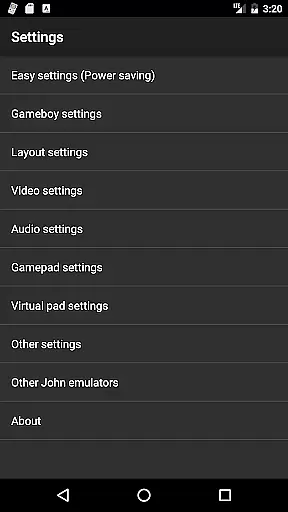
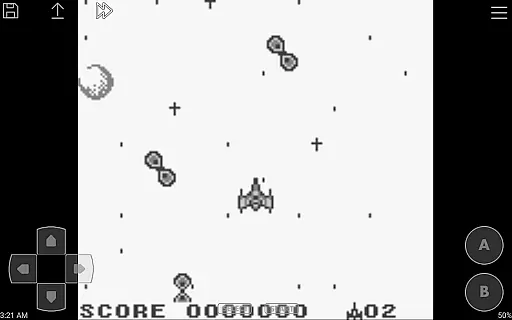
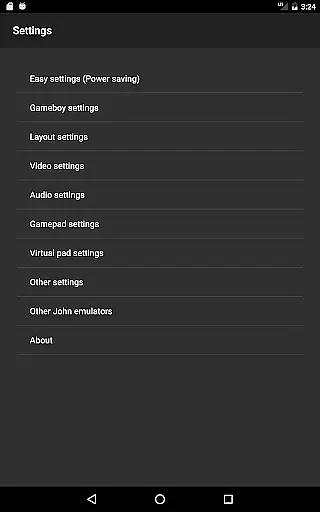
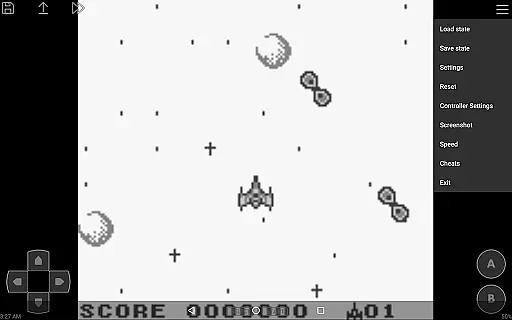
John GBC is a high-performance Game Boy and Game Boy Color emulator designed for Android 6.0 and above. This app offers an authentic emulation experience with its original GBC engine, allowing users to play classic games directly on their modern devices. It supports both GB and GBC game files, ensuring compatibility with a wide range of titles.
The emulator stands out with advanced features such as high-quality rendering, save states with previews, customizable controls, and turbo buttons. Users can also enjoy additional functionalities like fast forward, slow down options, and cheat support. With Bluetooth controller compatibility and Dropbox integration, John GBC provides a versatile gaming experience while maintaining a user-friendly interface.
Ideal for retro gaming enthusiasts, this emulator lets you relive your favorite childhood games anytime, anywhere. The app requires users to provide their own game files and works seamlessly without ads or internet connection requirements.
John GBC distinguishes itself through its robust feature set tailored for an optimal emulation experience. At its core, the app utilizes an original GBC engine that ensures accurate gameplay replication. The high-quality rendering capabilities make every pixel crisp and clear, while the virtual on-screen keypad offers intuitive control options.
One of the standout features is the ability to search for game files across both SD Card and Internal Storage, making file management effortless. The app supports zipped files, save states with previews, and advanced functionalities like screenshots and adjustable playback speeds ranging from 0.25x to 16x. Additionally, it includes cheat support for popular systems like Game Genie and Game Shark.
For enhanced usability, John GBC offers customizable keys, turbo buttons, and Bluetooth/MOGA controller support. Integration with Dropbox via John DataSync ensures seamless cloud storage access. With no ads or internet connection required, users can enjoy uninterrupted gaming sessions.
Arcade authenticity and nostalgia are crucial elements for any arcade game emulator as they ensure the original gaming experience is preserved. John GBC, a GB/GBC emulator for Android 6.0+, excels in this area by offering an original GBC engine that replicates the classic gameplay.
With high-quality rendering and support for zipped files, John GBC brings back memories of playing your favorite Game Boy Color games. The emulator also supports Super Game Boy borders, enhancing the nostalgic feel by mimicking the look and feel of playing on the classic hardware.
Users benefit from features like save states with previews, customizable keys, and turbo buttons, which add modern convenience while maintaining the authentic arcade experience. These features allow gamers to pick up where they left off or modify controls to suit their preferences without compromising the nostalgic essence.
The inclusion of cheats such as Game Genie, Game Shark, and PAR further enriches the user's experience by enabling them to explore different gameplay scenarios, just like in the old days. This combination of authenticity and nostalgia makes John GBC a top choice for enthusiasts looking to relive the golden era of arcade gaming.
Control responsiveness is a key factor in delivering an immersive and enjoyable gaming experience. For John GBC, ensuring that every button press translates into immediate action within the game is paramount. The emulator achieves this through its virtual on-screen keypad, which provides tactile feedback akin to physical controllers.
Support for Bluetooth and MOGA controllers adds another layer of responsiveness, allowing users to connect external devices for a more traditional control scheme. This feature caters to players who prefer the precision and familiarity of handheld controllers over touch-based inputs.
Additionally, John GBC offers fast forward and slow down options ranging from x0.25 to x16 speed, giving users the ability to adjust gameplay tempo according to their skill level or preference. This flexibility enhances control responsiveness by letting players fine-tune their experience.
Overall, John GBC's commitment to responsive controls ensures that users can fully immerse themselves in their favorite games without being hindered by lag or unresponsive inputs, making it a standout choice among arcade emulators.
High-quality rendering
Customizable controls
No ads or internet needed
Fast performance
Wide game compatibility
Requires own game files
No iOS version available
Paid app only
Limited to GB/GBC
Complex for beginners

Monster Run its a game for relax.
 4.1
4.1
Motorcycle racing games! Prove your paperboy can win in the bike race 3D!
4.50
Local offline 2 3 4 player multiplayer minigames - race, tanks, football
4.60
Sega Saturn Emulator
4.20
Infinite Arcade
4.2
Shoot the web, jump and teleport! Be a stickman hero and destroy your enemies!
4.50
Absorb, or be absorbed...
4.70
Challenge your friends in this game! Two players on one device!
4.70
Crazy games: Kick your buddies, beat the boss, and turn the office into chaos!
4.40
Master the skies in this epic airplane shooting game! Join the air force now!
4.80
Create your restaurant story & make food on a crazy kitchen in this cooking game
4.70
Catch ghosts, shoot monsters and defeat bosses in this RPG idle shooting game.
4.70
Flip and flail a rag doll through endless levels and plunge into outlandish fun!
4.60
Nostalgia.GBC is a high quality GBC emulator.
4.50
Relax and catch fish for your aquarium while earning rewards in these tank games
4.40
Slice up a juicy storm!
4.20
NEOGEO's masterpiece game is now available in the app!
4.10
Machine Gun Fire Rumbles in the Jungle
4.4
BallStack is a vibrant match-3 game where you stack and match colorful balls!
4.3


User Reviews