
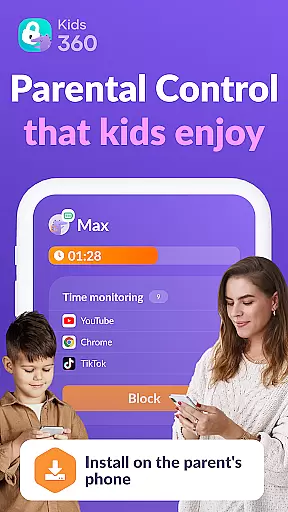

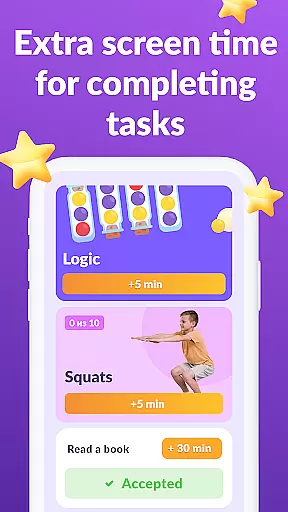

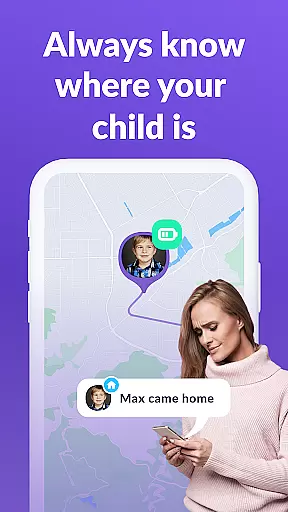
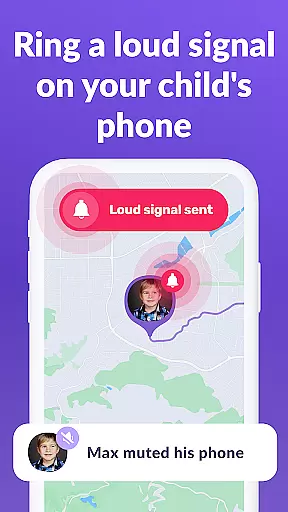

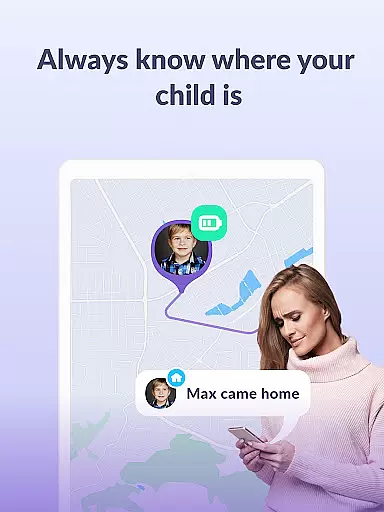

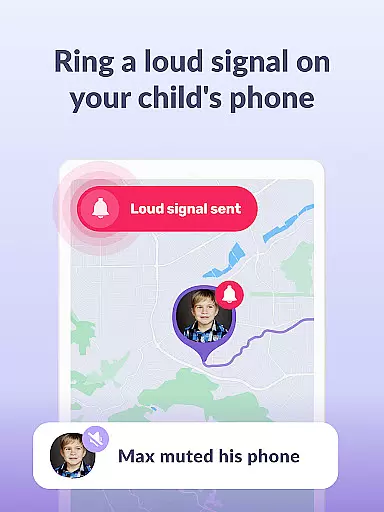
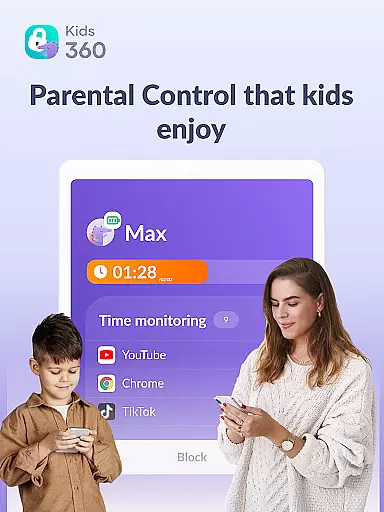
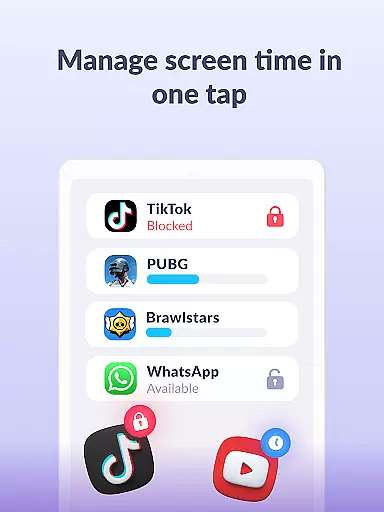

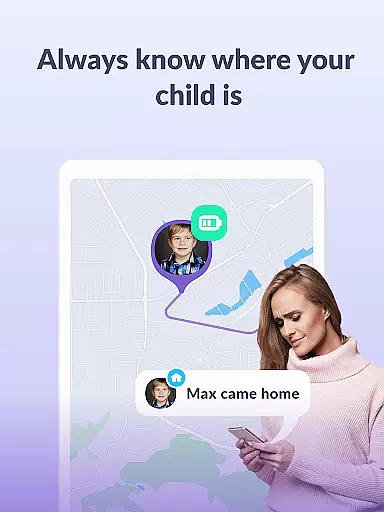

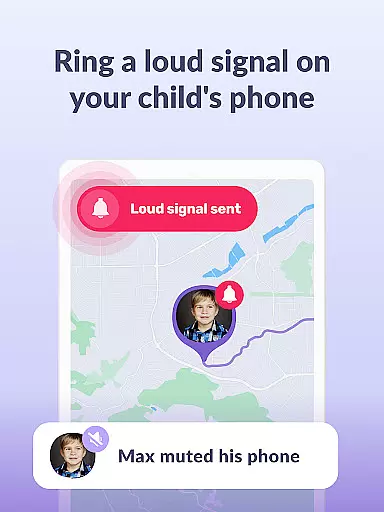
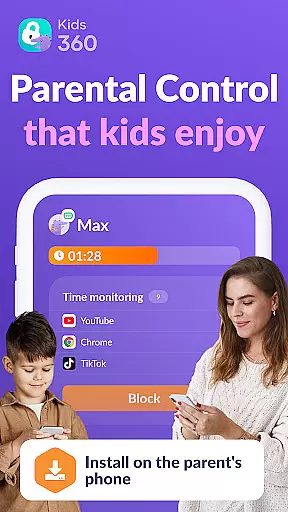

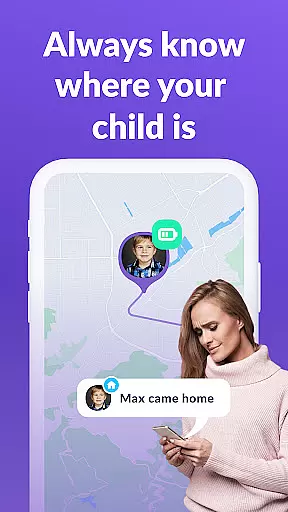

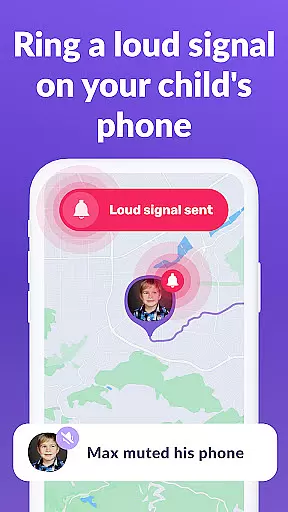
Kids360 is a comprehensive parental control app designed to help parents manage their children's device usage effectively. The app offers features such as screen time management, app blocking, and GPS tracking to ensure family safety. With Kids360, parents can set time limits on distracting apps, monitor app activity, and keep their children safe online.
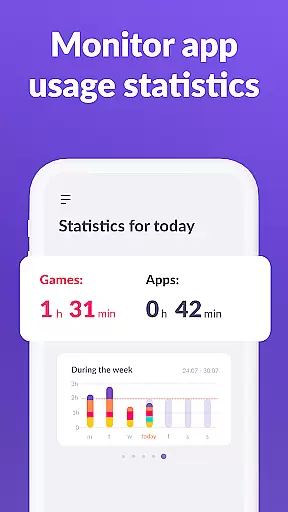
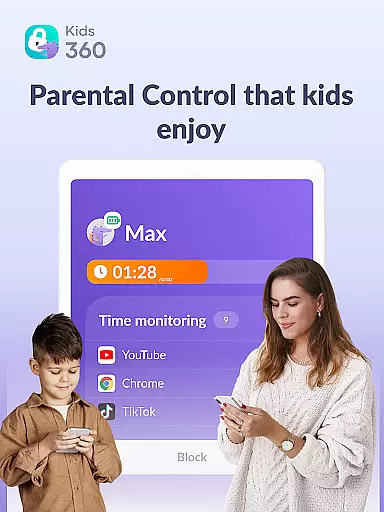
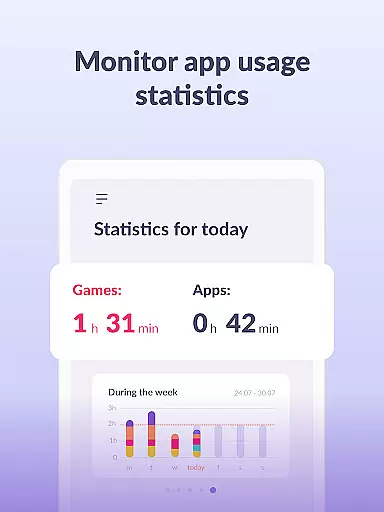
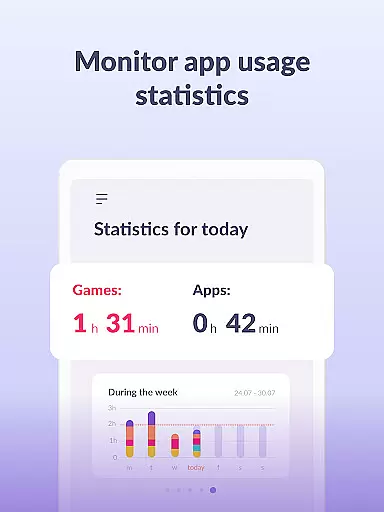
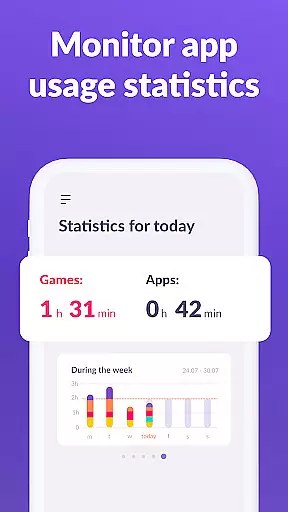
One of the standout features of Kids360 is its ability to provide detailed statistics on app usage, allowing parents to understand how much time their child spends on specific apps. This helps in identifying potential distractions and ensuring that children are focusing on productive activities. Additionally, essential communication apps remain accessible, maintaining a line of contact between parents and children.
The app works in tandem with Alli360, which is installed on the child's device, providing a complete monitoring solution. Parents can rest assured knowing they have control over their child's digital environment, promoting healthier device habits and enhancing family safety.
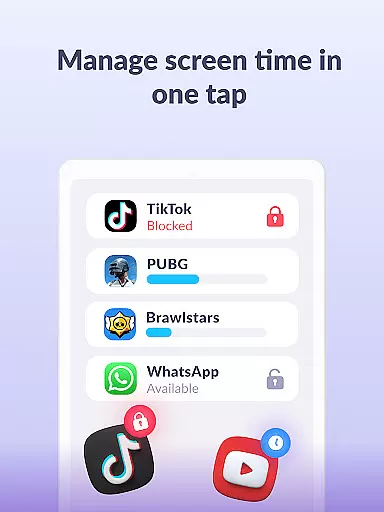
Kids360 boasts an array of features tailored for effective parental control. One key feature is the app usage limiter, which allows parents to set screen time limits on games and social media apps, functioning like a child lock. This ensures that children do not spend excessive time on non-educational content.
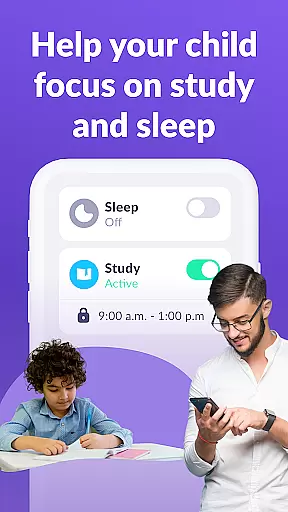
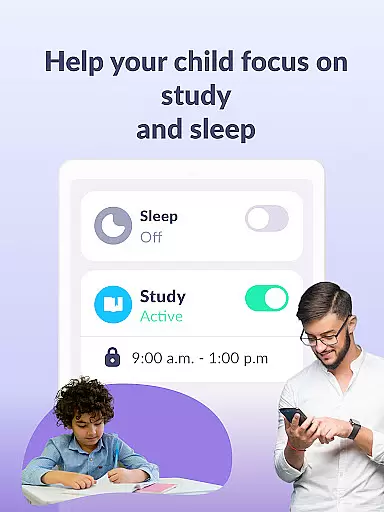
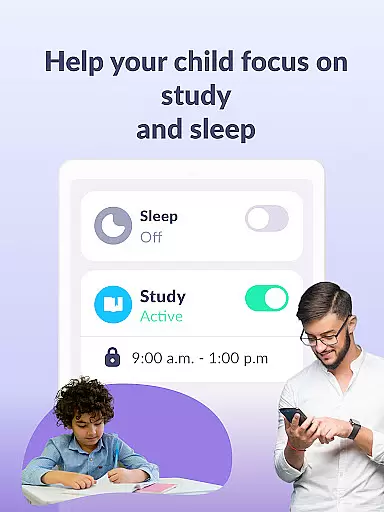
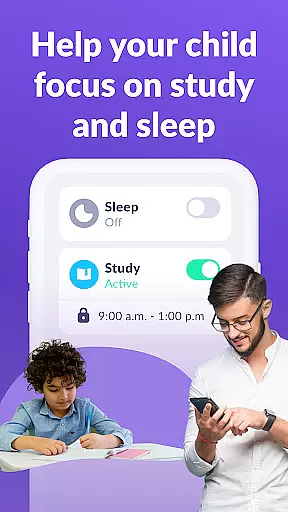
Another significant feature is the usage schedule, enabling parents to define productive school times and restful sleep periods. By limiting phone usage during these times, the app promotes better study habits and healthier sleep routines. Furthermore, the app provides detailed screen time statistics, giving insights into what apps children use most frequently and for how long.
Kids360 also emphasizes staying connected by keeping essential communication apps always available. This ensures that parents can reach their children whenever necessary, maintaining a crucial line of contact while still enforcing necessary restrictions.
When it comes to parenting applications, the credibility of content and expert validation play a crucial role in ensuring that parents receive reliable guidance. Kids360 takes this responsibility seriously by providing features that are designed with both safety and developmental benefits in mind.
The app includes functionalities such as screen time management, app blocking, and GPS tracking, which are developed based on current research and recommendations from child development experts. This ensures that the tools provided do not just aim at control but also promote healthy digital habits among children.
Parents can trust Kids360 to help them monitor their child's device usage without infringing on privacy rights. The application complies strictly with legal standards like GDPR, reinforcing its commitment to safeguarding user data while delivering valuable insights into children's tech engagement patterns.
Growth tracking accuracy is essential for any parenting tool aiming to support a childu2019s development effectively. With Kids360, parents gain access to detailed analytics about their child's smartphone activities, enabling them to understand behavioral trends over time better.
This parental control app provides comprehensive reports on app usage statistics, including how long each app was used and when it was accessed. Such precise monitoring allows caregivers to identify potential issues early, such as excessive gaming or social media use during school hours.
Moreover, through setting up schedules and limiting distracting applications, Kids360 empowers parents to guide their children towards more productive uses of technology. By combining these practical controls with transparent communication channels, the platform fosters an environment where kids can grow responsibly alongside digital advancements.
Effective screen time management
Comprehensive app usage statistics
GPS tracking for safety
Essential apps always accessible
Child lock functionality
Requires child’s consent for installation
Paid subscription for full features
Permissions needed for full functionality
Limited free trial period
Dependent on Alli360 app

Comprehensive Parental Control & Child Safety — Hear & Protect Your Child World
 4.30
4.30
Block apps, set screen time limits, and customize usage schedules
4.50
Find unique + popular baby names for your little peanut.
4.30
Fake call application designed for parents and adults to discipline their children through the children's police.
4.20
Pregnancy and baby formula tips for moms, plus Enfamil coupons & cash back
4.10
Affirmations | Stories | Bible
4.10
Introduce real food to baby with First Foods® Database, baby led weaning BLW
4.80
Speech Therapy Exercises For All!
4.40
FamilyAlbum helps you share, save, and remember your child's special moments.
4.80
3D Baby size, Fruit comparisons, Smart Checklist, Trending Names & Training.
4.90
All-In-One Pregnancy Tracker, Your Baby's Milestones, Growth Stages & Parenting.
4.90
Live Location, Alerts & 2-Way Voice for Kids and Adults with Special Needs
4.60
Parental control App for Location, Remote Camera, Screen Mirroring, Block Apps.
4.60
Keep Your Family Safe with Pollog Family Assistants
4.10
Educational resource for parents to inspire creativity in their children.
4.00
SemLog aims to raise awareness among families and their children
3.40
AI Motion Video Maker & Ideas
4.1
Lullabies, Night Light & Age-based Routines to help your baby fall asleep
4.0
Track pregnancy health and wellness with pregnant tracker from healthcare advice
4.0


User Reviews