
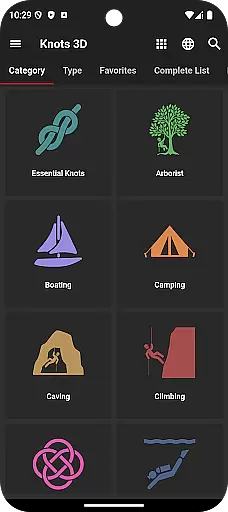
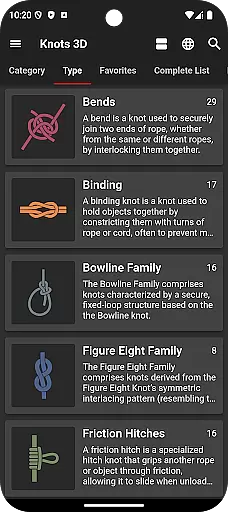
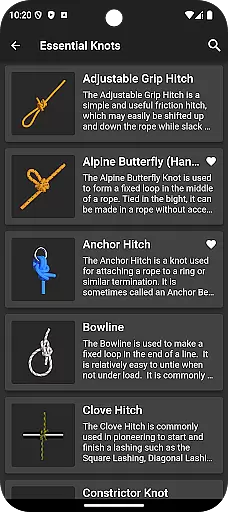
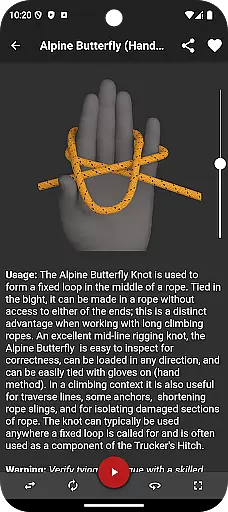
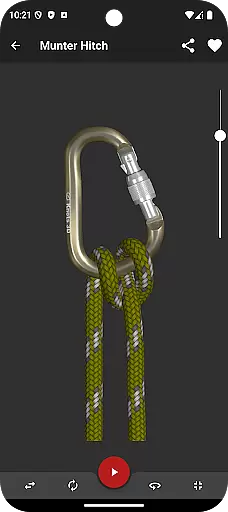
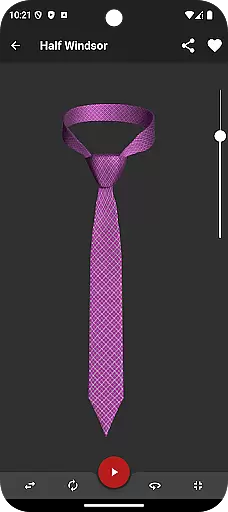
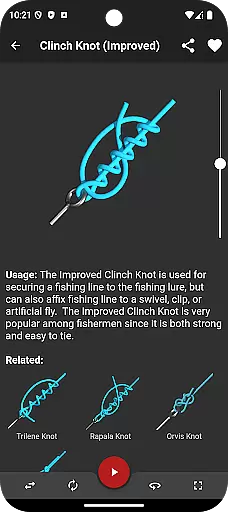
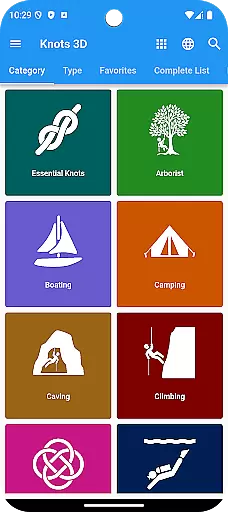
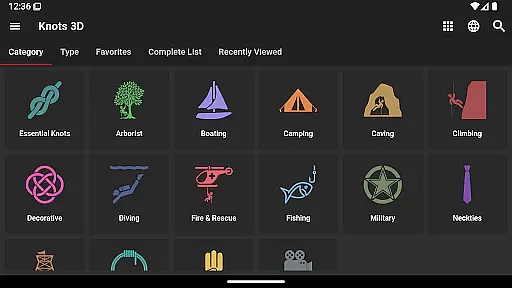
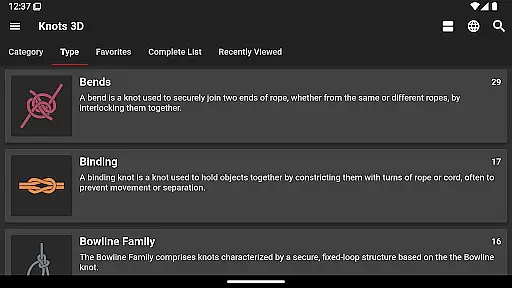
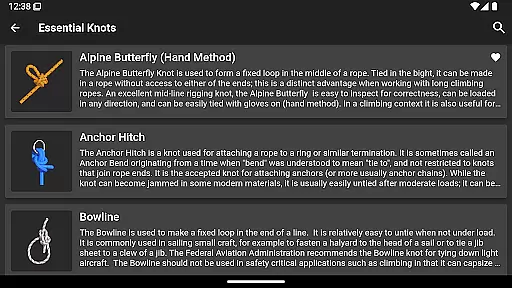
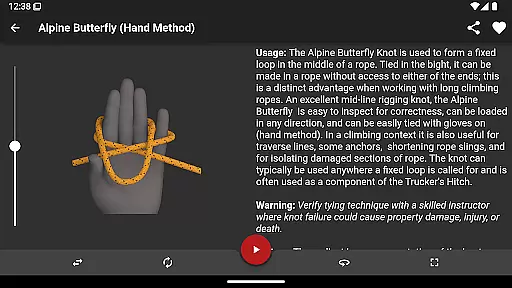
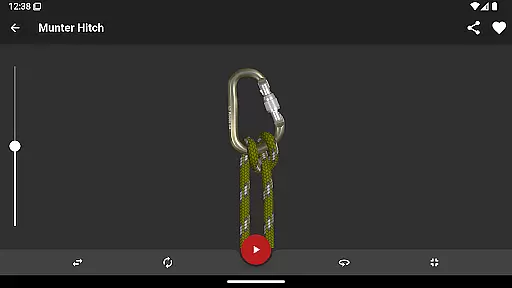
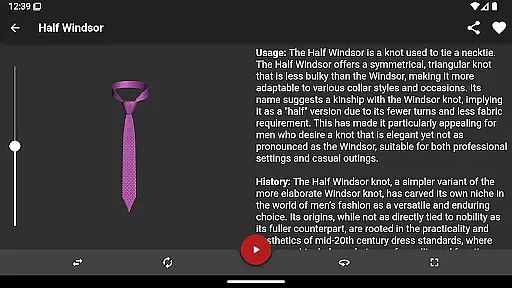
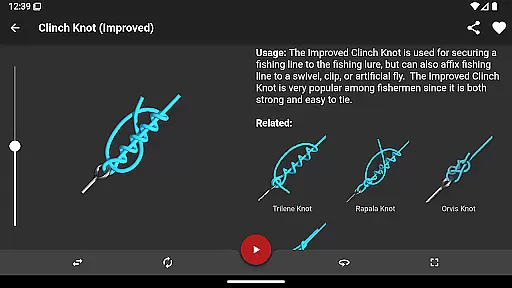
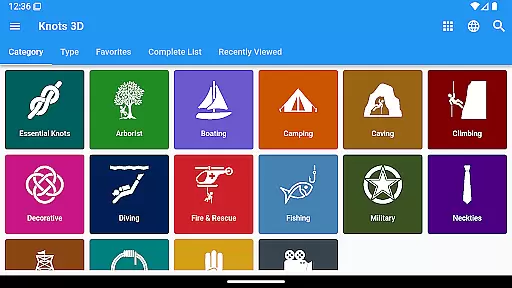
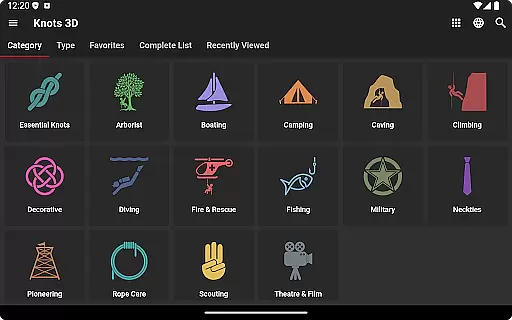
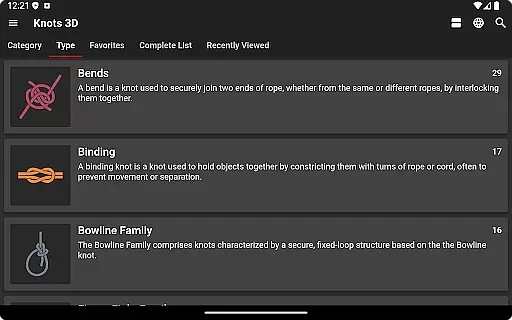
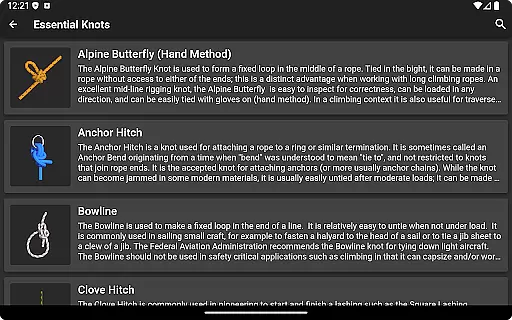
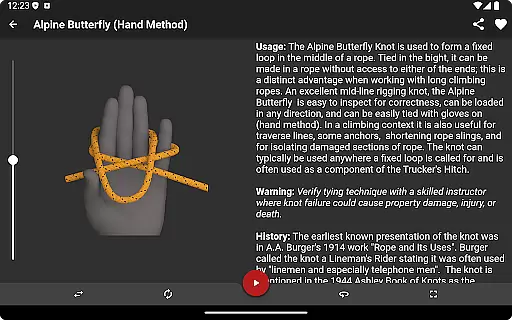
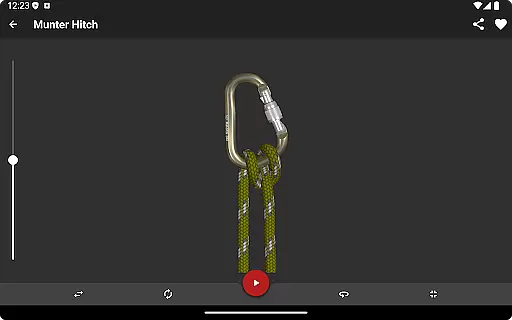
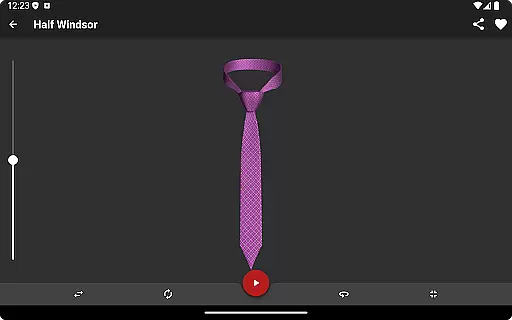
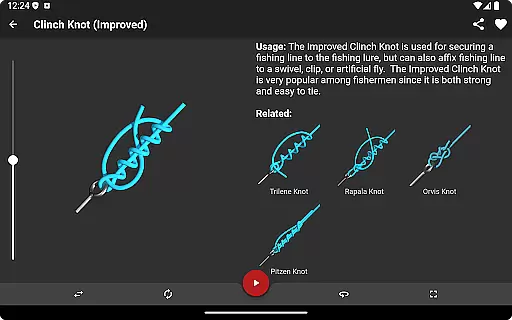
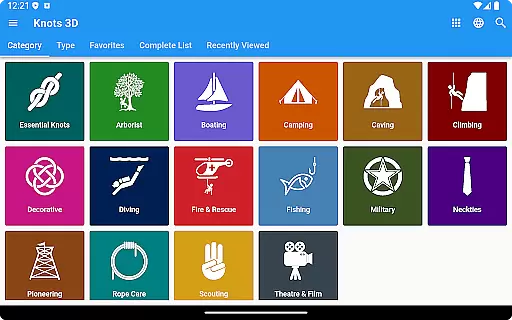
Knots 3D is a comprehensive knot-tying reference app designed for anyone who needs to learn or master tying knots. With over 200 unique knots, it caters to arborists, fishermen, climbers, and scouts, among others. The app provides detailed 3D animations that allow users to view knots from any angle, while interactive features let you control the animation speed and rotation.
One of the standout features of Knots 3D is its ability to teach even complex knots with ease. Whether you're learning essential fishing knots or advanced climbing techniques, this app offers an intuitive platform to practice and perfect your skills. Available on Google Play since 2012, it has earned accolades such as Google Play Editors' Choice and Best of 2017 Hidden Gem.
Knots 3D stands out with its extensive library of 201 unique knots, which are regularly updated. Users can browse knots by category or search using names, synonyms, or ABOK numbers. The app supports both landscape and portrait modes, offering full-screen viewing for better detail. One innovative feature is the self-tying animation, where users can pause or adjust the speed while rotating the knot in a complete 360-degree view.
Interactivity is at the core of Knots 3D's design. You can 'scrub' through animations by swiping across the screen, allowing precise control over your learning experience. Additionally, the app includes Dark Mode for comfortable nighttime use and operates without requiring internet access or intrusive permissions. With no ads or in-app purchases, Knots 3D ensures a seamless and uninterrupted user experience.
Knots 3D offers an extensive collection of over 200 unique knots, making it a comprehensive digital library for knot-tying enthusiasts. This vast repository ensures that users have access to a wide variety of knot types and categories, catering to different needs and skill levels.
The app guarantees copyright authenticity by providing original content developed by experts in the field. Unlike other apps that may use copied or unverified material, Knots 3D takes pride in delivering accurate and reliable information, which has earned it accolades such as Google Play Editors' Choice and inclusion in Scouting Magazine's Best Scouting Apps of 2016.
With frequent updates and new knots added regularly, users can trust that the library remains current and relevant. The self-contained nature of the app means that all content is verified and available offline, ensuring a trustworthy reference source without requiring internet permissions.
One of the standout features of Knots 3D is its versatile format compatibility, allowing users to view knots in both landscape and portrait modes. This flexibility enhances user experience by enabling full-screen viewing, where users can zoom in to see intricate details of each knot.
The app supports interactive 3D views, letting users rotate knots in a complete 360-degree space. This functionality provides an immersive learning experience, allowing users to study knots from any angle, which is crucial for mastering complex tying techniques.
Additionally, Knots 3D includes accessibility features like dark mode and light mode, accommodating user preferences and environmental conditions. These options ensure that the app is accessible to a broader audience, regardless of their device settings or visual requirements.
Extensive knot library
Interactive 3D animations
User-friendly interface
No ads or in-app purchases
Offline functionality
Limited to knot-tying
No advanced tutorials
Occasional bugs reported
Interface not modern
Heavy app size

Guide for dōTERRA® Products
 3.60
3.60
The Bible Audio Guide
4.80
The Psalms for singing
4.3
Mirror Bible - eye-opening paraphrase translation of the NT by Francois du Toit
4.30
Bible Study App with Audio Book, Verse of the Day, and Devotionals.
4.80
Zerobooks Light Novel Reader by GOLDENAGATO
4.20
America's best dictionary and thesaurus - with premium content and no ads
3.40
Daily thoughts, meditations, and prayers for living a sober life in recovery.
4.90
Liturgy of the Hours and Mass for every day of every year. No Internet needed!
5.00
Flora of Virginia Project (www.floraofvirginia.org)
5.00
Offline dictionary for learning Cantonese as a second language
4.90
What’s that bird? Just answer 5 questions, snap a photo, or record its song!
4.90
Audiobook player with cross-device progress sync, playlists, and widget support.
4.80
Liturgy of the Hours totally off-line
4.80
Scan. Price. Grade.
4.60
“It is fun to have fun, but you have to know how!”
4.40
Bilingual dictionary with English translations of Modern Standard Arabic words.
4.30
Cute bedtime story for kids
4.30
CleverBook Pro makes the popular guide for the game even better!
4.00


User Reviews