
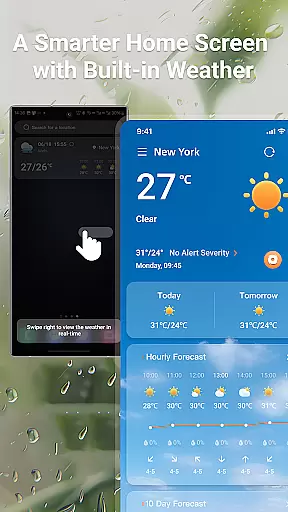
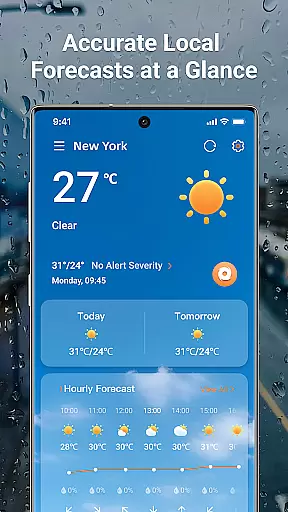
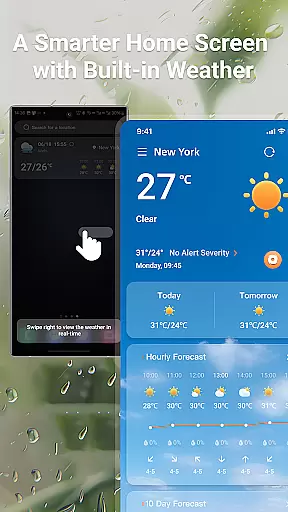
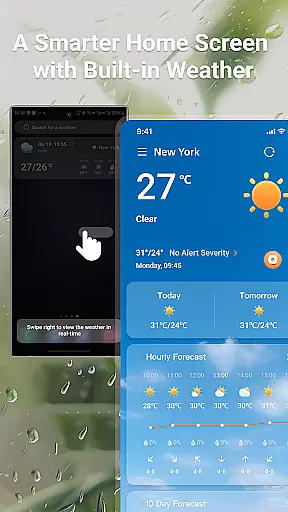
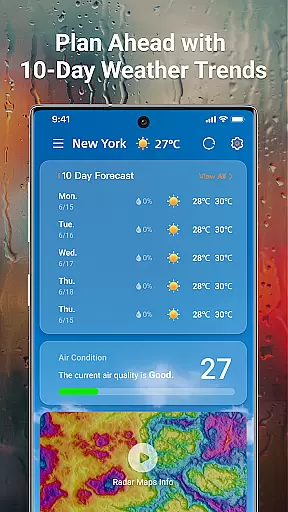
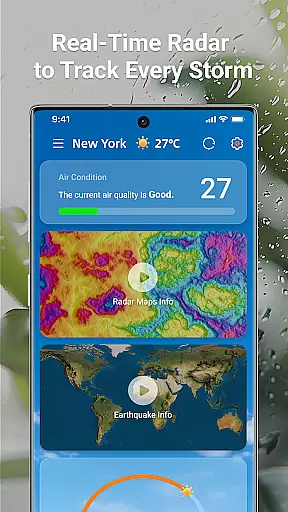
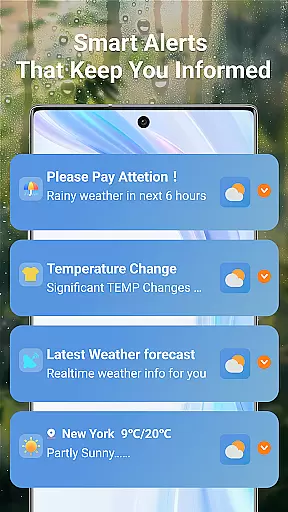
LaunchWeather is a real-time weather application that provides accurate forecasts directly from your home screen. With features like live radar tracking, complete weather forecasts, and smart weather alerts, it ensures you stay informed about current and upcoming weather conditions without needing to open multiple apps. The app offers global coverage with multi-language support, making it accessible for users worldwide.
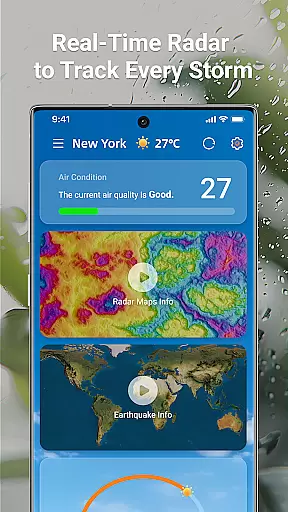
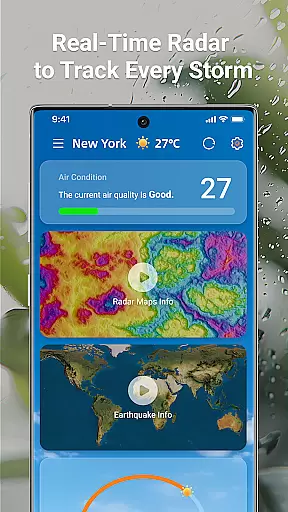
The interactive radar maps allow you to track rain, snow, and storm paths while providing real-time updates. You can zoom and move the map for precise, location-specific details. Additionally, LaunchWeather delivers hourly updates, 10-day trend forecasts, and key metrics such as temperature, humidity, UV index, and air quality. This makes it an essential tool for planning your day or week ahead.
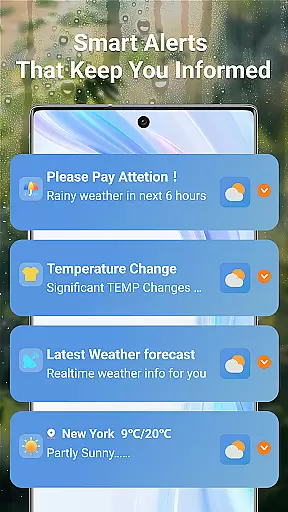
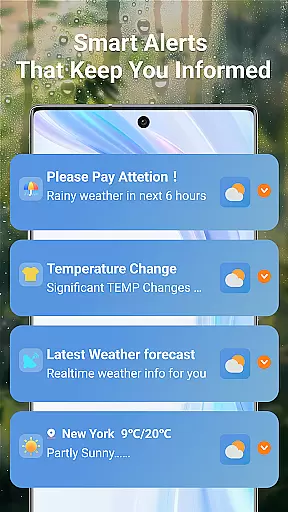
Smart weather alerts notify you of sudden changes in weather, ensuring you are prepared for severe conditions. Whether it's rain, strong winds, or air quality updates, the app keeps you informed with clear and concise notifications. By combining reliable data sources with user-friendly design, LaunchWeather helps you take control of your daily plans and outdoor activities.
LaunchWeather stands out with its comprehensive set of features designed to provide users with instant access to critical weather information. One of its standout features is the live radar tracking, which includes interactive maps showing rain, snow, and storm paths. These maps offer real-time updates and allow users to zoom in for precise, location-specific details, ensuring they have the most accurate information at their fingertips.
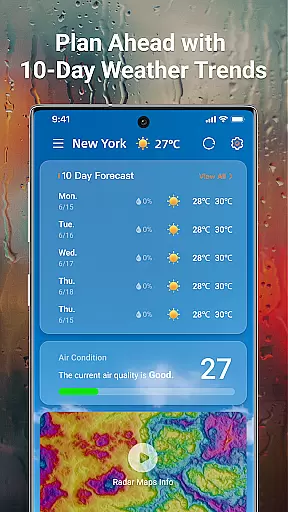
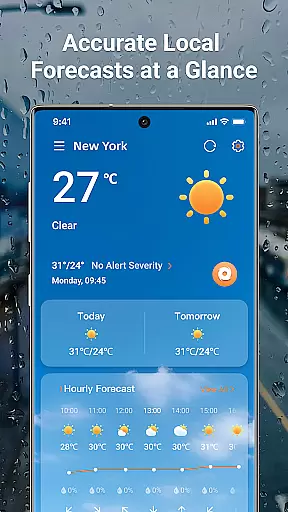
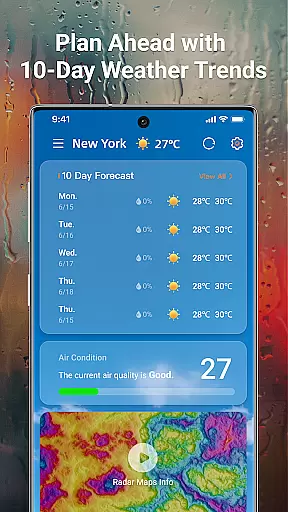
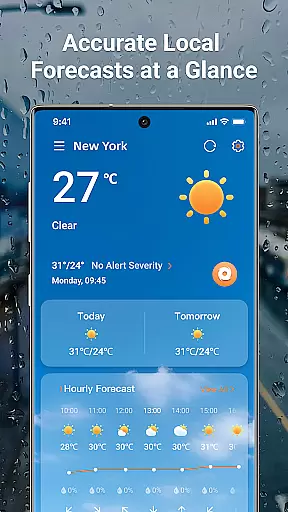
In addition to live radar, LaunchWeather offers complete weather forecasts. Users receive hourly updates along with 10-day trend forecasts, covering key metrics such as temperature, realfeel, humidity, UV index, and air quality. This detailed forecasting allows users to plan their days with confidence, knowing exactly what to expect weather-wise. Furthermore, the app's smart weather alerts ensure users are notified of any significant weather changes, including severe warnings for storms, rain, and air quality issues.
Another notable feature is the app's global coverage and multi-language support. No matter where you are in the world, LaunchWeather provides precise local and global forecasts. This inclusivity ensures that all users, regardless of language or location, can benefit from the app's robust weather insights. Overall, LaunchWeather combines accuracy, convenience, and accessibility to deliver a top-tier weather experience.
Forecast accuracy and data credibility are crucial for any weather application. LaunchWeather ensures that users receive precise and reliable weather information, which is essential for planning daily activities and ensuring safety during severe weather conditions.
The app leverages trusted sources to provide real-time updates and accurate forecasts. By integrating advanced meteorological data with user-friendly features, LaunchWeather delivers hourly updates and 10-day trend forecasts. This includes key metrics such as temperature, realfeel, humidity, UV index, and air quality, all accessible directly from the home screen.
Users benefit from interactive radar maps that track rain, snow, and storm paths. These maps offer real-time updates and allow zooming and moving for location-specific details. With LaunchWeather, you can trust that the weather information you receive is both accurate and actionable, helping you make informed decisions.
Temporal and spatial forecast range refers to the ability of a weather app to provide comprehensive weather predictions over time and across different locations. LaunchWeather excels in this area by offering extensive coverage and detailed forecasts that cater to various needs, whether you're at home or traveling globally.
The app provides hourly updates and 10-day trend forecasts, ensuring that users have access to both short-term and long-term weather predictions. This extensive temporal coverage helps in planning activities well in advance, while the spatial aspect covers global locations with multi-language support, making it accessible worldwide.
LaunchWeather's smart weather alerts notify users of sudden weather changes, including rain, temperature shifts, strong winds, and air quality updates. These alerts are designed to be clear and concise, ensuring that users remain prepared without feeling overwhelmed. With LaunchWeather, you gain control over your weather, staying informed and ready for whatever comes your way.
User-friendly interface
Accurate forecasts
Real-time updates
Global coverage
Multi-language support
Limited customization options
Occasional notification delays
High battery usage
Premium features require subscription
Some regions lack detailed data

Weather for Indiana, Kentucky and Ohio
 4.90
4.90
Track rainfall totals with ease using our rain gauge app. Accurate rain tracker.
4.50
Accurate weather forecast, daily weather changes are easy to grasp
4.90
Dynamic weather watch face with glass effect, bold time & 7 complications.
4.0
Weather forecast & live radar map
4.20
Download now and give your smartwatch a fresh, premium look!
4.20
Weather watch face for Wear OS 5+
4.40
My Aurora Forecast Pro is the app for the Northern Lights and Aurora Borealis.
4.70
Weather channel forecasts weather daily & hourly, local and national air quality
4.70
A professional, comprehensive and accurate weather forecast app
4.90
My Tide Times Pro is the only tide tables and forecasts application you'll need.
4.80
Weather radar, hyperlocal tracker and weather maps: follow your weather station
4.80
Nuts Weather, your ideal choice for knowing weather forecast & weather radar
4.70
Track lightning strikes with our thunderstorms map, radar and lightning alarm.
4.70
Get accurate rainfall and snowfall totals for pinpoint locations on a map.
4.60
Accurate Weather App: various widgets, real-time storm radar, hurricane tracker.
4.50
14-day & 24-hour Forecast | Real-time Alert | Accurate & Fast
4.40
Precision Weather, Right at Your Fingertips
4.40
Your Personal Weather Assistant
4.00


User Reviews