
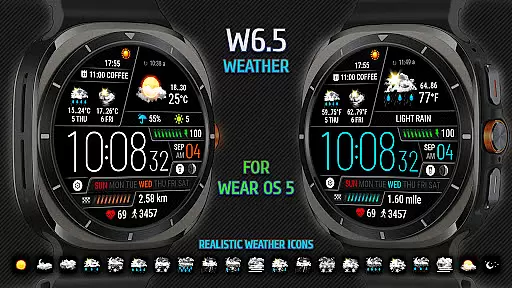
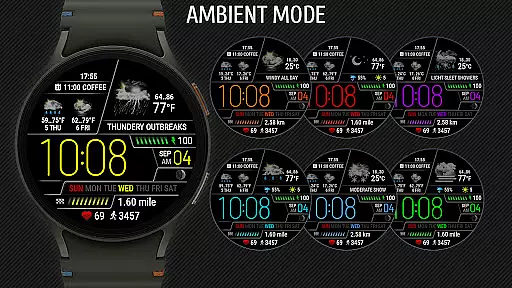
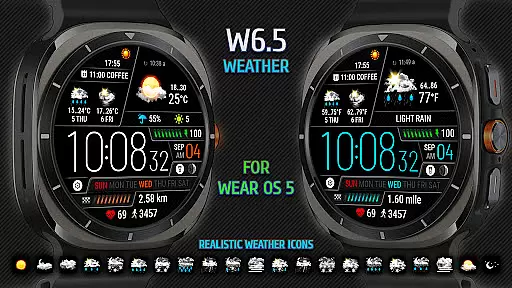
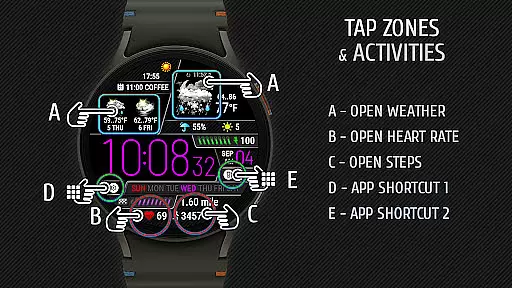
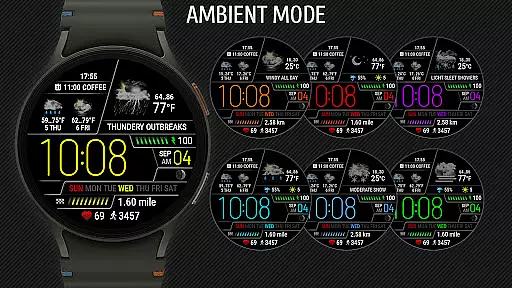
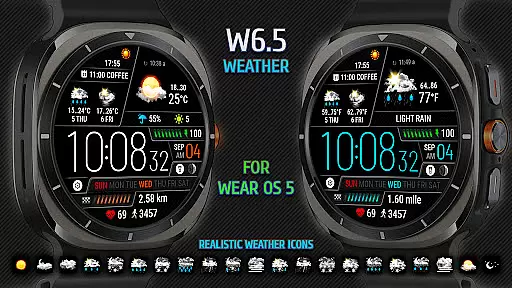
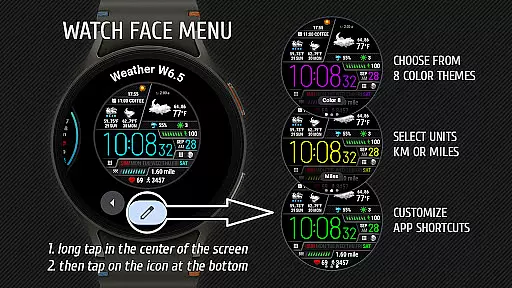
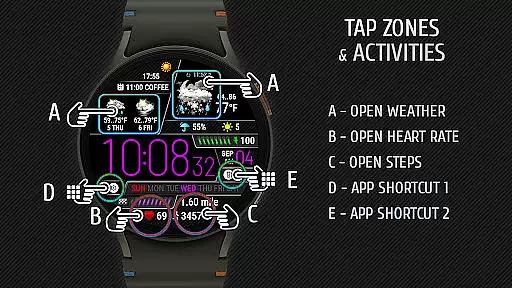
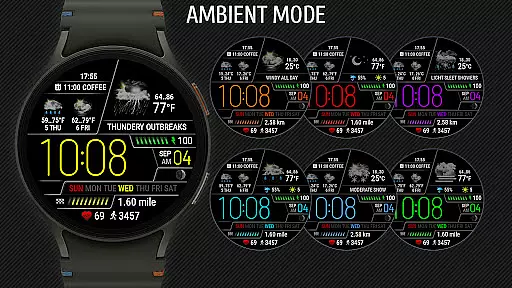
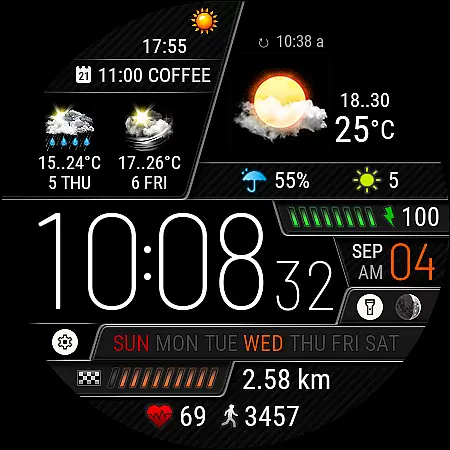
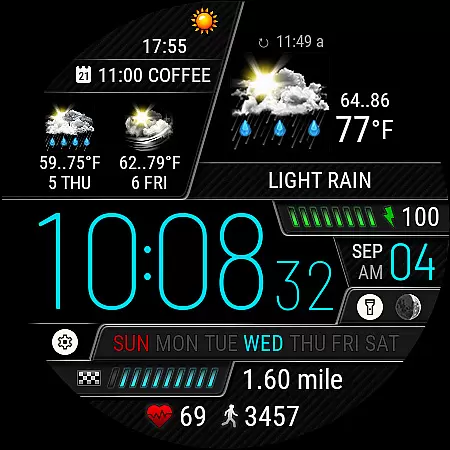
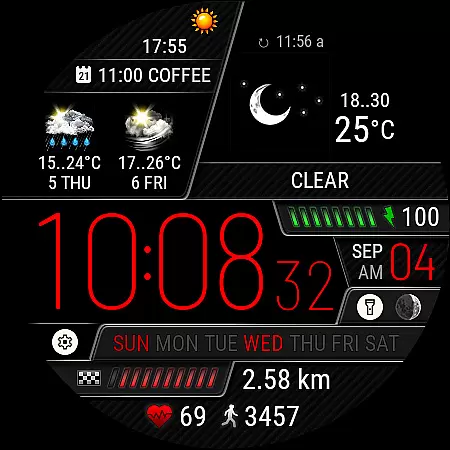
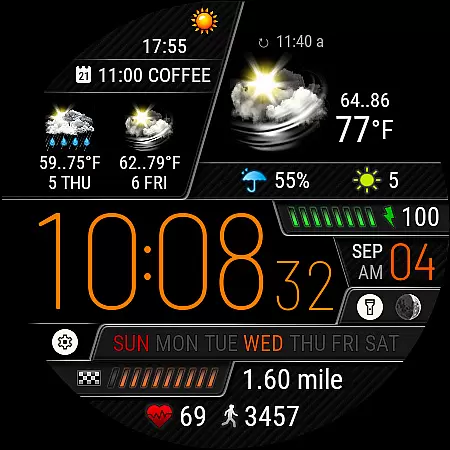
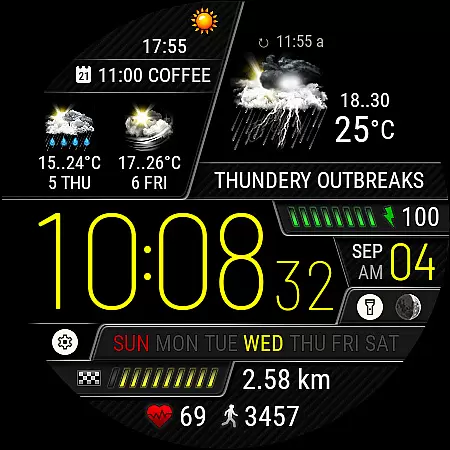
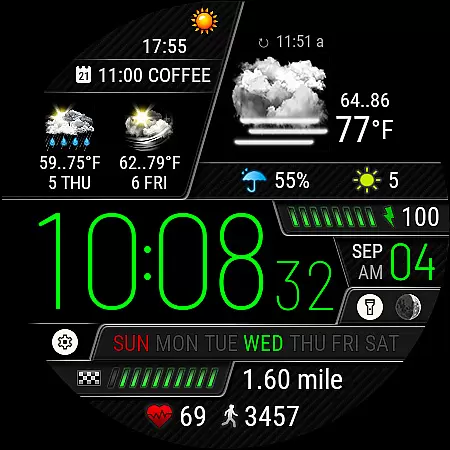
Weather Watch Face W6.5 is a sophisticated watch face designed exclusively for Wear OS 5+ devices, including the latest Galaxy Watch and Pixel Watch models. This app transforms your smartwatch into a comprehensive weather station right on your wrist.
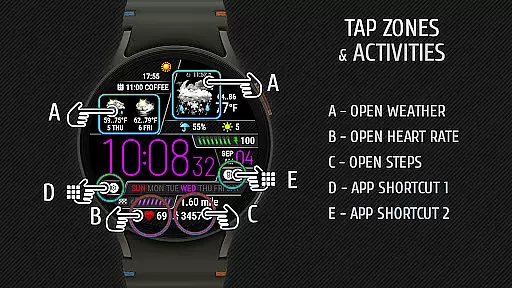
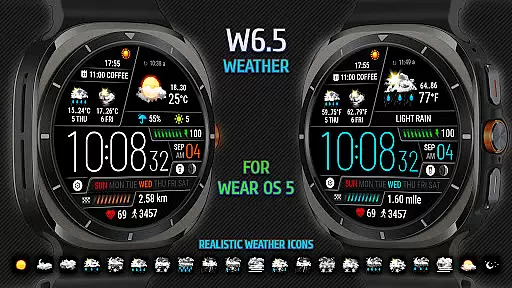
The watch face displays essential information such as digital time, current weather conditions with realistic icons, precipitation probability, UV index, and a 2-day forecast. It also tracks health metrics like heart rate, steps, and distance traveled, making it an all-in-one utility for both fitness enthusiasts and everyday users.
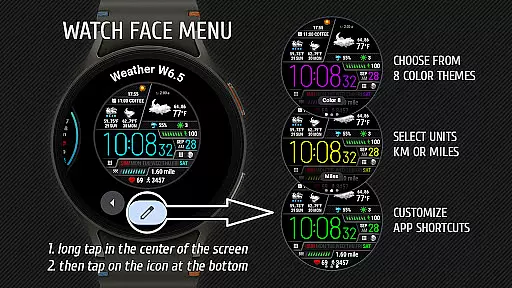
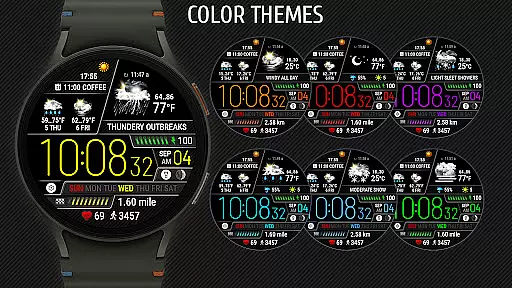
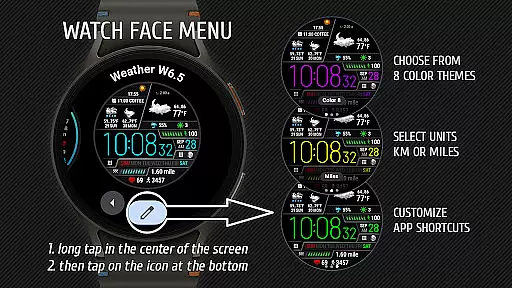
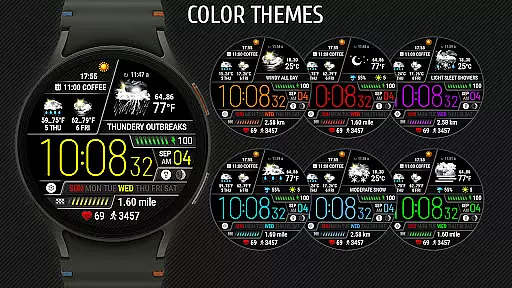
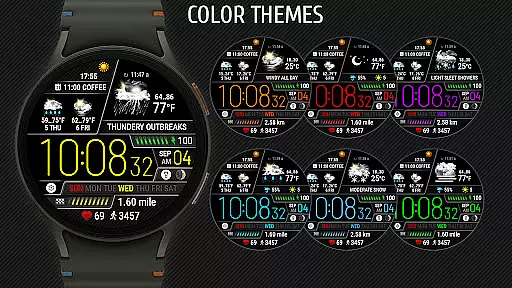
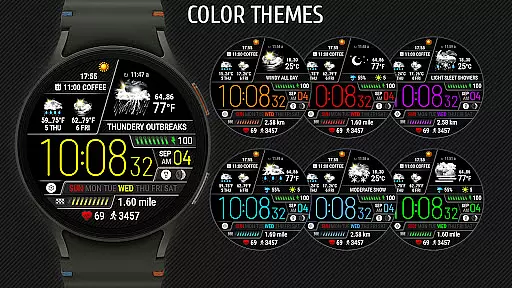
With customizable features including 8 color themes and app shortcuts, Weather Watch Face W6.5 offers a personalized experience tailored to individual preferences. Whether you're planning your day or monitoring your health, this app provides valuable insights at a glance.
Weather Watch Face W6.5 stands out with its rich set of features designed to enhance user experience. The app supports over 15 realistic weather icons that provide an intuitive understanding of current and upcoming weather conditions.
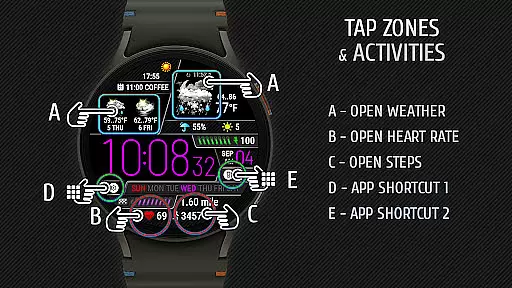
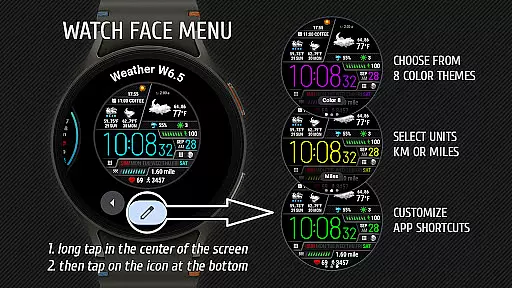
One of the key highlights is the integration with The Weather Channel, ensuring accurate and up-to-date weather forecasts. Users can customize their watch face with different units of measurement for distance (km or miles), choose from 8 unique color themes, and configure two app shortcuts for quick access to frequently used applications.
Additionally, the watch face displays vital health metrics such as heart rate, steps, and distance traveled, promoting an active lifestyle. With support for the latest Wear OS versions, this app ensures optimal performance and compatibility with modern smartwatches.
Forecast accuracy and data credibility are crucial for any weather application, ensuring users receive reliable information to plan their day effectively. Weather Watch Face W6.5 provides precise weather forecasts by sourcing data from The Weather Channel, a trusted name in meteorology.
This watch face displays current weather conditions using realistic icons, offering 15 distinct weather representations that enhance user understanding at a glance. Additionally, it presents essential details such as digital time, UV index, precipitation probability, and a two-day forecast, all optimized for Wear OS 5+ devices.
Users benefit from the integration of accurate weather data with wearable technology, allowing them to make informed decisions about outdoor activities or attire based on credible meteorological insights directly on their wrists.
The temporal and spatial forecast range is vital for users who need detailed weather predictions over specific periods and geographic areas. Weather Watch Face W6.5 excels in delivering comprehensive weather updates tailored for the latest Galaxy Watch and Pixel Watch models running Wear OS 5+.
This application goes beyond simple temperature readings by providing a two-day forecast along with real-time metrics like heart rate, steps taken, and distance traveled. Such features ensure that users have both short-term and extended weather outlooks readily accessible.
By focusing on these aspects, Weather Watch Face W6.5 empowers users to anticipate weather changes accurately within both immediate and near futures, enhancing preparedness and convenience through advanced wearable tech integration.
Realistic weather icons
Customizable color themes
Health metrics tracking
Two app shortcuts
Accurate weather data
No support for older OS
Limited device compatibility
Requires internet
Premium features locked
Complex setup

Ultimate weather forecast + moon phase for Wear OS 5+ (Pixel, Galaxy, et al.)
 4.70
4.70
Accurate weather forecast, daily weather changes are easy to grasp
4.90
Road weather, live radar, wind, snow, and conditions along your driving route.
4.70
Local Weather provides accurate and current hourly and daily forecasts.
4.80
72-hour weather & daily forecasts with extreme weather alerts
4.60
Detailed weather info and moon phase, subtle animation, customizable
4.1
A professional, comprehensive and accurate weather forecast app
4.90
Your Reliable Weather Companion
4.10
Precision Weather, Right at Your Fingertips
4.40
Weather - Local weather forecast, weather daily & hourly, weather radar
4.80
Weather radar, hyperlocal tracker and weather maps: follow your weather station
4.80
Live Alabama weather from James Spann—forecasts, radar, alerts, Spanncams.
4.70
Weather radar, satellite, wind, waves, ocean and hurricane forecasts.
4.70
Track lightning strikes with our thunderstorms map, radar and lightning alarm.
4.70
Live weather forecast for your everyday life
4.60
Get accurate rainfall and snowfall totals for pinpoint locations on a map.
4.60
Analog Weather Watch Face for Wear OS 5+
4.10
A powerful weather forecast to get real-time weather information
3.60
A powerful tool for ultimate weather awareness
3.50


User Reviews