
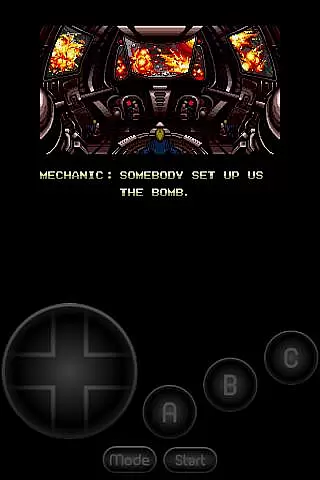
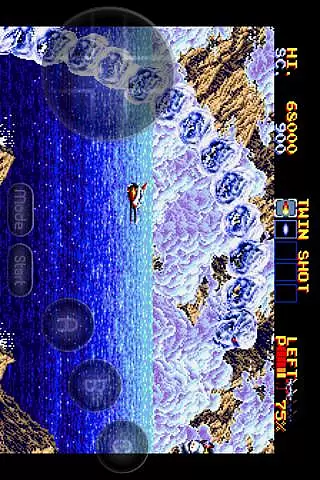
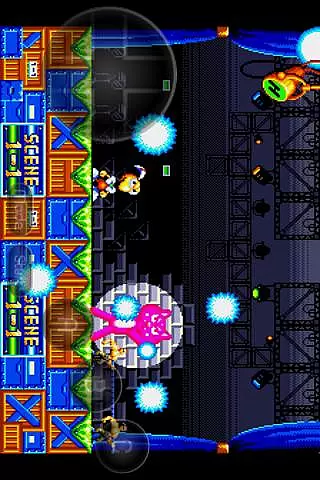
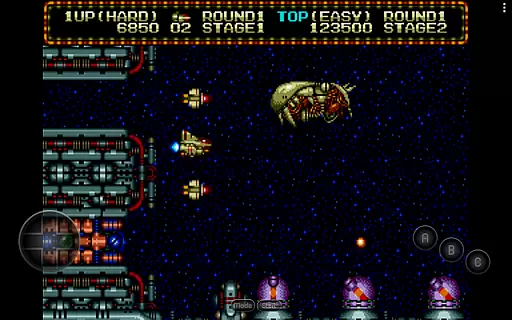
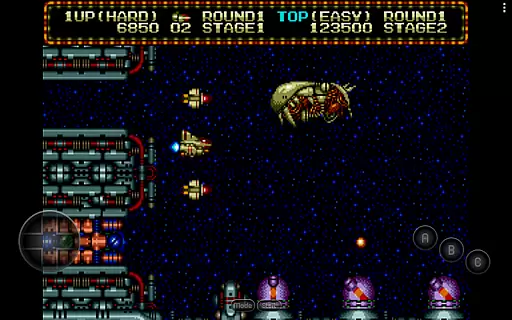
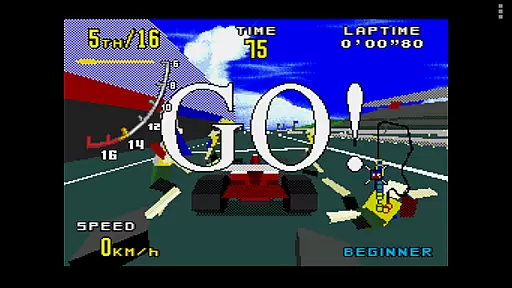
MD.emu is an advanced emulator for Sega Genesis/Mega Drive, Sega CD, and Master System/Mark III games. It offers a minimalist UI with low audio/video latency, making it suitable for a wide range of devices from Xperia Play to modern smartphones like the Nvidia Shield and Pixel series.
The app supports various file formats including .bin, .smd, .gen, and .sms, optionally compressed with ZIP, RAR, or 7Z. With beta support for Sega CD, users can load .cue or .bin files and enjoy FLAC, Ogg Vorbis, and Wav audio tracks. The emulator also features 6-button controller support, multitap for 4-player gaming, and gun peripherals compatibility.
Designed for both casual gamers and enthusiasts, MD.emu provides a comprehensive emulation experience while maintaining performance across different Android devices.
MD.emu stands out with its extensive feature set tailored for Sega gaming enthusiasts. The app supports multiple file formats such as .bin, .smd, .gen, and .sms, with optional compression using ZIP, RAR, or 7Z. This flexibility allows users to manage their game library efficiently.
One of the key highlights is the SVP chip support for Virtua Racing, alongside beta Sega CD emulation through .cue or .bin files. Users can enjoy high-quality audio tracks in FLAC, Ogg Vorbis, and Wav formats. The inclusion of 6-button controllers, 4-player multitap, and gun peripherals enhances the gaming experience.
Additional features include configurable on-screen controls, Bluetooth/USB gamepad support compatible with HID devices like Xbox and PS controllers, and cheat code support using .pat files. These functionalities ensure that MD.emu delivers a versatile and immersive gaming experience.
Arcade authenticity and nostalgia are crucial elements for any gaming emulator, ensuring that users can relive the classic gaming experiences of their past with accuracy and fidelity. MD.emu (Genesis Emulator) excels in this area by providing a platform where Sega Genesis/Mega Drive, Sega CD, and Master System/Mark III games can be played with precision.
This emulator supports a wide array of file formats including .bin, .smd, .gen, and .sms, optionally compressed with ZIP, RAR, or 7Z, allowing gamers to easily access and play their favorite retro titles. The inclusion of SVP chip support for Virtua Racing and gun support for games like Menacer and Justifier further enhances the nostalgic experience, bringing back the excitement of arcade-style gaming.
Users benefit from not just the ability to play games, but to do so with low audio/video latency, which is vital for an authentic arcade feel. This attention to performance detail ensures that gameplay remains as close to the original experience as possible, invoking the true essence of arcade nostalgia.
Control responsiveness is a key factor in delivering an immersive and satisfying gaming experience. For MD.emu (Genesis Emulator), this means offering precise and immediate reactions to user inputs, ensuring that every action is accurately reflected in the game. This level of responsiveness is critical for maintaining the fast-paced nature of arcade games.
The emulator supports both on-screen controls and external devices such as Bluetooth/USB gamepads and keyboards, compatible with HID devices recognized by the OS, including Xbox and PS controllers. This compatibility allows users to choose their preferred method of control, enhancing the overall gaming experience.
With features like 6-button controller support and 4-player multitap functionality, MD.emu ensures that multiplayer games are as responsive and engaging as single-player ones. These capabilities provide a seamless and intuitive control scheme that caters to both casual players and hardcore gaming enthusiasts alike.
Wide device compatibility
Low audio/video latency
Supports multiple file formats
Beta Sega CD support
Comprehensive peripheral support
Sega CD support is beta
No ROMs included
Requires BIOS files
Complex setup for beginners
Limited customer support

Genesis, Mega Drive, Mega CD, Master System, Game Gear Emulator!
 4.20
4.20
Turn-based pixel game where jumping is the only weapon!
4.5
Enter Double Dragon Trilogy, a compilation of the beloved arcade series
4.10
Mine planets, upgrade your space ship, battle others, and dominate the galaxy!
3.90
Join the art challenge: Guess the word and draw fast before the timer runs out!
4.20
John GBC is GB/GBC emulator. This emulator is easy to use.
3.80
Relax and catch fish for your aquarium while earning rewards in these tank games
4.40
Create your restaurant story & make food on a crazy kitchen in this cooking game
4.70
This app is a very fast emulator
3.40
Try this unique restaurant sim and enjoy the fun of cooking in busy kitchens!
4.70
R-TYPE game
4.60
Play fun multiplayer games with friends on one device! Two, Three, Four players!
4.60
Motorcycle racing games! Prove your paperboy can win in the bike race 3D!
4.50
Epic offline war strategy game - build your city, train your army, conquer
4.20
A fast, full-featured GBA emulator with link cable emulation.
3.90
Frenetic party game, pass the bomb to the other players!
3.80
Welcome back to Vice City. Welcome back to the 1980s.
3.30
Snake Legacy, sans pub, repensé pour une expérience fluide et élégante.
4.1
Infinite Arcade
4.1


User Reviews