
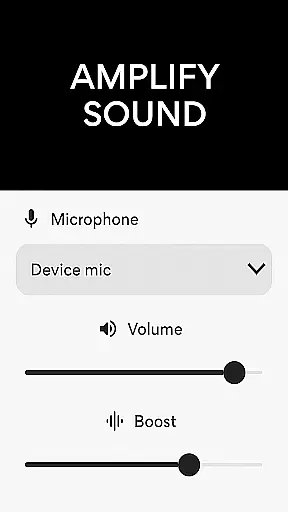
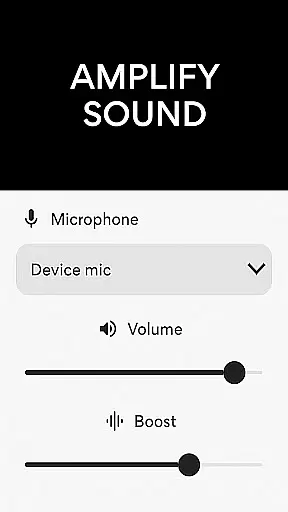
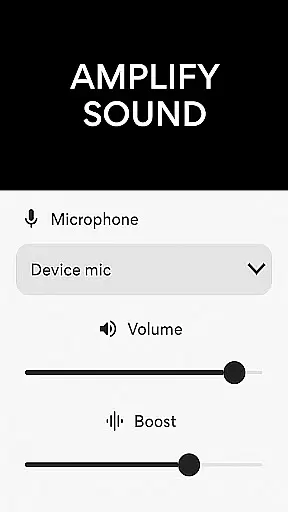
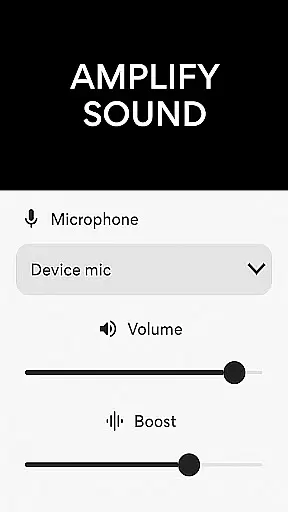
Microphone Amplifier is a specialized audio enhancement application designed for the Medical category, particularly beneficial for users requiring sound amplification as a hearing aid solution. This app transforms your Android device into a powerful megaphone voice amplifier, providing clear and enhanced audio projection in various scenarios.
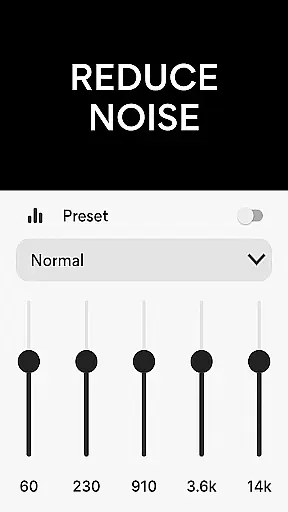
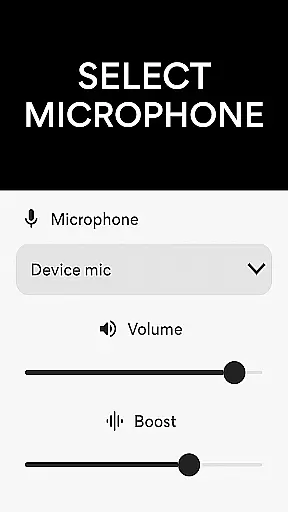
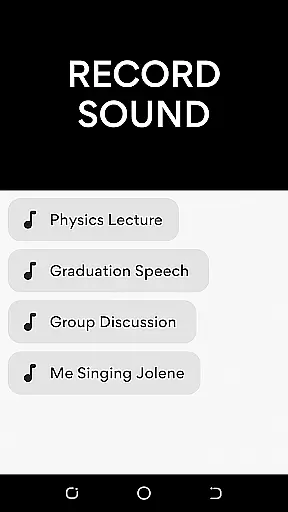
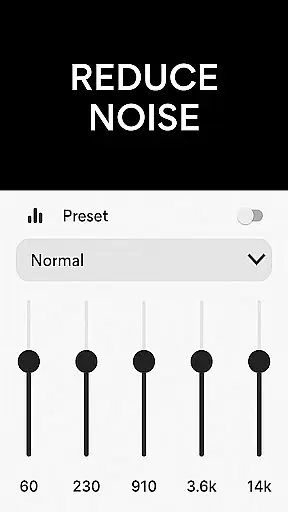
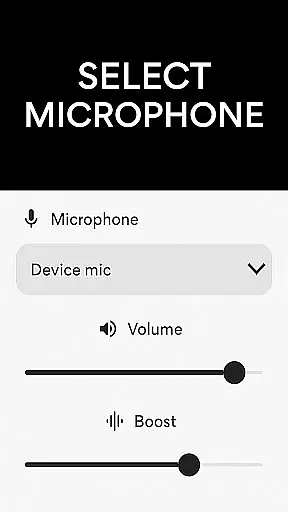
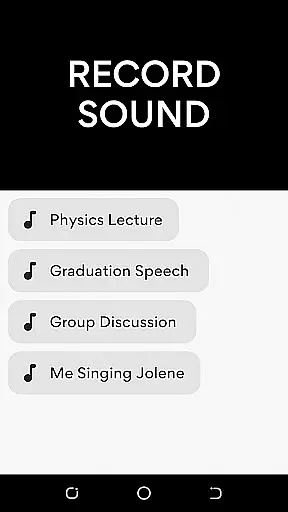
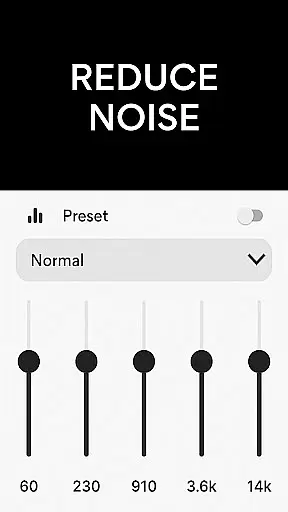
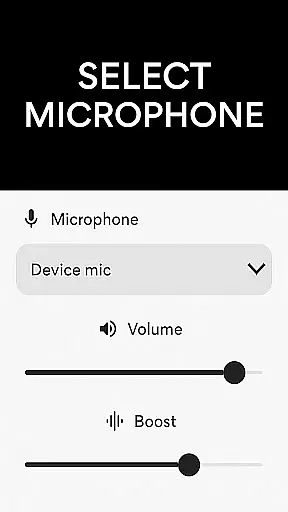
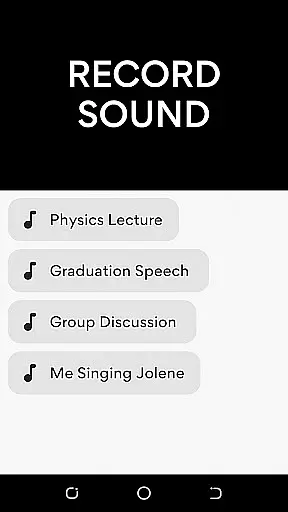
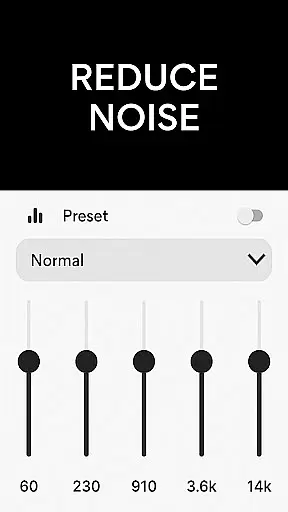
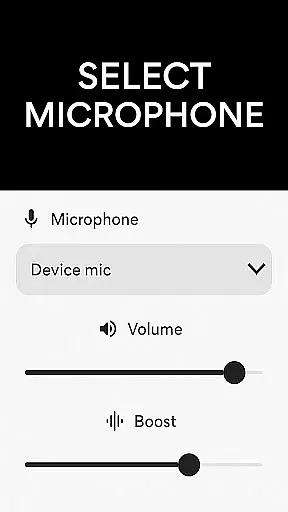
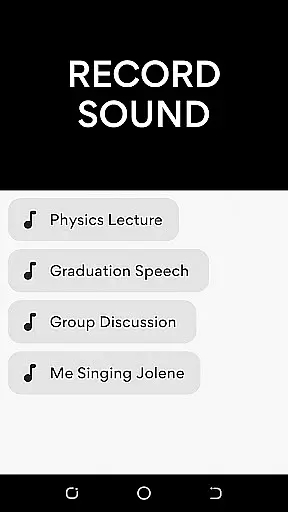
The core functionality of Microphone Amplifier includes multiple microphone options such as phone mic, headset mic, or Bluetooth mic, allowing users to choose based on their specific needs. The app incorporates advanced features like noise reduction and echo cancellation, ensuring crystal-clear sound quality. Additionally, it offers customizable sound frequencies and an integrated MP3 recorder for capturing important audio content.
This application is especially useful in medical settings where clear communication is crucial. Healthcare professionals can utilize this app during patient consultations or medical presentations, ensuring that every word is heard distinctly by all participants. The ability to amplify sound while reducing background noise makes it an invaluable tool for both medical practitioners and patients with hearing difficulties.
Microphone Amplifier stands out with its comprehensive set of features tailored for optimal sound enhancement. The app's primary feature is its versatile microphone selection, allowing users to switch between phone mic, headset mic, or Bluetooth mic seamlessly. This flexibility ensures that users can adapt to different environments and equipment availability.
A key innovation is the app's sophisticated noise reduction and echo cancellation capabilities. These features work together to eliminate unwanted background sounds and minimize echo effects, resulting in a refined listening experience. The sound amplifier listening device function enables users to customize sound frequencies according to their specific requirements, making it particularly valuable in medical settings where precise sound clarity is essential.
Another notable feature is the integrated MP3 recorder, which allows users to capture audio effortlessly while maintaining high-quality sound. The mic-to-speaker sound enhancer function provides wireless connectivity options, enabling users to enjoy amplified sound without cable restrictions. These combined features make Microphone Amplifier an indispensable tool for medical professionals who need reliable audio enhancement in various clinical situations.
In the medical app category, content credibility is paramount for user trust and safety. The Microphone Amplifier app positions itself as a reliable audio amplifier hearing aid solution, designed to assist users in various auditory scenarios. Its features are backed by technical expertise, ensuring that the sound enhancement functions deliver accurate and safe results.
The app's development team has implemented professional-grade noise reduction and echo cancellation technologies. These features have been carefully engineered to provide clear sound amplification without distortion. Such attention to detail demonstrates the developers' commitment to maintaining high standards of audio quality, which is crucial for users relying on these enhancements in critical situations.
Users benefit from the app's expert-reviewed functionality, which includes customizable sound frequencies and multiple microphone options. The ability to choose between phone mic, headset mic, or Bluetooth mic shows thoughtful design consideration. This flexibility ensures that medical professionals and patients can tailor the listening experience to their specific needs, making it a valuable tool for both personal and professional use.
While primarily an audio amplification tool, the Microphone Amplifier app also serves as an effective communication aid during teleconsultations. The app's ability to boost sound and reduce background noise makes it particularly useful for remote medical consultations where clear audio transmission is essential. This functionality helps bridge the gap between patients and healthcare providers, especially in environments with poor acoustics.
The integration of wireless connectivity features enhances the teleconsultation experience. Users can connect their Bluetooth headphones directly to the app, creating a seamless audio feed between the patient and medical professional. This direct connection ensures minimal sound loss and maintains high-quality audio transmission throughout the consultation process.
Furthermore, the app's recording capabilities add value to telemedicine sessions. The built-in MP3 recorder allows healthcare providers to document consultations with enhanced audio quality. This feature not only improves record-keeping but also enables more accurate analysis of symptoms discussed during virtual appointments. The combination of clear audio transmission and reliable recording makes this app a valuable asset in modern telemedicine practice.
User-friendly interface
Multiple microphone options
Effective noise reduction
Customizable sound settings
Integrated audio recording
Requires stable internet
Drains battery quickly
Limited free features
Occasional connection issues
Subscription fees apply

Want to make it easier to manage your health? We’re with you, wherever you are.
 4.70
4.70
Easy telehealth appointments + urgent care
4.70
Download the PulsePoint app and use your CPR skills to save a life!
4.60
The Omada app enhances your program experience and helps you stay engaged.
4.50
ECG modules improve rhythm ID. ACLS is a simulator for cardiac arrest scenarios.
4.4
The official DSM-5-TR® app
4.50
X-Vein: Advanced vein detection for medical practice
3.10
ASCCP Management Guidelines- There’s an app for that!
4.60
Get your lab results on your smartphone with MyQuest.
4.40
Manage your prescriptions anytime, anywhere with the Publix Pharmacy mobile app.
4.80
Search by insurance, see real-time openings & verified reviews, get care fast.
4.80
Manage your healthcare through the FollowMyHealth® Universal Health Record.
4.80
This app is simply 1 book (also large app) and 17 other apps combined into 1
4.70
The doctor will see you now
4.70
The OptumRx app empowers you to become an advocate of your pharmacy benefits.
4.40
3rd trimester? Counting Kicks is what moms should do-It’s important & easy too!
4.30
Control your hearing aids discreetly with the touch of a finger
4.30
Hearing aid app for Android solves your hearing problems.
4.00
Donating plasma just got easier with the BioLife Plasma Services mobile app.
3.90


User Reviews