
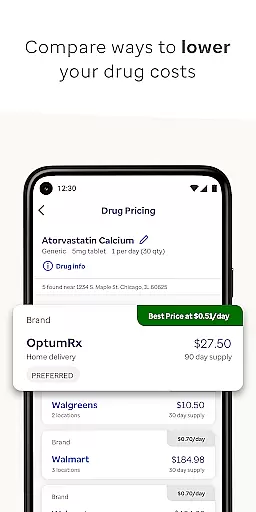
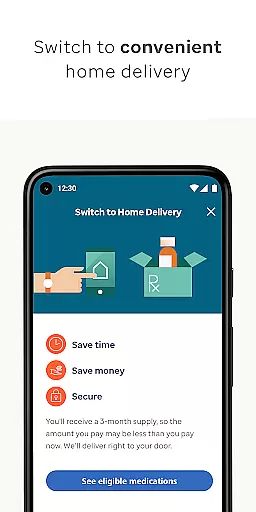
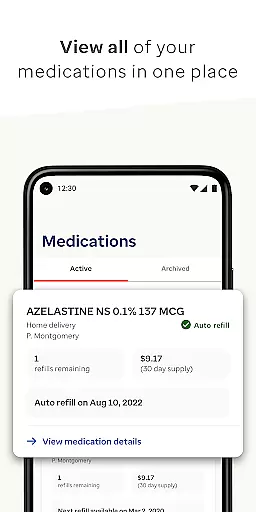
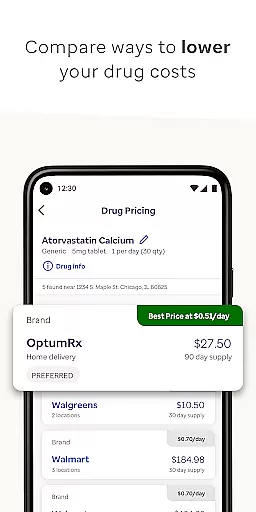
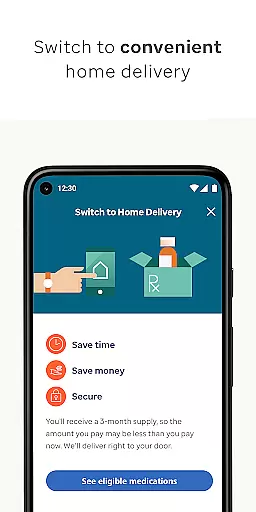
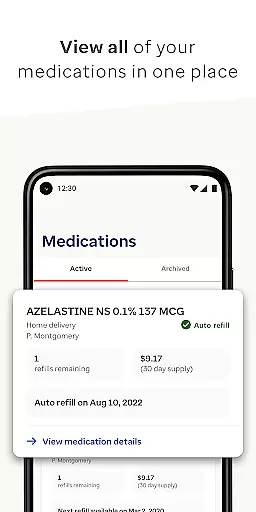
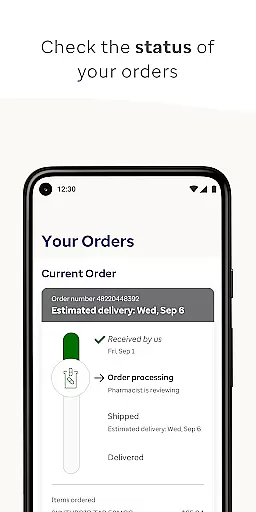
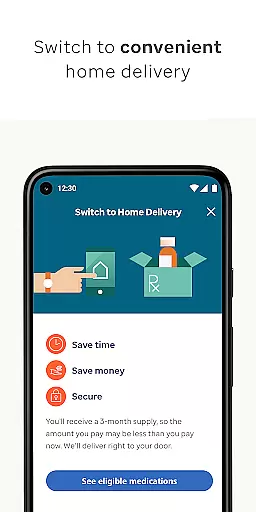
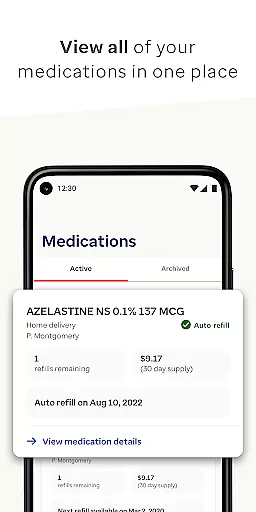

The OptumRx mobile app is a comprehensive pharmacy management solution designed for users who want to streamline their medication needs. This app allows members to manage their pharmacy benefits without visiting a physical pharmacy, offering features such as drug price comparison, viewing all medications, and transferring eligible prescriptions to home delivery.
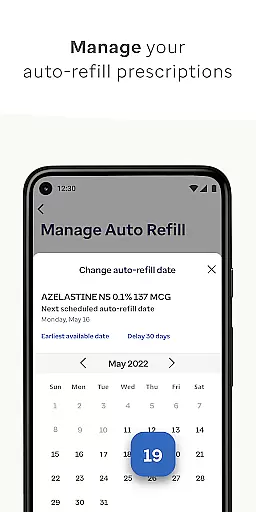
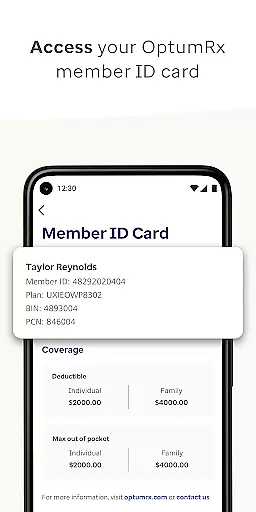
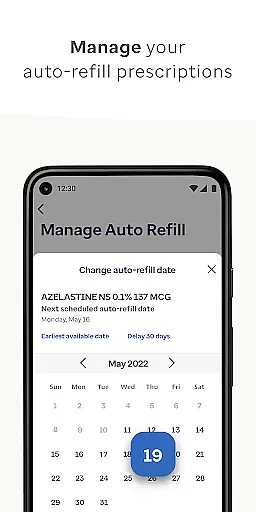
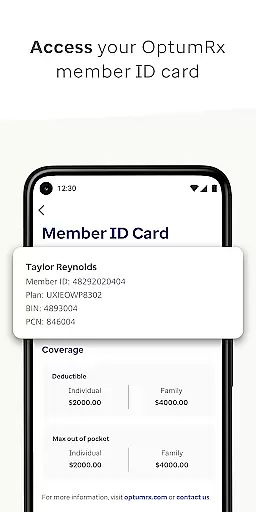
With additional capabilities like refilling home delivery prescriptions, checking order status, setting up automatic refills, and managing account information, the app ensures that users have control over their medication schedules. The app also provides easy access to member ID cards and tools to resolve home delivery order holds, making it an essential tool for anyone looking to simplify their pharmacy experience.
OptumRx is particularly useful for individuals who require regular medication and seek convenience and affordability. By providing accessible and affordable solutions, the app helps users find the right drugs at the lowest prices while ensuring timely delivery and management.
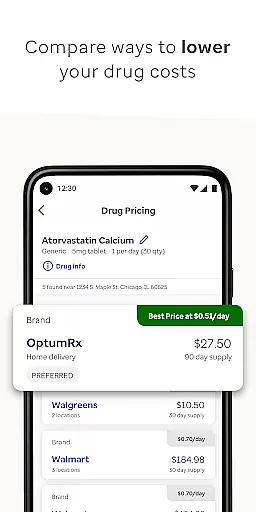
OptumRx offers a wide array of features tailored to enhance user experience in managing pharmacy benefits. One of its standout features is the ability to compare drug prices, allowing users to make informed decisions about their medication purchases. Users can view all their medications in one place and transfer eligible prescriptions to home delivery, which adds a layer of convenience by avoiding trips to the pharmacy.
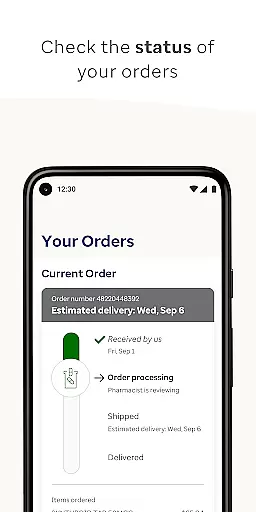
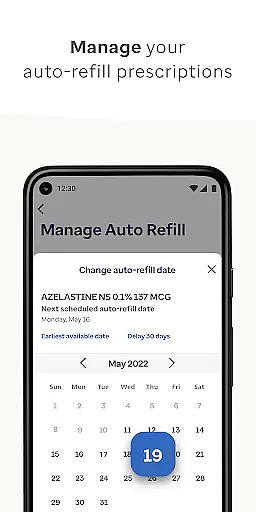
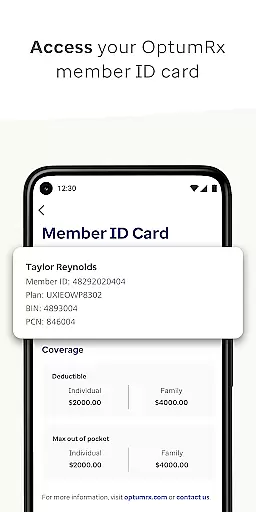
The app also enables users to refill their home delivery prescriptions effortlessly, check the status of their orders, and set up automatic refills to ensure they never run out of necessary medications. Additionally, users can manage their account information directly through the app, view their member ID card, and resolve any holds on home delivery orders. These features collectively contribute to a seamless and efficient pharmacy management experience.
By integrating search and comparison tools, OptumRx empowers users to find the most suitable and cost-effective medication options. The emphasis on accessibility and affordability ensures that users can obtain their medications conveniently and at the best possible prices, reflecting the app's commitment to user-centric healthcare solutions.
In the realm of digital health solutions, the credibility of medical content is paramount. OptumRx ensures that all information provided within the app is thoroughly vetted by healthcare professionals. This guarantees that users receive accurate and reliable guidance regarding their pharmacy benefits and medication management.
The app offers detailed drug comparisons and pricing options, which are reviewed by experts to ensure accuracy and relevance. By leveraging professional insights, OptumRx helps users make informed decisions about their medication needs while maintaining transparency in pricing.
Furthermore, features such as resolving home delivery order holds and managing account information are designed with user safety and data integrity in mind. These functionalities undergo rigorous testing and validation processes to meet industry standards, providing peace of mind for users who rely on these services daily.
OptumRx goes beyond traditional pharmacy services by integrating teleconsultation features that enhance user experience. While the primary focus remains on medication management, the app provides avenues for users to seek guidance and support remotely. This feature is particularly beneficial for individuals who require immediate assistance or have mobility constraints.
The quality of teleconsultations within OptumRx is maintained through partnerships with licensed healthcare providers. Users can trust that they are receiving advice from qualified professionals who understand their unique healthcare needs. The app facilitates seamless communication between patients and providers, ensuring timely responses and effective care coordination.
Additionally, OptumRx emphasizes compassionate care and simplicity in its teleconsultation services. Whether it's setting up automatic refills or checking order statuses, users can expect a streamlined process that prioritizes their convenience and well-being. This commitment to high-quality virtual care underscores OptumRx's dedication to enhancing patient outcomes through innovative technology solutions.
User-friendly interface
Comprehensive medication management
Convenient home delivery options
Automatic prescription refills
Accessible customer support
Limited to OptumRx members
Occasional technical glitches
Requires internet connection
No offline functionality
Some features need eligibility

Want to make it easier to manage your health? We’re with you, wherever you are.
 4.70
4.70
Behavioral Health Portal
4.70
A fantastic 3d reference that includes over 300 structures and a quiz function.
3.00
Download the PulsePoint app and use your CPR skills to save a life!
4.60
Enjoy 200%+ volume booster with bass booster, equalizer and headphone supported.
4.60
Use the phone microphone or headset mic as sound amplifier for louder hearing.
4.30
Assess and treat left neglect more effectively in stroke and brain injury rehab.
4.30
Manage your healthcare through the FollowMyHealth® Universal Health Record.
4.80
Online Doctors & Condition Management
4.40
Search by insurance, see real-time openings & verified reviews, get care fast.
4.80
Manage your prescriptions anytime, anywhere with the Publix Pharmacy mobile app.
4.80
Pelvic Floor Muscle Exercises
4.80
Take on apraxia and aphasia with a powerful video-driven speech therapy app.
4.60
Modivcare members can book and manage trips.
4.50
Perform pure-tone audiometry and a speech intelligibility test on your phone.
4.50
Control your hearing aids discreetly with the touch of a finger
4.30
Donating plasma just got easier with the BioLife Plasma Services mobile app.
3.90
An easy way to earn money donating plasma. Book a visit, sit back, and get paid.
3.80
MHealth is the mobile version of MEDITECH’s Patient and Consumer Health Portal.
3.10


User Reviews