
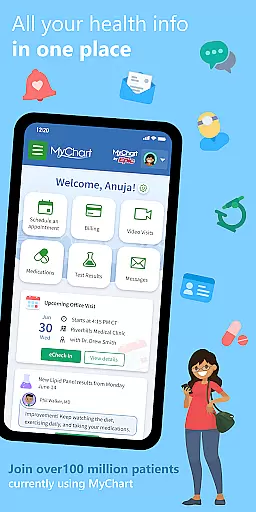
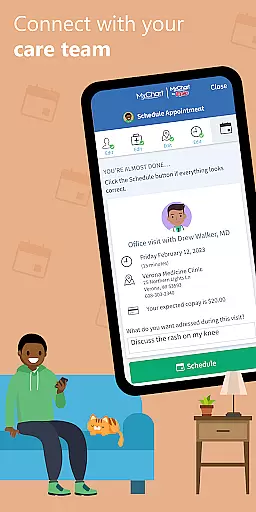
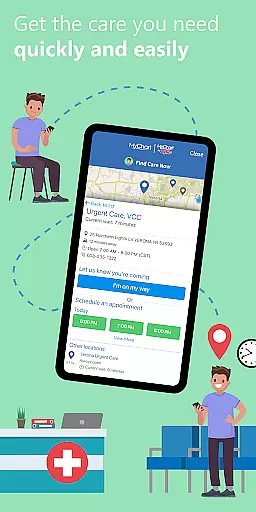
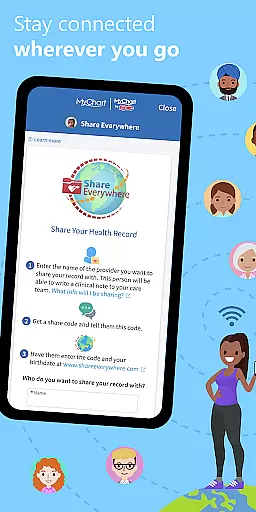
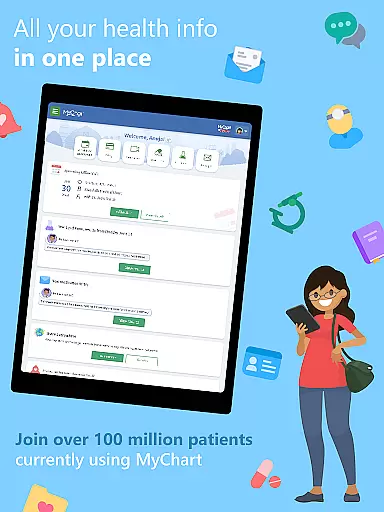
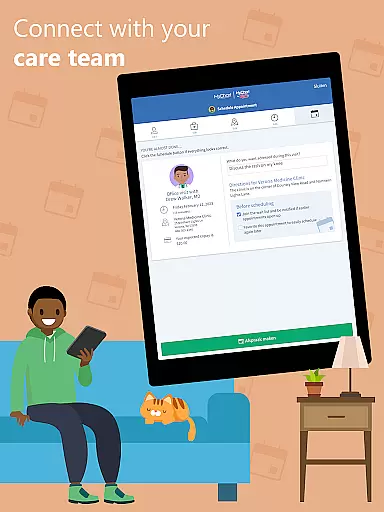
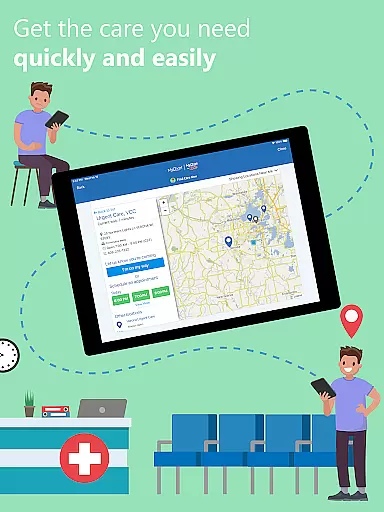
MyChart is a comprehensive medical application that places your health information at your fingertips, empowering you to manage healthcare for yourself and your family efficiently. The app allows direct communication with your care team, reviewing of test results, medication management, and even integration with Google Fit for personal health data synchronization.
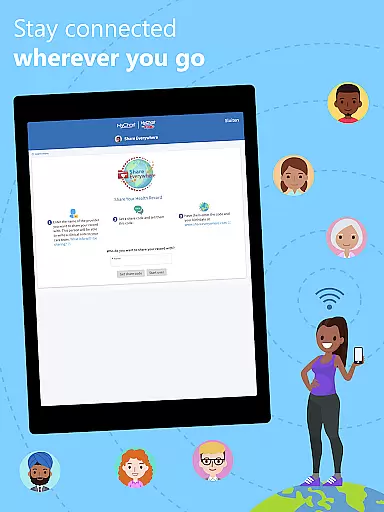
In addition to accessing detailed health records such as immunization history and clinical notes, users can schedule appointments, including video visits, and get cost estimates for medical services. MyChart also supports secure sharing of medical records and consolidates health information from multiple healthcare organizations into one accessible location. This makes it an invaluable tool for staying informed and in control of your healthcare needs.
MyChart stands out with its robust feature set tailored for modern healthcare management. Users can communicate directly with their healthcare providers, review comprehensive medical histories, and receive real-time updates through push notifications. The ability to integrate with Google Fit enables automatic syncing of health metrics from personal devices.
The app's scheduling system simplifies booking and managing appointments, while the financial tools provide transparency with cost estimates and bill payment options. Security features like fingerprint authentication ensure quick yet safe access. These capabilities collectively enhance patient engagement and streamline interactions between patients and healthcare systems.
In the realm of digital health management, the credibility of medical content is paramount. MyChart excels in this area by providing users with verified health information directly from their healthcare providers. This ensures that every piece of data, from test results to medication lists, is not only accurate but also endorsed by medical professionals.
The app allows patients to review their immunization history, After Visit Summaries, and clinical notes shared by their physicians. By integrating with healthcare systems, MyChart guarantees that all displayed information undergoes expert review, maintaining a high standard of reliability and authenticity.
For users, this means peace of mind knowing that their health records are managed and presented with the utmost care and precision. The ability to securely share these verified records further enhances continuity of care across different healthcare organizations.
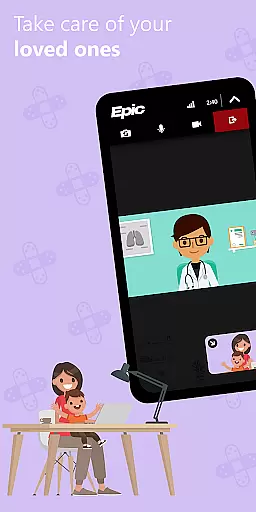
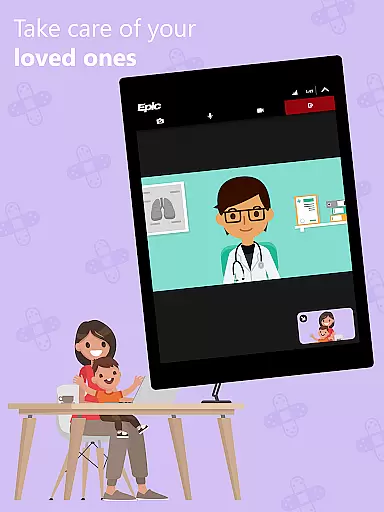
Teleconsultations have become an essential part of modern healthcare, and MyChart positions itself as a robust platform for virtual care. The app facilitates both communication with care teams and scheduling of video visits, ensuring that patients can receive timely medical advice without physical appointments.
MyChart's teleconsultation feature is seamlessly integrated into its interface, allowing users to manage their virtual consultations alongside in-person appointments. This unified approach simplifies the patient experience while maintaining professional standards expected in medical interactions.
Furthermore, the app supports push notifications for new information, keeping patients informed about their teleconsultation schedules and updates. While the availability of these features depends on individual healthcare organizations, MyChart provides a comprehensive framework for quality telemedicine services.
User-friendly interface
Comprehensive health tracking
Secure data sharing
Integrated telemedicine support
Multi-organization connectivity
Limited by provider capabilities
Requires account creation
Potential privacy concerns
Dependent on internet access
Feature availability varies

Identify pills, search different drugs, get drug information and much more!
 4.50
4.50
Modivcare members can book and manage trips.
4.50
The Better Pharmacy Experience
4.90
Voice pitch monitor for speech therapy, LSVT, Parkinson's, singing & trans
4.30
The world's best selling 3D Human Anatomy app with groundbreaking 3D technology
2.00
Pelvic Floor Muscle Exercises
4.80
The doctor will see you now
4.70
Download OctaApp for easy access to your plasma donation info
4.40
Get Rx fast at the pharmacy, schedule health care, and shop ExtraCare savings.
3.30
Access health information and communicate with your care team anytime, anywhere.
4.80
Leafly is a weed app for finding dispensaries, cannabis strains, & more.
4.70
Easy telehealth appointments + urgent care
4.70
Enables quick access to medical data and contacts in case of emergency (ICE)
4.70
Your donation experience just got smoother; Donor Hub is your go-to place.
4.70
World's largest contact lens store
4.60
Log your symptoms in the MyZio app — the perfect companion to the Zio monitor!
4.60
Check and Track your Blood Pressure & Heart Rate.
4.50
Over 1,200 review questions and 5 exams—pass the NREMT with EMT Review Plus!
4.10
The Client Portal app empowers you to manage care from one secure place
4.10


User Reviews