
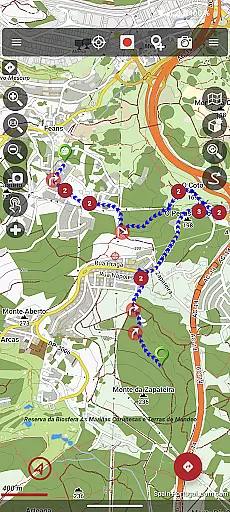
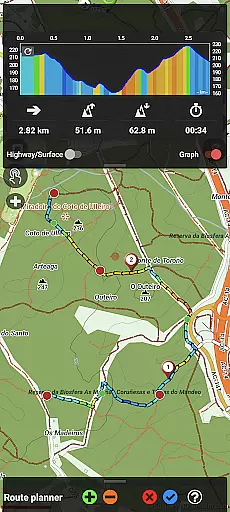
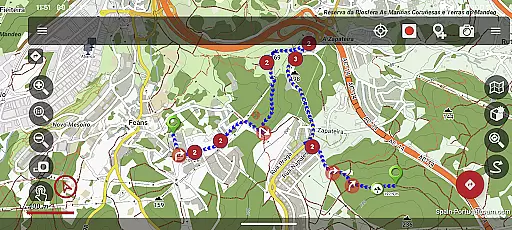
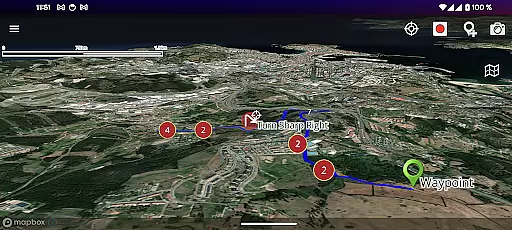
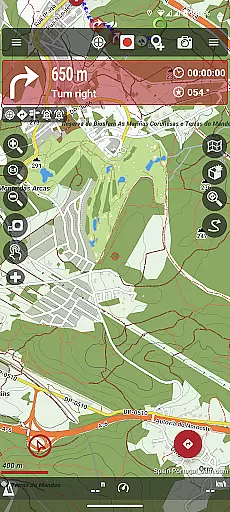
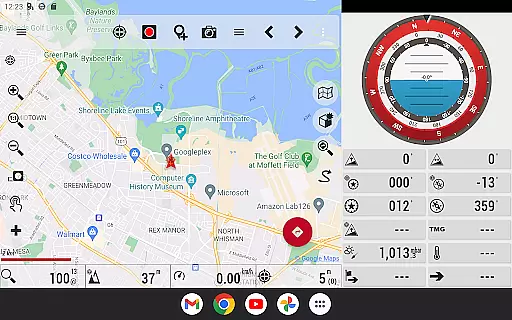
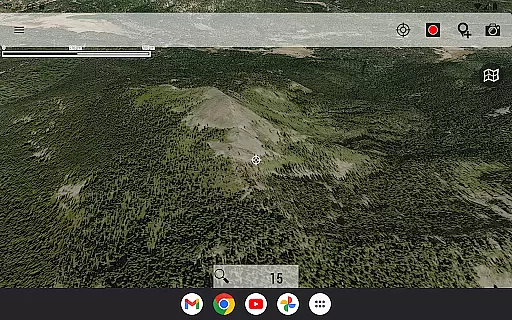
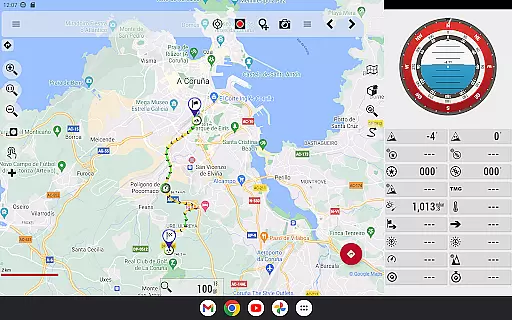
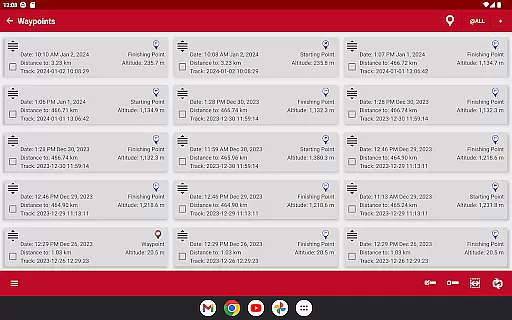
OruxMaps GP is a versatile mapping application designed for outdoor enthusiasts who require reliable navigation tools. This app supports both online and offline map viewing, allowing users to access various map formats including GeoPDF, GeoTIFF, .ozf2, .img (with limited Garmin support), .mbtiles, and more. Whether you need WMS/WMTS online maps or downloadable maps for offline use, OruxMaps GP has you covered.
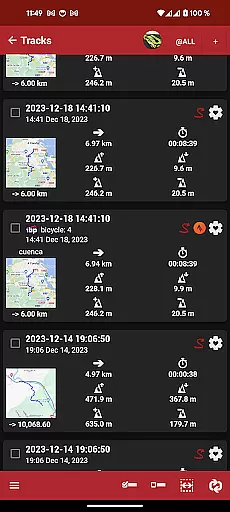
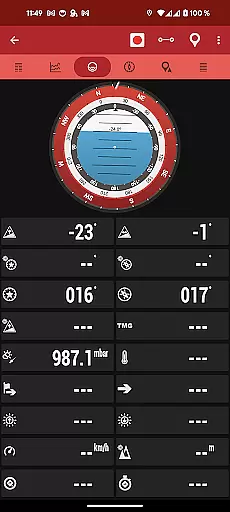
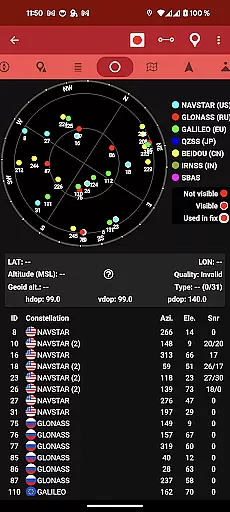
The app also offers advanced features such as integration with external devices like GPS units, heart rate monitors, and bike sensors. Users can track their activities, correct altitudes using DEM files, and even connect to AIS systems for nautical sports. With support for multiple file formats like KML, KMZ, TCX, FIT, and GPX, this app is perfect for those who need comprehensive route planning and tracking capabilities.
OruxMaps GP stands out in the Travel & Local category by providing users with extensive customization options, from personalized waypoint icons to geofencing alarms. Its ability to function without mandatory registration makes it accessible while still offering the option to share locations with friends or participate in multitracking. Ideal for hikers, cyclists, and sailors, this app ensures you stay on course and connected during all your adventures.
OruxMaps GP boasts an impressive array of features that cater to diverse outdoor activities. One standout capability is its support for numerous map formats, enabling users to work with everything from GeoPDFs to vectorial Garmin maps. The app's functionality extends to serving as a WMS and WMTS client, giving users the flexibility to download maps for offline use, though not all sources support this feature.
Beyond map viewing, OruxMaps GP integrates seamlessly with external devices such as GPS receivers, heart rate monitors, and bike sensors. These integrations allow for real-time data collection and analysis, enhancing the user's experience during physical activities. Additionally, the app provides innovative features like geofencing alarms through KML/KMZ overlays and the ability to attach multimedia extensions to waypoints.
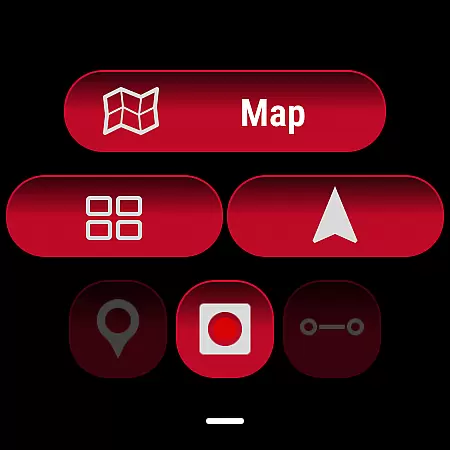
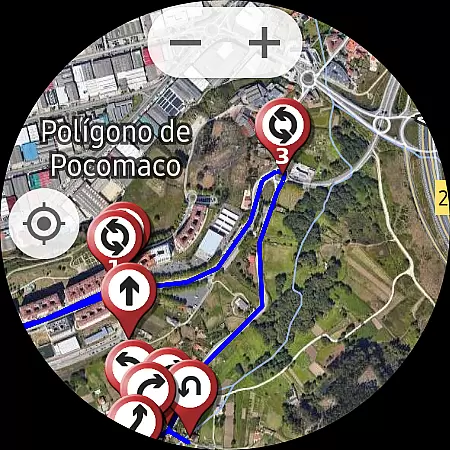
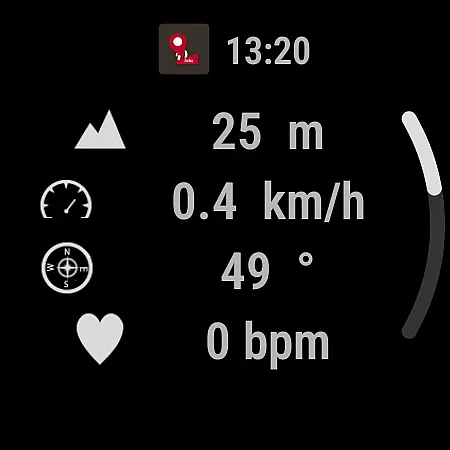
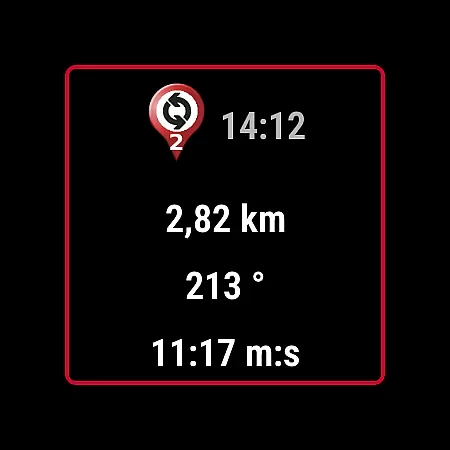
Another remarkable aspect is the app's track editor tool, which lets users modify track points for accuracy. Coupled with basic Geocaching support and the option to search/download tracks from platforms like gpsies.com, OruxMaps GP delivers a robust set of tools for route planning and execution. Its compatibility with Wear OS devices further extends its utility by providing wearable access to key navigation data.
OruxMaps GP ensures booking authenticity by providing users with reliable and accurate mapping data for their outdoor activities. The app supports multiple map formats, including GeoPDF, GeoTIFF, and .mbtiles, ensuring that the maps you download are genuine and sourced from trusted providers.
The application allows users to register into OruxMaps servers, though it is not mandatory. If users choose to register, they can be assured that their personal information will be securely stored and not shared with any third parties. This transparency reinforces the authenticity of user accounts and bookings within the app.
For those who require offline functionality, OruxMaps GP enables the downloading of online maps for offline use. While not all map sources are downloadable, this feature provides peace of mind for travelers needing access to maps without an internet connection, ensuring that their planned routes are authentic and available when needed most.
OruxMaps GP offers price transparency by providing a comprehensive set of features without hidden costs. Users can enjoy the benefits of an advanced map viewer that supports various map formats like GeoPDF, GeoTIFF, and .mbtiles, all included in the initial download price.
While the app includes optional subscriptions for premium map services such as Mapbox and Google online maps, these are clearly marked, allowing users to make informed decisions about additional expenditures. The core functionalities of OruxMaps GP remain accessible without requiring further payments, ensuring clarity in pricing.
Additionally, the app supports multiple external devices, including GPS and heart rate monitors, enhancing its value proposition. By offering extensive compatibility and control features without extra fees, OruxMaps GP maintains transparent pricing while delivering a versatile toolset for outdoor enthusiasts.
User-friendly interface
Extensive format support
Offline map availability
Advanced tracking features
External device integration
Complex for beginners
Limited Garmin support
Premium subscription needed
Occasional bugs reported
Heavy on system resources

Apply for an electronic travel authorisation (ETA) to come to the UK.
 3.20
3.20
A Camino de Santiago Guidebook from St. Jean Pied de Port to Santiago
3.60
The mobile panorama panel. Works offline - worldwide!
4.40
MyTSA gives you 24/7 access to info that passengers frequently request from TSA.
4.10
With the Spirit Airlines app, easily manage all your trips in one place.
4.70
Maps, Wait Times, Park Hours
4.40
The best way to book travel
4.60
Travel and Book 8,000+ Hotels Worldwide with the Marriott Bonvoy™ app.
4.90
Get Moving Made Easier® with the official U-Haul® Moving & Storage app.
3.40
Find the perfect vacation rental. Search from over 2 million properties.
4.80
Book flight, car or packages. Instant access to hotel discounts & travel deals
4.80
Frontier’s Android app makes travelling easier than ever before!
4.70
Take your pick from over 5 million accommodation deals from major booking sites.
4.40
Get real-time traffic, directions, search and find places
4.10
INDOT Trafficwise is a traffic and traveler information mobile app.
4.00
GPS Live Satellite Earth to find route navigation and current location map
4.00
Maps Speedometer shows your current speed in any app
3.60
The official app of Allegiant Travel & Allegiant Airlines
3.30
Amplify Your Experience
3.00


User Reviews