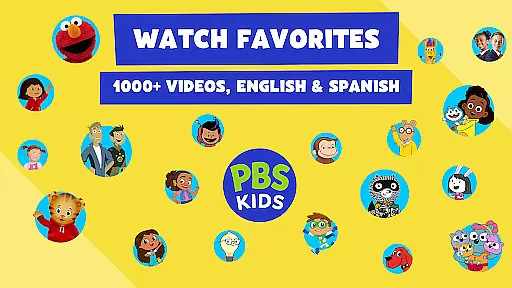
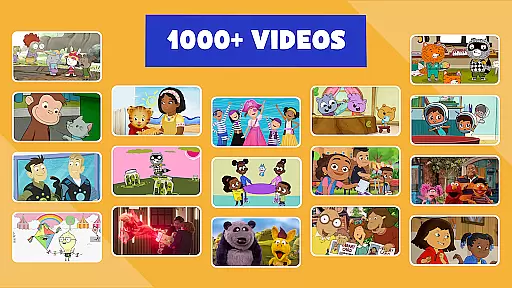
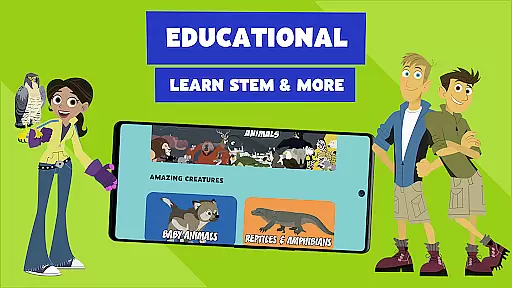
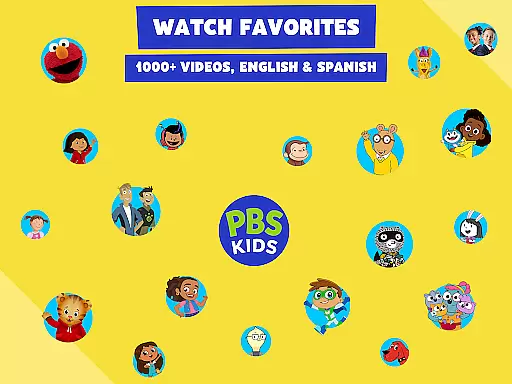
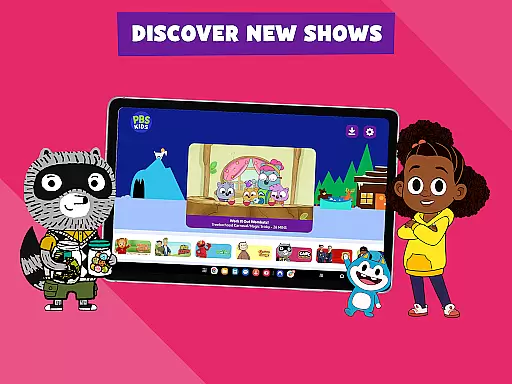
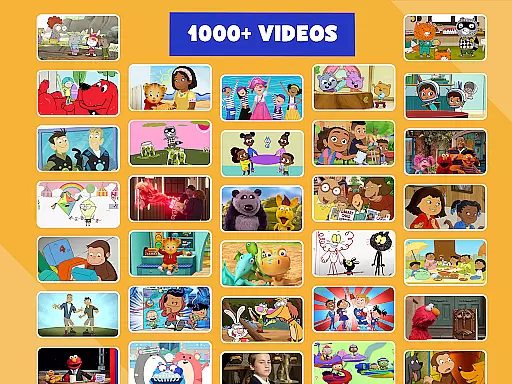
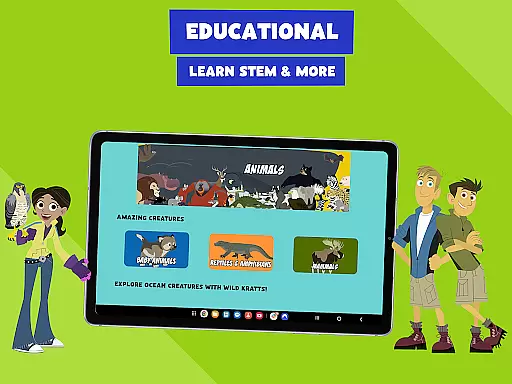
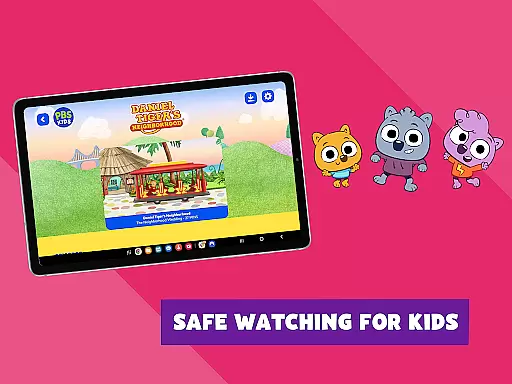
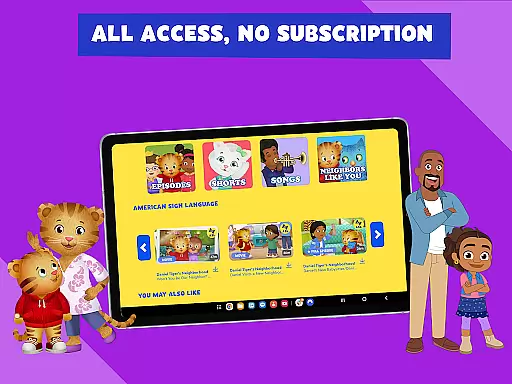
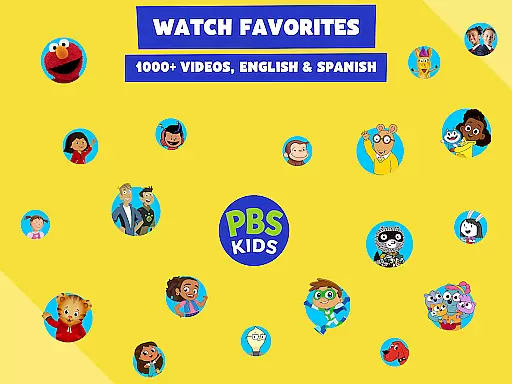
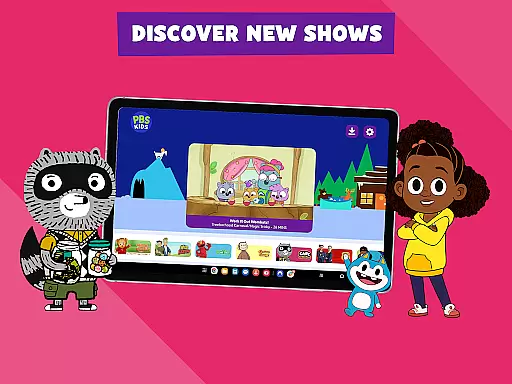
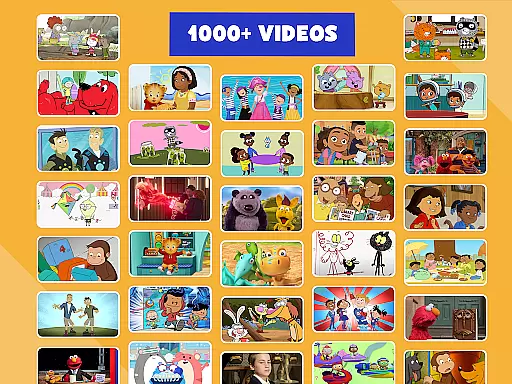
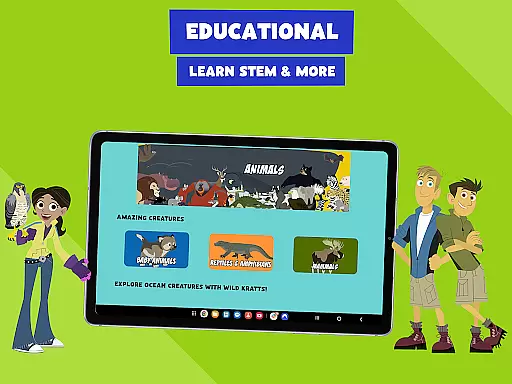
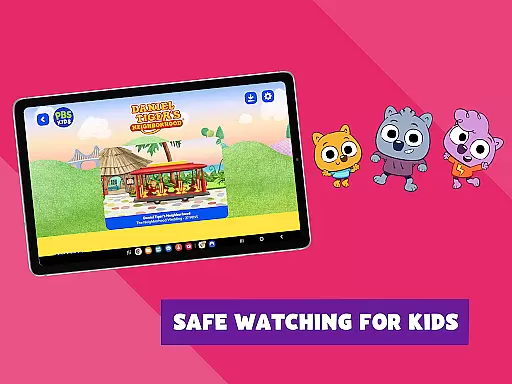
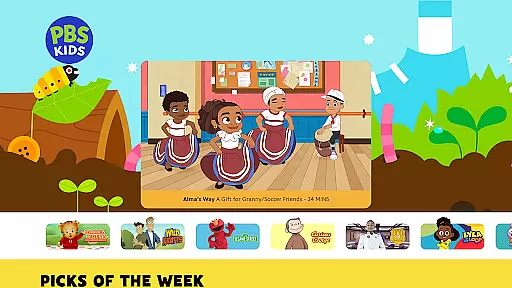
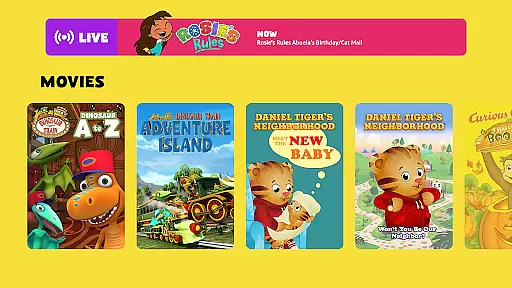
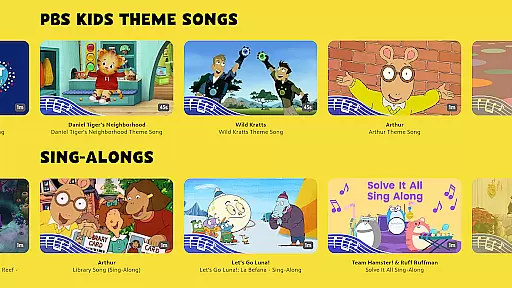
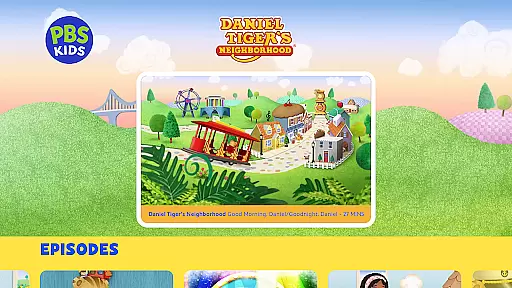
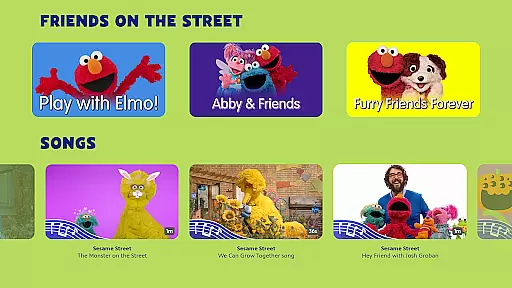
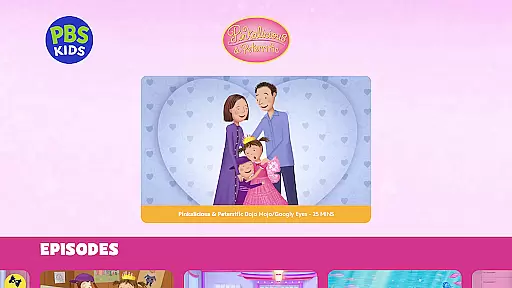
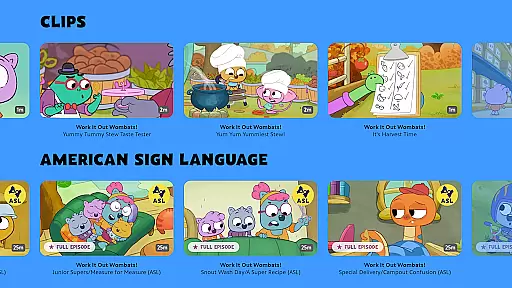
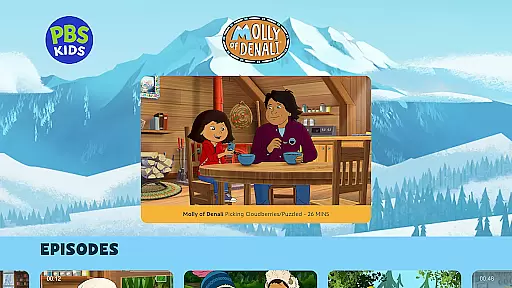
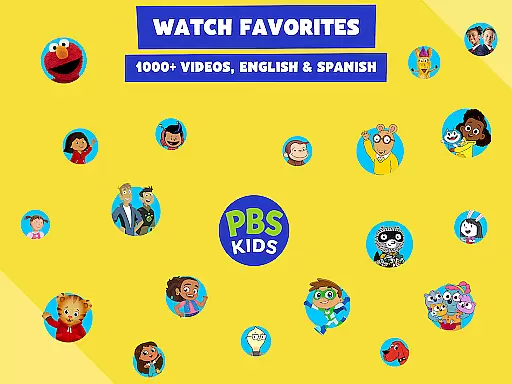
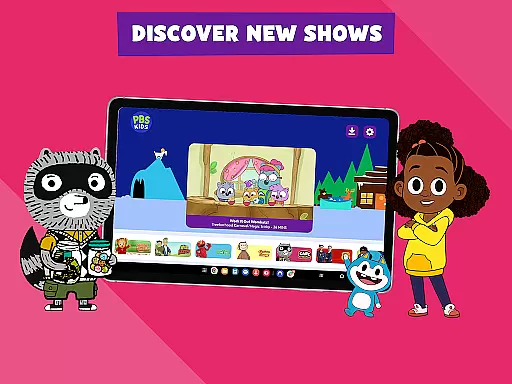
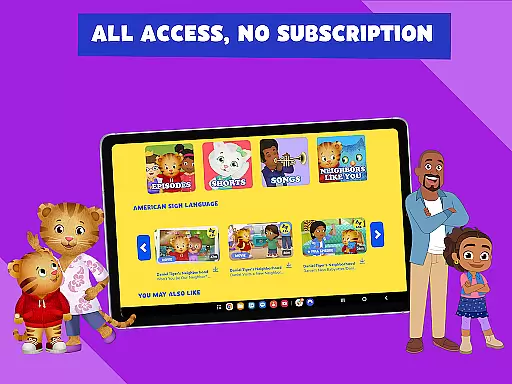
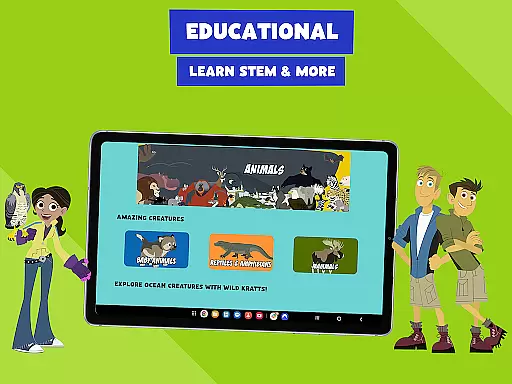
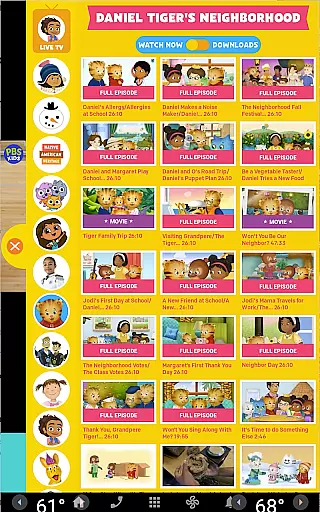
PBS KIDS Video is a premier educational streaming app designed specifically for children, offering a vast library of child-safe content. The app provides access to over 600 full episodes and 5,000 clips from more than 40 PBS KIDS shows, including favorites like Daniel Tiger’s Neighborhood, Wild Kratts, and Sesame Street. Available in both English and Spanish with captioning options, it ensures accessibility for diverse audiences.
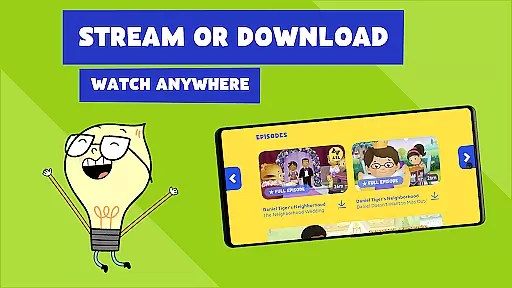
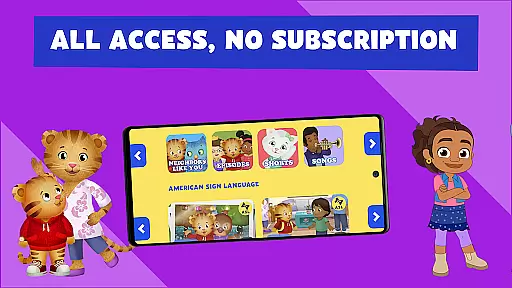
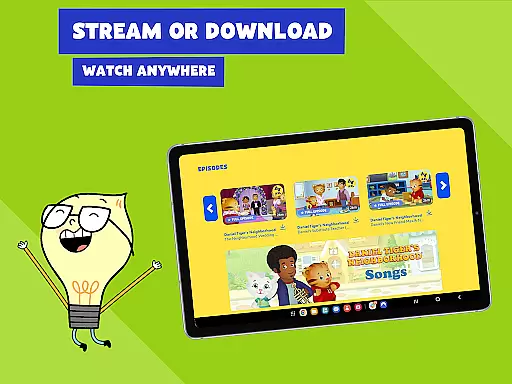
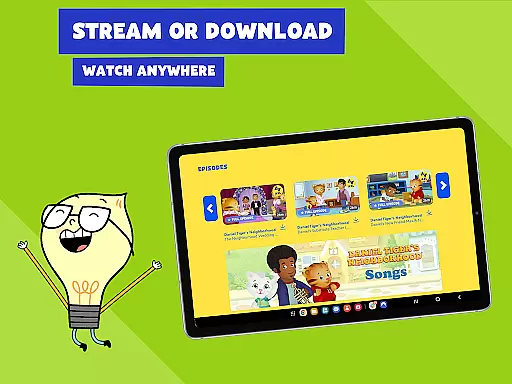
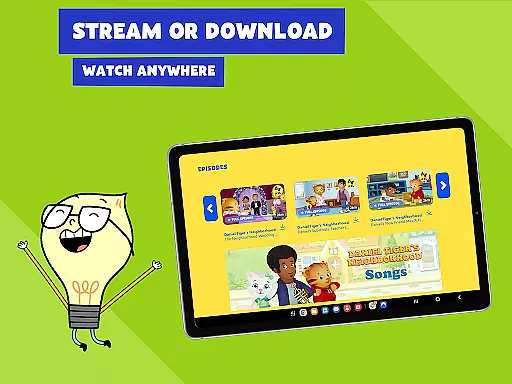
One of the standout features of PBS KIDS Video is its ability to function as both a live TV streaming service and an offline viewer. Families can stream live TV from the PBS KIDS channel without any subscription or login, while also downloading episodes for offline viewing. This flexibility makes it ideal for parents seeking reliable educational entertainment that can be accessed anywhere, anytime.
The app's educational value extends beyond mere entertainment. Each show is curriculum-based, targeting toddlers and early grade school children with age-appropriate learning goals. With new videos added monthly and a dedicated Grownups Button for parents, PBS KIDS Video creates a safe and enriching environment where learning meets fun.
PBS KIDS Video stands out through its comprehensive set of features tailored for young learners and their families. The app offers an extensive streaming library with over 600 full episodes and 5,000 clips from popular PBS KIDS series. These include award-winning shows such as Daniel Tiger’s Neighborhood, Wild Kratts, and Curious George, all designed to foster cognitive, social, and emotional development in children aged 2-8.
A key innovation is the dual-language support, allowing users to watch videos in either English or Spanish, complete with captioning options. This feature not only broadens accessibility but also supports bilingual education. Additionally, the app enables offline downloads, letting families save episodes for viewing without an internet connection. This functionality is particularly valuable during travel or in areas with limited connectivity.
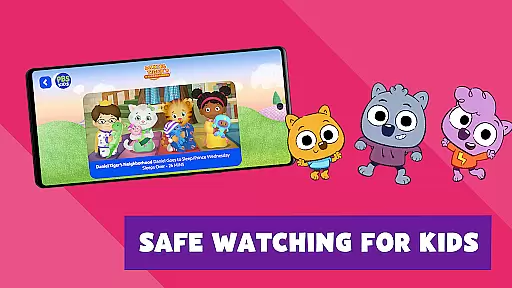
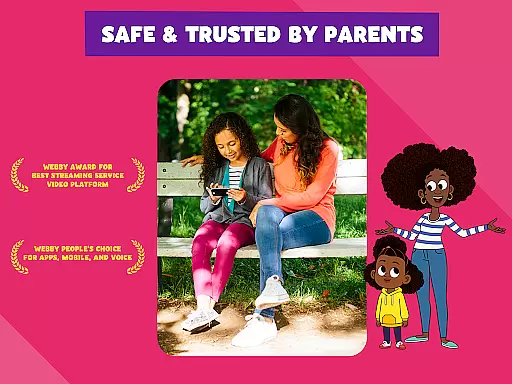
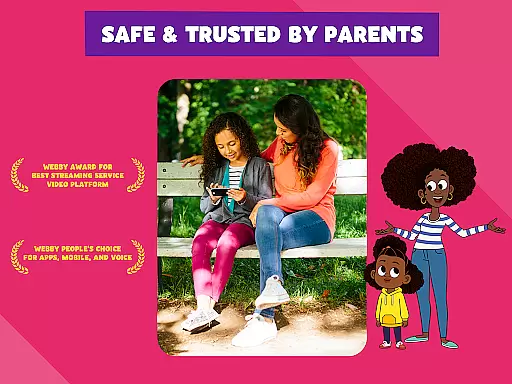
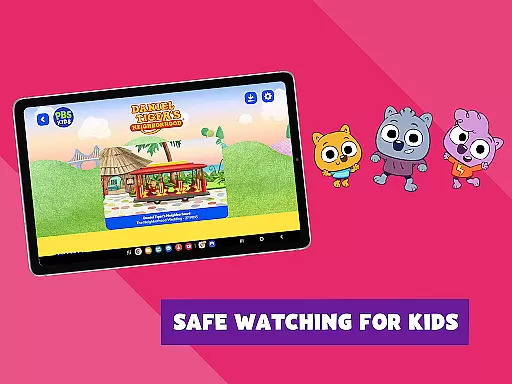
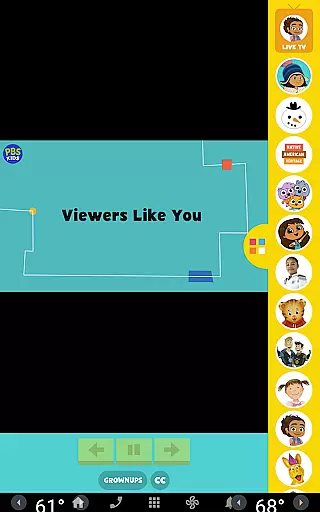
Beyond its core streaming capabilities, PBS KIDS Video incorporates thoughtful tools for parents. The Grownups Button provides essential resources, including local TV schedules, detailed show descriptions with learning objectives, and links to additional educational apps. Furthermore, the app's commitment to safety is evident through its strict geographic restrictions and curated selection of downloadable content, ensuring a secure viewing experience for children.
In the realm of educational content for children, accuracy and authority are paramount. PBS KIDS Video excels in this area by offering a vast library of over 600 full episodes from more than 40 PBS KIDS shows, all designed with educational value in mind.
Each episode is crafted with input from educational experts to ensure that the content not only entertains but also educates. Shows like Daniel Tigeru2019s Neighborhood and Sesame Street have been trusted by parents and educators for years, providing lessons on social skills, literacy, science, and more.
The app provides access to thousands of videos, including both full episodes and shorter clips, each aligned with curriculum standards and reviewed for age-appropriateness. This ensures that the content is not only engaging but also safe and beneficial for young viewers.
Parents can feel confident in the knowledge that their children are consuming high-quality, reliable content that supports their cognitive and social development. With new videos and episodes added every month, PBS KIDS Video remains a trusted source of educational entertainment.
PBS KIDS Video understands that every child learns differently, which is why it offers features that support personalized learning paths. The app includes a diverse range of shows such as Wild Kratts, Odd Squad, and Curious George, each targeting different learning goals and age groups.
Through the Grownups Button, parents can access detailed information about each TV series, including intended age ranges and specific learning objectives. This allows caregivers to tailor the viewing experience to their child's developmental stage and educational needs.
Additionally, the app supports bilingual education by offering videos in both English and Spanish, complete with captioning options. This feature enables children to learn language skills while engaging with educational content, further personalizing their learning journey.
By regularly updating its content library and adding new episodes monthly, PBS KIDS Video ensures that there is always fresh material to stimulate young minds and adapt to individual learning paces. This commitment to personalized learning helps foster a lifelong love of learning in children.
User-friendly interface
Extensive educational content
Offline viewing capability
Dual-language support
Parental resources included
Limited to U.S. viewers
Restricted download options
Contains sponsor messages
Requires Android 5.1+
No subscription-free premium content

Learning the ancient Viking language made simple
 4.70
4.70
Dinosaurs coloring book game. Drawing and painting dinos.
4.50
Hebrew Vocab
4.90
THE MOST COMPREHENSIVE JUMPMASTER STUDY RESOURCE AVAILABLE.
3.40
Skelly is a fully poseable, anatomically correct reference skeleton for artists.
4.10
An aviator’s preparation, study and test tool for FAA Knowledge Exams.
4.10
School Communication
4.30
Adventures await with Spider-Man and other Marvel characters!
4.10
Train, track, and reward potty training using Potty with Pull-Ups® ft. Disney®
4.70
Perform physics experiments with your phone. (by the RWTH Aachen University)
4.70
The Fighter Verses Bible memory system helps you memorize God's Word.
4.50
Pass your FAA written with flying colors - Study Buddy can help.
4.30
Build math skills in: addition, subtraction, multiplication and division.
4.10
For medical training - Visualize complex vein maps and structures in real-time.
4.10
Master note reading with StaffWars….
4.00
Explore the City of the Sun in Augmented Reality
3.70
Hasbro's Classic Board Game - Make Cavity Sam better or get the buzzer!
3.50
Your best partner for learning Japanese words. Based on a best-selling textbook.
2.90
Learn and joke with the Silly Turkey!
4.1


User Reviews