
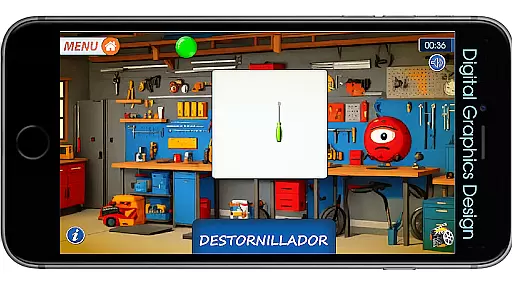
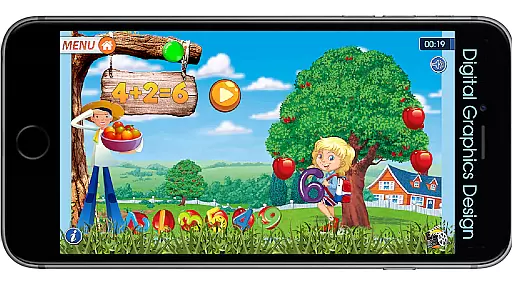
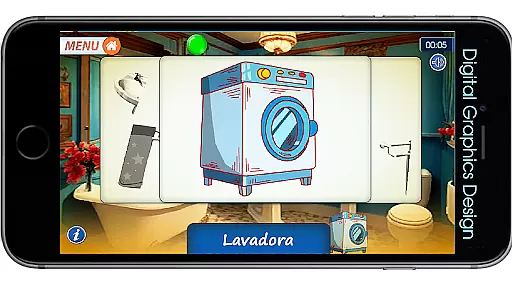
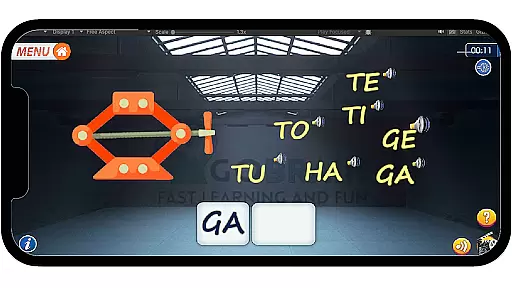
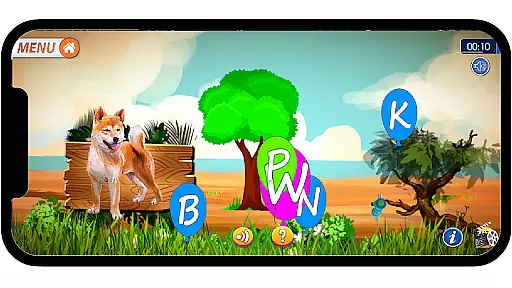
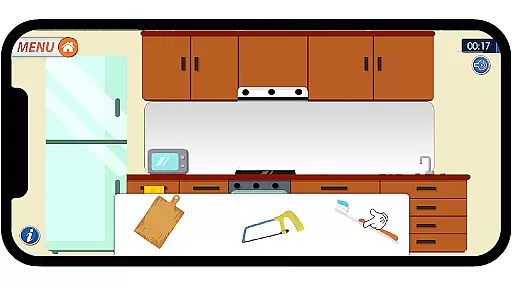
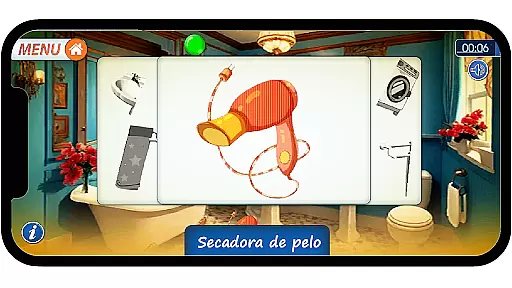
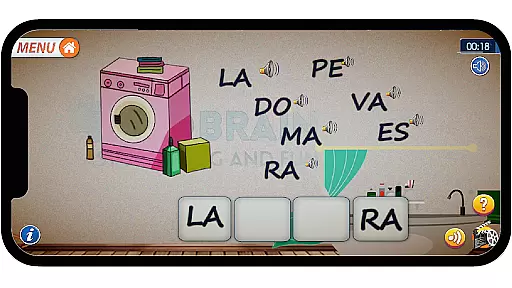
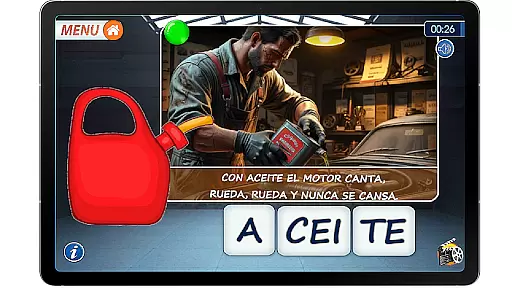
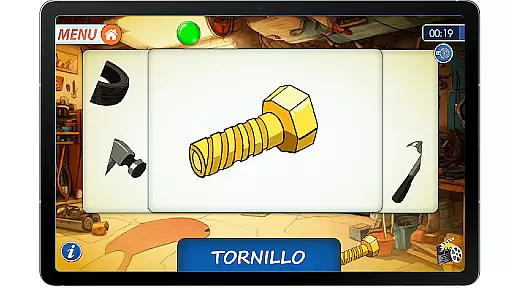
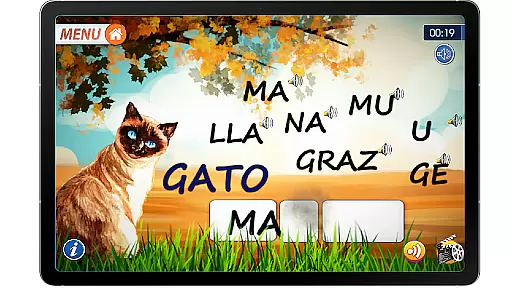
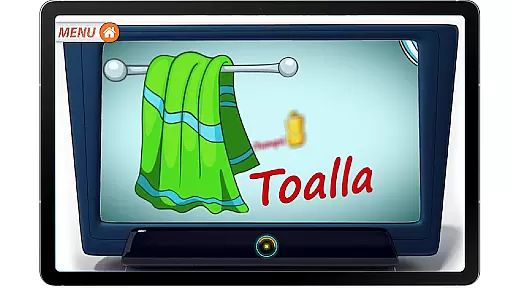
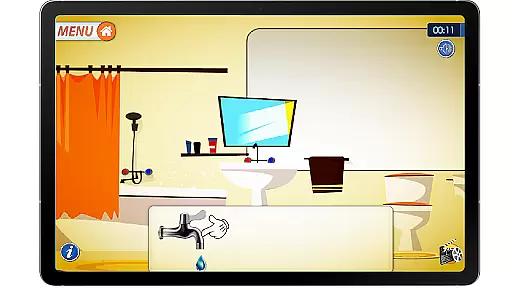
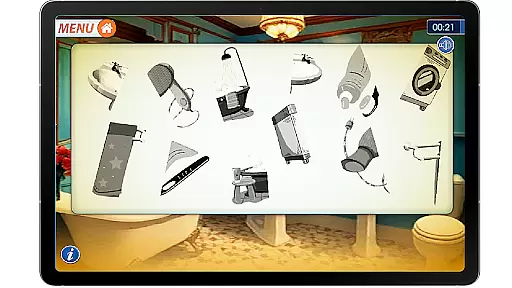
Pequeno Explorador vol. 01 is an educational app designed to support early childhood development through interactive exploration. The app focuses on building language skills, memory, and attention in young learners by engaging them in fun activities set in familiar environments like the garage, kitchen, and bathroom.
The app offers a variety of games that help children classify objects by function, develop phonemic awareness, and enhance logical thinking. With no ads or in-app purchases, it provides a safe and focused learning environment. Designed by speech therapists and educators, this app ensures that every activity contributes to meaningful cognitive and language development.
Parents can use this app as a tool to foster their child's curiosity while supporting essential developmental milestones. Its ad-free design and educational focus make it ideal for toddlers and preschoolers ready to explore and learn.
Pequeno Explorador vol. 01 stands out with its carefully crafted features tailored for early learners. The app includes three primary settings—garage, kitchen, and bathroom—where children engage in activities such as matching image halves, placing objects in their correct locations, and forming words from syllables.
Each activity is designed to stimulate specific skills, including working memory, observation, and auditory analysis. For example, word formation exercises help improve phonemic awareness, while object classification tasks enhance logical thinking. Additionally, the app incorporates animal sounds and letter recognition to build vocabulary in a playful manner.
What makes this app unique is its collaboration with speech therapists and educators, ensuring all content aligns with developmental goals. By combining education with entertainment, Pequeno Explorador creates a joyful learning experience without assessments or pressure, focusing solely on discovery.
When it comes to educational apps, content authority and curriculum alignment are crucial for ensuring that children receive accurate and relevant learning experiences. Little Explorer u2013 Garage, Kitchen & Bathroom stands out in this aspect by offering a suite of activities designed by specialists. The app has been developed in collaboration with speech therapists and educators, ensuring that each element supports the development of language, perception, and cognitive skills.
The app's content is not only authoritative but also carefully aligned with early childhood education goals. It focuses on essential skills such as working memory, concentration, phonemic awareness, logical thinking, and observation. By engaging in activities like putting objects in their correct place, word formation from syllables, and recognizing animals along with their sounds, children are exposed to a curriculum that promotes holistic development.
Parents can be confident that their child's learning journey with Little Explorer is both enriching and reliable. The app provides a safe environment free from ads and in-app purchases, allowing children to explore and learn without distractions. This dedication to high-quality, educational content ensures that Little Explorer u2013 Garage, Kitchen & Bathroom delivers an experience that is not only enjoyable but also instrumental in building foundational skills.
Gamification-learning integration represents the fusion of game design elements with educational content, creating an engaging and effective learning experience. Little Explorer u2013 Garage, Kitchen & Bathroom excels in this area by transforming everyday settings into interactive games. Through exploration in familiar environments like the garage, kitchen, and bathroom, children participate in fun activities that seamlessly blend play with learning.
The app offers various gamified activities aimed at developing memory, attention, and vocabulary. For instance, children match image halves to form complete shapes or engage in word formation exercises from syllables. These activities are crafted to enhance logical thinking and observation skills while maintaining the joy of discovery. The absence of assessments and the focus on exploratory play ensure that learning remains stress-free and enjoyable.
Little Explorer's approach to gamification-learning integration creates a unique educational platform where children develop essential skills through play. By combining ad-free, fun-filled activities with educational objectives, the app successfully fosters a love for learning. Parents looking to support their childu2019s cognitive development will find Little Explorer u2013 Garage, Kitchen & Bathroom a valuable tool in nurturing young minds through an innovative blend of gaming and education.
User-friendly interface
Ad-free environment
Educational content
Engaging activities
Specialist-designed
Limited free content
No advanced levels
Restricted settings
Fewer updates
Paid version only

Daycare full of baby games! Take care of cute toddlers & play fun mini-games!
 3.90
3.90
Fun drawing games with coloring book, glow and paint by numbers! Color for kids.
4.20
Math Games For Kids To Learn Addition, Subtraction, Multiplication and Division.
4.30
Educational game for children about emergency and other service vehicles
3.80
Explore Dopples World, build your avatar life & create endless stories!
4.70
Amazing toddler coloring games for 2+. Enjoy painting games
4.60
A speed-learning English vocabulary game designed for user to reach proficiency
4.2
CASHFLOW - The Investing Game
4.00
The kids phonics and reading app that's helped millions of kids learn to read
4.00
Preschool learning games: 123 numbers game for kids, abc learning for toddlers
4.70
Design dreamhouses and dress up creatively in the ultimate role-playing game!
4.70
Fun educational games for kids that teach number tracing, counting with modes!
4.50
Fun game for preschoolers to learn addition, subtraction, counting and math!
4.50
Explore Fantasy Land, get to know the world and create stories!
4.30
Play the fun princess party game for kids with Cocobi the little dinosaurs.
4.10
Welcome to the dollhouse! Unboxing, doll games, dress up & cute pets await!
4.00
Help your child improve their number literacy with Numberblocks: Card Fun!
2.60
Explore the world of reading and writing with Booker!
4.4
Draw shapes, mix colors, and dodge traps to defeat foes in the vibrant Art Zone!
4.0


User Reviews