
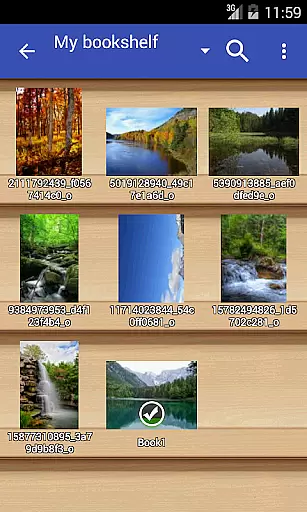
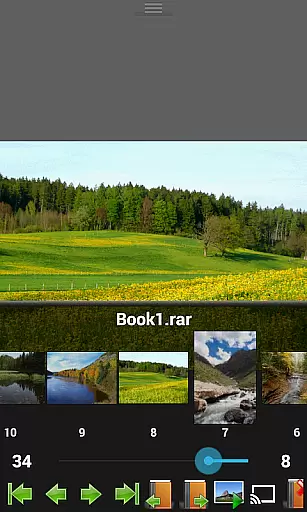
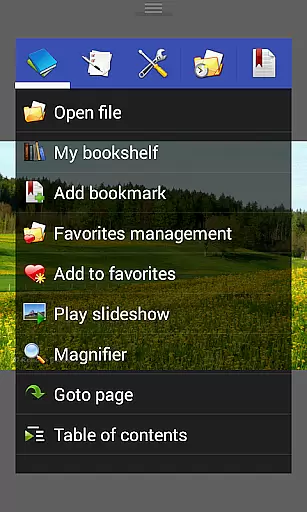
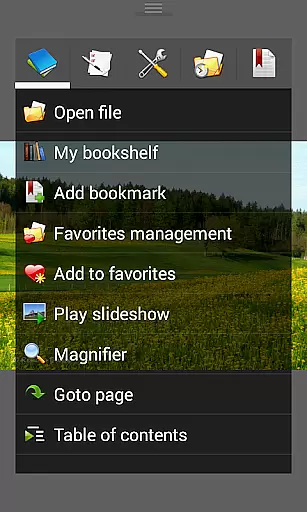
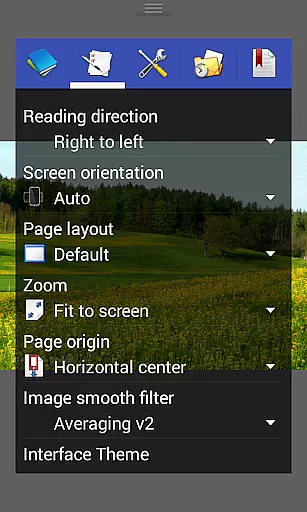

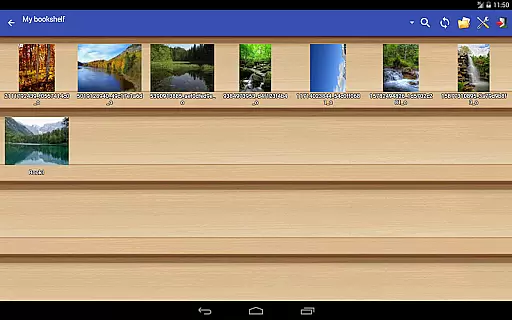
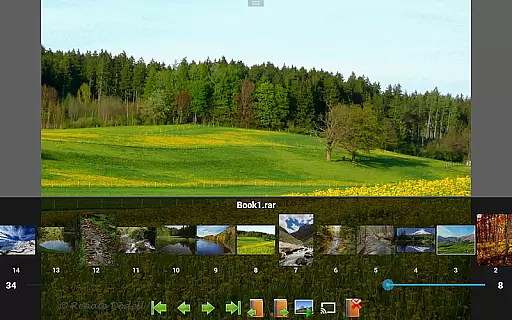
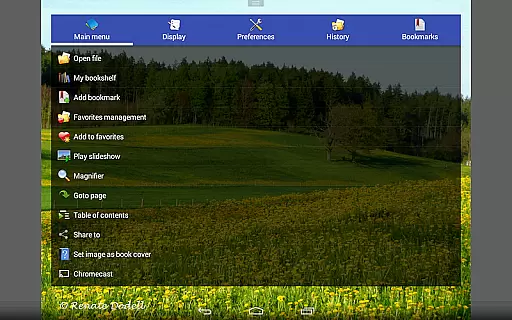
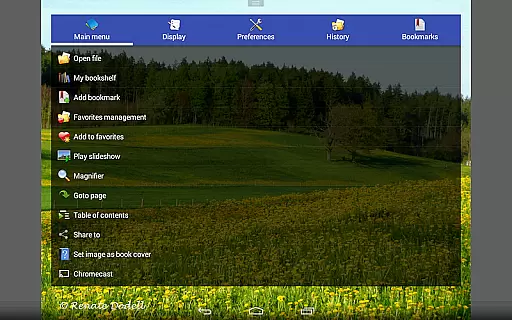
Perfect Viewer stands out as a versatile and fast image, comic, and ebook viewer designed for seamless reading experiences. It supports multiple file formats including EPUB, PDF, and various comic book archive files, making it an ideal choice for digital comic enthusiasts.
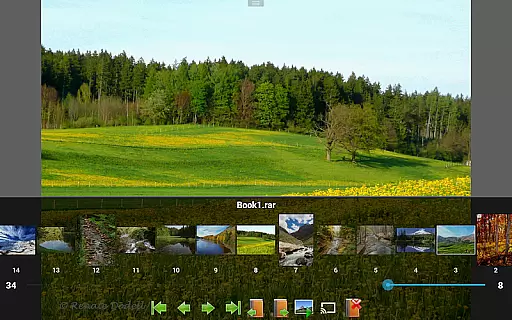
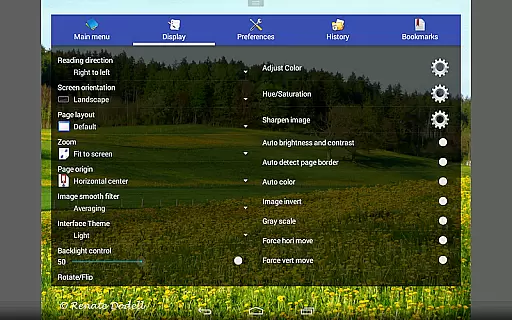
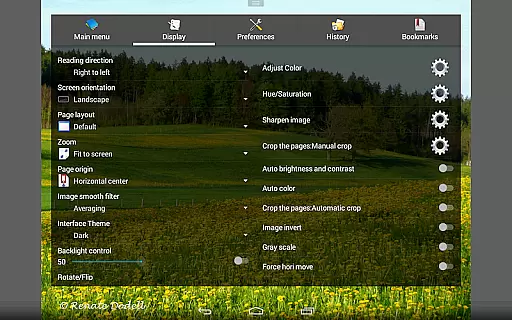
The app offers advanced viewing options such as customizable page layouts, multiple view modes, and smooth filters that enhance image quality. Users can enjoy features like setting images as wallpapers, browsing thumbnails, and even casting content to Google Chromecast devices.
With its intuitive interface and powerful functionality, Perfect Viewer is suitable for both casual readers and hardcore comic fans who require efficient access to their digital libraries across different platforms.
Perfect Viewer boasts an impressive array of features tailored for comic and ebook lovers. The app supports extensive file formats including EPUB, PDF, CBZ/ZIP, CBR/RAR, and more, ensuring compatibility with most digital publications.
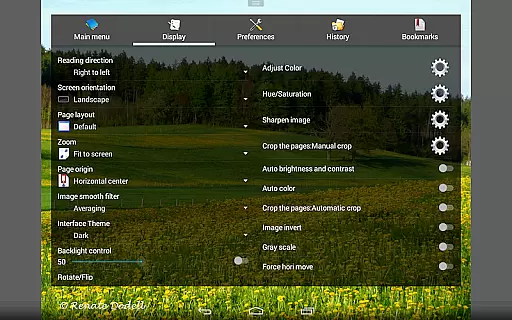
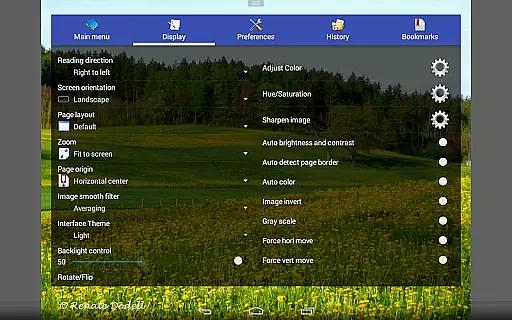
One of the standout features is the ability to customize the reading experience through various page layout options, scroll modes, and view settings. Users can adjust brightness, contrast, and gamma levels, or enable automatic white border cutting for optimized visuals.
Additional functionalities include network file sharing support, integration with cloud services like Google Drive, Dropbox, and OneDrive, and innovative tools like balloon magnifiers and slideshow capabilities, all contributing to a comprehensive user experience.
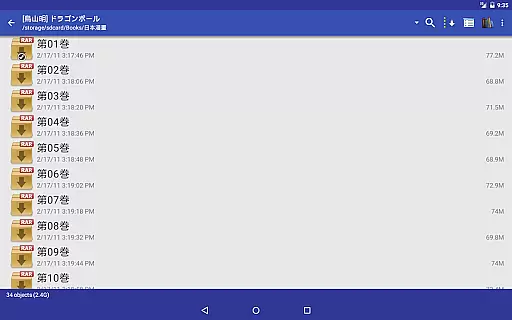
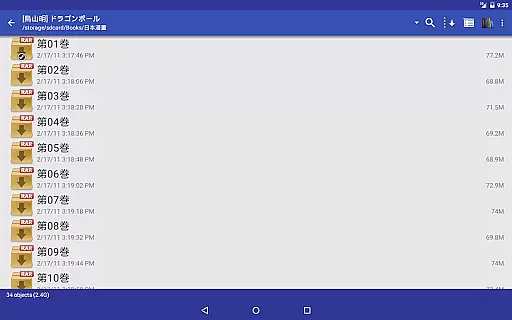
Perfect Viewer offers an extensive comic library that supports multiple file formats, making it versatile for comic enthusiasts. The application is compatible with CBZ/ZIP, CBR/RAR, 7Z/CB7, LZH, and CBT/TAR archive formats, ensuring that users can access a wide variety of comics without worrying about format compatibility.
In addition to traditional comic formats, Perfect Viewer also supports EPUB, HTML, and TXT files, which broadens its appeal beyond just comics to include ebooks and various text-based documents. This flexibility allows users to consolidate their reading materials in one place, streamlining their reading experience.
The app's ability to open files from network file sharing (CIFS/SAMBA), FTP, SFTP, FTPS, and OPDS further expands the potential size and variety of the user's library. Integration with cloud services like Google Drive, Dropbox, and OneDrive means that users can access their collections from anywhere, ensuring they always have their favorite reads at hand.
Perfect Viewer places a strong emphasis on content authenticity and licensing by providing features that ensure users can trust the source and legality of their reading material. By supporting direct downloads from trusted online repositories and personal cloud storage accounts, the app helps users maintain a legitimate collection.
While Perfect Viewer does not directly manage licensing, its support for PDF, XPS, and DJVU files through an optional plugin suggests a commitment to offering users access to legally purchased or obtained documents. This feature set enables users to view a wide range of professionally published works alongside their comic collections.
Furthermore, the requirement for specific permissions when accessing certain services, such as Google Drive, indicates a level of security and verification that reassures users about the integrity of their content. These measures help protect both the user and the original content creators, fostering a responsible digital reading environment.
Fast and responsive performance
Wide range of supported formats
Customizable viewing options
Google Chromecast support
Advanced image adjustment tools
Premium features require donation
Complex settings may overwhelm beginners
Limited free version capabilities
Occasional crashes with large files
Interface design feels outdated

Read manga, comics, and manhwa
 4.4
4.4
Create your personalized cartoon comic strips & comic books.
3.20
Find free mangas in Spanish
4.70
Welcome to SnapSaga - your ultimate manga and novel destination!
4.5
Pose Tool 3D for the Artists, create any human figure pose quickly for your art.
4.00
Comic Book Identifier Value - Scan comics & prices. Your comic book price guide!
4.50
from HipComic: Value Your Comic Book Collection with Just the Snap of a Photo.
3.80
Instant access to over 30,000 Marvel comics with new issues added every week.
4.70
Official from Japan
4.80
Dive into creative online comics, short video, graphic novels and web novels!
4.60
Joke book collection with the funniest dad jokes and riddles for you to enjoy!
4.60
Comics and stories from Japan
4.60
Scan comics instantly! Find comic value, price, and key collector details fast.
4.50
매일 매일 새로운 네이버 웹툰
4.50
The most popular comic book reader.
4.40
Browse and read all your comics and mangas from YACReaderLibrary
4.20
Read official webcomics, webtoons, Korean manga & webnovels
3.70
More fun from BOM! Hurry up and do the following self-test, if you meet more than one item, come and experience the brand new world of comics!
3.40
Experience the largest selection of DC comics anywhere with DC UNIVERSE INFINITE
3.40


User Reviews