
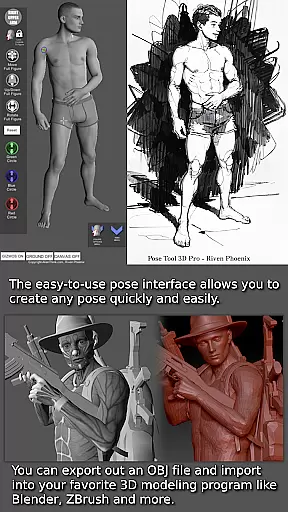
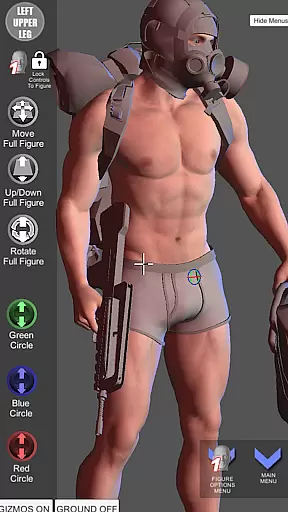
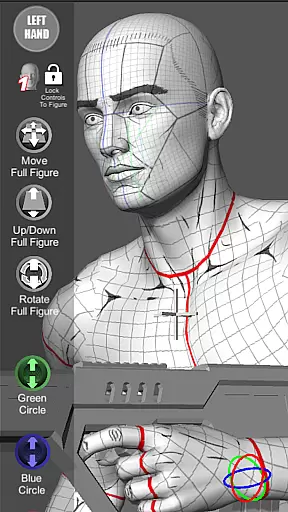
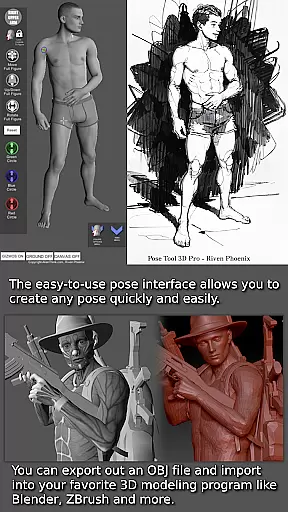
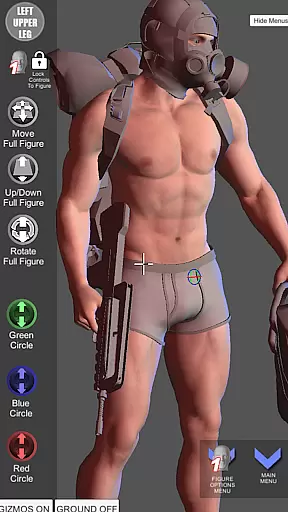

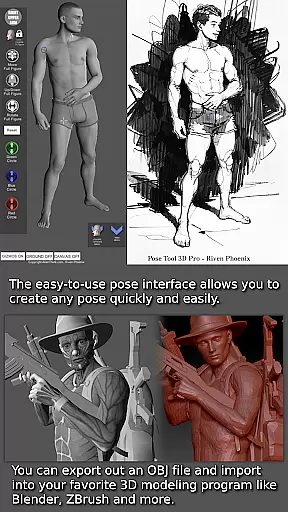
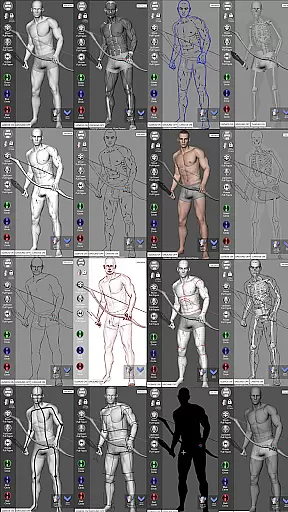
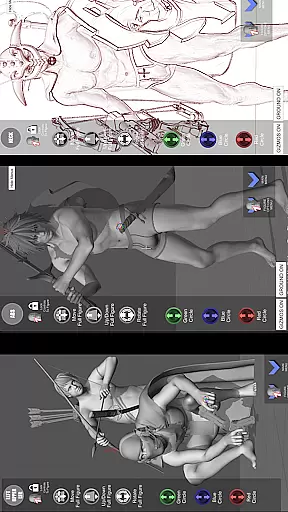
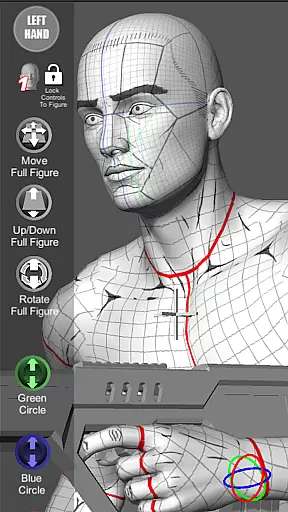
Pose Tool 3D is a revolutionary posing application designed for artists across various fields including illustration, comic books, manga, and animation. This app provides users with an easy-to-use interface to create any pose quickly, featuring both male and female 3D models that can be manipulated without constraints. The ability to visualize the human figure in different drawing modes makes it versatile for both 2D and 3D artists.
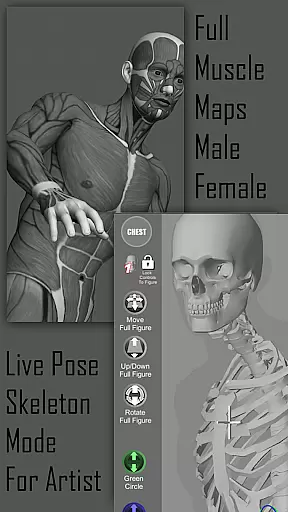
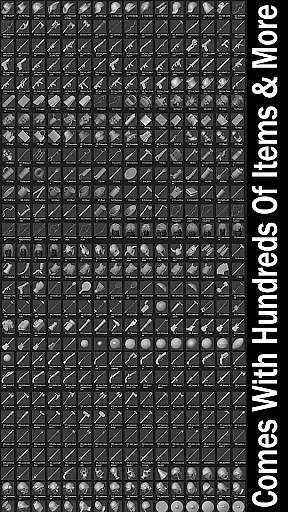
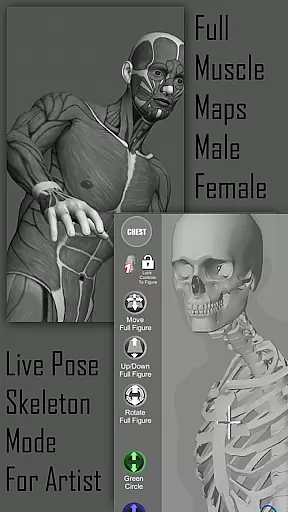
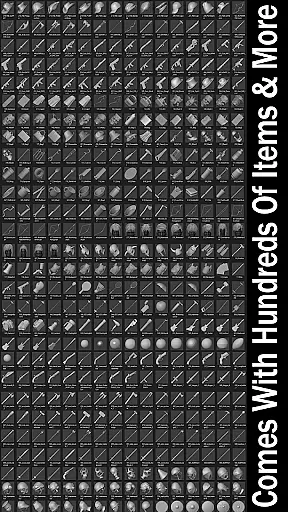
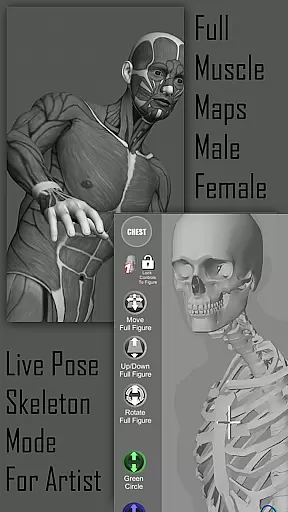
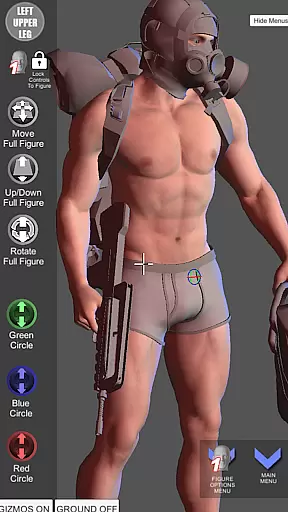
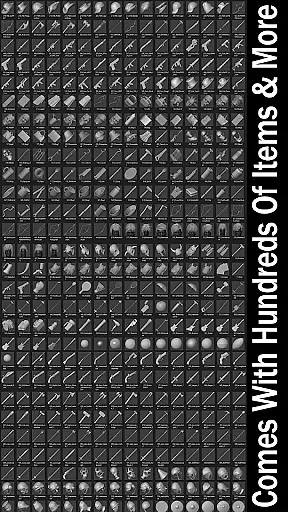
One of the standout features of Pose Tool 3D is its inclusion of muscle maps, which help artists understand how muscles move and flex during different poses. Additionally, the app offers hundreds of inventory items and weapons that can be attached to figures, enhancing compositions with realistic details. With functionalities like one-finger orbiting, two-finger zooming, and advanced camera controls, this app ensures dynamic and dramatic shots are easily achievable.
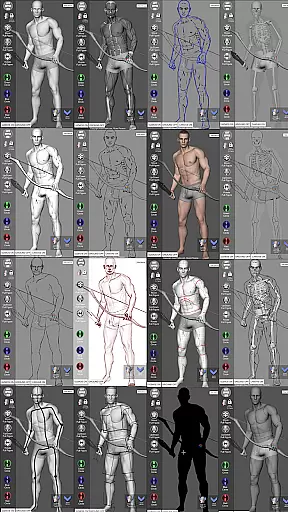
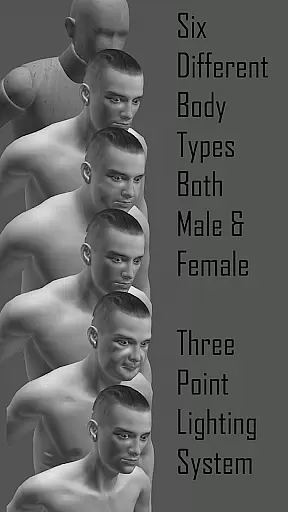
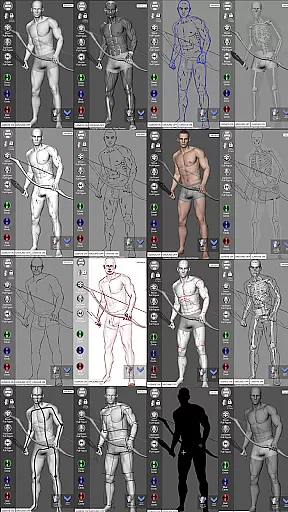
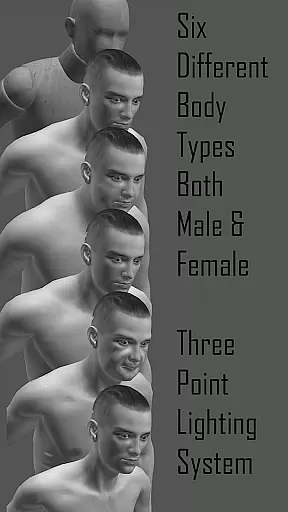
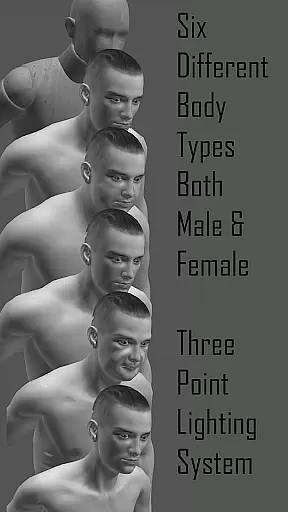
The Pose Tool 3D app boasts a wide array of powerful features tailored for artists. It includes an inventory system with hundreds of items, easy pose buttons, and multiple drawing modes such as Mannequin Mode, Black Mode, and Pencil Sketch Mode. Users can switch between six male and six female figures, each available in various body types including average, heavy, old, skinny, and muscular.
Advanced functionalities include a 3-point lighting system, muscle maps mode, and gesture system mode. Artists can utilize touch controls for precise manipulation, such as one-finger orbiting and two-finger pinching for zooming. The app also supports saving and loading poses, resetting to T-pose, and taking screenshots, ensuring convenience and flexibility in artistic workflows.
For artists and creators in the comic industry, having access to a diverse range of reference materials is crucial. Pose Tool 3D offers an extensive library that includes six male and six female figures, each with multiple body types such as average, heavy, old, skinny, and muscular. This wide selection ensures that users can find the perfect model for their specific needs.
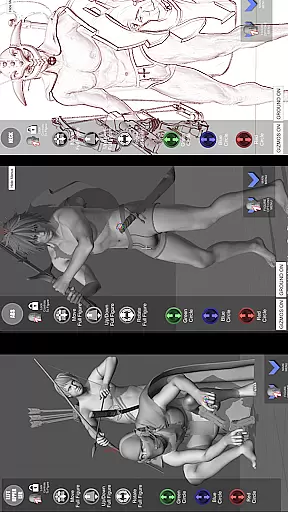
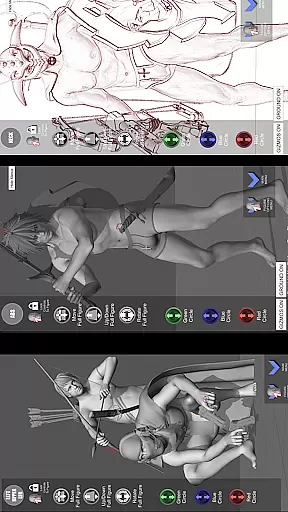
In addition to the variety of human figures, the app also provides hundreds of inventory items including everyday objects and weapons. These accessories can be attached to the characters' hands or other body parts, allowing for even more creative freedom when designing scenes. Whether you're crafting a simple portrait or an elaborate action sequence, these extras add depth and realism to your work.
The application supports various artistic styles through its unique drawing modes like Pencil Sketch Mode, Comic Sketch Mode, and Life Drawing Mode. Artists can switch between these modes depending on whether they prefer working in color or monochrome, giving them flexibility in how they visualize their creations. Such versatility makes Pose Tool 3D not just a posing tool but also an invaluable resource for developing dynamic compositions across different mediums.
When using digital tools for art creation, ensuring the authenticity and proper licensing of content is paramount. Pose Tool 3D addresses this by providing high-quality, original models that are designed specifically for the app. Each figure comes with detailed muscle maps which have been crafted under expert guidance, guaranteeing anatomical accuracy and educational value.
Moreover, all additional items available within the appu2019s inventory system are created in-house by AlienThink, assuring users that there won't be any copyright issues when incorporating these elements into personal artwork. The inclusion of features like Mannequin Mode and Skeleton Mode further demonstrates the developer's commitment to delivering legitimate educational resources tailored towards artists at every skill level.
By choosing Pose Tool 3D, artists gain peace of mind knowing that they are utilizing legally sound materials while honing their craft. With regular updates from the developers adding new poses and assets, subscribers benefit from ongoing enhancements without worrying about unauthorized use of copyrighted materialu2014a significant advantage over many competing products in todayu2019s market.
User-friendly interface
Versatile 3D posing
Comprehensive muscle maps
Wide range of inventory items
Multiple drawing modes
Complex for beginners
Requires learning curve
Limited free features
Occasional bugs
High system requirements

Alpha Manga is a Japanese manga app where you can read isekai manga.
 4.10
4.10
TMOLector is an app to read all kinds of manga and stories!
4.50
Create your personalized cartoon comic strips & comic books.
3.20
Read officially manga titles from Japan including Attack on Titan
3.80
See the newest comic book releases and manage your comic collection or pull list
4.70
Welcome to SnapSaga - your ultimate manga and novel destination!
4.0
This application will enable donated users only function in Perfect Viewer.
4.90
The most popular comic book reader.
4.80
Get the latest manga chapters daily, released simultaneously with Japan.
3.10
Official from Japan
4.80
Crunchyroll Manga—unlimited, uninterrupted reading with offline access & more!
4.50
The largest manga, comics, and manhwa community with millions of fans!
4.50
SQUARE ENIX's official Manga app!
4.40
Read Manga, Comics & Manhwa of Romance, Action, Fantasy, Drama, BL and more!
4.40
MangaRise - Your Manga and Manhwa Companion
3.90
Comic Scanner - Book Value - Identify and sell your comic collection with AI.
3.80
Your key to unlocking manga and webtoons on the go
3.50
More fun from BOM! Hurry up and do the following self-test, if you meet more than one item, come and experience the brand new world of comics!
3.40
Experience the largest selection of DC comics anywhere with DC UNIVERSE INFINITE
3.40


User Reviews