
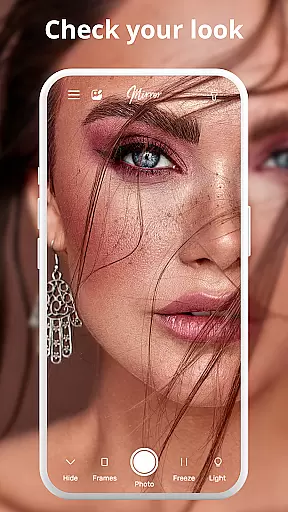
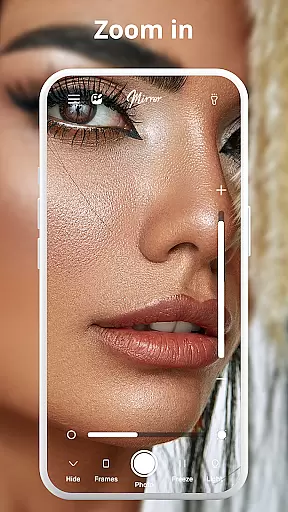
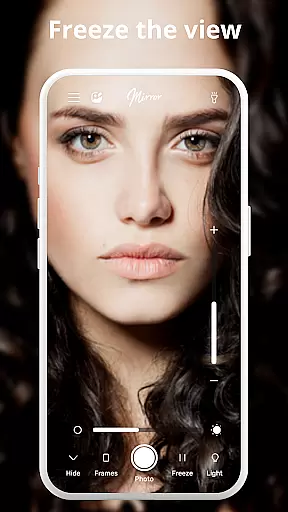
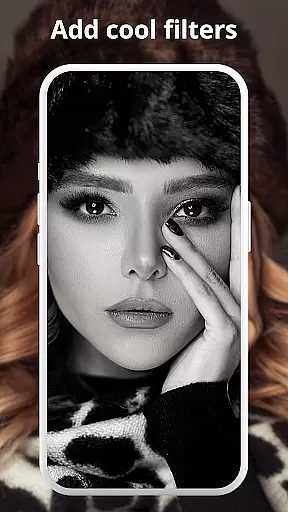
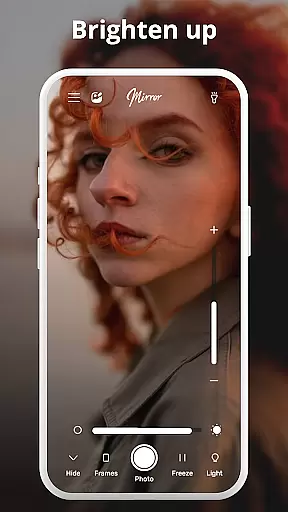
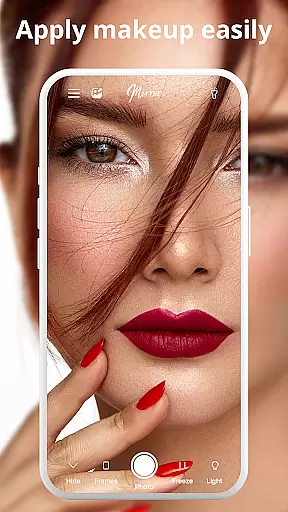

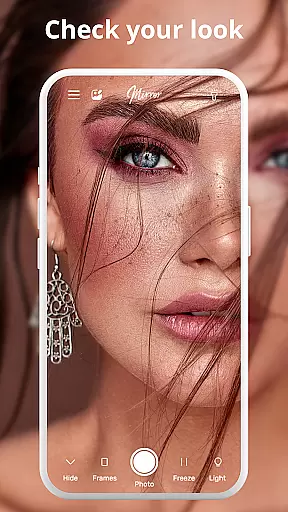
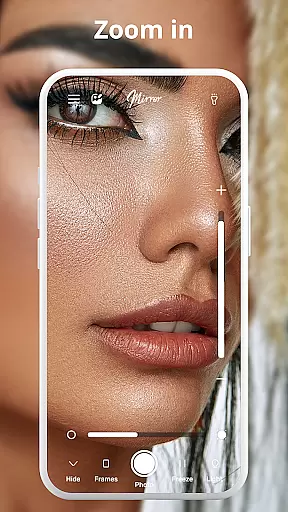
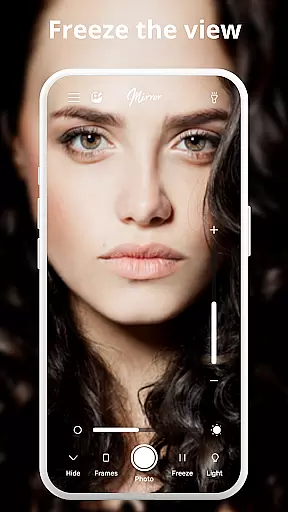
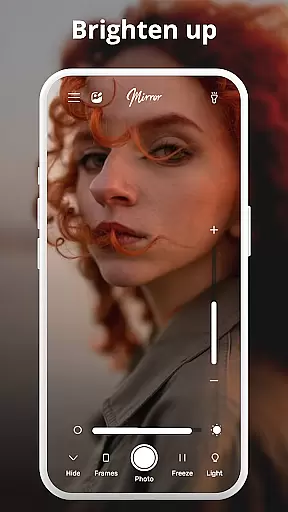
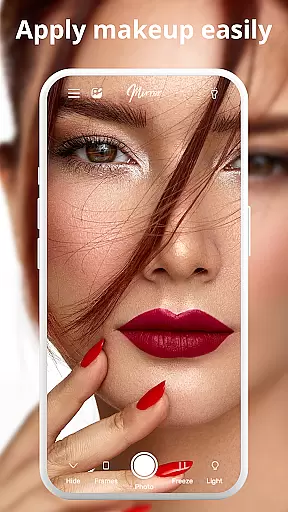

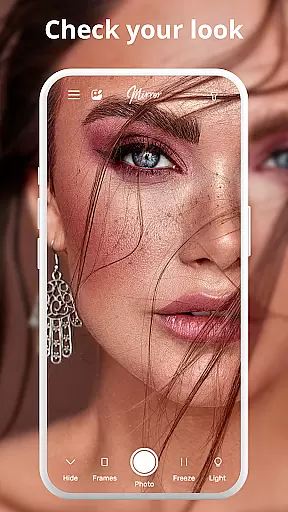

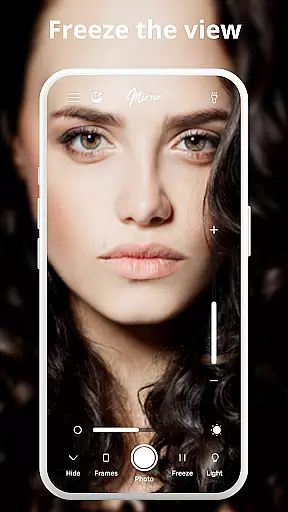
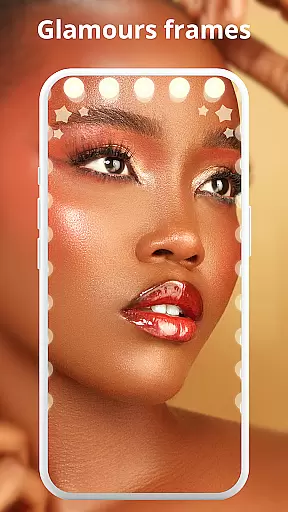
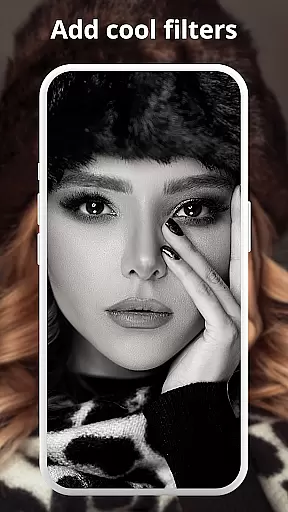
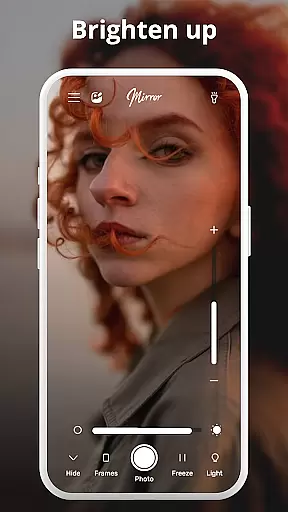
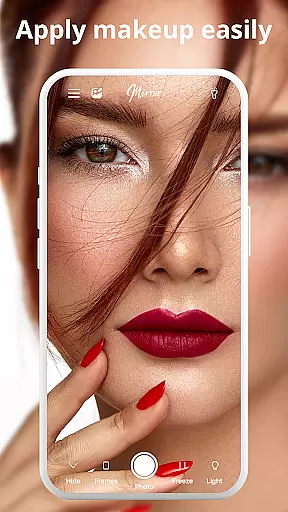

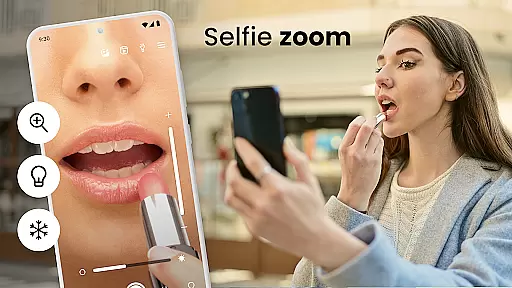
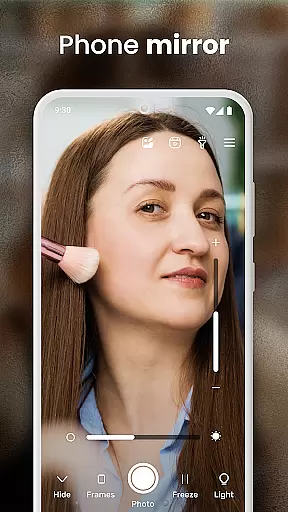
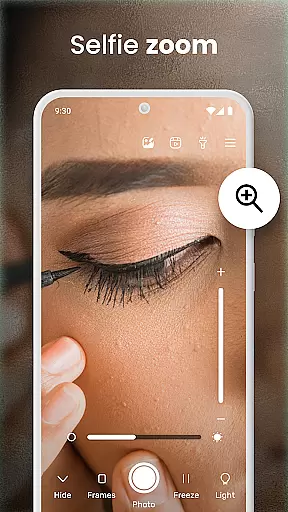
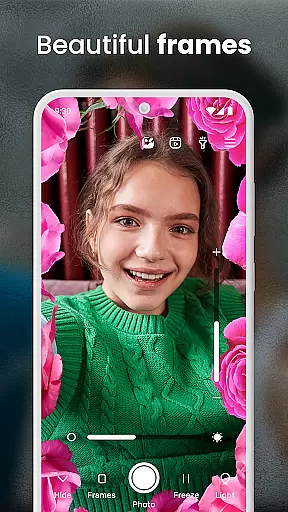
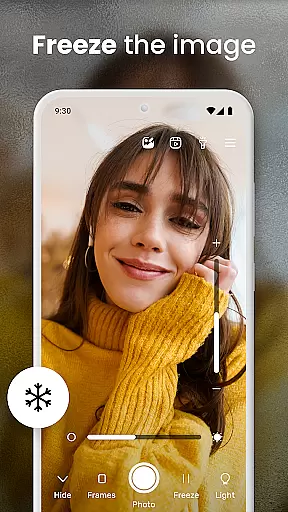
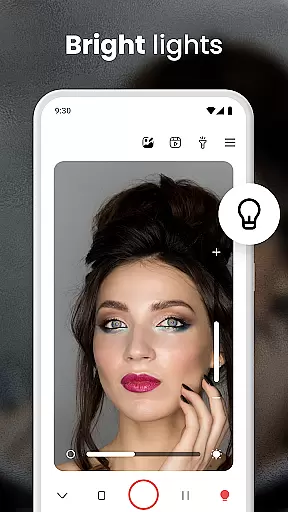
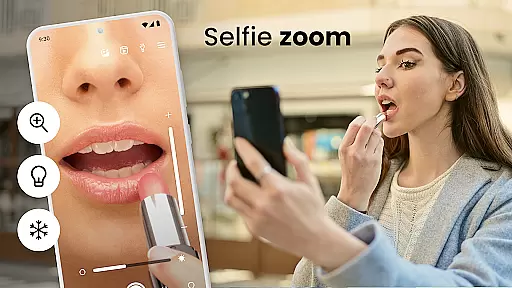
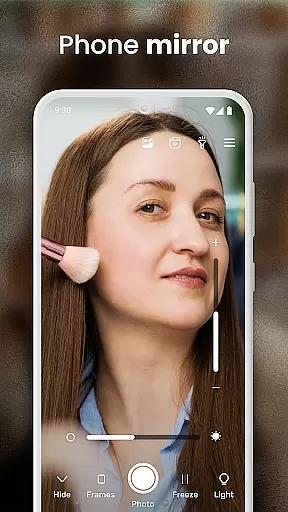
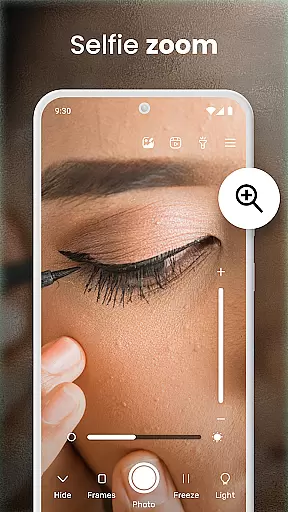
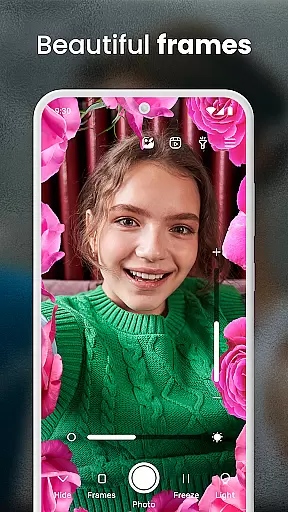
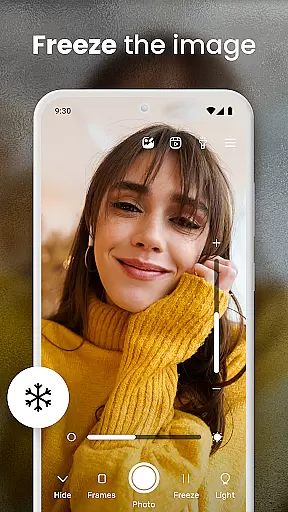
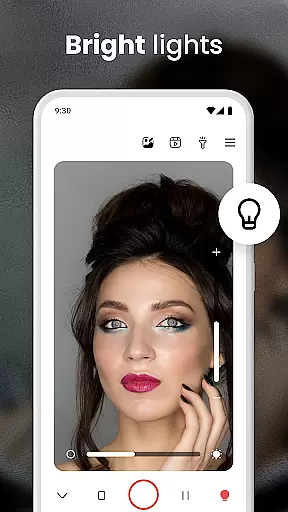
Phone Mirror app is a versatile beauty companion that transforms your phone into a high-quality mirror. This free application offers users an accurate reflection, making it perfect for makeup application, hair styling, and checking your overall appearance. The app includes features such as a magnifying mirror for detailed views and a light feature to ensure proper illumination in any environment.
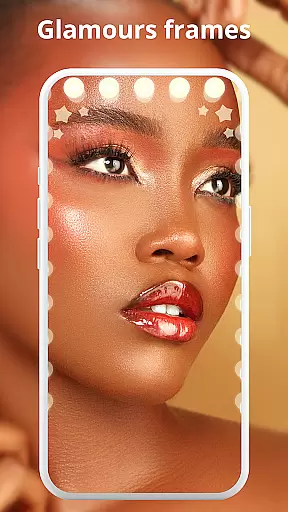
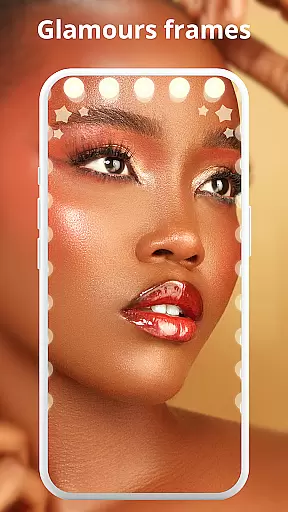
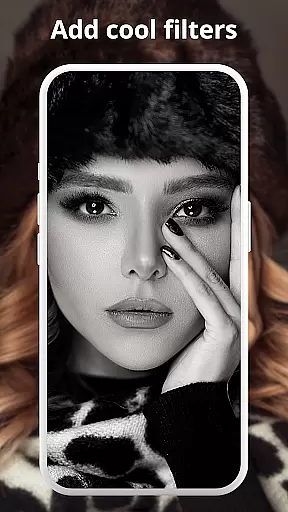
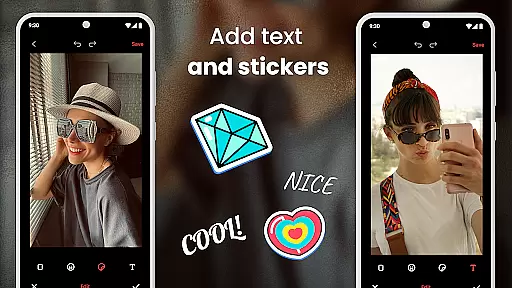
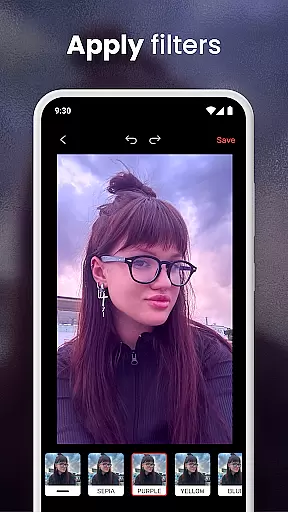
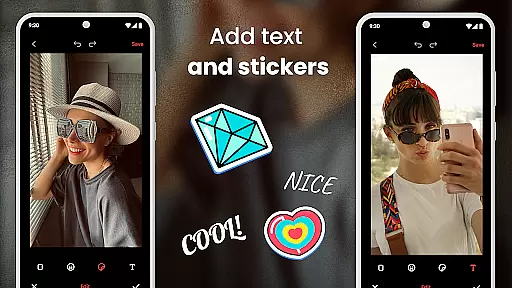
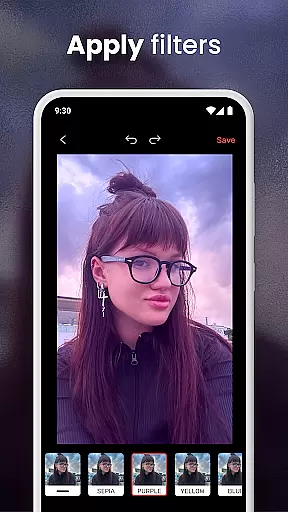
In addition to its core functionality, Phone Mirror app provides users with tools to capture and enhance images. With the built-in photo editor, you can apply unique frames and filters to customize your look. Whether you're perfecting your daily makeup routine or capturing the best selfie, this app ensures you always put your best face forward. Its comprehensive suite of features makes it an essential tool for beauty enthusiasts who want a reliable and feature-rich mirror app on their mobile device.
Phone Mirror app stands out with its True Mirror Experience, offering a realistic reflection akin to using a physical mirror. The Magnifying Mirror feature allows users to zoom in for precision, ensuring every detail of their makeup is flawless. These capabilities are complemented by the Light feature, which adjusts brightness to help users achieve the perfect look even in low-light conditions.
Beyond its primary mirror functions, the app includes a Photo Mirror mode for capturing images and applying enhancements. Users can take advantage of the advanced selfie mode and built-in photo editor to refine their photos with various effects. Regular updates ensure that the app continues to evolve, providing users with the latest tools for beauty and photography. This combination of practicality and innovation makes Phone Mirror app a standout choice in the Beauty category.
In the realm of beauty and personal care, having access to comprehensive product information is crucial for making informed decisions. The Phone Mirror app excels in this area by offering an extensive product database that covers a wide array of beauty items. This includes not only basic product details but also in-depth information such as ingredients, usage instructions, and compatibility with different skin types.
The app's database is meticulously curated, ensuring that users have access to accurate and up-to-date information. Whether you're looking for specific makeup products or skincare solutions, the Phone Mirror app provides detailed insights that help you choose the right products for your needs. This level of detail empowers users to make choices that align with their beauty goals and personal preferences.
Moreover, the Phone Mirror app goes beyond mere listings by incorporating user reviews and ratings. This feature allows users to benefit from the experiences of others, providing additional context that can be invaluable when trying new products. By combining detailed product information with community feedback, the app creates a robust resource for anyone interested in beauty and personal care.
Ultimately, the depth of the product database in the Phone Mirror app enhances the overall user experience. It transforms the app from a simple mirror tool into a comprehensive beauty companion, equipping users with the knowledge they need to look and feel their best. This commitment to providing valuable information underscores the app's dedication to quality and user satisfaction.
Personalization is at the heart of the Phone Mirror app's functionality, setting it apart as a leader in the beauty app category. The app employs advanced algorithms to deliver highly personalized recommendations tailored to each user's unique preferences and needs. This precision in personalization ensures that every interaction with the app feels relevant and beneficial.
Upon launching the app, users are prompted to input specific details about their skin type, beauty routine, and preferred products. This initial setup lays the foundation for the app's recommendation engine, which continuously learns and adapts based on user behavior and feedback. As a result, the suggestions provided by the Phone Mirror app become increasingly accurate over time, offering users a truly customized experience.
In addition to personalized product recommendations, the app offers tailored beauty tips and tutorials. These resources are designed to address individual concerns and aspirations, helping users refine their beauty routines and achieve their desired outcomes. The app's ability to deliver targeted content demonstrates its commitment to enhancing user engagement and satisfaction.
By prioritizing personalization precision, the Phone Mirror app not only meets but exceeds user expectations. It fosters a sense of connection and trust, encouraging users to rely on the app as their go-to beauty advisor. This focus on delivering a bespoke experience highlights the app's innovative approach to beauty technology and solidifies its position as an indispensable tool for beauty enthusiasts.
User-friendly interface
High-quality reflection
Advanced magnification
Customizable lighting
Integrated photo editor
Limited to Android devices
Some features may drain battery
Requires storage space
Occasional ads in free version
Internet needed for updates

Your Personal Stylist for Smart Shopping, Beauty & Styling Outfits.
 4.3
4.3
Selfiechat Filters for amazing photos with Funny face filters
4.60
Use your phone as a makeup mirror, shaving mirror. Magnifying mirror with light!
4.80
The mirror app you were looking for, simple and easy to use. Try Mirror now.
4.60
Beauty camera & Selfie camera for perfect selfie with filter, sticker, makeup
4.70
Create, design and dress up your own beautiful characters in cute fashion styles
3.50
DSLR Hd camera capture high quality 4k hd picture with filters and blur editor
4.50
Top brand haircare & fragrance
4.60
Snap stunning selfies with AI from the Sweet Beauty Camera editor
4.10
Book your appointments
4.90
Beauty Camera & Selfie Camera snap Beauty selfie with filter, makeup, stickers
4.80
Enhance your selfies with face beauty makeup tool and an easy background remover
4.70
Beauty Camera - Selfie Camera with beauty editing tool, makeup, filter, sticker
4.60
For businesses, Booksy Biz allows you to manage your schedule & more on the go.
4.60
A tool that brings skin care and technology together at your fingertips.
4.50
Hair style app, Face shape finder, Face shape, Hair style, Face shape detector
4.30
Try on different hairstyles and hair colors, glasses and jackets | Cartoon face
4.10
Design your nails, manicure and pedicure with nail paint art and nail idea app
3.90
Intelligent Beauty calculator tool! Face scale and face symmetry in one app!
3.80


User Reviews