
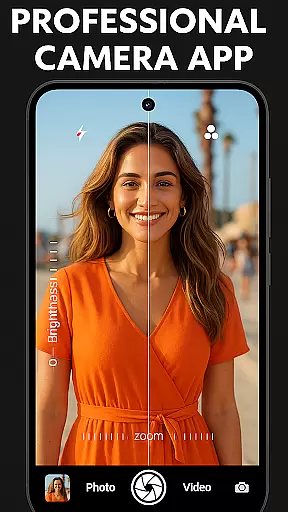
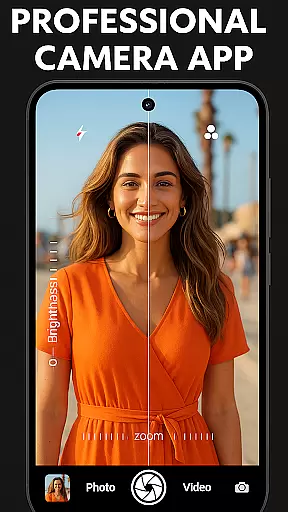
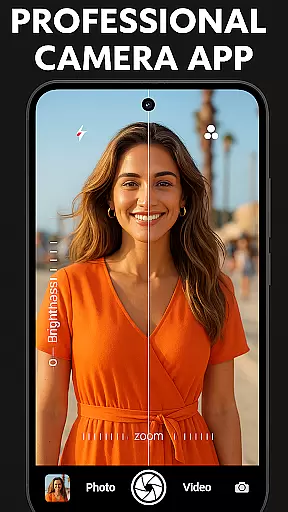

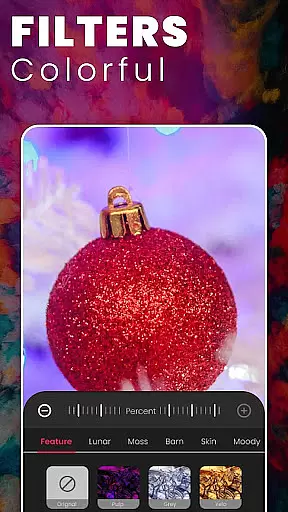
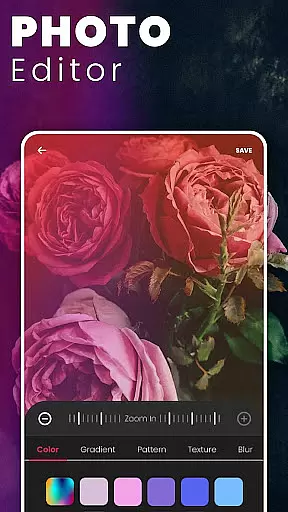
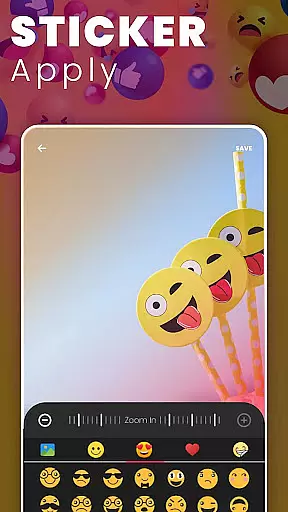
DSLR HD Camera is a professional-grade mobile photography app that transforms your smartphone into a powerful camera tool. Designed for both amateur and experienced photographers, this application offers advanced features such as 4K video recording, high-definition photo capture, and an ultra blur effect to create stunning images.
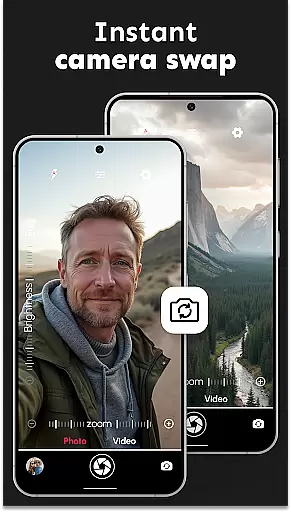
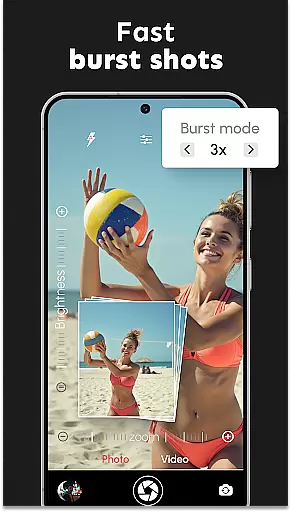
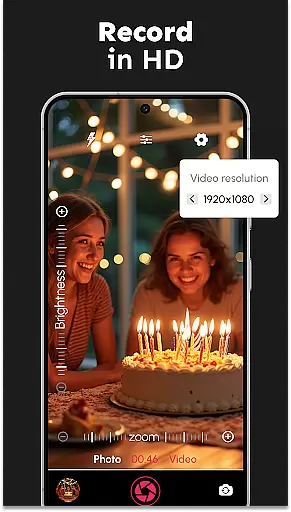
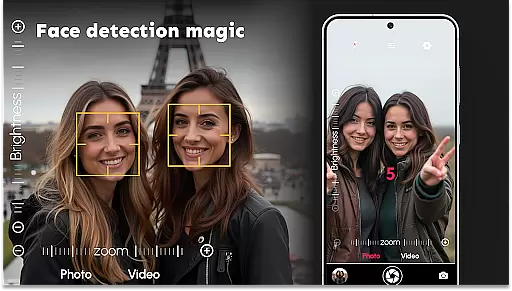
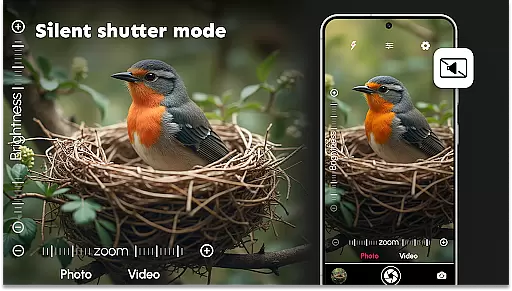
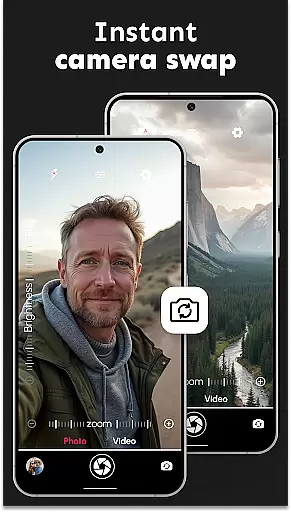
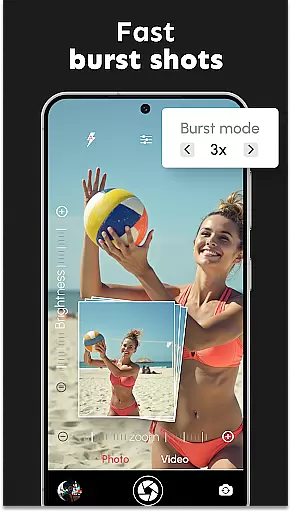
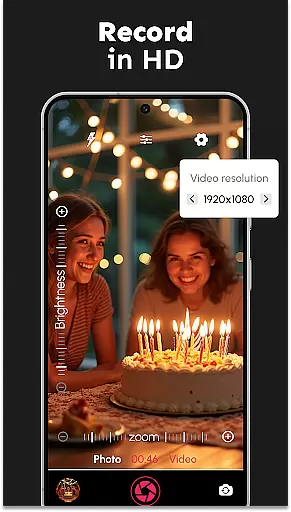
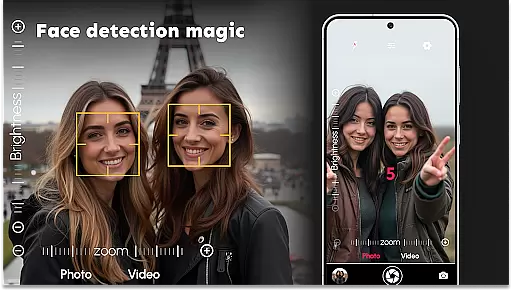
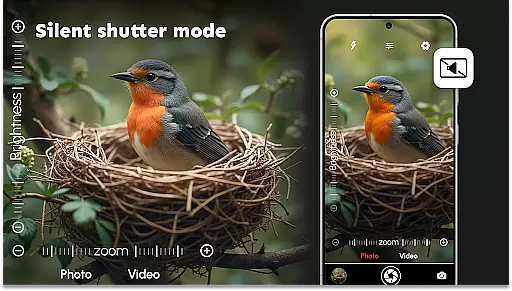
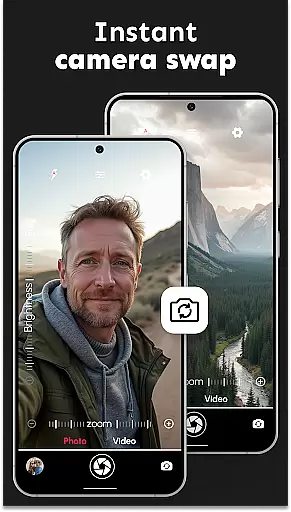
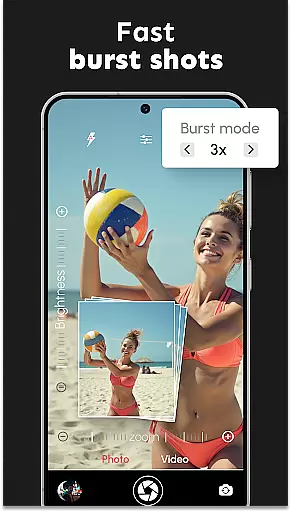
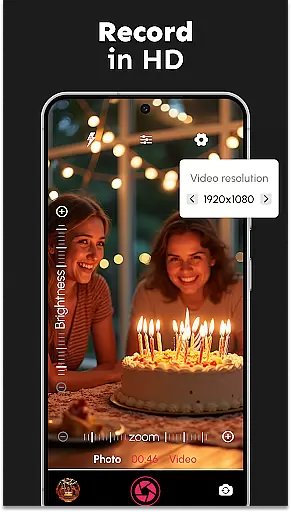
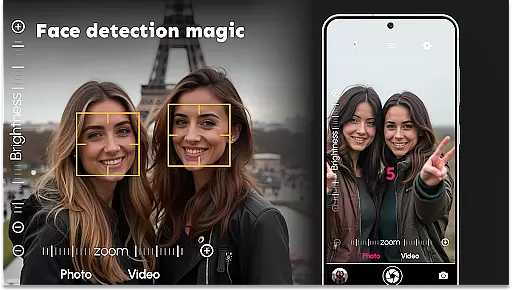
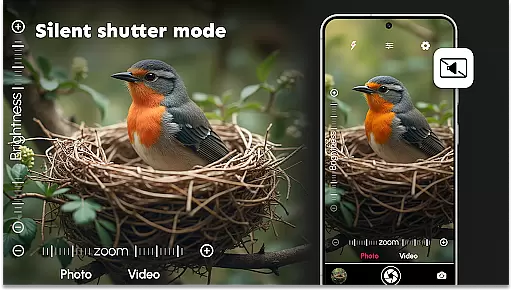
The app includes precise face detection, adjustable resolutions, and multiple shooting modes including burst mode and silent shutter. Its intuitive interface allows users to easily switch between front and rear cameras, apply various color effects, and control multi-touch zoom gestures. With remote timer functionality and support for different video resolutions, DSLR HD Camera ensures you never miss capturing the perfect moment.
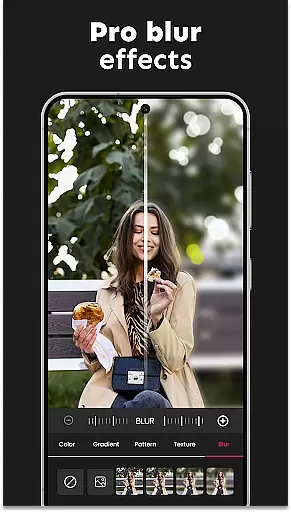
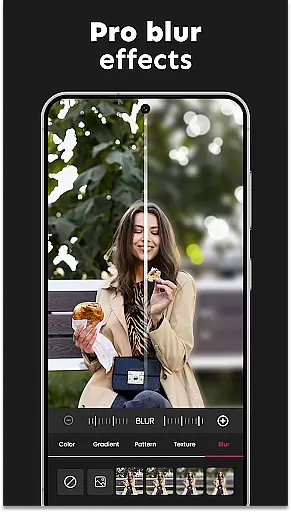
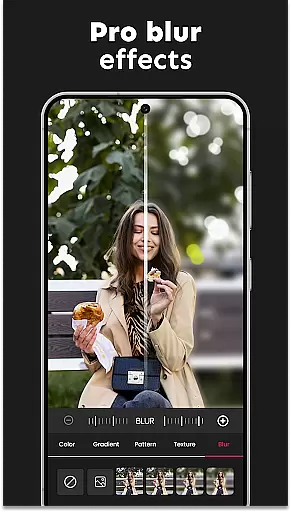
Whether taking quick selfies or shooting detailed landscapes, this app provides all necessary tools for creating professional-quality photos. The ultra blur feature lets users effortlessly blur backgrounds while keeping subjects in sharp focus, making it ideal for portrait photography and artistic shots. This combination of advanced settings and user-friendly controls makes DSLR HD Camera perfect for enhancing your mobile photography experience.
DSLR HD Camera stands out with its comprehensive set of professional features designed to elevate mobile photography. The app's 4K HD camera capability captures ultra-high-definition photos and videos, while its accurate face detection ensures every shot is clear and focused. Users can switch seamlessly between front and rear cameras, adjusting resolution settings to match their specific needs.
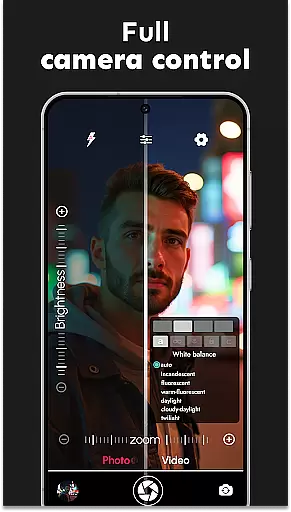
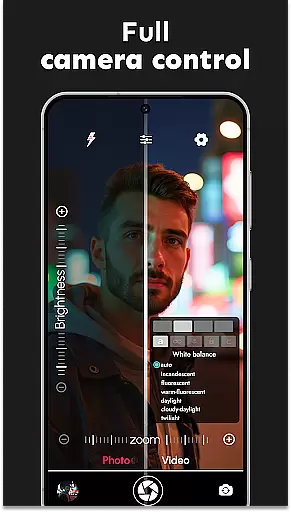
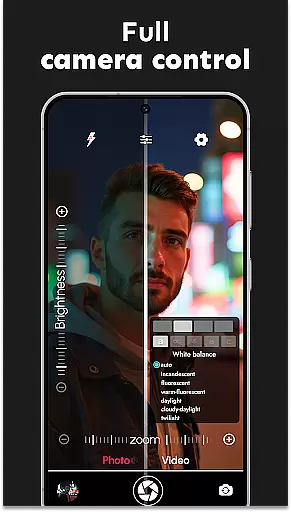
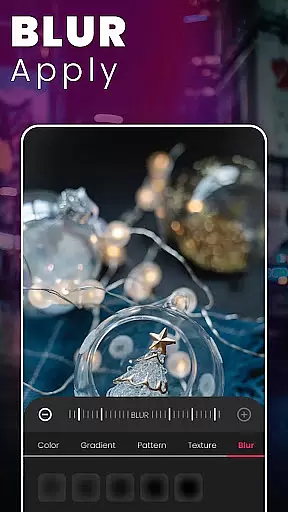
One of the app's most notable features is the ultra blur effect, which allows photographers to create professional-looking portraits by blurring backgrounds with adjustable intensity. The built-in blur editor provides precise control over brush size and effect strength, enabling detailed editing directly within the app. Additional features include burst mode with configurable delays, white balance adjustment, and various scene modes.
The application also offers practical tools like silent shutter options for discreet shooting, adjustable zoom controls, and remote timer functionality with audio countdown. Supporting multiple video resolutions and featuring multi-touch gesture controls, DSLR HD Camera provides everything needed for capturing both casual moments and professional-grade content. These combined features make the app an essential tool for mobile photographers seeking to enhance their craft.
In the realm of mobile photography, having access to detailed information about camera functions and settings is crucial for capturing professional-grade images. DSLR HD Camera offers an extensive product database that covers a wide array of features designed to enhance your photographic experience.
This application provides users with comprehensive details on its capabilities, including high-resolution photo and video capture in 4K, accurate face detection, and multiple scene modes. Each feature is meticulously explained, ensuring users can fully understand and utilize the app's potential.
By offering insights into adjustable DSLR camera settings such as white balance, exposure compensation, and multi-touch gesture controls, this app empowers photographers to fine-tune their shots according to specific needs. The inclusion of advanced editing tools like the ultra blur effect further enriches the creative process.
Ultimately, the depth of the product database within DSLR HD Camera ensures that both amateur and professional photographers have all the necessary information at their fingertips, enabling them to take stunning photos with precision and ease.
Personalization is key when it comes to adapting a camera app to fit individual shooting styles and preferences. DSLR HD Camera excels in delivering precise personalization options that cater to a diverse range of photography enthusiasts.
The app allows users to customize various aspects of their shooting experience, from selecting color effects and adjusting zoom levels to configuring burst mode delays. These personalized settings ensure that every photograph reflects the user's unique vision and creativity.
Moreover, the intuitive blur editor featured in DSLR HD Camera lets users adjust the intensity of background blurs and control brush sizes for detailed edits. This level of customization enables photographers to highlight subjects effectively while maintaining artistic integrity.
With these precise personalization features, DSLR HD Camera stands out by providing a tailored experience that meets the specific needs of each user, making it an indispensable tool for capturing high-quality images.
User-friendly interface
High-quality 4K recording
Advanced blur effects
Multiple shooting modes
Precise control options
May drain battery quickly
Requires high storage space
Some features need premium
Interface may overwhelm new users
Occasional performance lags

Color haircut changer style on
 3.30
3.30
Your on-demand aesthetician
4.40
Beauty Camera AI Photo Editor with effect, filter, makeup tools for photo editor
4.30
Beauty Mirror - True mirror app with light, shaving mirror, makeup mirror app
4.50
Hair style app, Face shape finder, Face shape, Hair style, Face shape detector
4.30
HD Camera, Selfie Camera, Camera filters, is a fully featured 4K camera
4.60
Mirror app that shows your image with photo editor, zoom and light!
4.70
Beauty for every eye, lip & face. Earn rewards, play games, connect with others.
4.30
Never run out of your go-to beauty & get 5% off with auto-replenish deliveries!
4.00
Get Smart About Your Skin with Fully Personalized Beauty Tech!
4.80
AI Stylist, Try On Millions Of Clothes In Any Brand & Style, AI Clothes Changer
4.70
Monthly Perfume Subscription
4.70
Crown Heart Emoji Photo Editor has given you the chance to look cute girl
4.40
True mirror app with zoom, LED light, for makeup & shaving anywhere!
4.20
Healthier, more beautiful with Medicube Digital Clinic AGE-R!
4.10
Make beautiful Hairstyles for girls with your own hands in little bit of time
4.00
Design your nails, manicure and pedicure with nail paint art and nail idea app
3.90
Edit Your Photos and Videos with Beauty Filters & Get Makeup Artist Tutorials
3.60
Create, design and dress up your own beautiful characters in cute fashion styles
3.50


User Reviews