
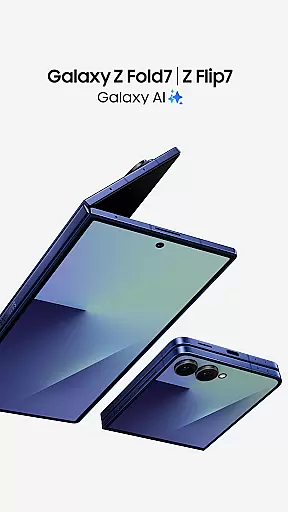
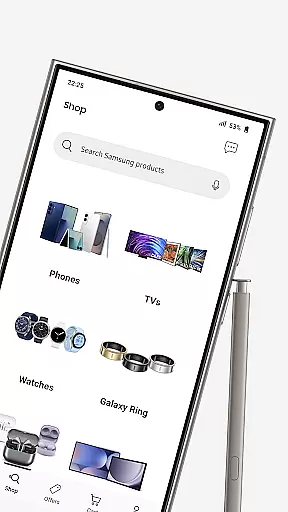
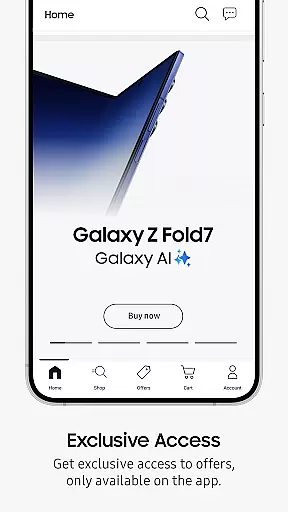
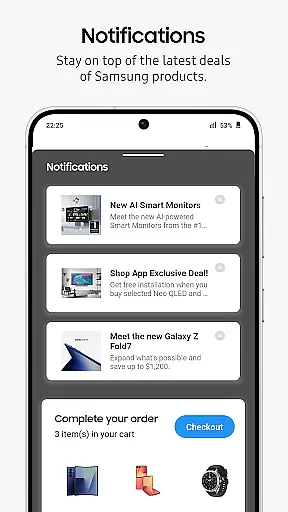
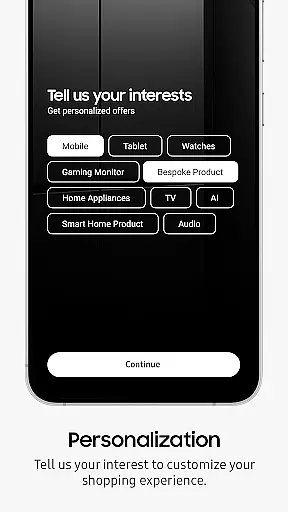
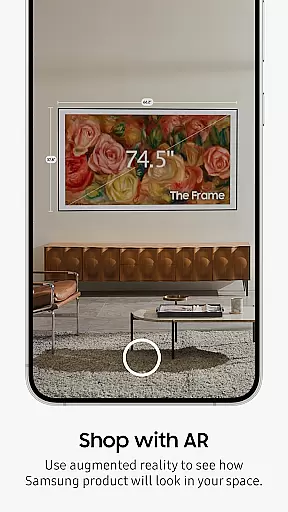
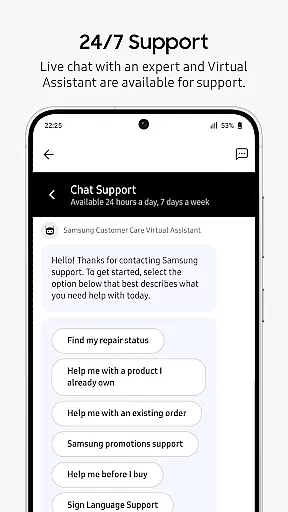
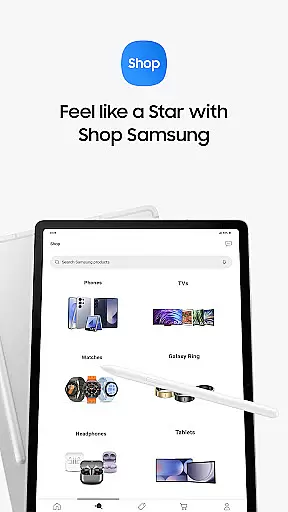
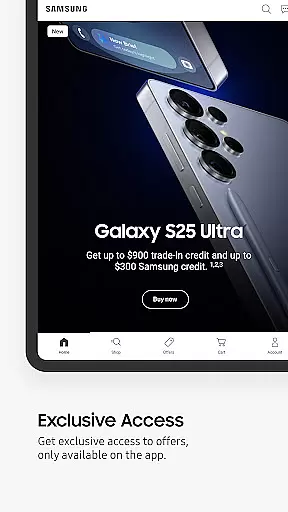
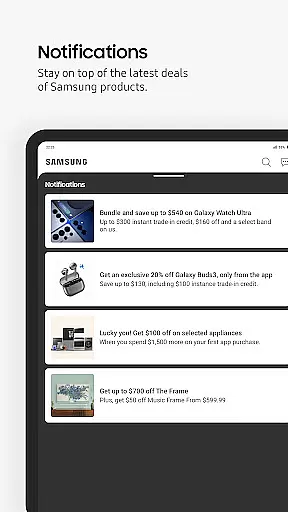
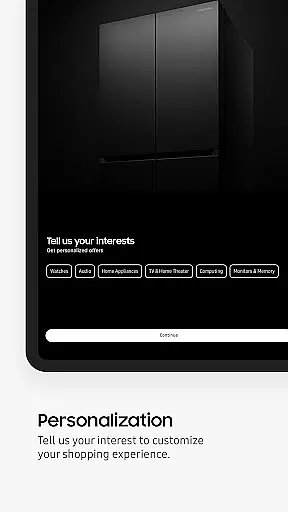
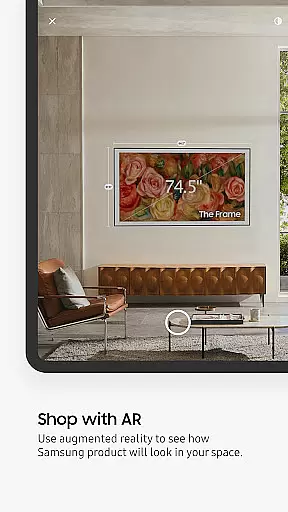
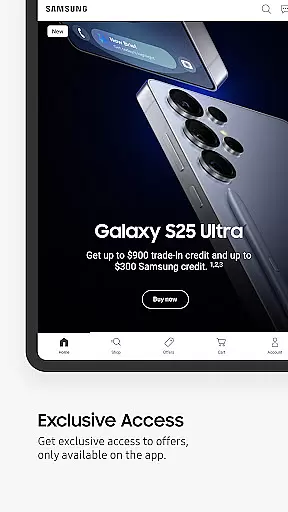
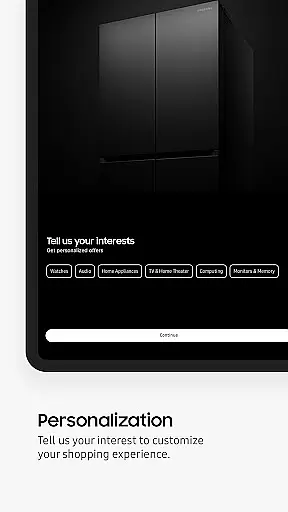
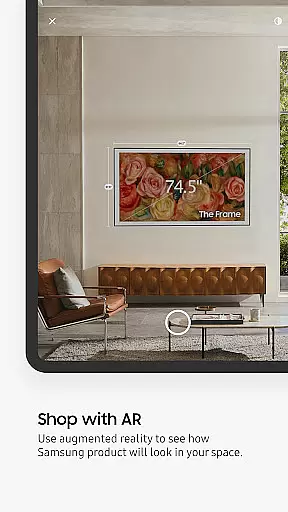
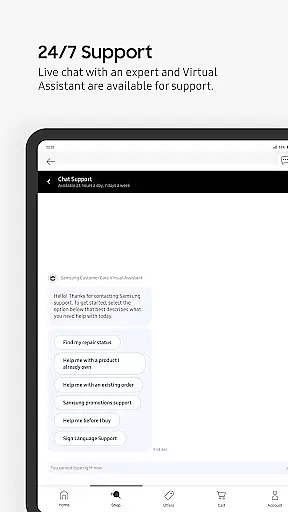
Shop Samsung is the ultimate shopping app for purchasing the latest Samsung products, including Galaxy Z Fold7, Galaxy Z Flip7, Galaxy Watch8 Series, TVs, and more. The app offers curated deals, personalized recommendations, and exclusive offers tailored to your preferences. With features like Augmented Reality (AR) product viewing, you can explore items in 360° or virtually place them in your space to see how they fit. Whether you're looking for smartphones, tablets, wearables, appliances, or TVs, Shop Samsung provides a seamless shopping experience with flexible payment options, free shipping, and free returns.
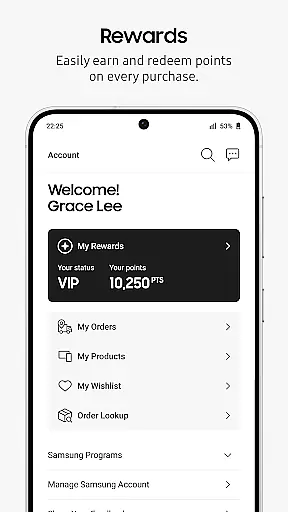
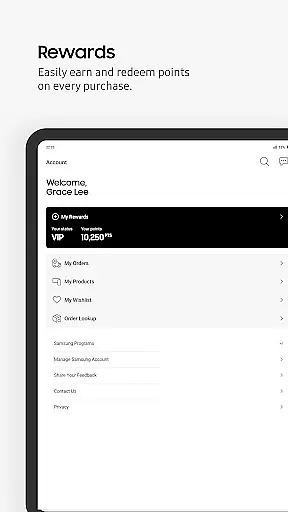
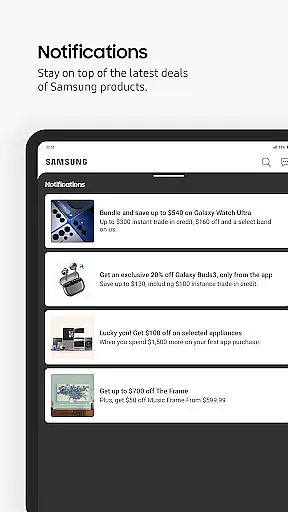
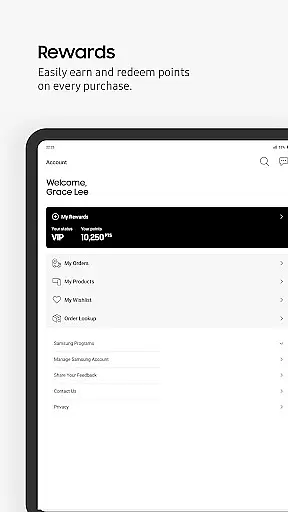
The app also integrates Samsung Rewards, allowing users to earn up to 6% reward points on select purchases. Shoppers can redeem these points easily with just one click. Notifications keep you updated on the best deals, ensuring you never miss out on significant savings. With safe, contact-free delivery, Shop Samsung ensures your purchases arrive securely at your doorstep. This app is ideal for tech enthusiasts and anyone looking to buy high-quality Samsung products while enjoying exclusive benefits.
Shop Samsung stands out with its innovative features designed to enhance the shopping experience. One of its key highlights is the Augmented Reality (AR) functionality, which allows users to view products from all angles or virtually place them in their environment. This feature helps customers make informed decisions by visualizing how products will look in their homes. Additionally, the app provides personalized recommendations based on user preferences, ensuring that shoppers find exactly what they need.
Another notable feature is the Samsung Rewards program, where users can earn up to 6% reward points on select purchases. These points are easily redeemable within the app, providing additional value to loyal customers. The app also supports various flexible payment options, including Apple Pay, PayPal, Amazon Pay, and Affirm's 'Pay in 4' installments. With free shipping and free returns, Shop Samsung ensures a hassle-free shopping experience. Overall, these features combine to create a comprehensive and user-friendly platform for purchasing Samsung products.
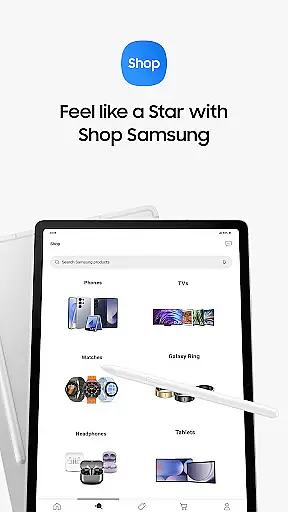
Shop Samsung offers an extensive range of products, ensuring that users have access to the latest Galaxy smartphones, tablets, wearables, home appliances, and more. The app's interface is designed to provide a seamless shopping experience by organizing these products into well-defined categories.
Each category is further broken down into subcategories, making it easy for users to navigate and find exactly what they need. Whether you're looking for cutting-edge tech like the Galaxy Z Fold7 or everyday essentials such as TVs and home appliances, Shop Samsung has got you covered.
The app also provides curated deals tailored to individual preferences, enhancing the shopping journey with personalized recommendations. This level of organization not only saves time but also enhances user satisfaction by presenting options that are most relevant to each shopper.
By offering such a diverse product lineup along with intuitive navigation features, Shop Samsung ensures that customers can effortlessly explore their favorite Samsung products while discovering new ones they might love.
One of the standout features of Shop Samsung is its commitment to pricing transparency and competitiveness. Users can browse through various products knowing they will receive fair prices on top-tier technology items like the Galaxy Watch8 Series and high-end TVs.
The app goes a step further by providing exclusive benefits and rewards for loyal customers. For instance, members earn up to 6% reward points on select purchases when logged in with their Samsung account. These points can be redeemed easily within the app, adding extra value to every purchase made.
Additionally, Shop Samsung frequently updates its deals section, ensuring shoppers always have access to the best available offers. With flexible payment options including Apple Pay, PayPal, Amazon Pay, and Affirmu2019s u201cPay in 4u201d installments, users enjoy convenience without compromising financial flexibility.
This combination of competitive pricing, exclusive member benefits, and transparent transaction processes makes Shop Samsung a trusted destination for purchasing premium electronics at reasonable rates.
User-friendly interface
Exclusive member benefits
Augmented reality previews
Personalized notifications
Reward points system
Limited to Samsung products
Occasional AR glitches
Geographic restrictions
Points expiration policy
Requires account login

World’s simplest mobile payment solution for machines.
 4.50
4.50
We constantly evaluate our app so you can have the best experience possible.
3.60
Buy shoes, apparel, and luxury items. Shop and discover the latest sneakers!
4.40
NCPMobile is the easy and intuitive way to scan and transmit your purchases!
4.50
Offering great hardware products.
4.70
wholesale stores
4.10
Shop sports wear, sneakers & apparel from Nike, Adidas, Hoka, NewBalance & more
4.90
Search, browse and shop over a million products directly from The Home Depot.
4.60
Fast delivery and epic savings await in your AliExpress app!
4.40
Measure your PD and try on frames virtually | Gift yourself the perfect pair!
4.80
Shop for apparel: From jeans to dresses, to kids fashion and mens clothing!
4.80
Track all of your packages and online orders in one app - Amazon, FedEx, & USPS
4.70
Healthy living for less just got easier with our updated Sprouts App.
4.50
Save with Kroger! Coupons, ads, rewards, find stores & shopping list in one app!
4.50
Buy & sell local items. Find amazing deals. Join the largest mobile marketplace!
4.40
A world-leading B2B marketplace
4.40
Scan receipts, earn gift cards & fetch rewards with the Receipt Pal scanner app.
4.00
Join a community of millions of members buying and selling second-hand items.
3.90
Earn Cashback and maximize your savings when you shop and book your travel plans
3.90


User Reviews