
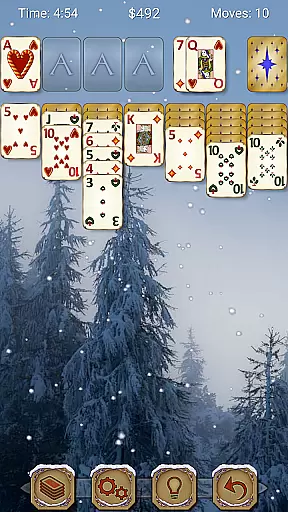
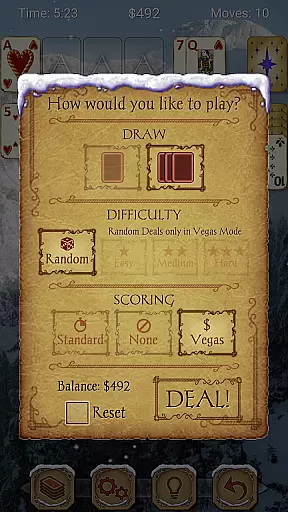
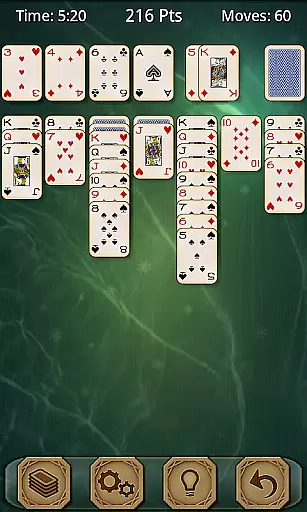
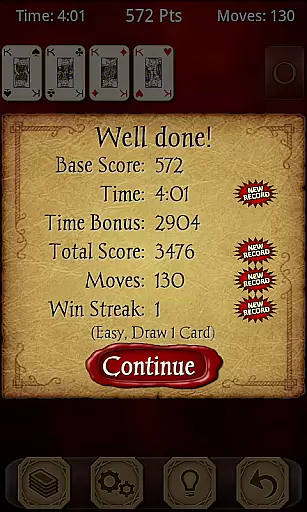
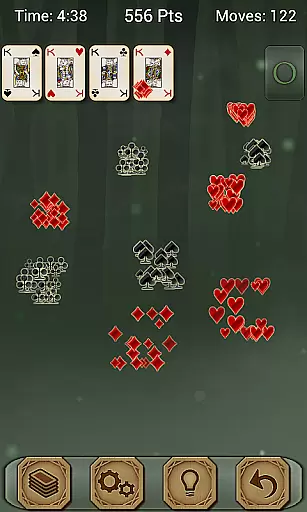
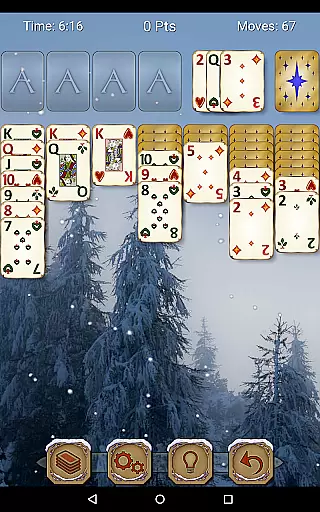
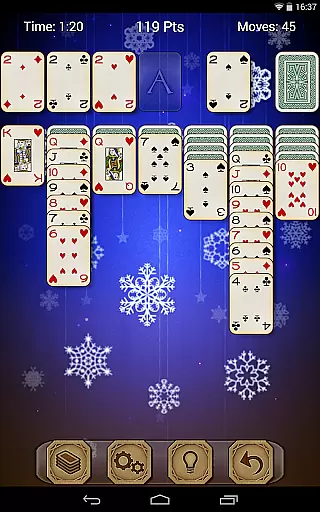
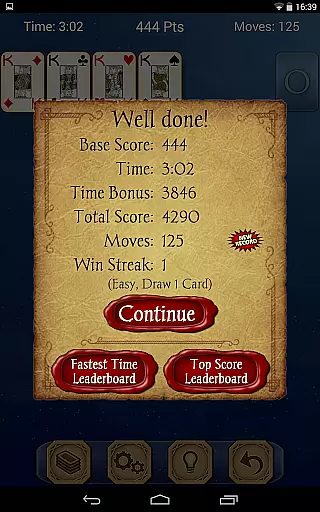
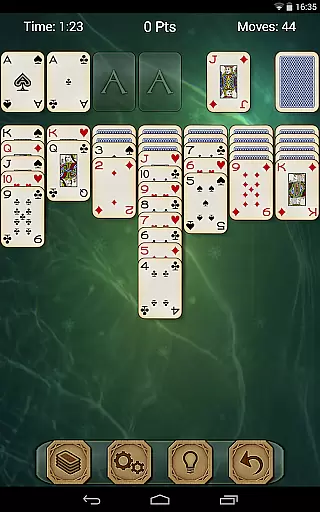
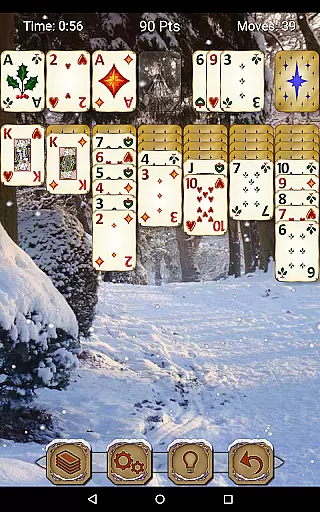
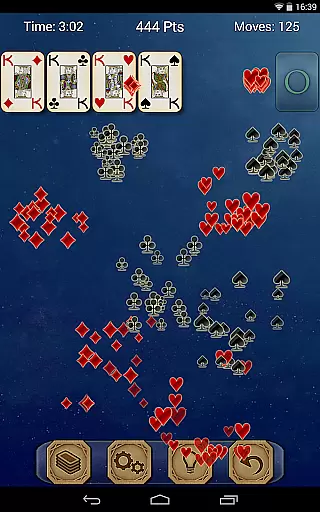
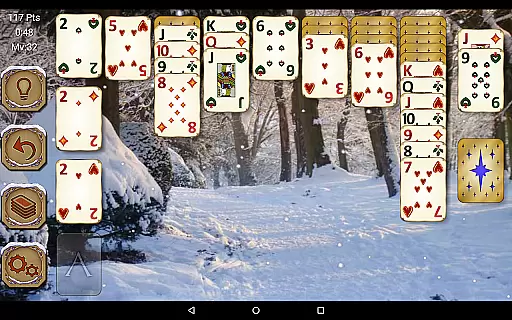
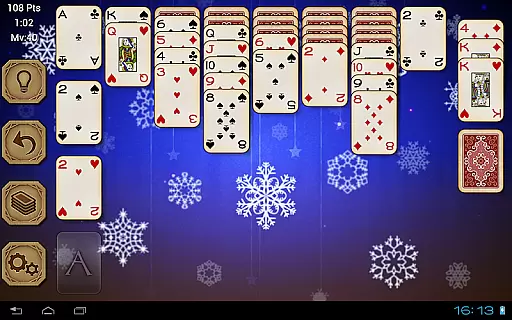
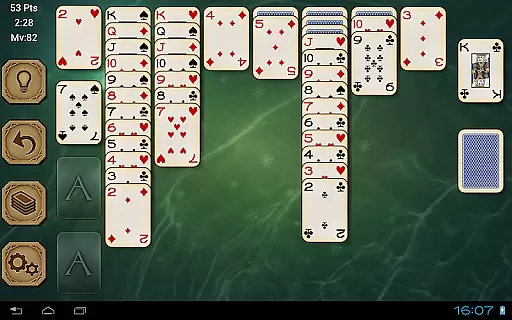
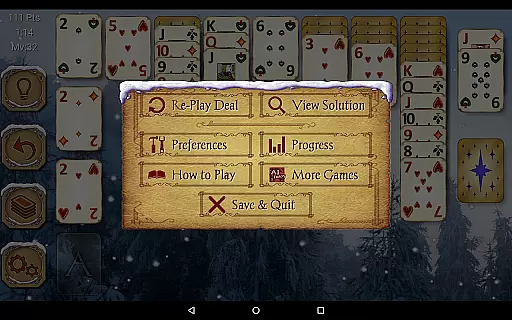
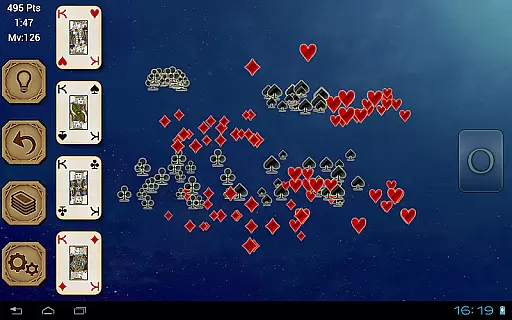
Solitaire Pro is a premium card game app developed by AI Factory, bringing the timeless classic Solitaire (also known as Klondike and Patience) to mobile devices. This polished version offers an extensive range of customization options, including 1 or 3 card draw modes, various scoring systems like standard or Vegas, and multiple difficulty levels ranging from easy to hard. The app also supports both landscape and portrait orientations, making it versatile for different devices and user preferences.
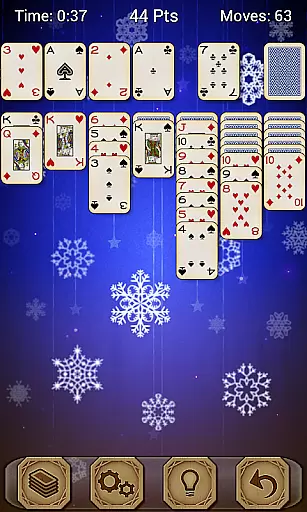
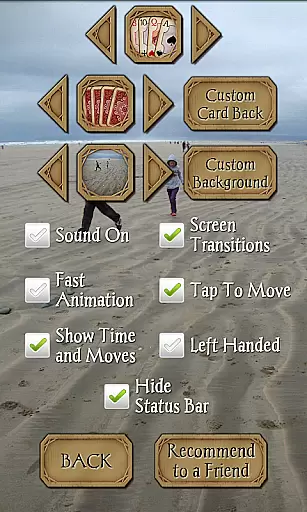
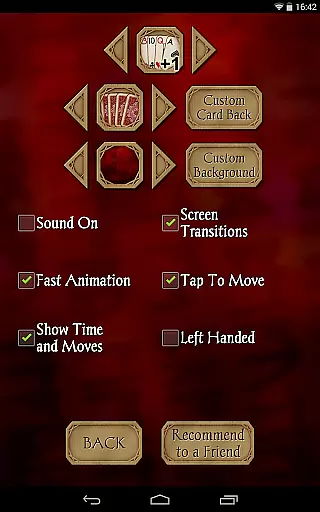
Designed with player comfort in mind, Solitaire Pro allows users to tailor their gaming experience by choosing from different card sets, card backs, and backgrounds. You can even upload your own images to personalize the game further. With features such as undo, hints, achievements, leaderboards via Google Play Games, and solutions viewable for non-random games, this app provides a comprehensive and engaging Solitaire experience. Whether you're looking to relax or sharpen your skills, Solitaire Pro delivers both entertainment and challenge without interruptions from advertisements.
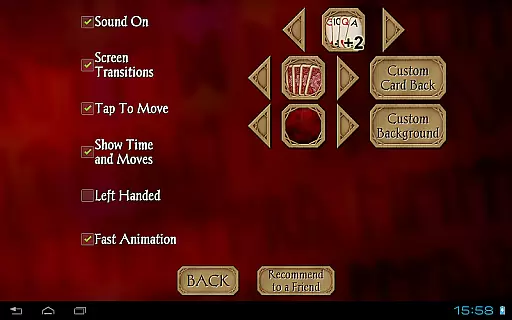
Solitaire Pro stands out with its rich feature set tailored to enhance the classic Solitaire experience. One of its notable features is the ability to customize nearly every aspect of the game. Players can choose between 1 card draw or 3 card draw modes, select from multiple card sets and backgrounds, or even upload personal photos to create a unique playing environment. This level of personalization ensures that each player can enjoy the game in a way that suits their preferences best.
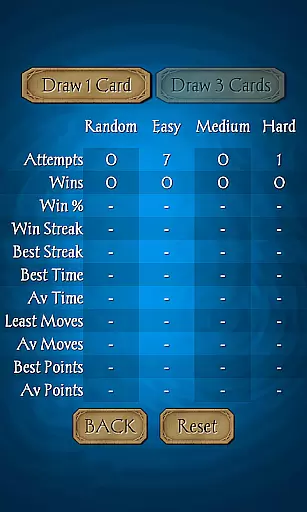
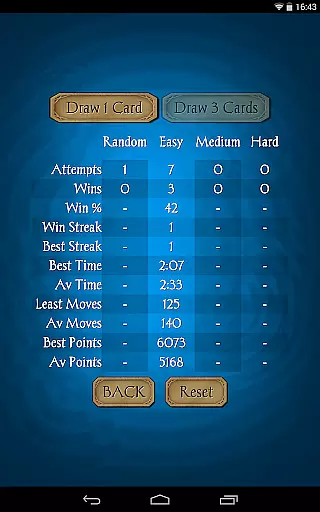
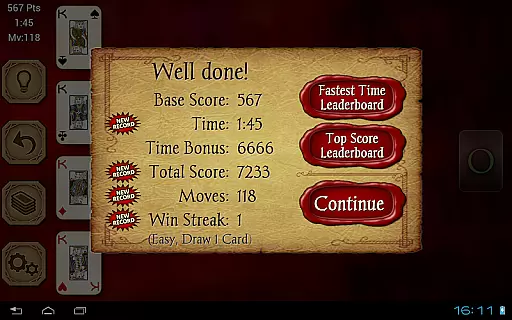
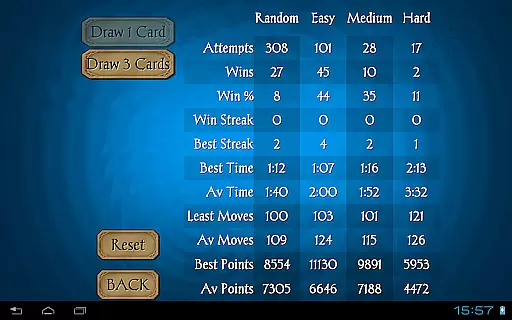
The app also includes several helpful tools such as undo and hint functions, which assist players in navigating challenging situations. Additionally, Solitaire Pro integrates seamlessly with Google Play Games, offering achievements and leaderboards that add a competitive edge to the gameplay. For those who prefer a more structured challenge, the app provides different difficulty levels including random deals, ensuring a varied and engaging experience every time. With detailed game stats and rule explanations readily available, Solitaire Pro caters to both casual players and seasoned enthusiasts alike.
Random Number Generation (RNG) fairness is crucial in card games like Solitaire Pro to ensure every game's unpredictability and challenge. This app guarantees a fair and random deal every time you play, maintaining the excitement and authenticity of each session.
Solitaire Pro offers different difficulty levels, including Random, Easy, Medium, and Hard. These levels are crafted to provide varying experiences without compromising the randomness of card deals, ensuring that players face new challenges with every game.
The certification aspect comes into play through well-designed algorithms that govern these random deals. Players can trust that the game does not manipulate outcomes, providing a genuine experience akin to shuffling a physical deck.
By focusing on RNG fairness, Solitaire Pro ensures long-term engagement as users will consistently encounter unique scenarios, keeping the gameplay fresh and engaging over time.
Control fluidity and input latency are vital for an optimal user experience in digital card games. Solitaire Pro excels in delivering smooth controls, allowing players to focus on strategy rather than struggling with unresponsive interfaces.
The app supports tap-to-move functionality, making it easy for users to drag and drop cards across the tableau. This intuitive control scheme minimizes input latency, ensuring swift responses to player actions without delay or lag.
Both landscape and portrait modes are supported above 320x240 resolutions, enhancing control fluidity by adapting to user preferences and device orientation seamlessly. This flexibility caters to both tablet and phone users effectively.
With features like undo and hints readily available, Solitaire Pro further refines control fluidity by offering tools that aid gameplay without interrupting flow, resulting in an immersive and enjoyable gaming experience.
User-friendly interface
Highly customizable settings
Multiple difficulty levels
Integration with Google Play Games
No advertisements
Paid version only
Limited appeal for non-Solitaire fans
Occasional performance issues
Complexity for beginners
Fewer updates compared to free versions

Hardwood Hearts, where breaking hearts is just part of the game.
 4.50
4.50
The Fox in the Forest is a beautifully illustrated trick-taking card game.
4.50
Decked Builder is the premium deck building app for Magic the Gathering (MTG)
2.90
The official Android version of the card game Wizard
3.00
Find dragons in mysterious land and play card games.
4.60
Swipe and be the Queen!
4.60
Riichi Mahjong - A fun, strategic variant of the classic multiplayer game!
4.80
An official UNO adventure full of card-slinging fun and unexpected thrills!
4.40
Classic Rummy 500 with large cards, smart AI, and smooth, clean gameplay.
4.80
Special Klondike Edition
5.00
Card-Based Farkle Fun
4.80
Play Solitaire, win real cash prizes, and enjoy endless fun anytime, anywhere!
4.70
Train your brain with the challenging & addictive Solitaire Classic Card Games!
4.70
This classic partnership trick-taking card game is always ready to play!
4.60
Collect sets and runs but don't give away a card your opponent needs!
4.60
The Conquian made with 100% Mexican talent.
4.40
Compete against the computer in this classic trick-taking game.
4.20
The classic Hand & Foot experience with a premium, easy to play, offline design.
4.10
GWENT: Rogue Mage is a single-player expansion to GWENT: The Witcher Card Game
3.50


User Reviews